Simple Weapons Mipmaps Compatibility Patch
The patсh for InfernalEclipse's "Simple Weapons for Better Combat" mod and Optifine
截图
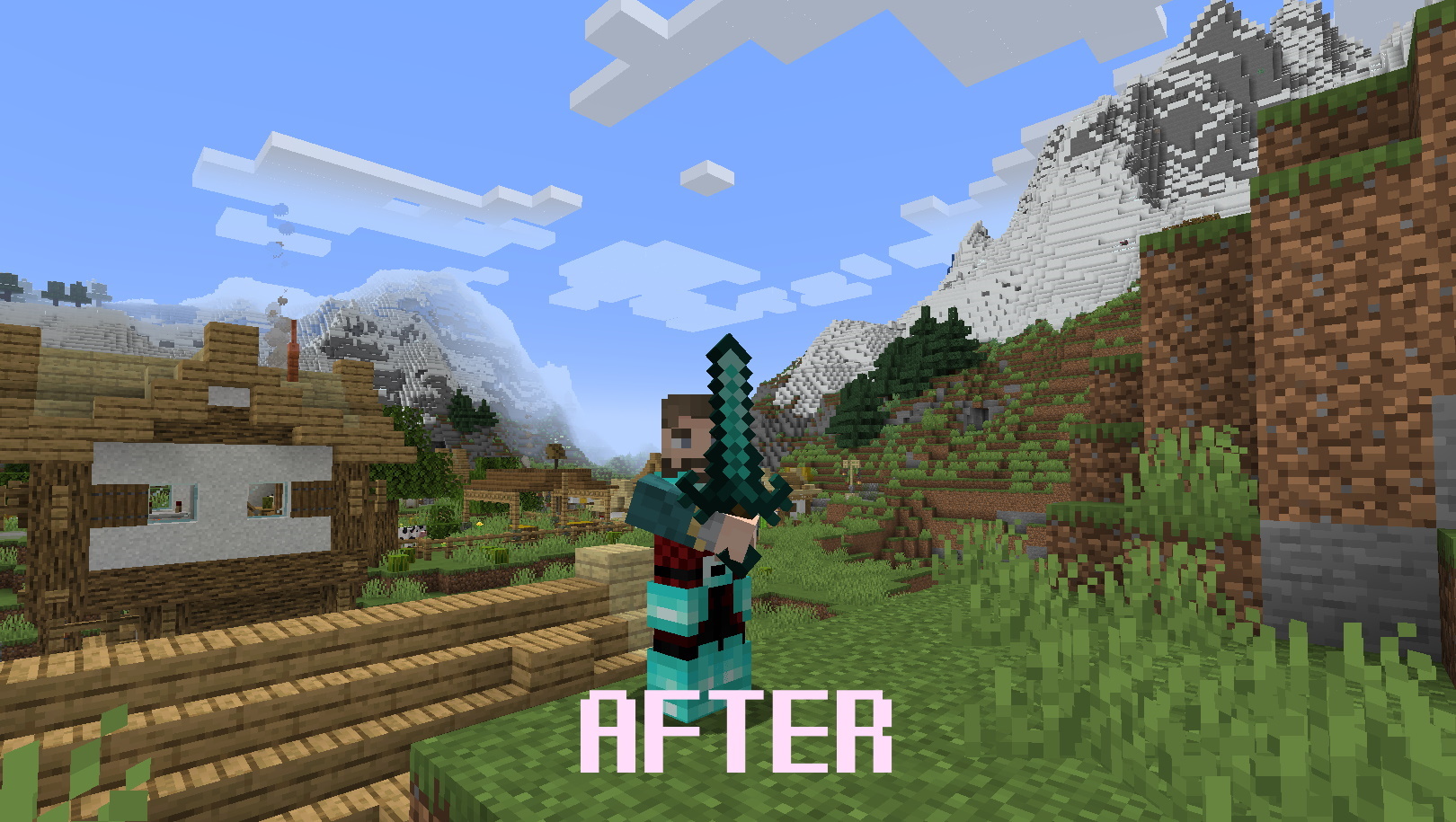
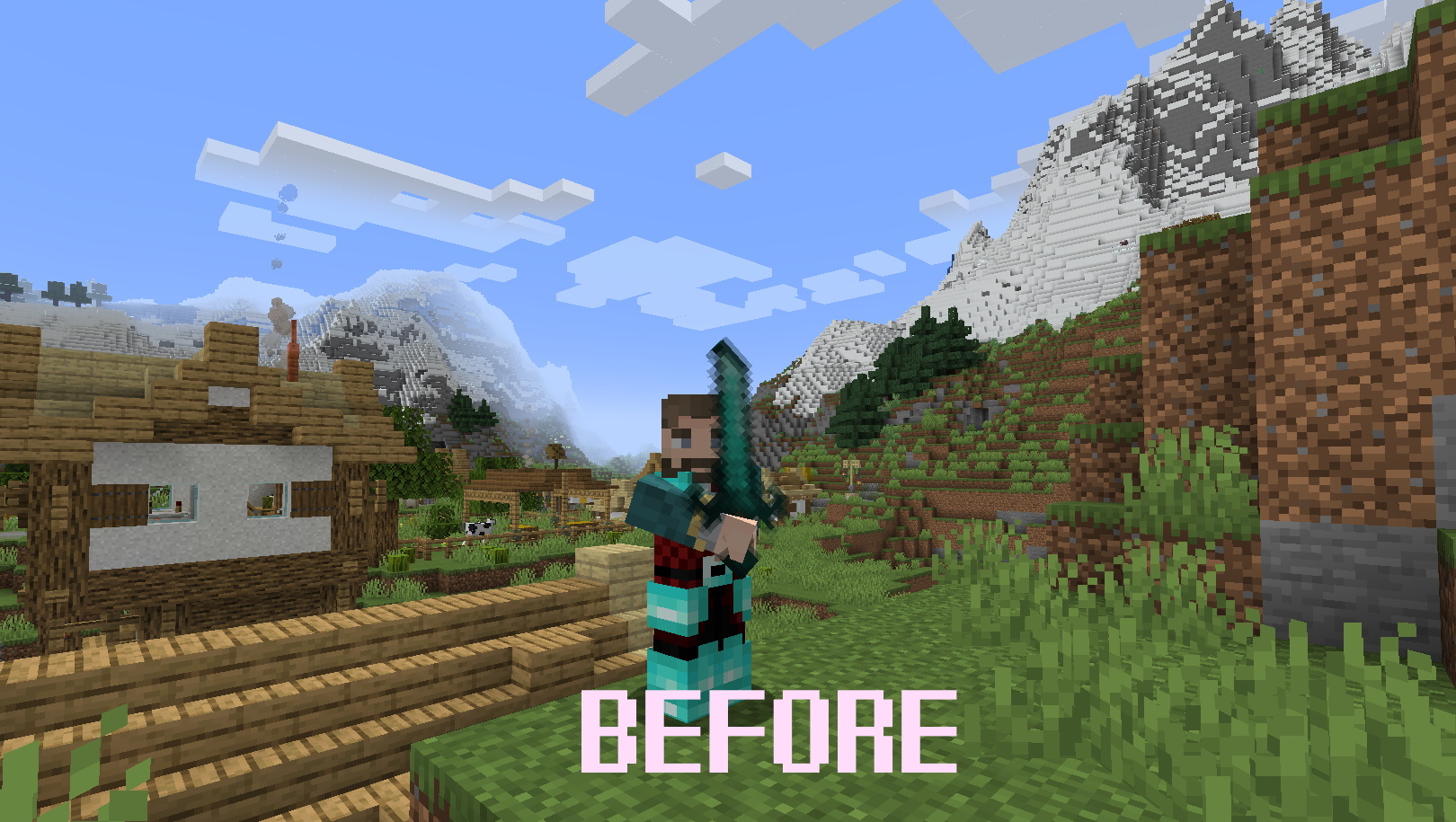
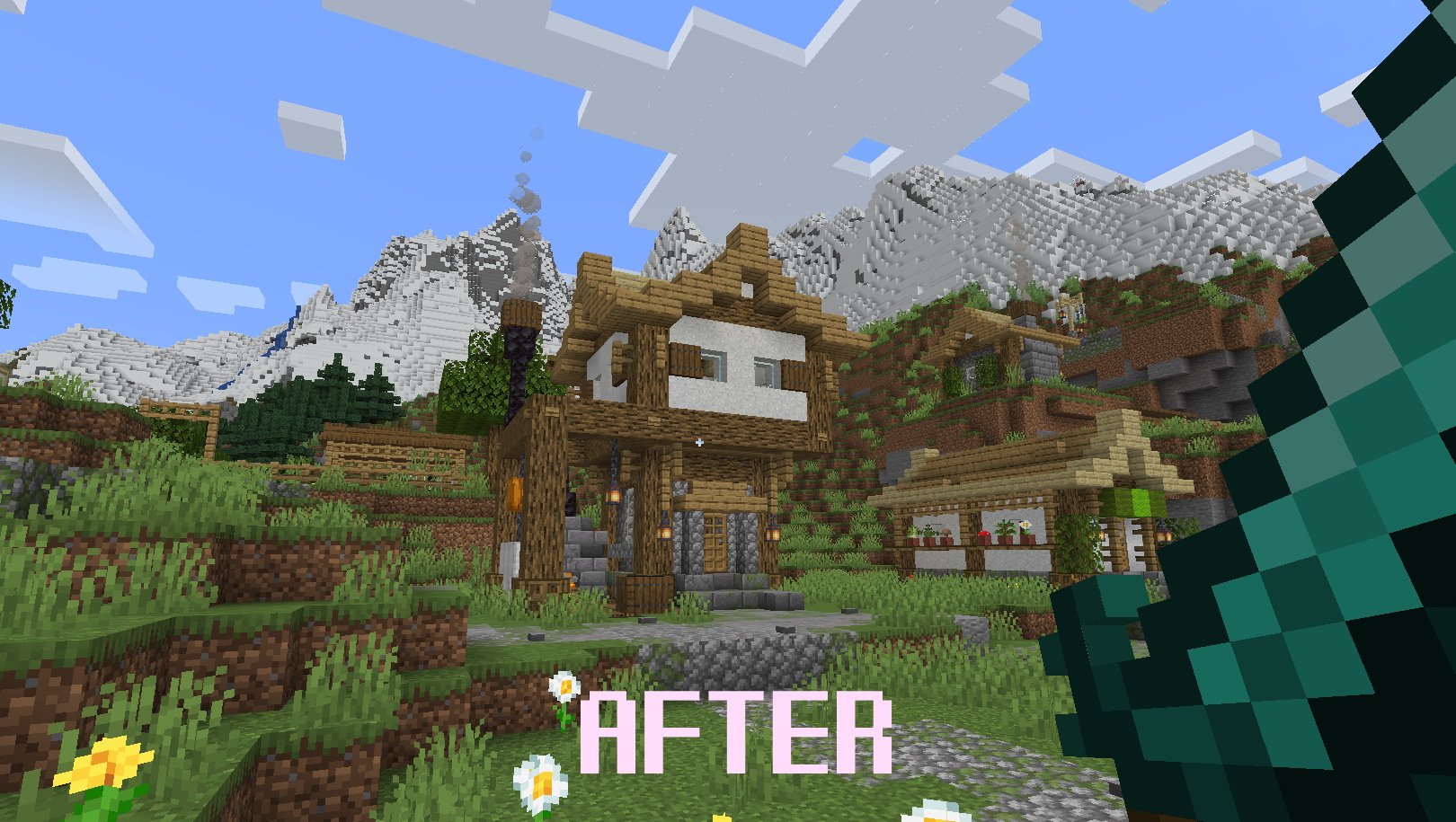
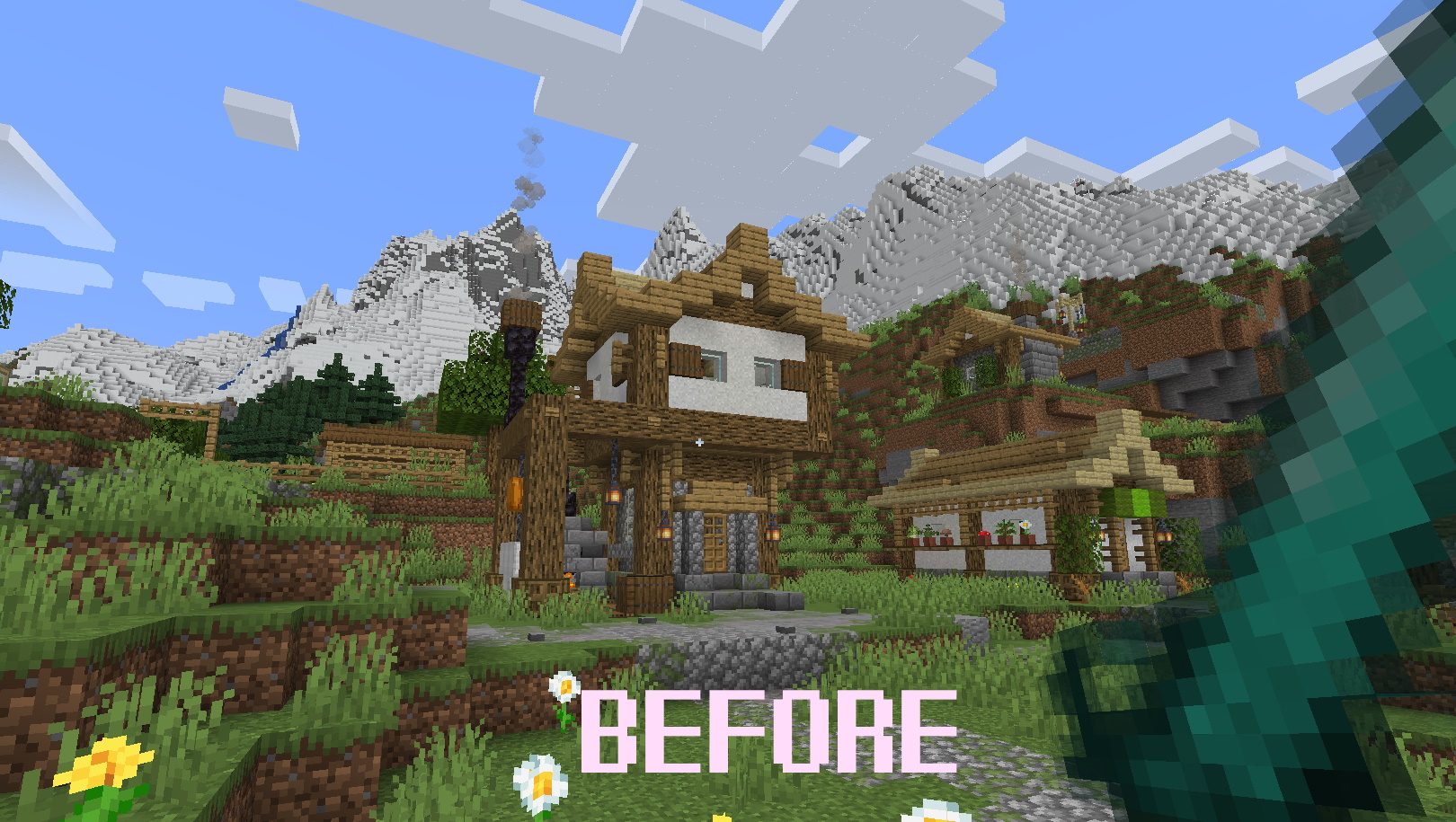
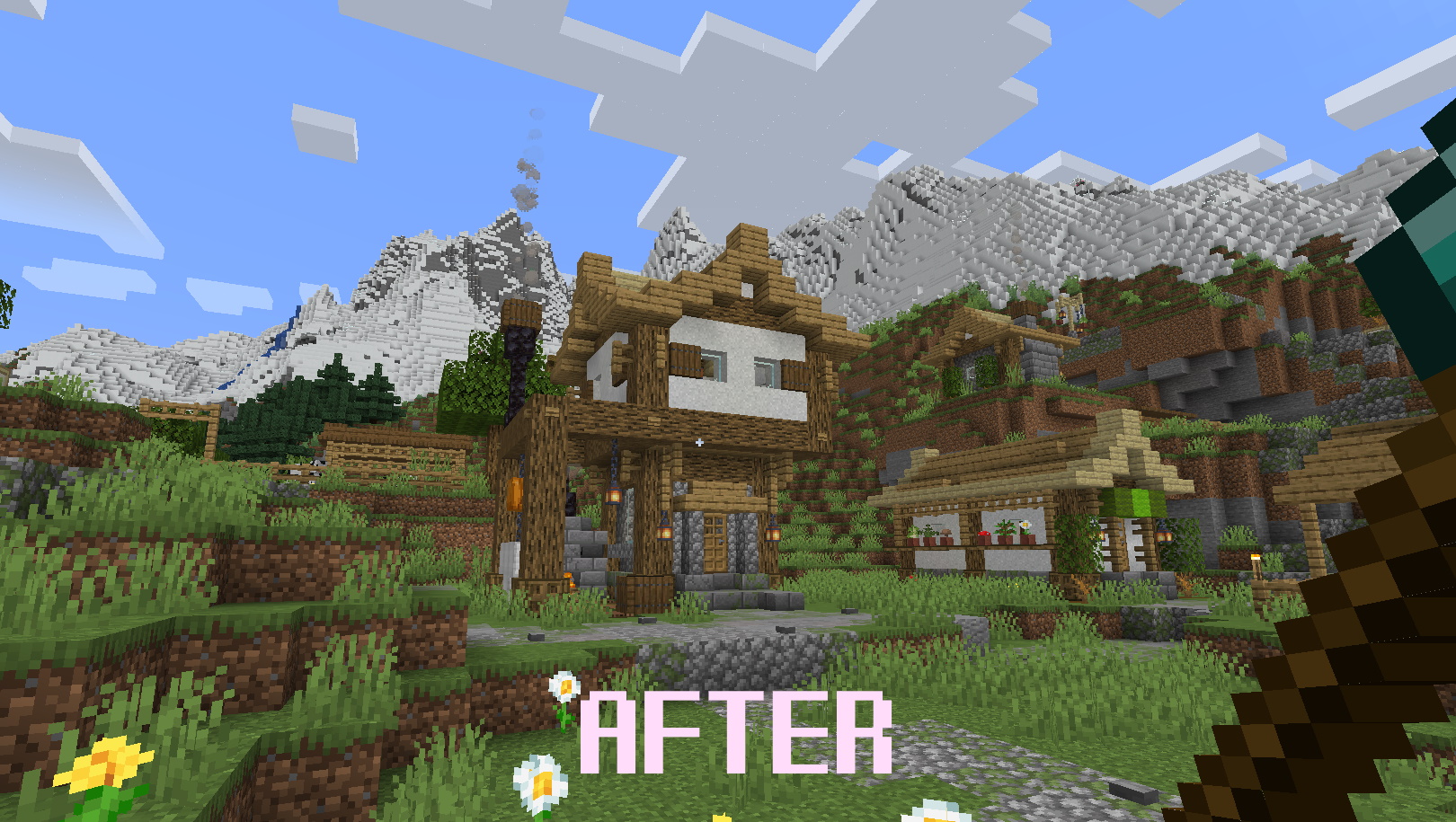
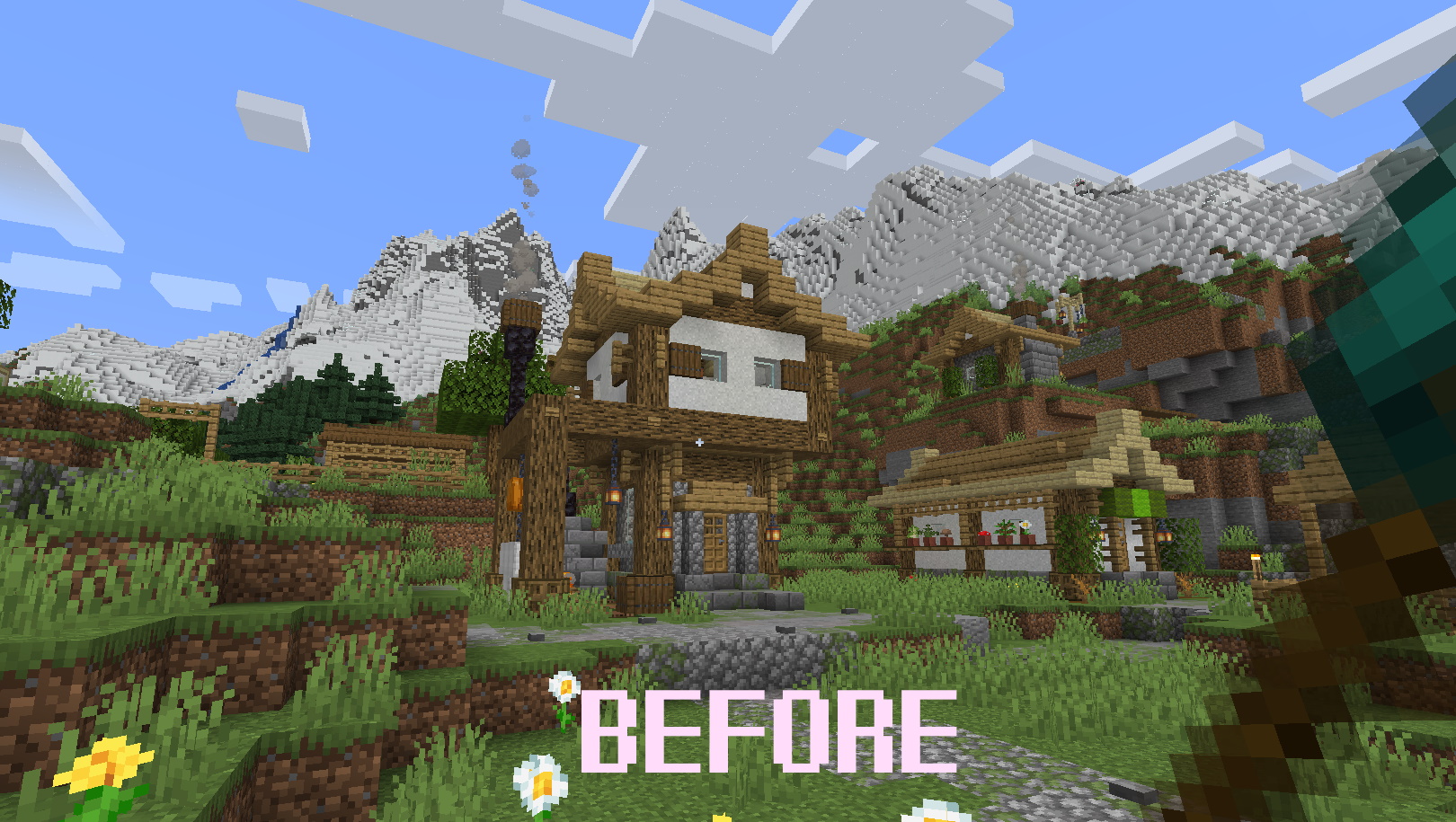
介绍

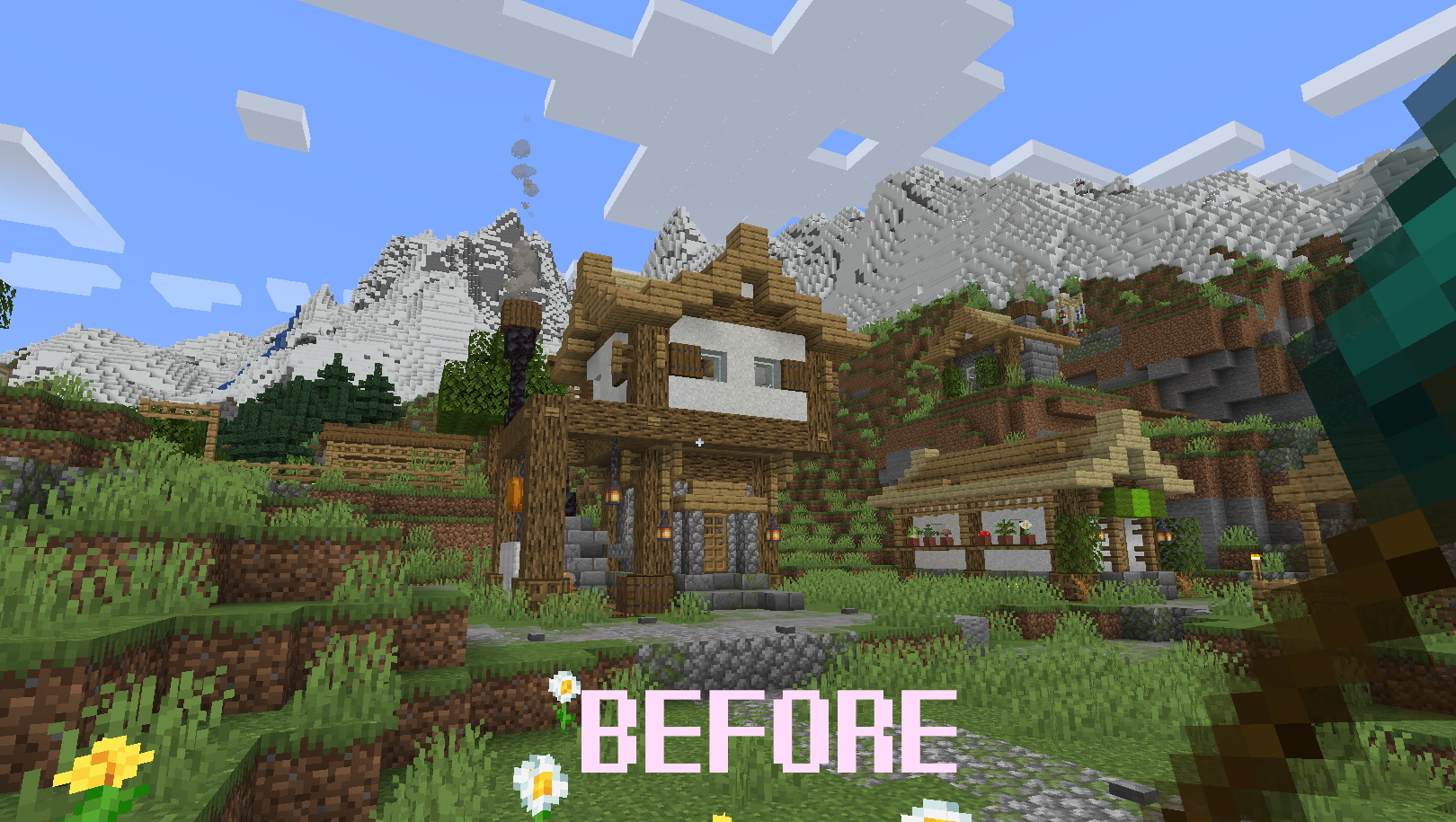
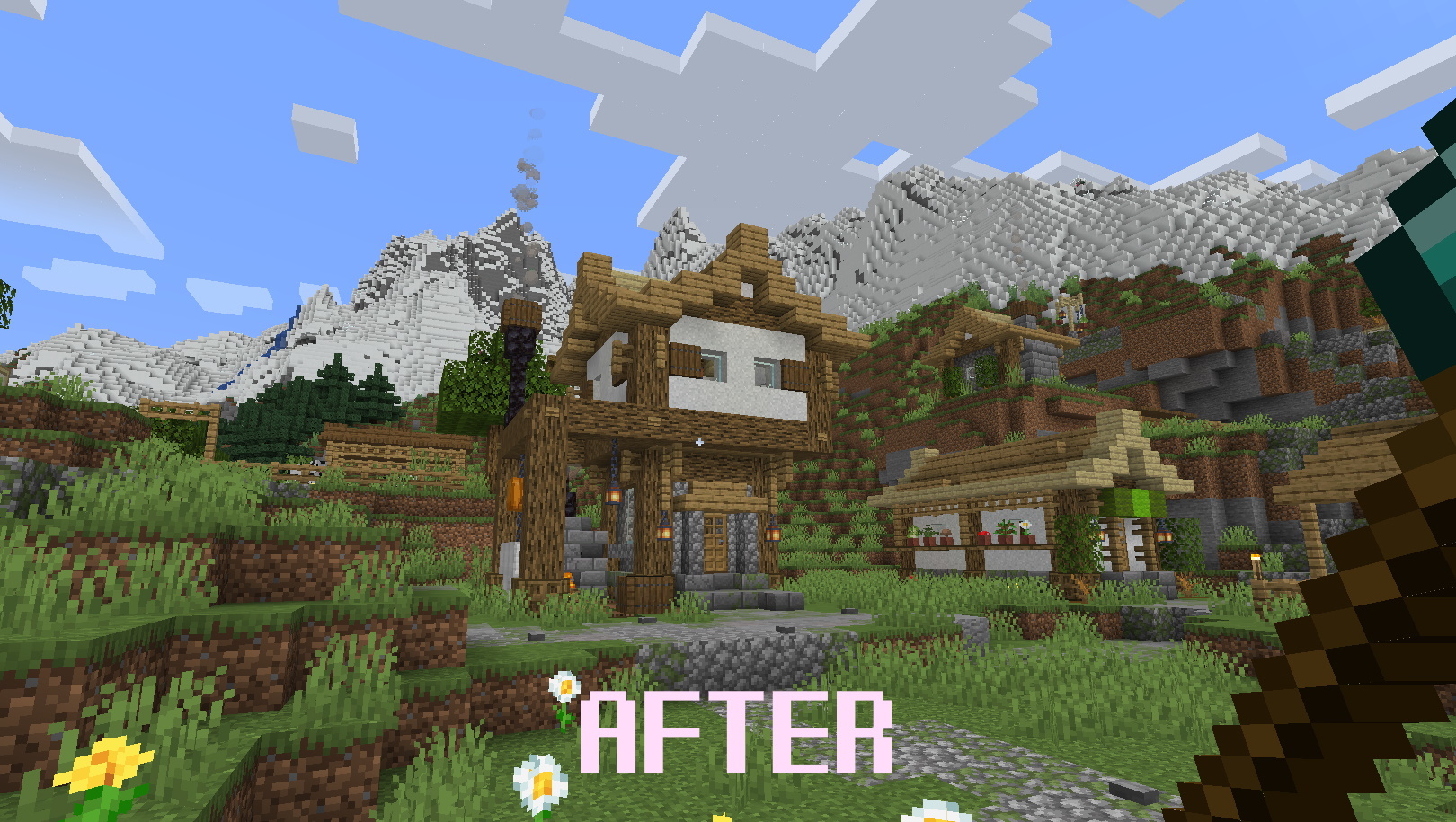
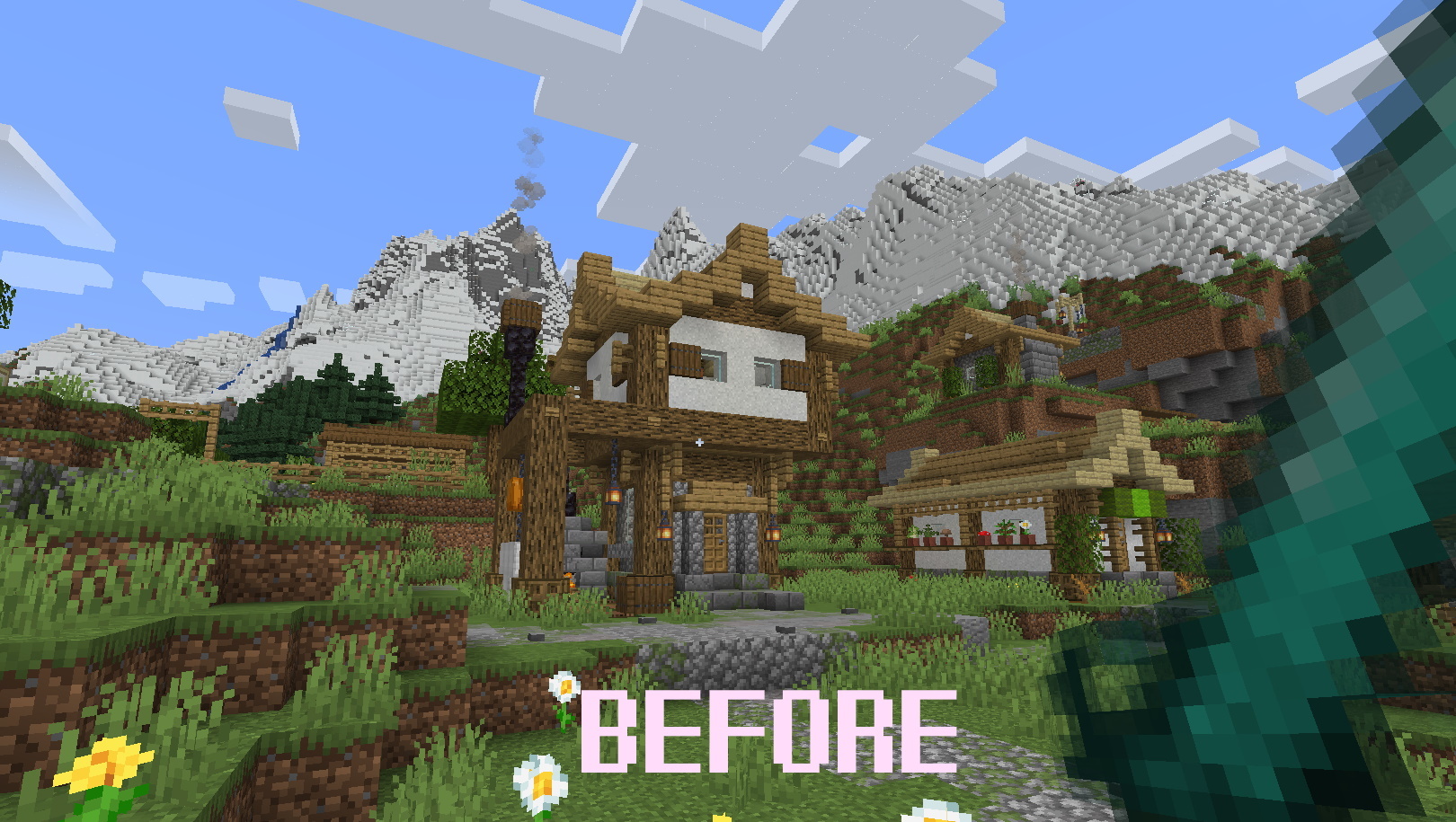
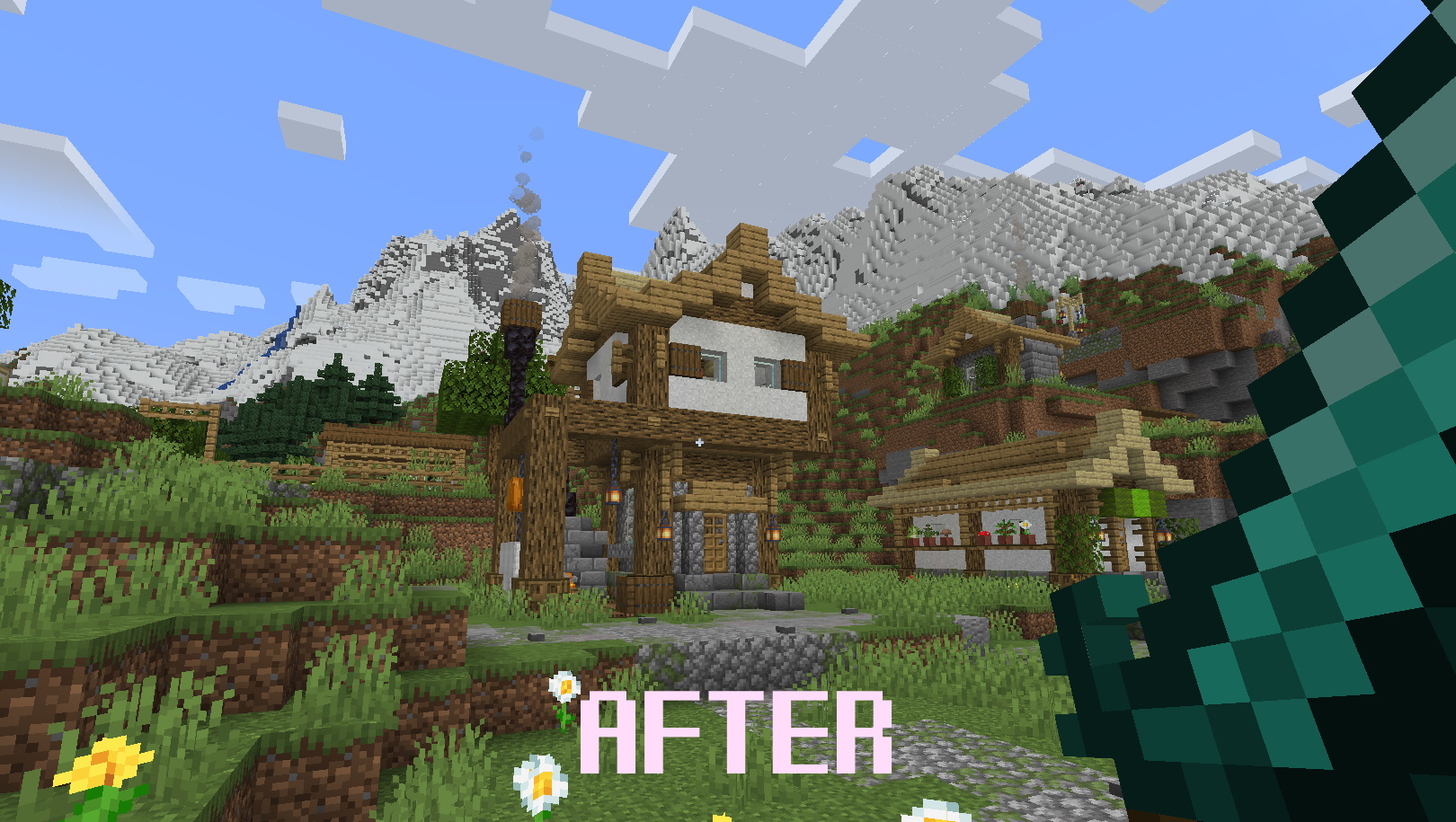
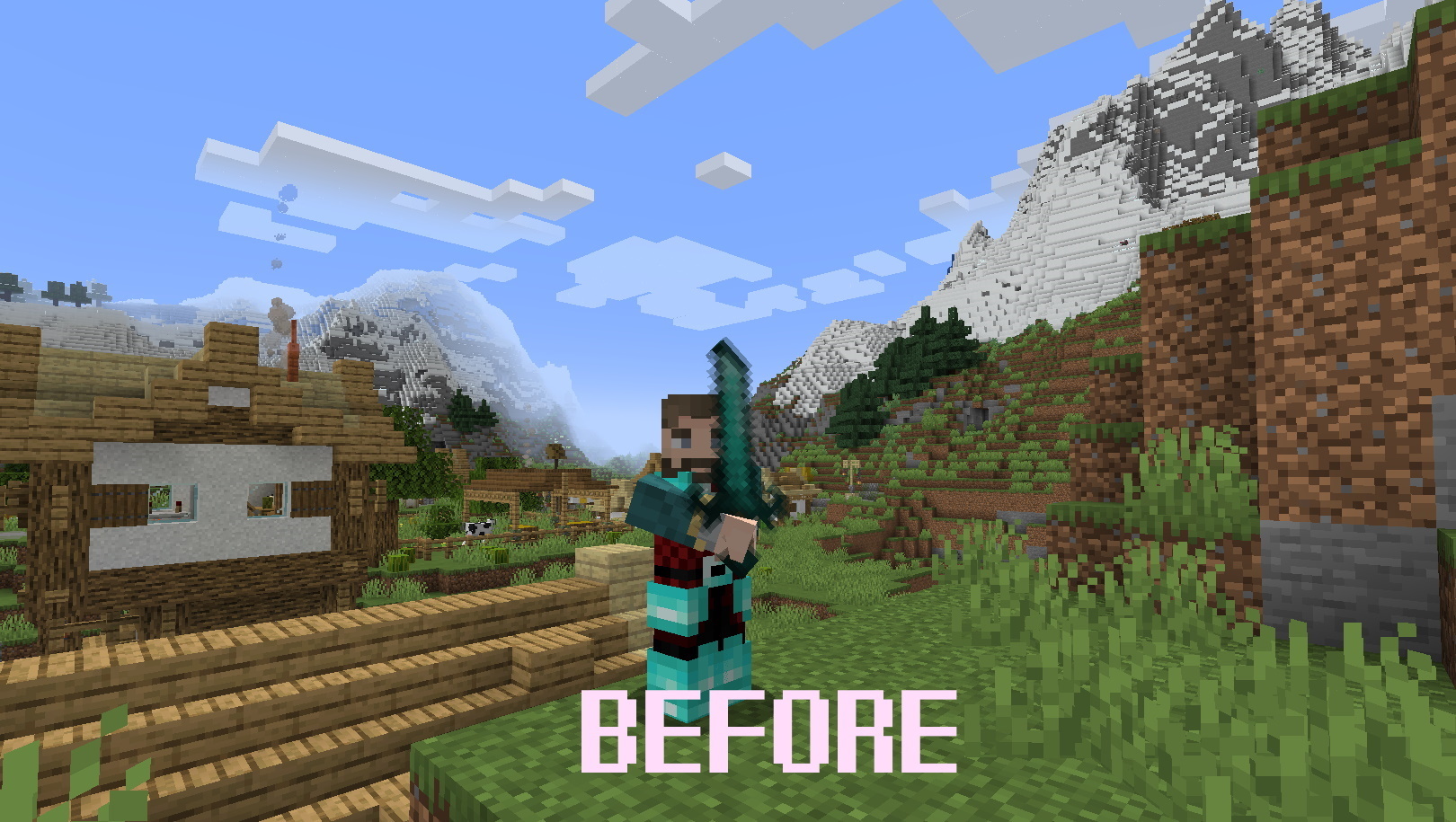
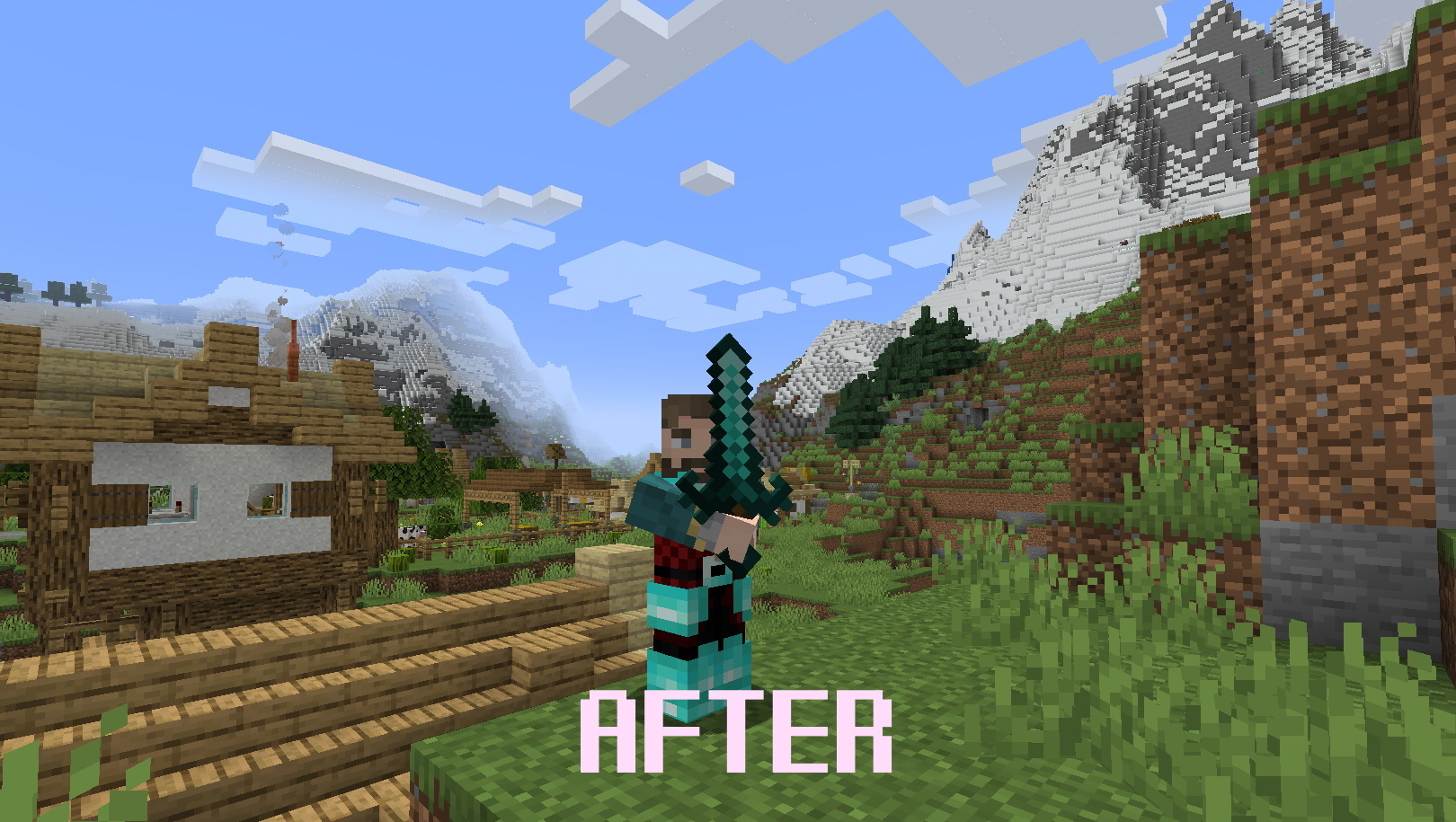
This resource pack is a patсh for InfernalEclipse’s “Simple Weapons for Better Combat” mod and Optifine. If you want to use Optifine with Mipmaps and Anti-Aliasing with this cool mod, install it.
It must work with 1.18.x and 1.19.x versions of Minecraft
Original mod is here: Simple weapons for better combat by InfernalEclipse
Installation:
1. Open the /.minecraft/resourcepacks folder
2. Add the Simple_Weapons_mipmaps_CP.zip to the folder.
3. Run Minecraft
4. Go to Options in menu
5. Select “Resource Packs…”
6. Add the Resource Pack from the left to right menu
7. Push the “Done” button
Finished:
+ Stone (Minecraft textures)
+ Iron (Minecraft textures)
+ Diamond (Minecraft textures)
+ Netherite (Minecraft textures)
+ Adamantite (Enlightened End mod)
+ Warden (Deeper and Darker mod)
+ Corinthium (Simple Corinthium mod)
+ Electrum (Oreganized mod)
+ Pendorite (Oh The Biomes You’ll Go mod)
Future Updates:
– Other compatible mods with “Simple Weapons for Better Combat” mod
P.S. You can publish the Resource Pack on other websites, just don’t forget to give a link to the original page on CurseForge. I will update only CurseForge version!
Screens:
常见问题
Simple Weapons Mipmaps Compatibility Patch 支持哪些 Minecraft 版本?
Simple Weapons Mipmaps Compatibility Patch 支持 Minecraft Java 版 1.18–1.19.2,共 6 个版本。下载时注意选择和你游戏版本一致的文件。
Simple Weapons Mipmaps Compatibility Patch 怎么安装?
把下载的 .zip 文件(不用解压)放进游戏目录的 resourcepacks 文件夹,进游戏后在「选项 → 资源包」里把它移到右边启用。
评论
登录后评论和评分