Keybind Priority
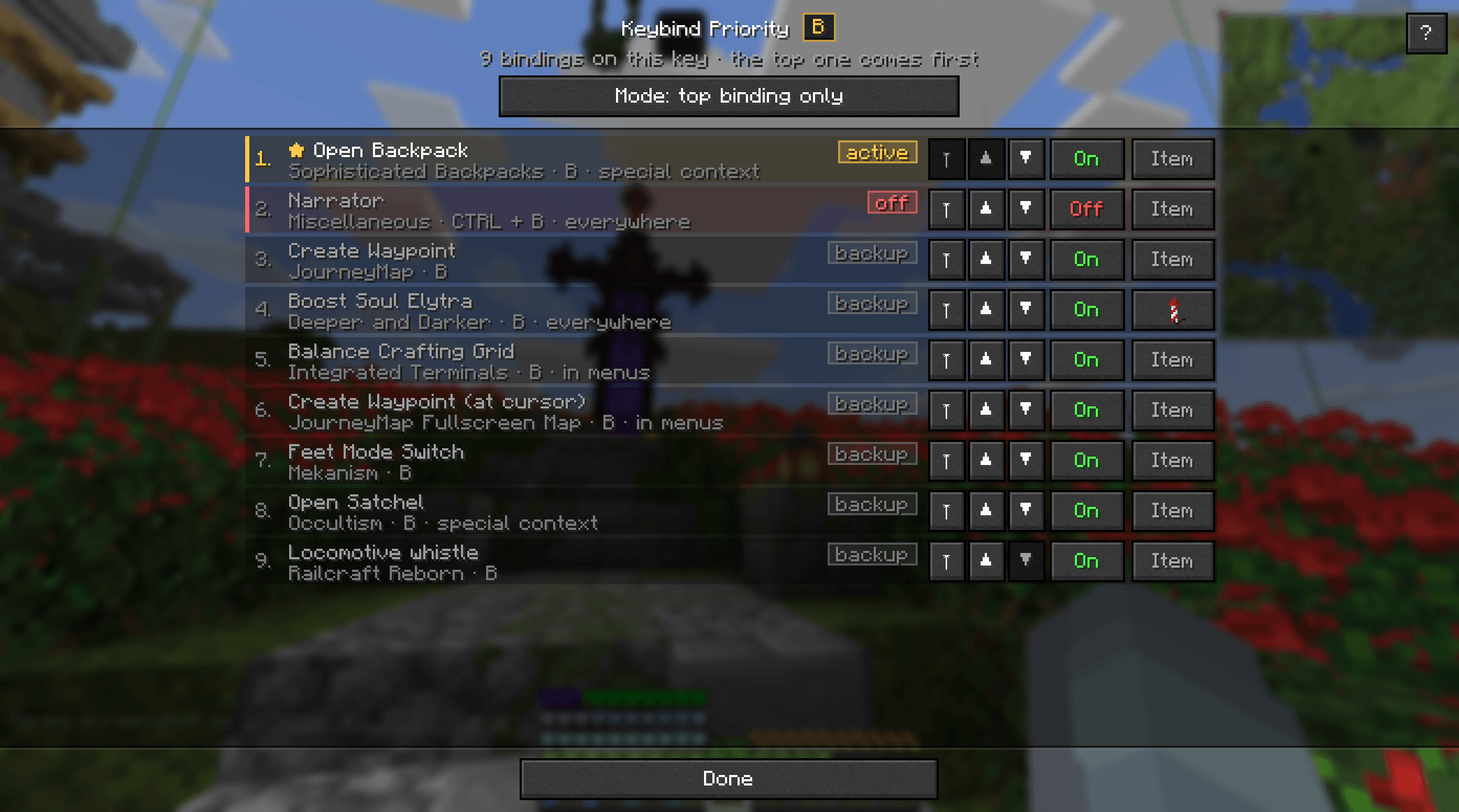
Manage conflicting Minecraft keybinds by choosing which action gets priority. Simple, lightweight, and client-side only.
截图
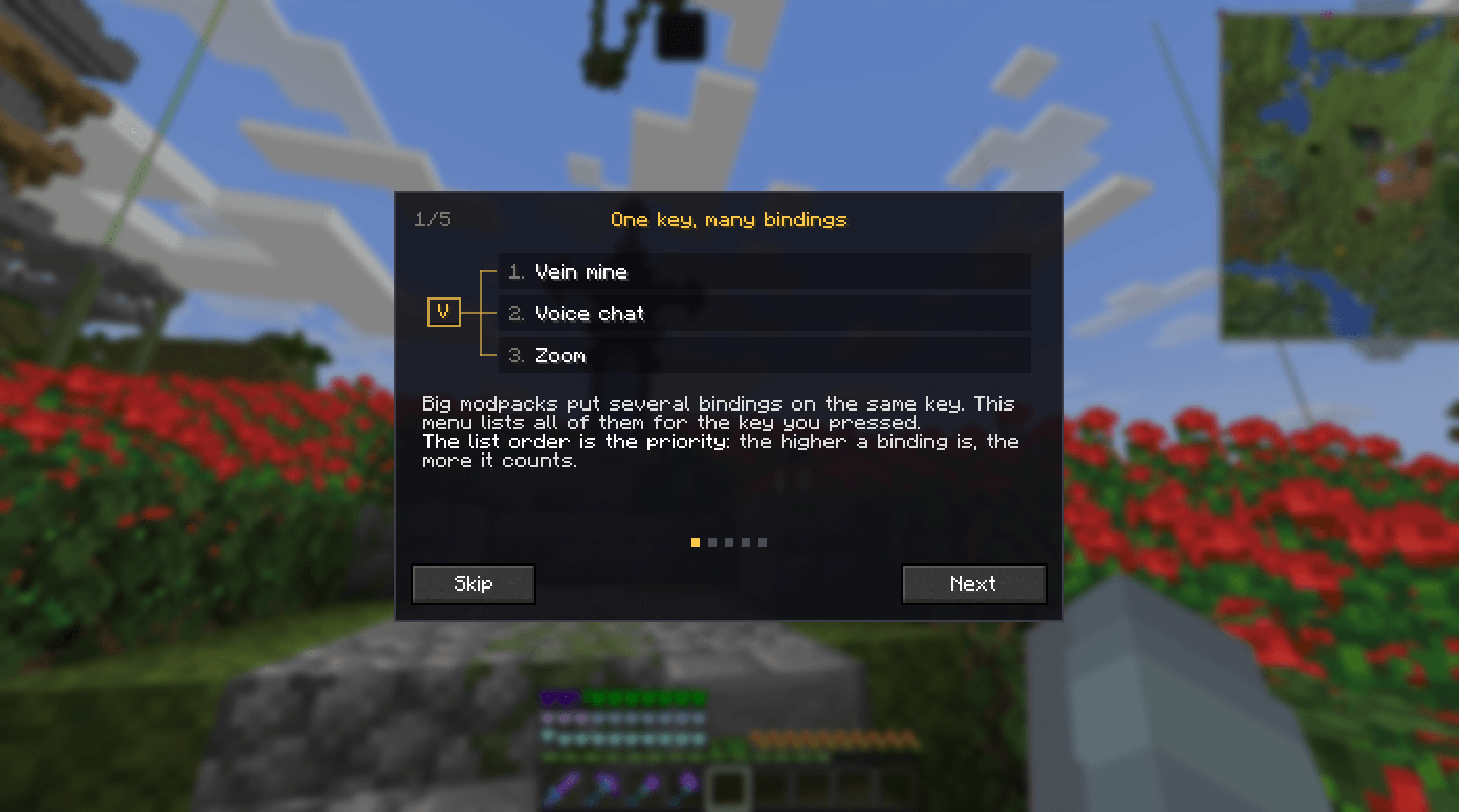
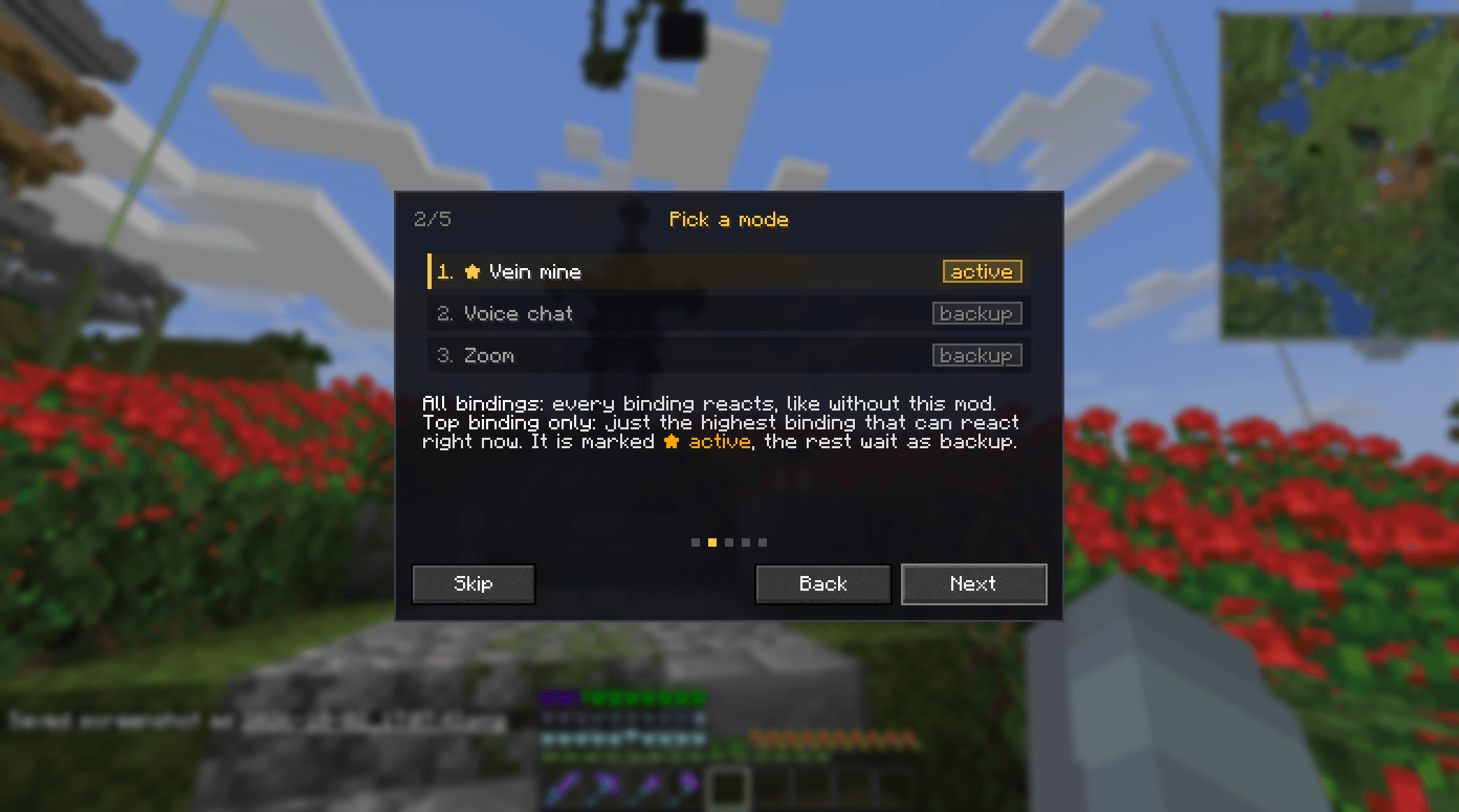
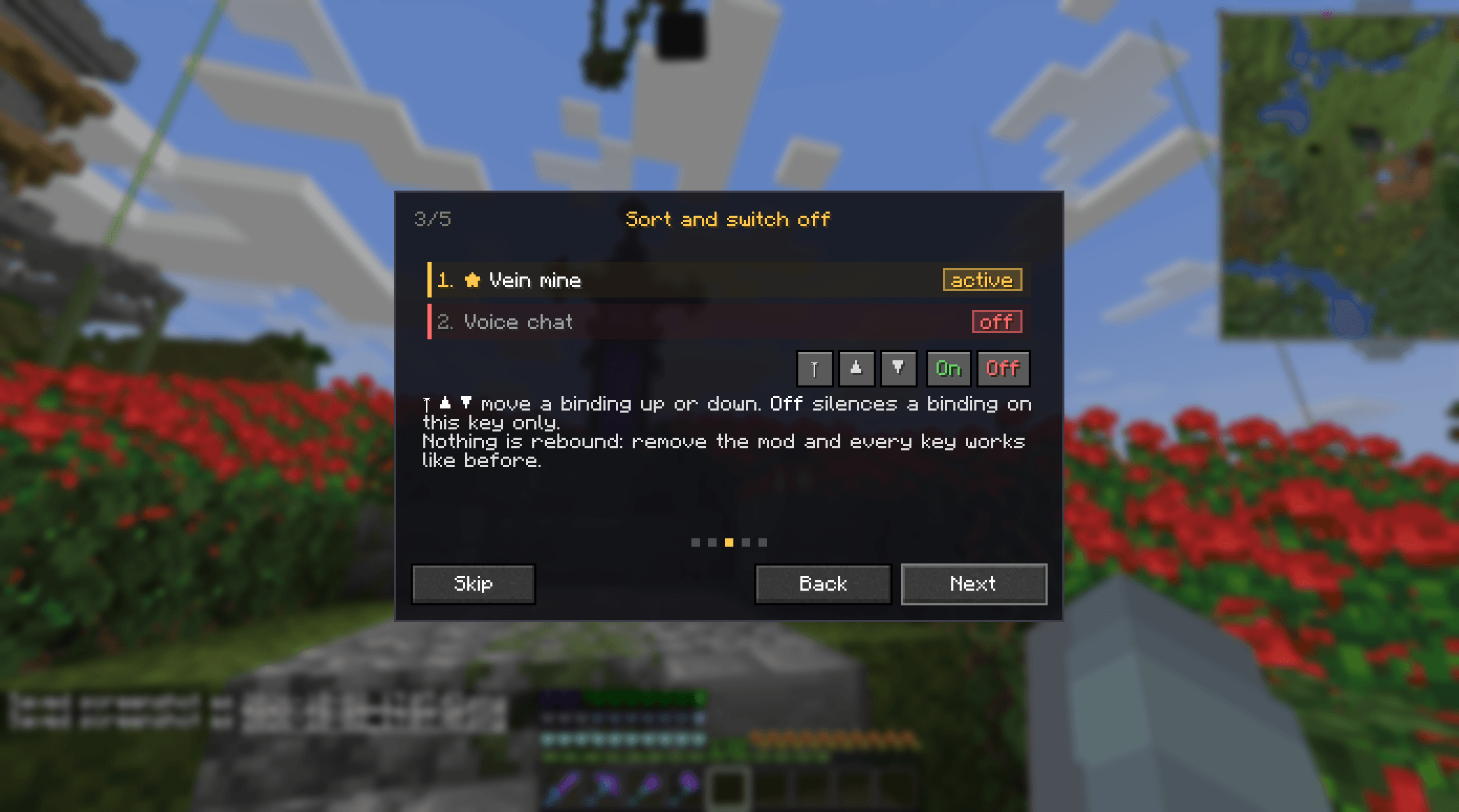
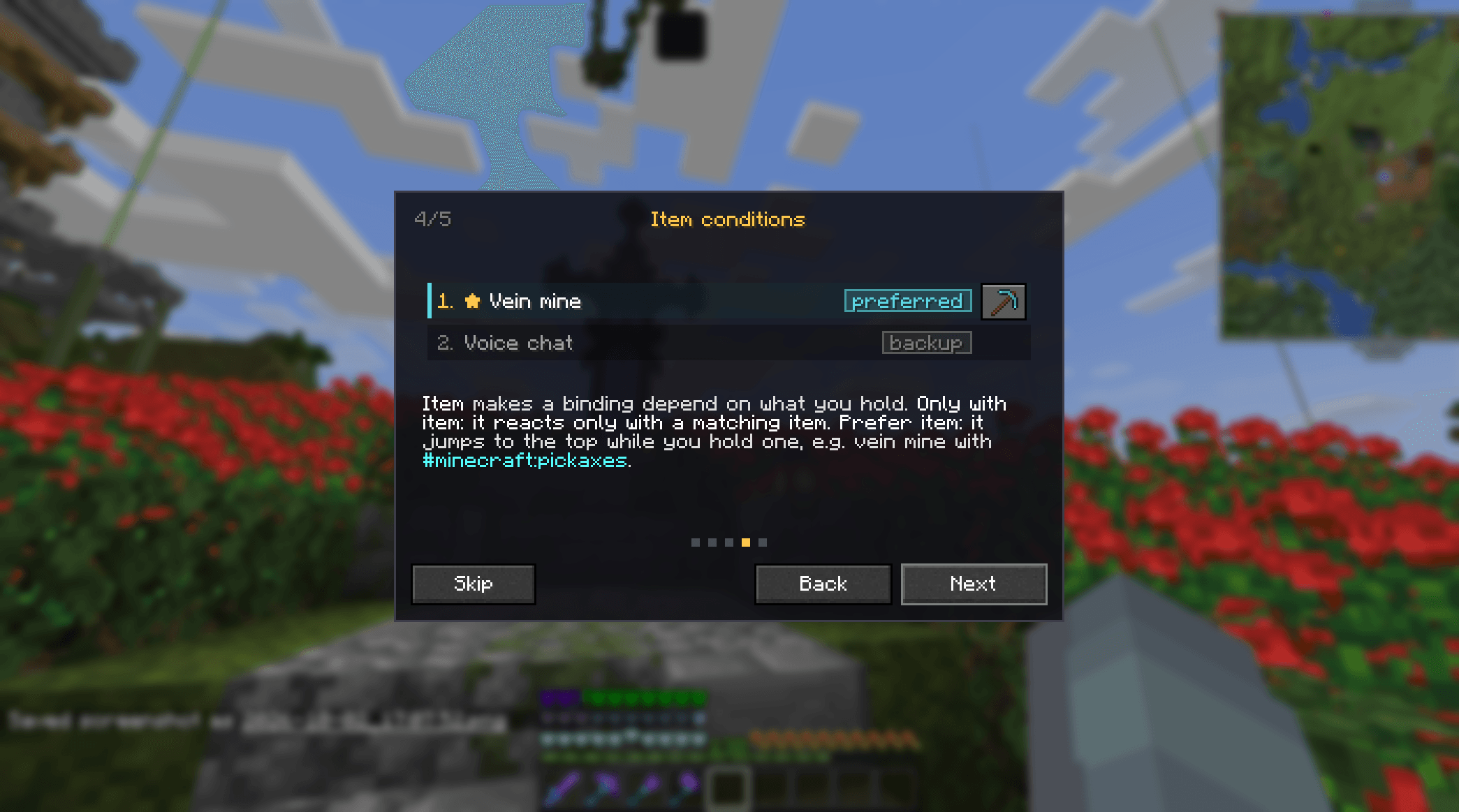
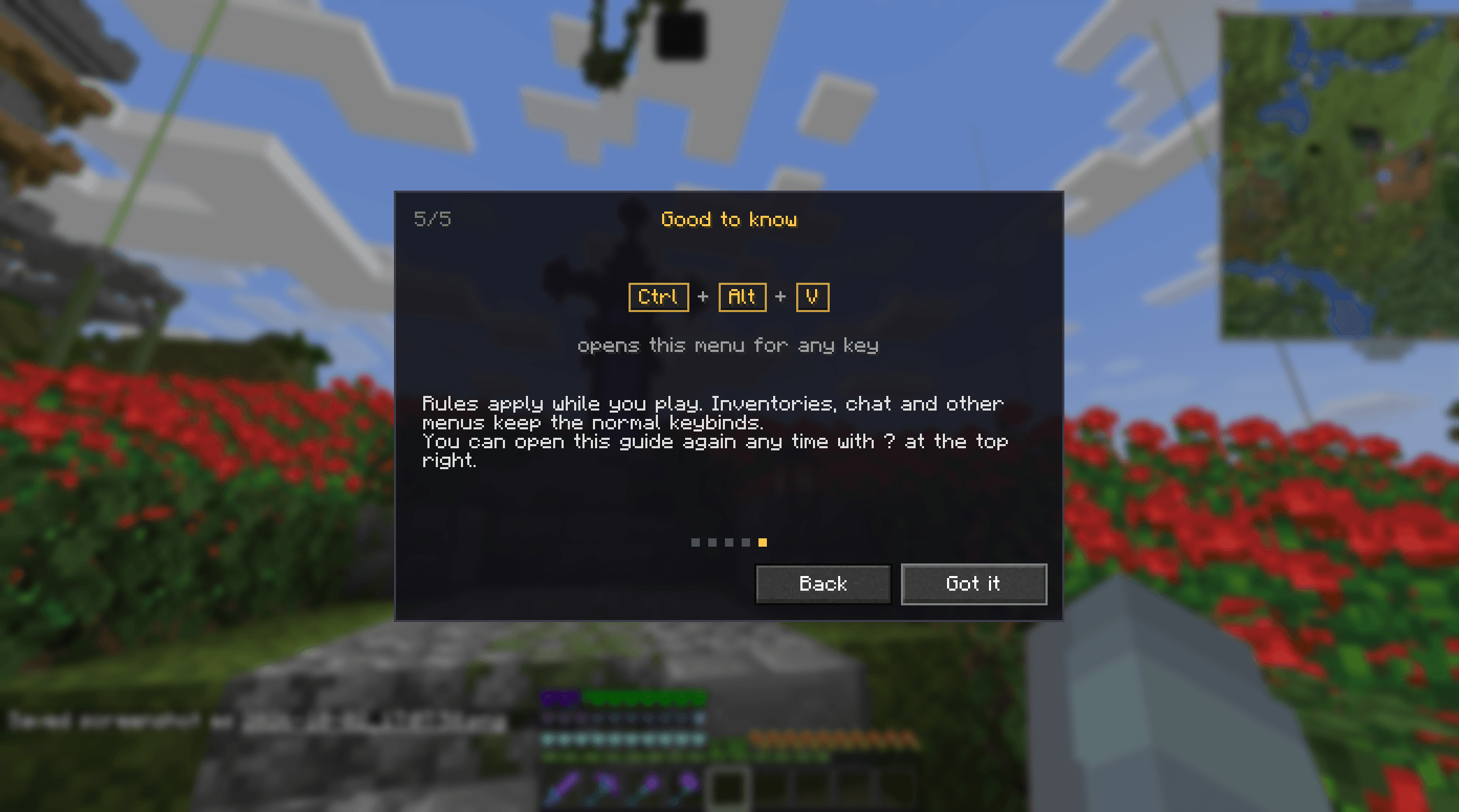
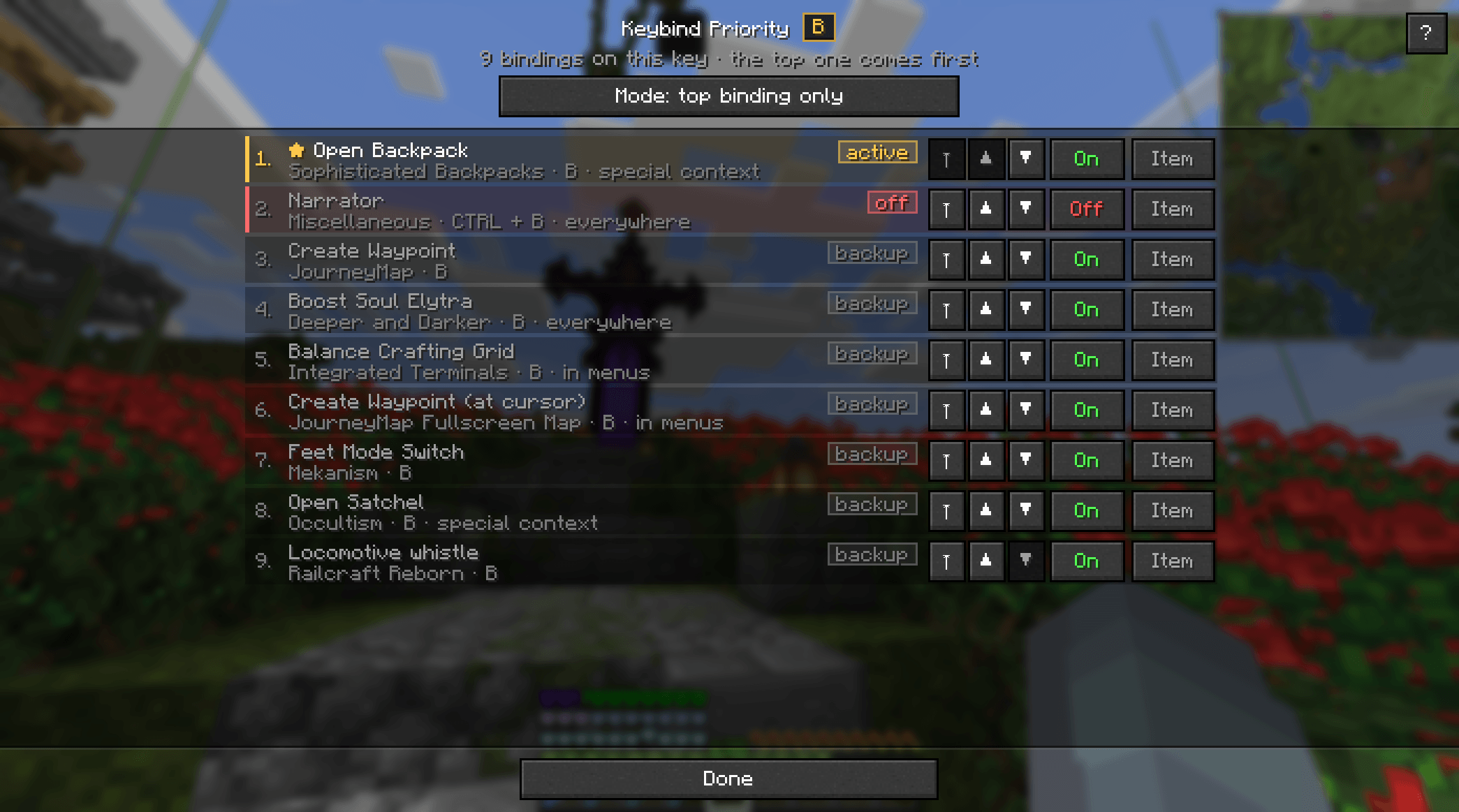
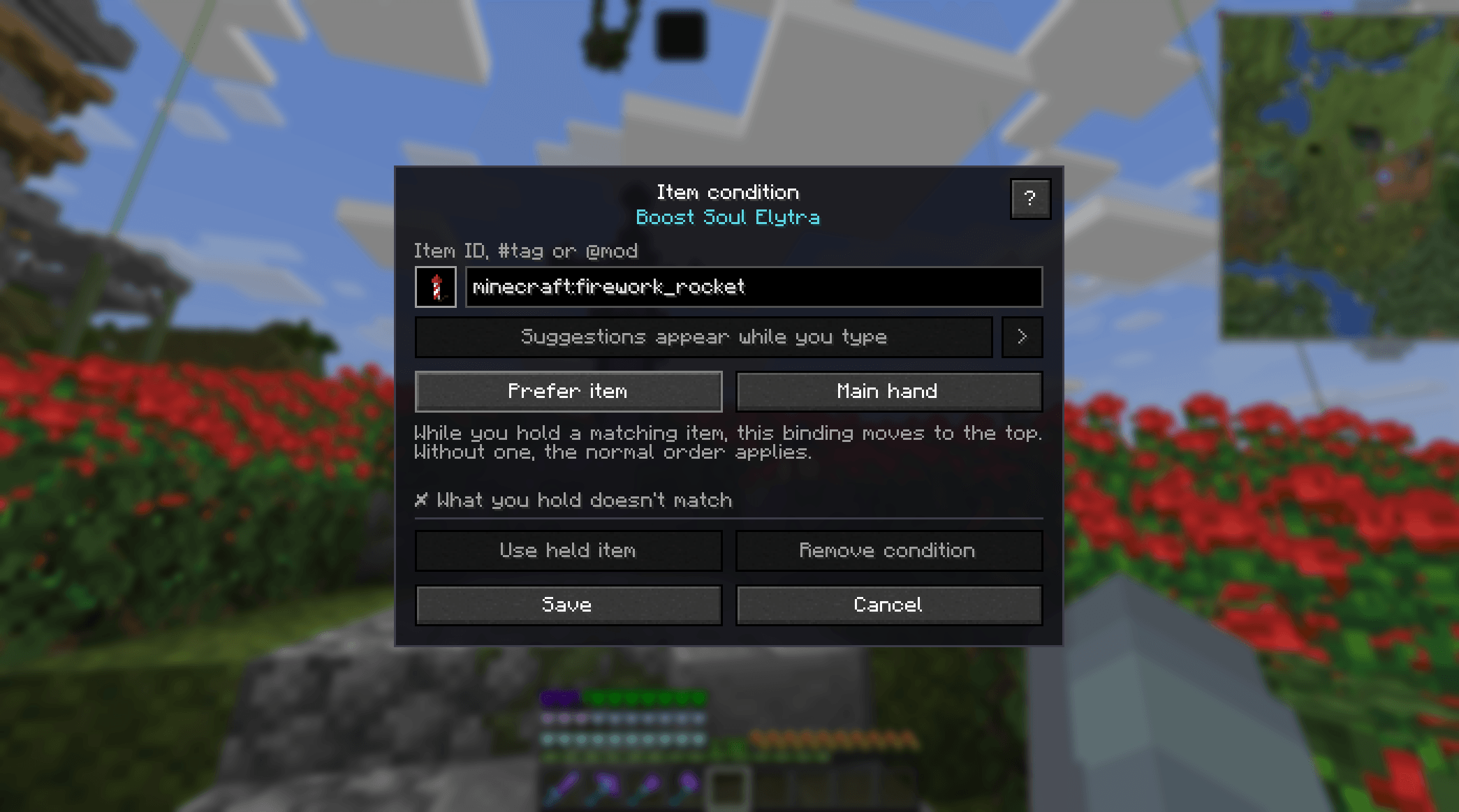
介绍
Keybind Priority
A lightweight client-side mod designed for large modpacks with lots of conflicting keybinds.
Instead of rebinding keys, simply choose which action gets priority when multiple keybinds use the same key.
Features
- Set priorities for conflicting keybinds
- Keep multiple actions on the same key
- Quickly switch priorities when needed
- Client-side only
- Lightweight and simple
- Made for large modpacks
Hold Ctrl + Alt + the desired key in-game to open the priority menu.
Compatibility
- Minecraft 1.21.x
- NeoForge
- Client-side only
Modpack Usage
Modpack creators are free to include Keybind Priority in their modpacks without asking for permission.
No need to contact me first. Just add it and use it.
Found a bug or have a suggestion? Feel free to open an issue on GitHub.
Code assisted by AI.
常见问题
Keybind Priority 支持哪些 Minecraft 版本?
Keybind Priority 支持 Minecraft Java 版 1.21–1.21.11,共 12 个版本,可用的加载器:NeoForge。下载时注意选择和你游戏版本一致的文件。
Keybind Priority 怎么安装?
先用 PCL2 或 HMCL 启动器安装对应版本的 NeoForge,再把下载的 .jar 文件放进游戏目录的 mods 文件夹,重新启动游戏即可。开启了版本隔离的,mods 文件夹在 versions/版本名 下面。
评论
登录后评论和评分