Edge 16x
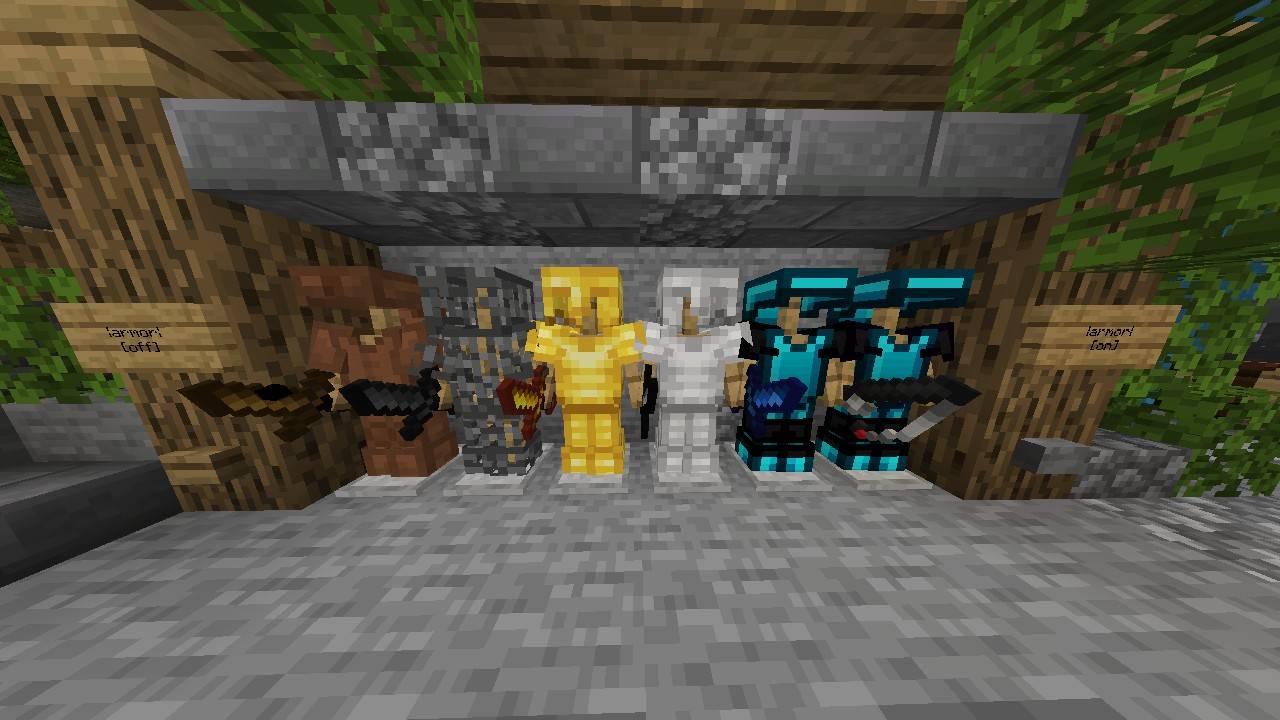
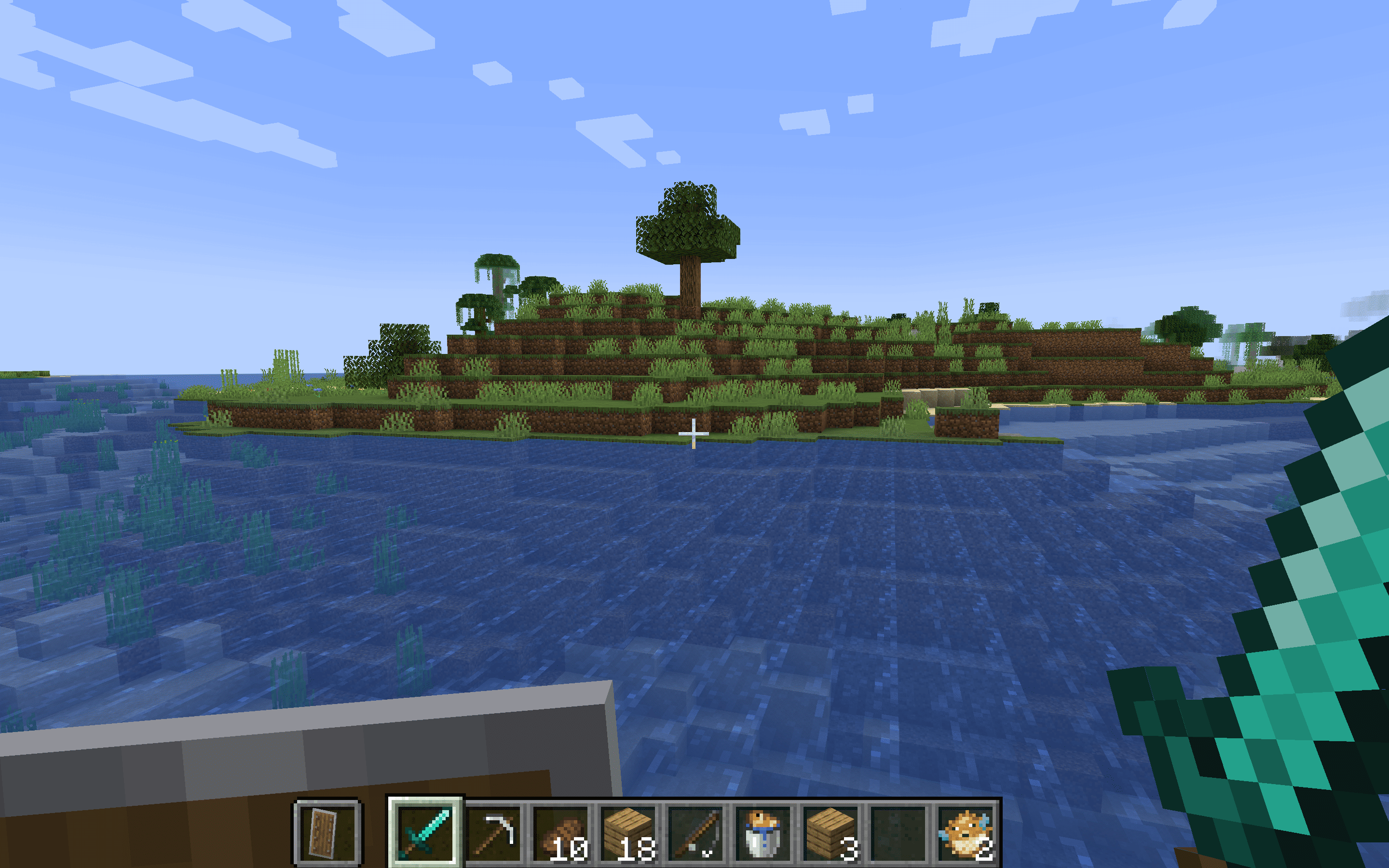
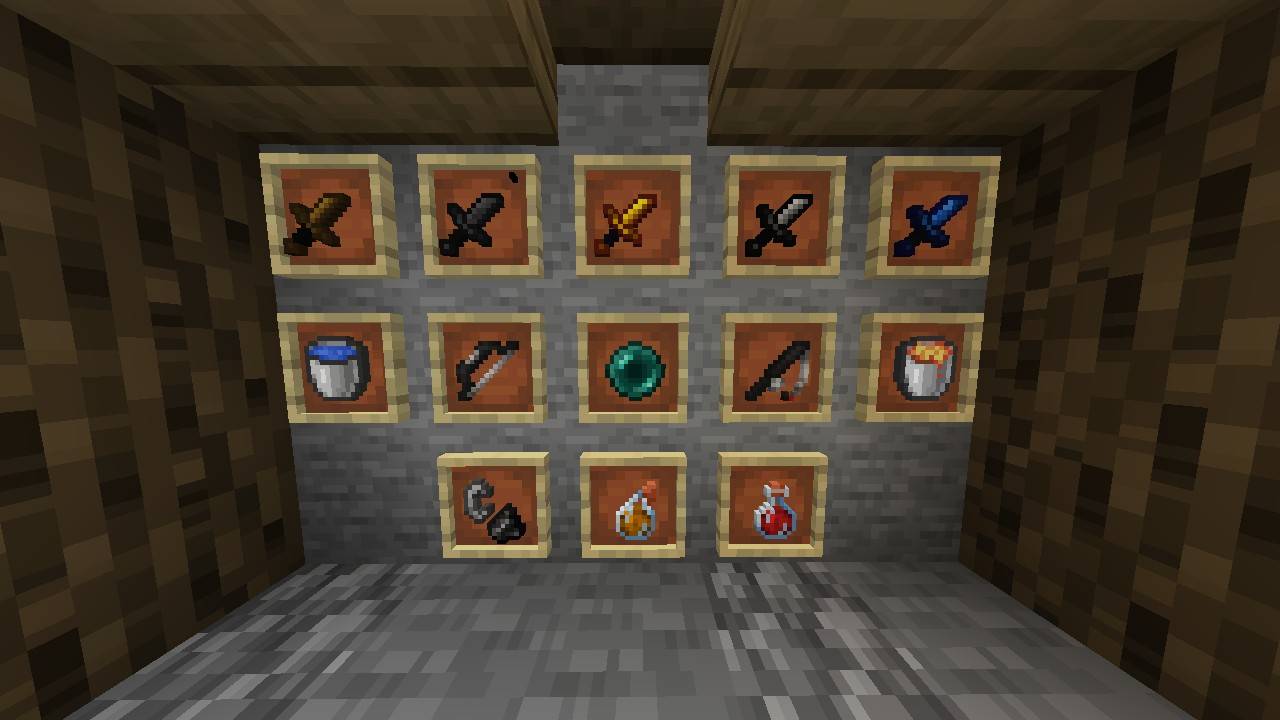
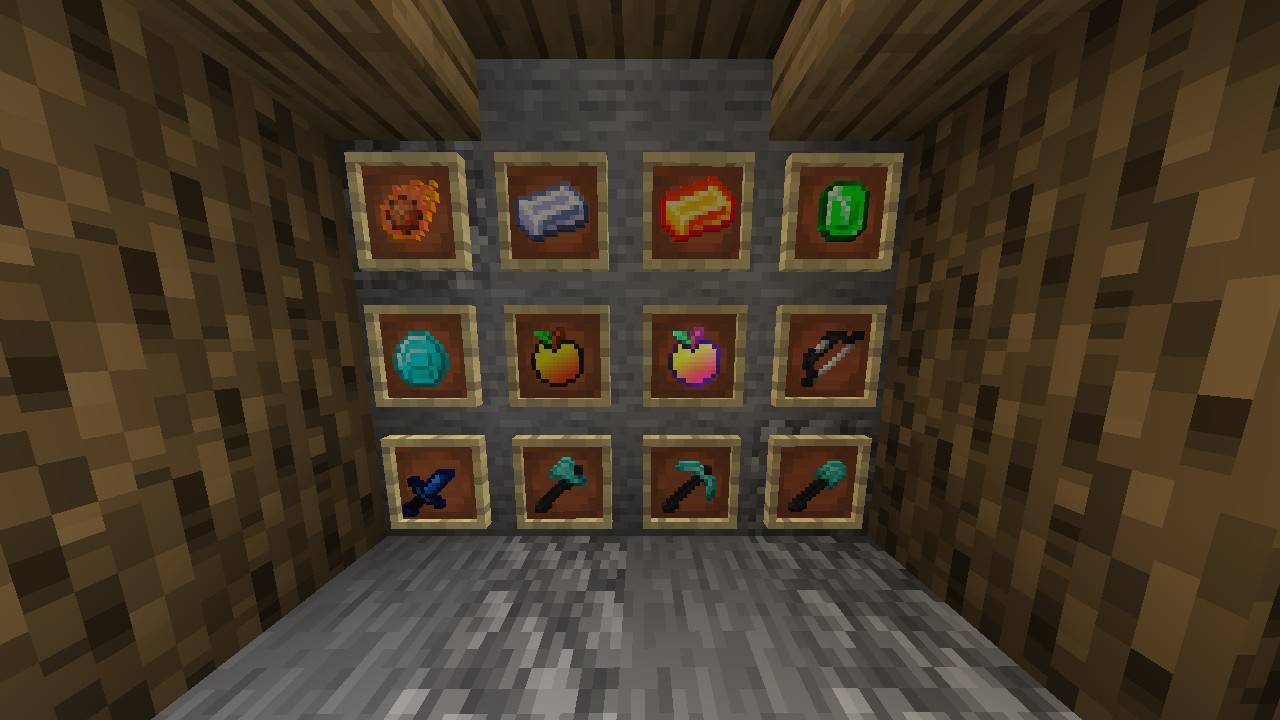
This pack have shorter swords ⚔️ PvP look. Optimized for getting more fps
截图
介绍
Edge 16x | Java Edition 🏹
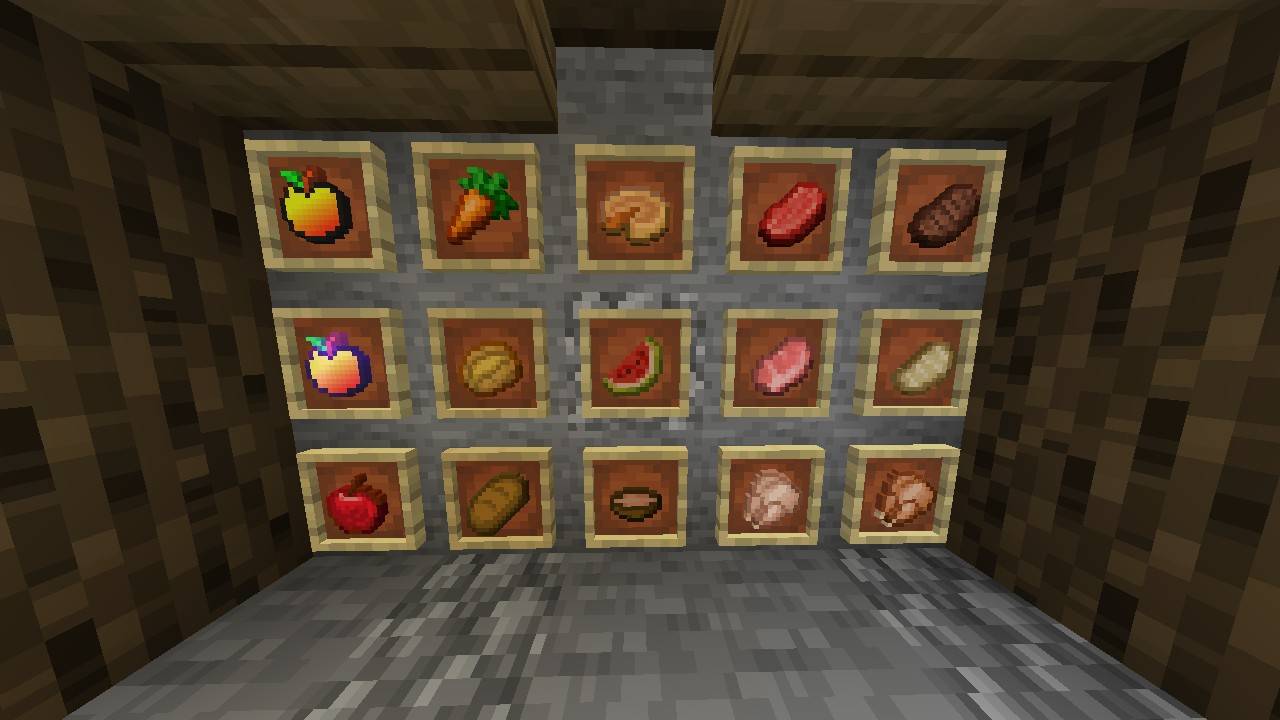
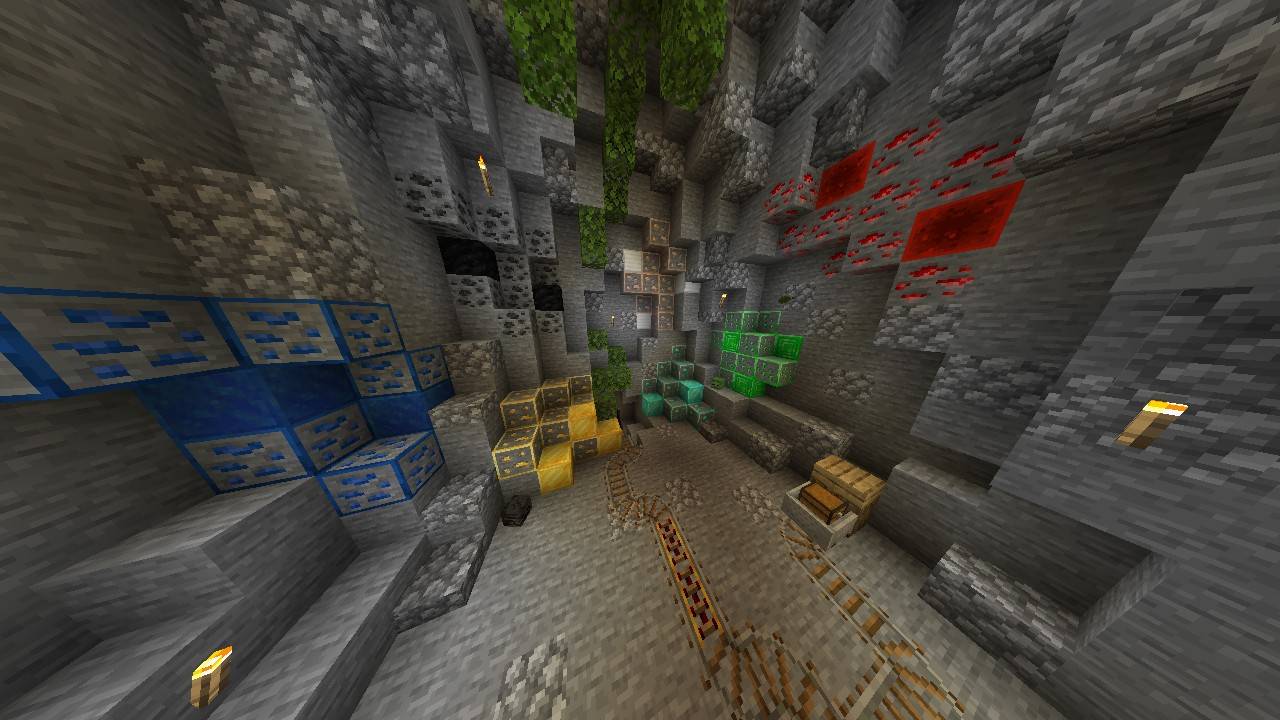
The ultimate performance-focused texture pack for Java Edition. Experience Minecraft with a “Sharp” perspective. Edge 16x brings a minimalist, clean, and competitive look to your game without compromising the vanilla feel.
✨ Key Features:
• Performance Boost: Optimized 16x textures for maximum FPS.
• PvP Ready: Short swords and clear particles for the best combat experience.
🛠️ Installation:
Download the Edge 16x zip file.
Open Minecraft and go to Options > Resource Packs.
Click Open Pack Folder and drag the file inside.
Activate the pack and enjoy the edge!
Created by: Arrow Studios 🏹
“Giving your gameplay the edge it deserves.”
常见问题
Edge 16x 支持哪些 Minecraft 版本?
Edge 16x 支持 Minecraft Java 版 1.8–1.21.11,共 23 个版本。下载时注意选择和你游戏版本一致的文件。
Edge 16x 怎么安装?
把下载的 .zip 文件(不用解压)放进游戏目录的 resourcepacks 文件夹,进游戏后在「选项 → 资源包」里把它移到右边启用。

评论
登录后评论和评分