
CC: Keycards
Physical RFID keycards, card encoders, and programmable access readers for CC: Tweaked
截图
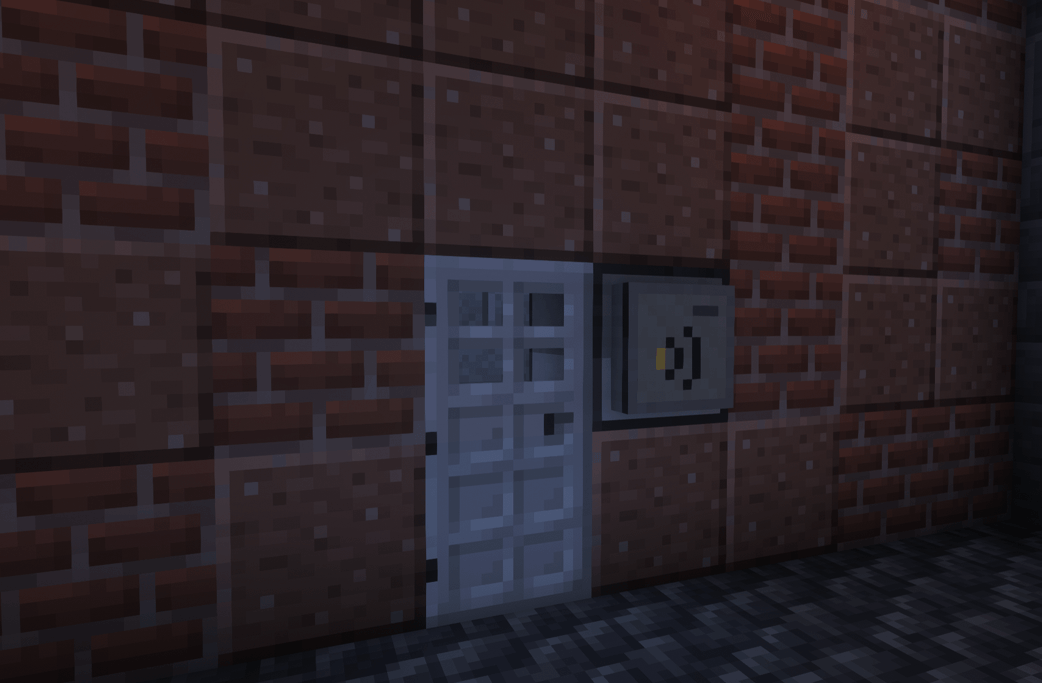
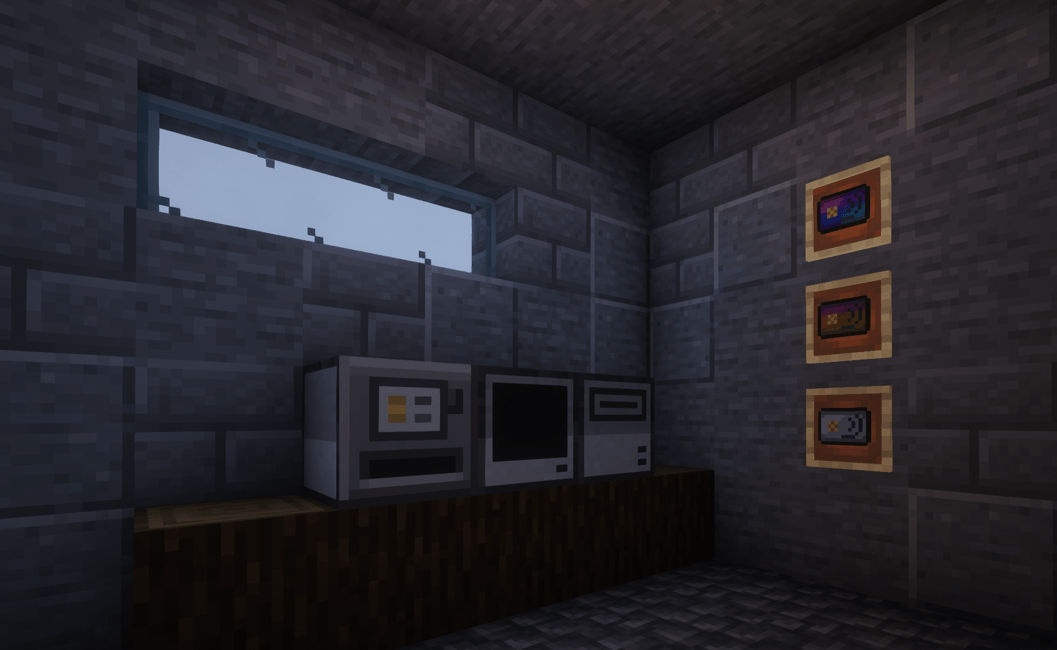
介绍
Create physical access cards for bases, checkpoints, government buildings, and staff areas with CC: Tweaked.
CC: Keycards adds three things:
- RFID Cards: nameable cards with description tooltips, unique issued identities, and optional player binding
- Card Encoder: a CC-style peripheral for issuing, updating, and revoking cards through Lua
- RFID Reader: a modem-style reader that scans presented cards and sends their details to a connected computer
Your Lua program decides which cards to accept. Approved scans produce a timed redstone signal for doors, gates, and other mechanisms. Connect devices directly to computers or through wired modem networks.
Find devices with peripheral.find("card_encoder") or peripheral.find("rfid_reader"). Direct connections and wired modem networks are supported.
Card Encoder
hasCard()/getCard()– check and inspect the inserted cardgetIssuer()– get this encoder’s issuer ID.issue(name, description, bindToPlayer, data)– issue a blank card with custom data and optional player binding.write(name, description, data)– update a card without changing its identity.revoke(cardId)/clear()/eject()– revoke, reset, or eject cards.
RFID Reader
Listen for scans with:
local _, readerName, scanId, card = os.pullEvent("keycard_scan")Check card.valid, card.issuer, and card.data against your access rules, then call reader.respond(scanId, allow, seconds) to accept or deny access. Accepted scans pulse the reader’s redstone output for up to 10 seconds.
Scans expire after 10 seconds and work once. The server verifies card authenticity, revocation, and player binding.
常见问题
CC: Keycards 支持哪些 Minecraft 版本?
CC: Keycards 支持 Minecraft Java 版 1.20.1–1.21.1,共 2 个版本,可用的加载器:Forge / NeoForge。下载时注意选择和你游戏版本一致的文件。
CC: Keycards 怎么安装?
先用 PCL2 或 HMCL 启动器安装对应版本的 Forge / NeoForge,再把下载的 .jar 文件放进游戏目录的 mods 文件夹,重新启动游戏即可。开启了版本隔离的,mods 文件夹在 versions/版本名 下面。
diggydwarff 的其他作品
查看全部 →
Tobacconist
为 Minecraft 加入真实的烟草种植、烘烤、加工、调配和吸食系统。

Herbalist
在游戏中加入火焰芽等新的药用植物和菌类!

Create: Radar Waterline
Submerged antennas stop scanning and normal radar no longer detects fully submerged targets

Autumn Foliage
A mod that applies autumn/fall colors to vegetation across both vanilla Minecraft and modded content
评论
登录后评论和评分