
截图
介绍
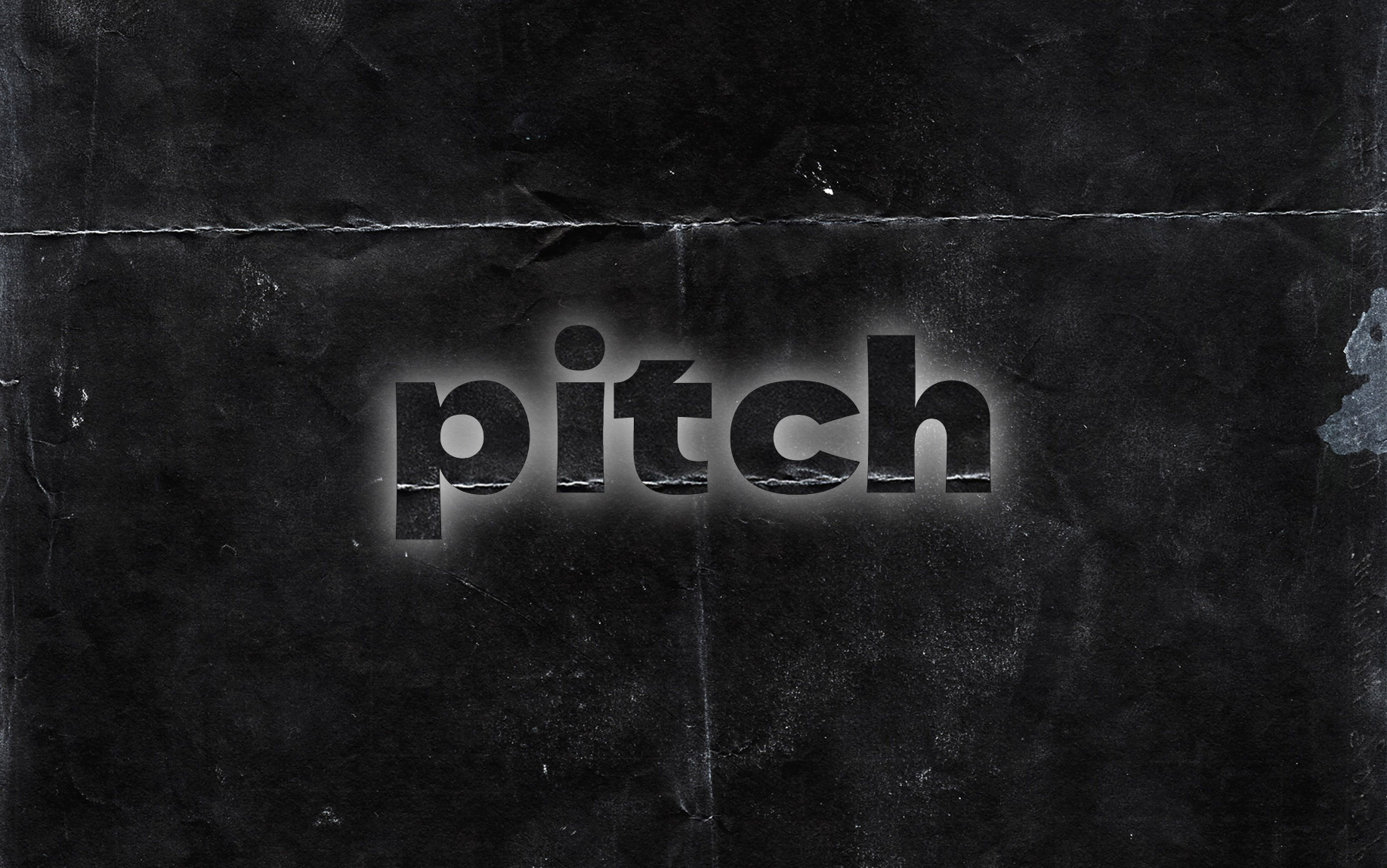
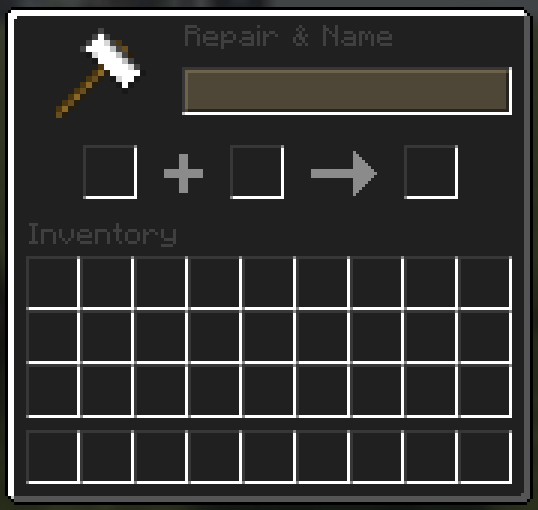
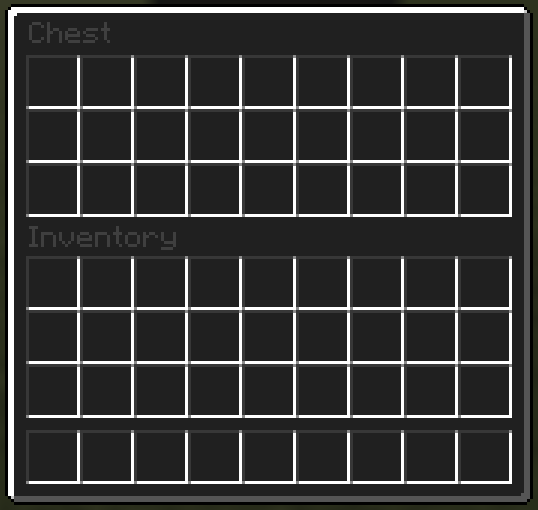
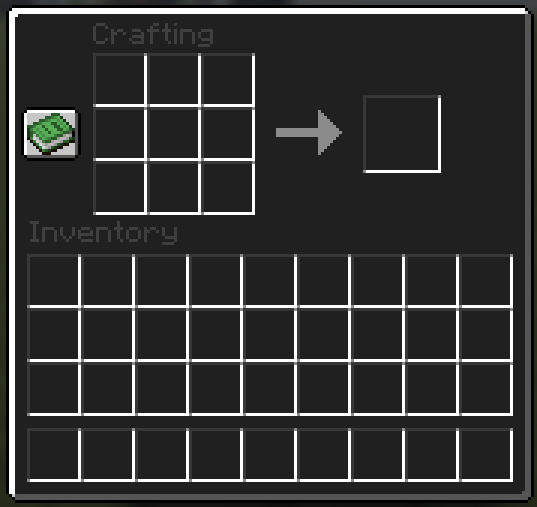
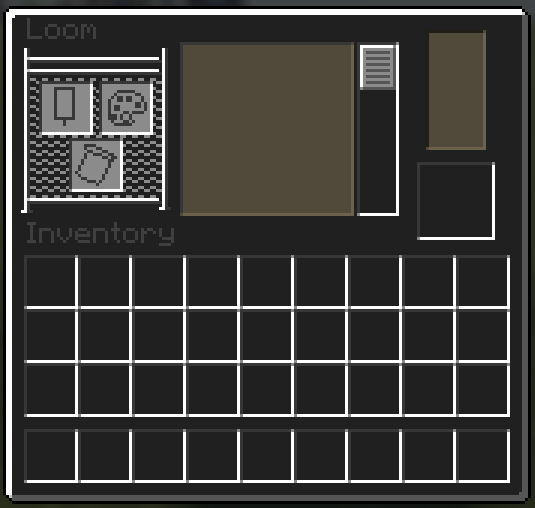
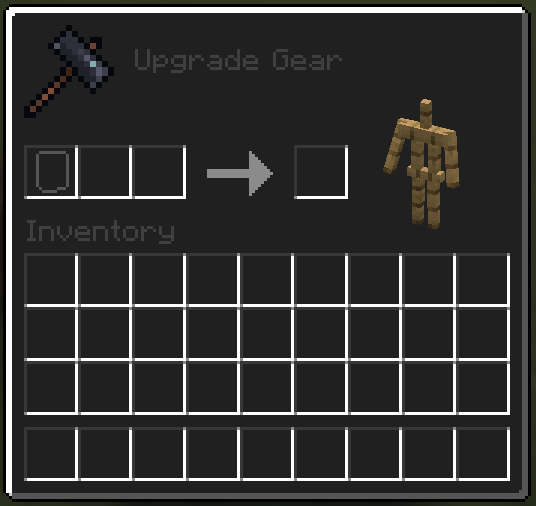
Immerse yourself in the depths of Minecraft with the “Pitch” UI Overhaul Resource Pack. This meticulously crafted resource pack transforms the game’s user interface into a sleek and immersive dark palette, enhancing your gaming experience with a touch of elegance.
Key Features:
Dark Aesthetics: The entire user interface, from menus to inventory screens, adopts a sophisticated dark color scheme. Dive into the shadows and navigate through Minecraft with a newfound sense of style.
Elegance in Design: Every UI element has been redesigned to blend seamlessly with the dark theme, offering a visually pleasing and cohesive aesthetic. Experience Minecraft in a way that feels both modern and timeless.
Compatibility: The “Pitch” UI Overhaul Resource Pack is designed to be compatible with all* Minecraft versions.
How to Install:
Download the “Pitch” UI Overhaul Resource Pack.
Open Minecraft and navigate to the “Resource Packs” section.
Drag and drop the downloaded resource pack into the “Resource Packs” folder.
Activate the resource pack in the game settings.
Elevate your Minecraft journey with the “Pitch” UI Overhaul Resource Pack. Imbue your adventures with a touch of darkness and embrace the allure of a refined and immersive user interface.
*some versions may be incompatible
常见问题
Pitch 支持哪些 Minecraft 版本?
Pitch 支持 Minecraft Java 版 1.20–1.21.3,共 11 个版本。下载时注意选择和你游戏版本一致的文件。
Pitch 怎么安装?
把下载的 .zip 文件(不用解压)放进游戏目录的 resourcepacks 文件夹,进游戏后在「选项 → 资源包」里把它移到右边启用。


评论
登录后评论和评分