
BlueVoice
Simple proximity voice chat: push to talk or continuous voice, 3 voice ranges, English/French menu.
截图
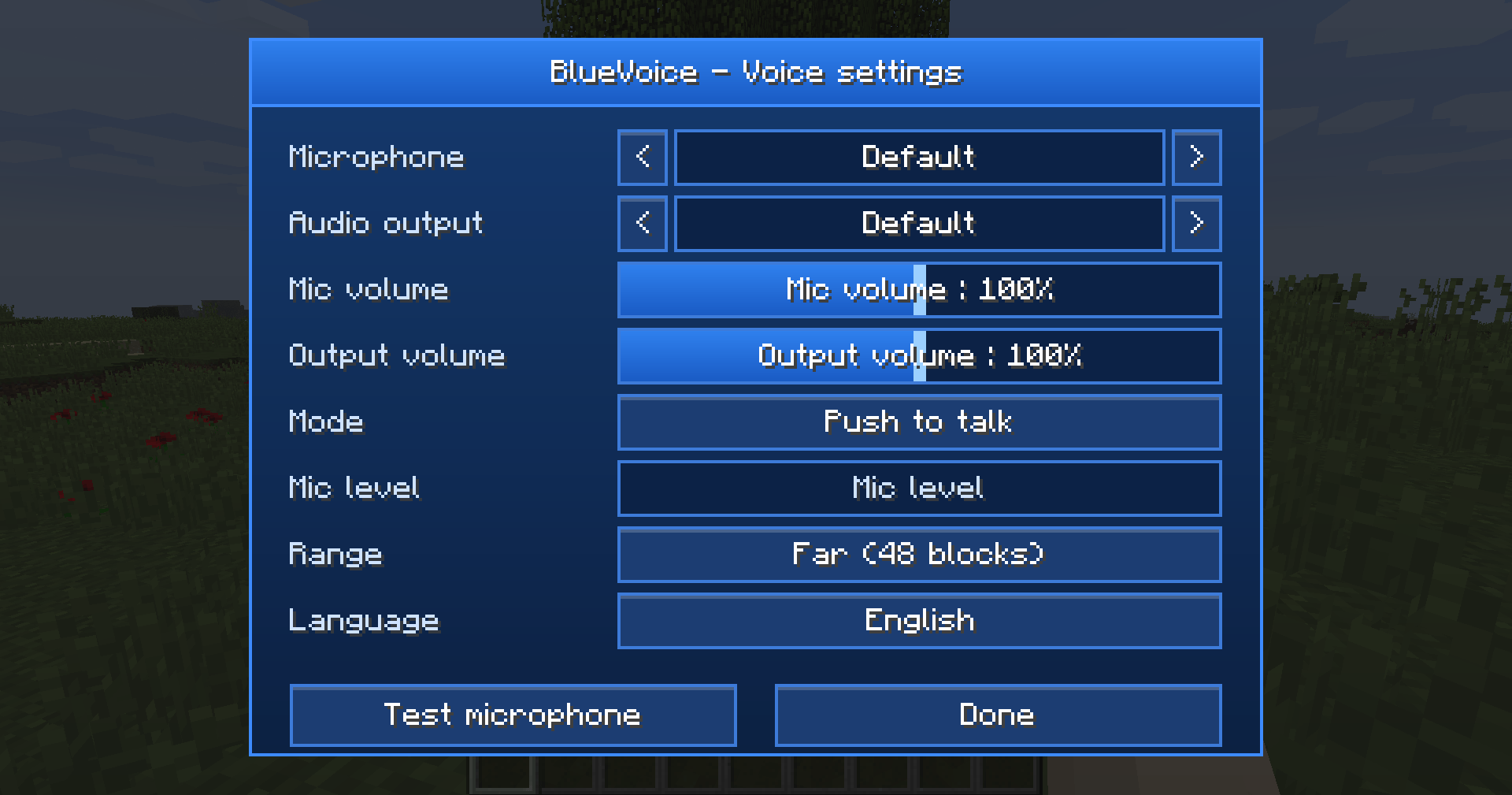
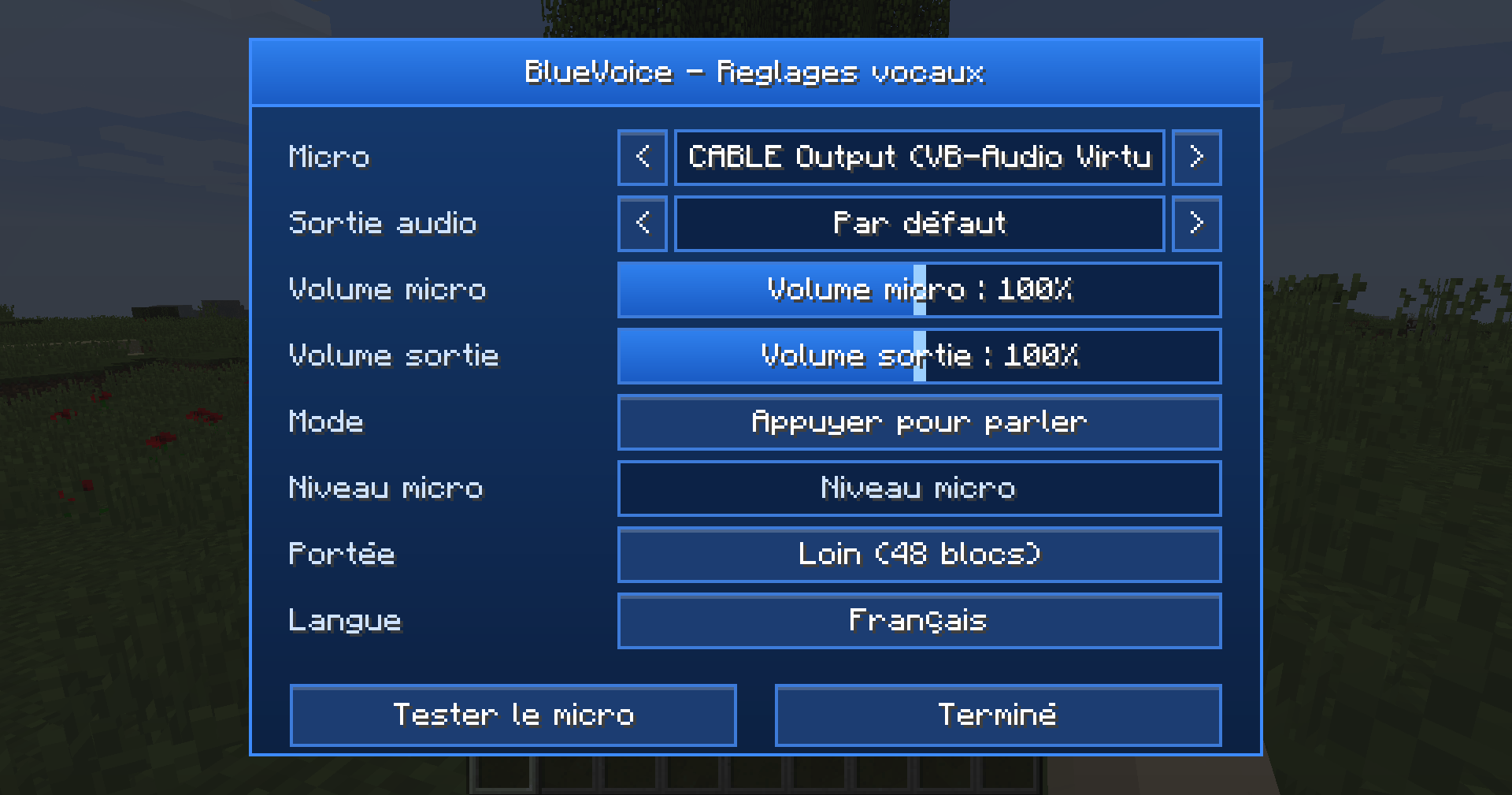
介绍
BlueVoice – Proximity Voice Chat (Forge 1.12.2)
Talk to the players around you directly in-game, no Discord needed!
The further away you are, the quieter you sound.
Features
– Proximity voice chat: volume fades with distance
– Two modes: Push to talk or Continuous voice (adjustable activation threshold)
– 3 voice ranges: Near (8 blocks), Medium (24), Far (48)
– Clean blue settings menu: microphone and audio output selection, volume from 0 to 200%, live mic level
– “Test microphone” button to hear yourself and tune your mic
– On-screen indicator: your current range while talking, and the names of players speaking
– English / French, selectable in the menu
Controls (can be changed in Options > Controls)
V – Talk (push to talk)
N – Open the settings menu
G – Change voice range
M – Mute / unmute microphone
Installation
– Singleplayer / LAN: just put the mod in your mods folder.
– Servers: the mod must be installed on the server AND on every player’s client.
– Voice ranges can be changed in config/bluevoice-server.cfg
Tips
– Use headphones: with speakers, your microphone can pick up other players and cause echo.
– If your microphone shows as “unavailable”, allow microphone access in Windows (Settings > Privacy > Microphone).
Support, bug reports and suggestions
Join the Discord: https://discord.gg/ZBYTCMZnSs
常见问题
BlueVoice 支持哪些 Minecraft 版本?
BlueVoice 支持 Minecraft Java 版 1.12.2,可用的加载器:Forge。下载时注意选择和你游戏版本一致的文件。
BlueVoice 怎么安装?
先用 PCL2 或 HMCL 启动器安装对应版本的 Forge,再把下载的 .jar 文件放进游戏目录的 mods 文件夹,重新启动游戏即可。开启了版本隔离的,mods 文件夹在 versions/版本名 下面。
Adapts 的其他作品
查看全部 →
Realistic Camera by adapts (shaking camera)
Immersive camera motion for Minecraft: walking sway, breathing, strafe tilt, landing impact, damage and explosion shake. Client-side only!
ModernMenu with customization by Adapts
A modern, animated main menu, pause menu and loading screens for Minecraft 1.12.2.
NovaPhone by Adapts
A complete smartphone for Minecraft 1.12.2: voice calls, messages with photos & live location, GPS maps, camera, music and more.
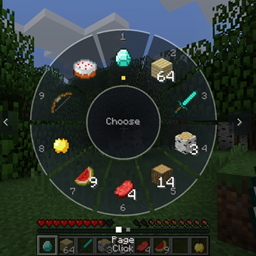
Inventory Wheel HUD system by Adapts
Tap E for a portable crafting table, hold E for a GTA V-style radial wheel to grab any item from your inventory in a flash.
评论
登录后评论和评分