
YBLK Features
Toggleable gameplay modules for adventure maps and servers — inventory, chat, wetness, HUD, and more.
截图
介绍
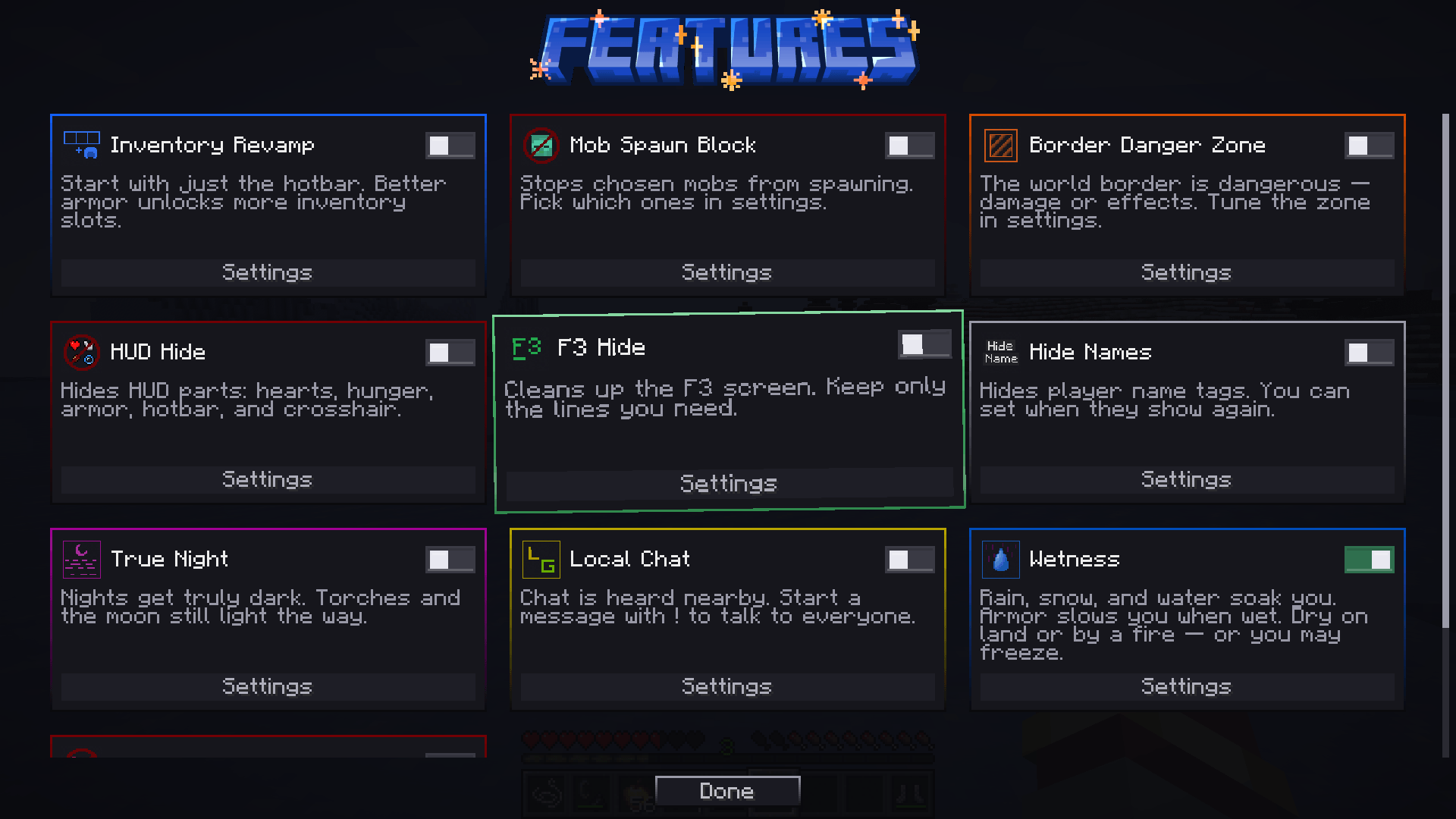
Features is a modular toolkit for adventure maps and servers. Turn modules on or off from an in-game menu and use only what your map needs.
All the available features for now:
• Inventory Revamp — start with the hotbar only; better armor unlocks more slots.
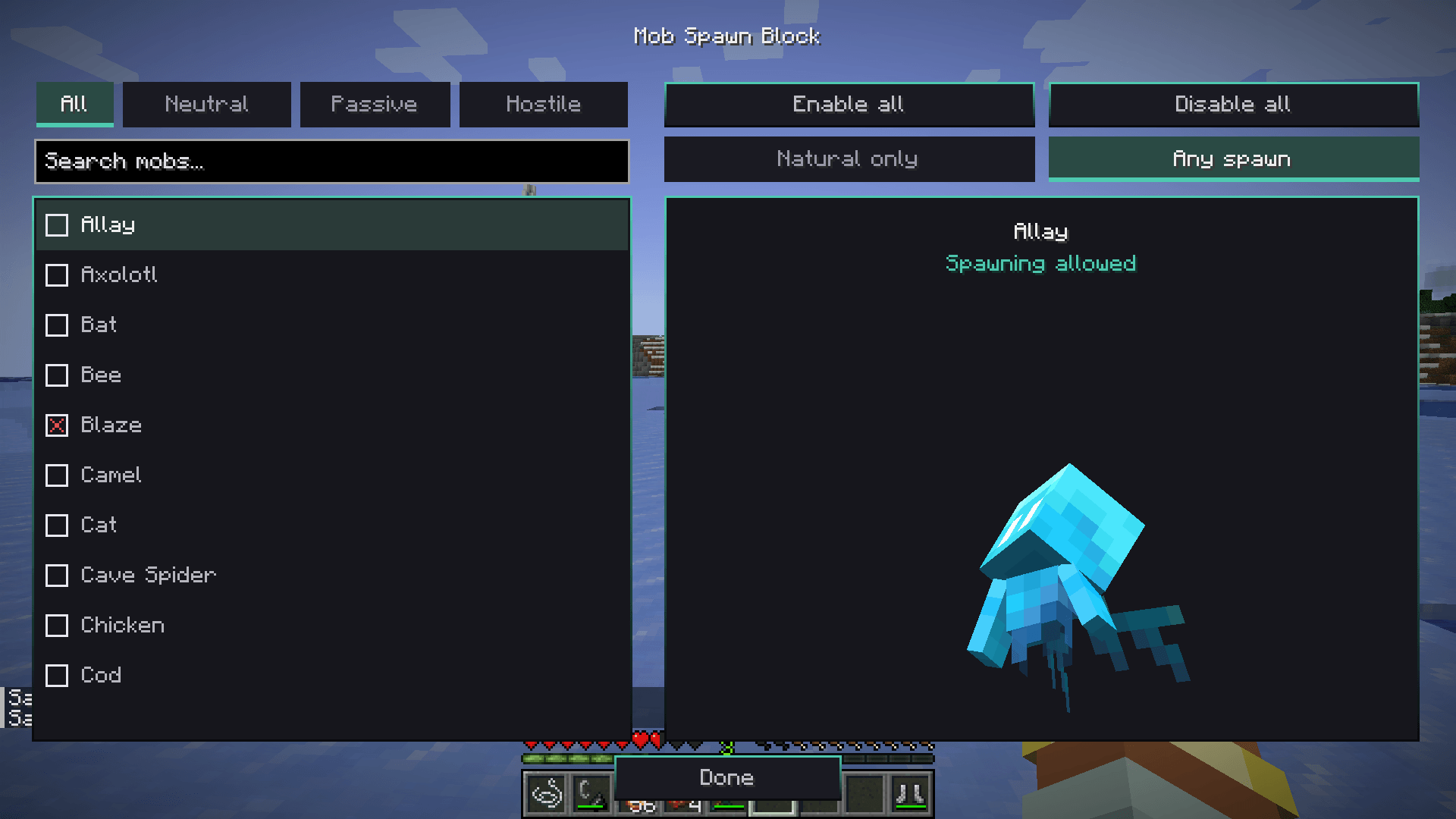
• Mob Spawn Block — stop selected mobs from spawning.
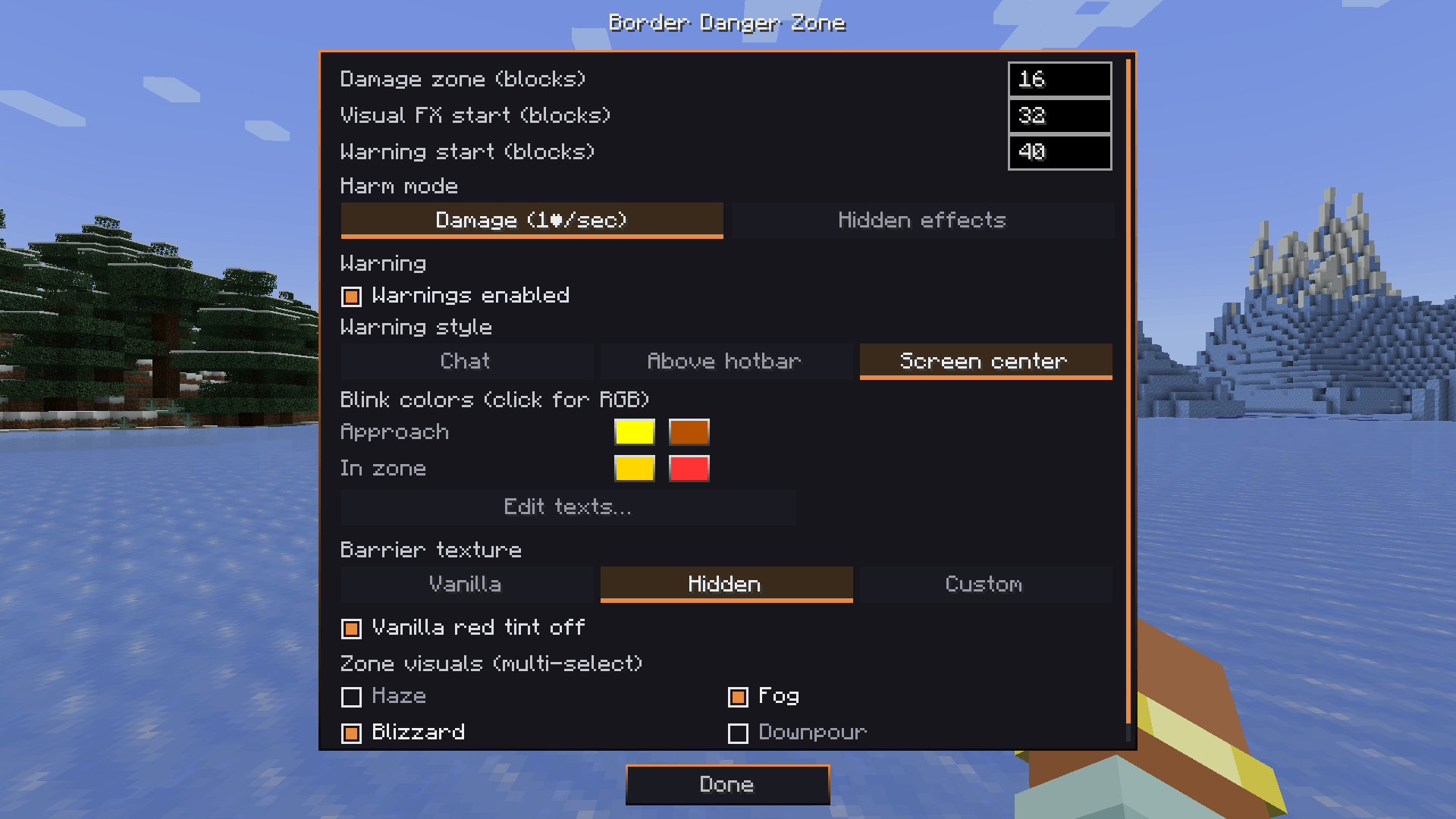
• Border Danger Zone — damage or effects near the world border.
• HUD Hide — hide hearts, hunger, armor, hotbar, XP, effects, or crosshair.
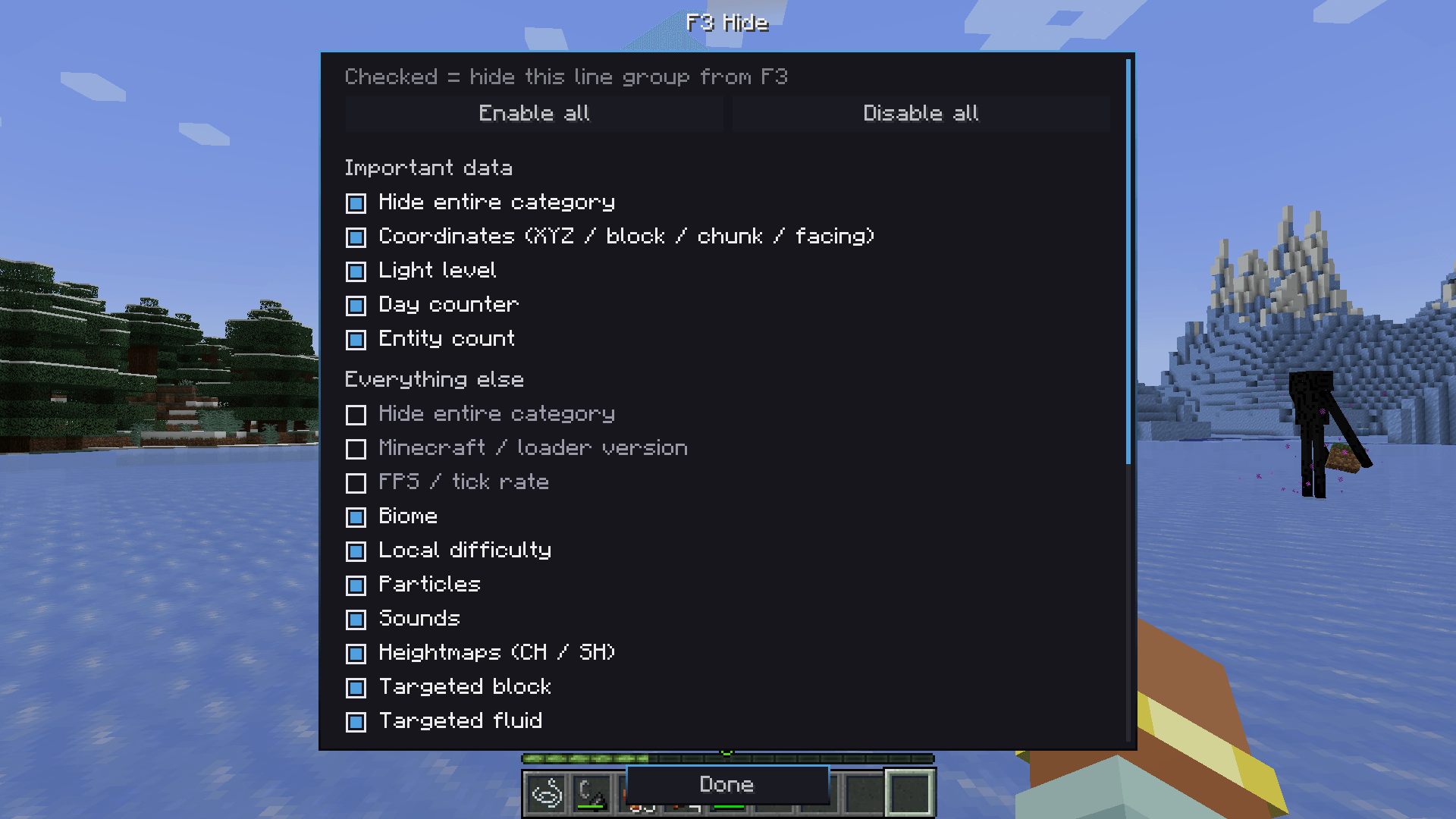
• F3 Hide — clean up the debug screen.
• Hide Names — hide player name tags.
• True Night — nights get truly dark; torches and the moon still help.
• Local Chat — nearby chat by default; start a message with ! for global.
• Wetness — rain, snow, and water soak you; armor slows when wet; dry on land or by heat, or you may freeze.
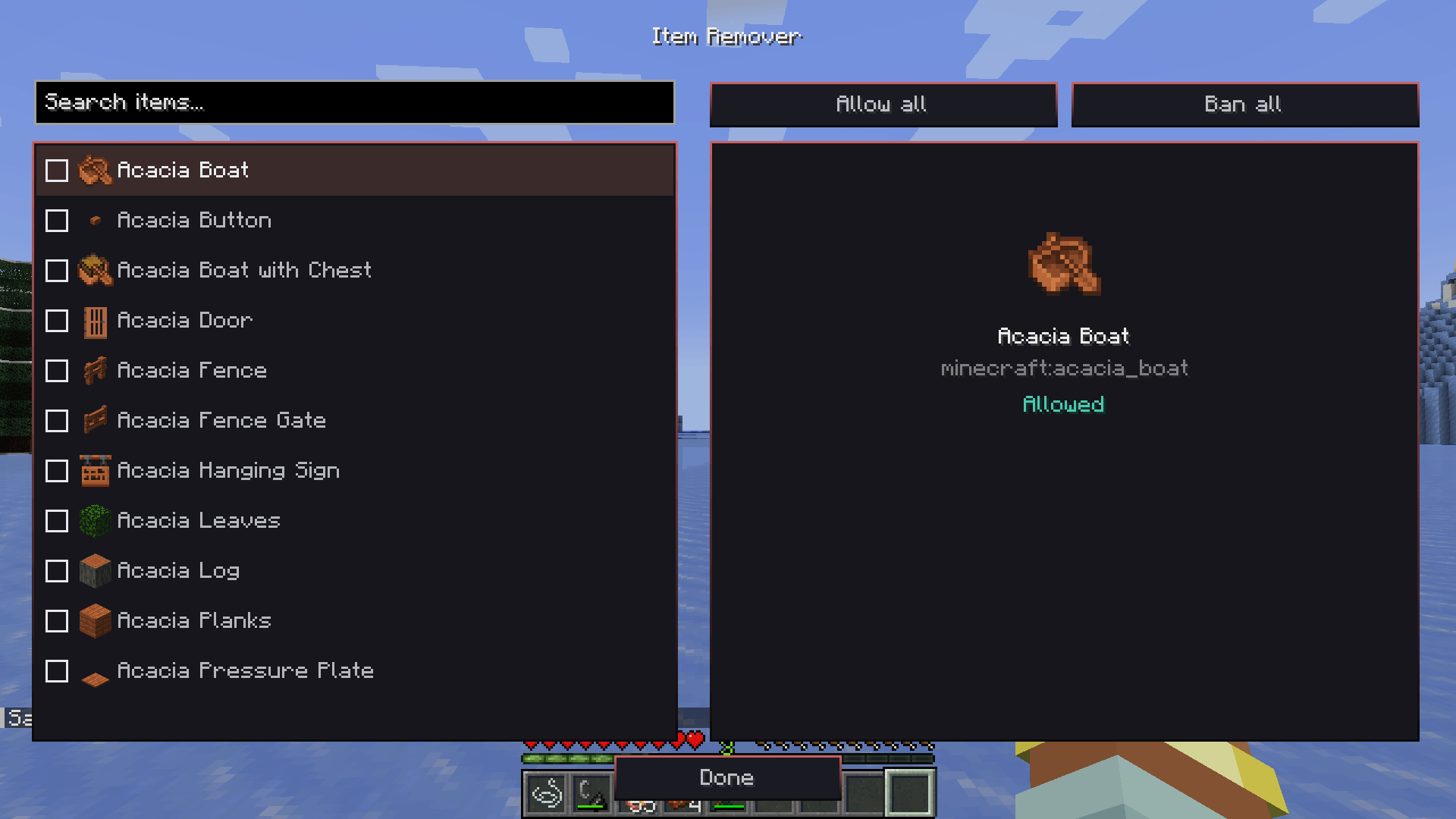
• Item Remover — ban items from crafting, loot, and inventories (operators).
How to use this?
1. Open the pause menu and click Features.
2. Enable the modules you want and open their settings.
Many admin options are locked to operators on dedicated servers.
常见问题
YBLK Features 支持哪些 Minecraft 版本?
YBLK Features 支持 Minecraft Java 版 1.20.1,可用的加载器:Forge。下载时注意选择和你游戏版本一致的文件。
YBLK Features 怎么安装?
先用 PCL2 或 HMCL 启动器安装对应版本的 Forge,再把下载的 .jar 文件放进游戏目录的 mods 文件夹,重新启动游戏即可。开启了版本隔离的,mods 文件夹在 versions/版本名 下面。
yab1oko 的其他作品
查看全部 →
Hell on Earth – Clothes and Utility
Adds zombie-themed items
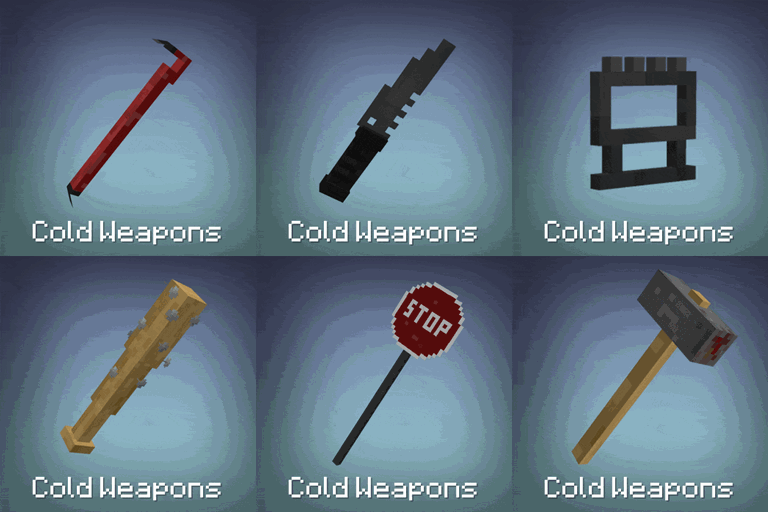
Cold Weapons
Adds melee weapons themed around a zombie apocalypse.
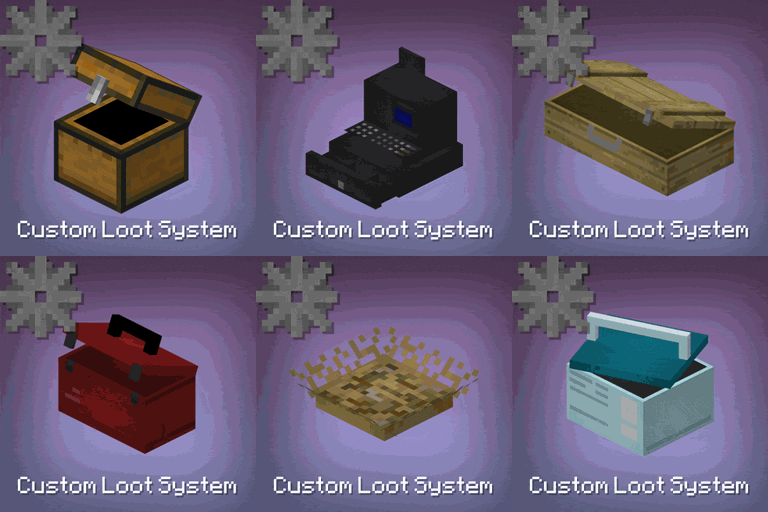
Custom Loot System (CTS)
A very customizable loot system, with props, blocks, loot table editor and more!
Roleplay Materials
Simple roleplay crafting materials for adventure maps
评论
登录后评论和评分