
File Injector -Imger
This mod allows us to inject files or folders into any word or instance.
介绍
File Injector is a simple utility mod that automatically copies files into your Minecraft installation and world folders when a world/server starts.
It is designed for modpacks and servers that need to automatically install or update configuration files, datapacks, scripts, or other files without requiring users to manually copy them.
How to use it:
1. Install the Mod
Place the File Injector .jar into your Minecraft mods folder and launch Minecraft once.
2. Create the FileInjector Folder
create a ‘FileInjector’ folder in your Minecraft directory with two sub-folders:
‘global’ — files that should go into the main Minecraft folder.
‘world’ — files that should go into the currently loaded world.
Remember the folder names need to be the same as given above and global and world folder needs to be inside FileInjector folder
3. Add Your Files
Put your files inside the appropriate folder while keeping the folder structure you want them to have.
For example, a file placed in global/config/ will be copied to the Minecraft config/ folder.
A file placed in world/datapacks/ will be copied to the current world’s datapacks/ folder.
Remimber the files or folders with the same name will be overwritten
4. Start Your instence or World
Start or load a world. File Injector will automatically copy the files to their destinations.
5. Updating Files
Important: File Injector only replaces files with the same path and filename. It does not delete unrelated files.
常见问题
File Injector -Imger 支持哪些 Minecraft 版本?
File Injector -Imger 支持 Minecraft Java 版 1.20.1,可用的加载器:Forge。下载时注意选择和你游戏版本一致的文件。
File Injector -Imger 怎么安装?
先用 PCL2 或 HMCL 启动器安装对应版本的 Forge,再把下载的 .jar 文件放进游戏目录的 mods 文件夹,重新启动游戏即可。开启了版本隔离的,mods 文件夹在 versions/版本名 下面。
imger 的其他作品
查看全部 →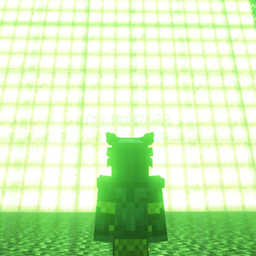
Imger’s Adventures
Mod pack with many structures, bosses and dungeons to explore and get the ultimate armer, baubles and weapons .
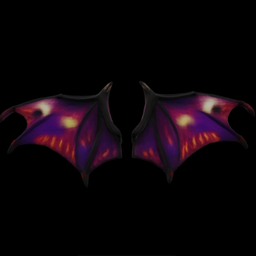
Dragon Wings for Trinkets and Baubles Reforked -Imger
This mod adds Fairy Wings and Dragon Wings. This mod gives wings to the dragon and fairy race of the Trinkets and Baubles Reforked mod.
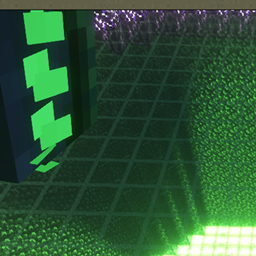
Imger The God
Adds a very strong boss to the game.
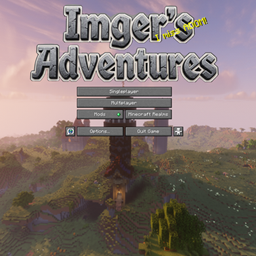
Cool stuff – Imger’s Adventures
Amount that custom menu, loading screens etc.
评论
登录后评论和评分