
ElijahDoesMC’s Blue GUI
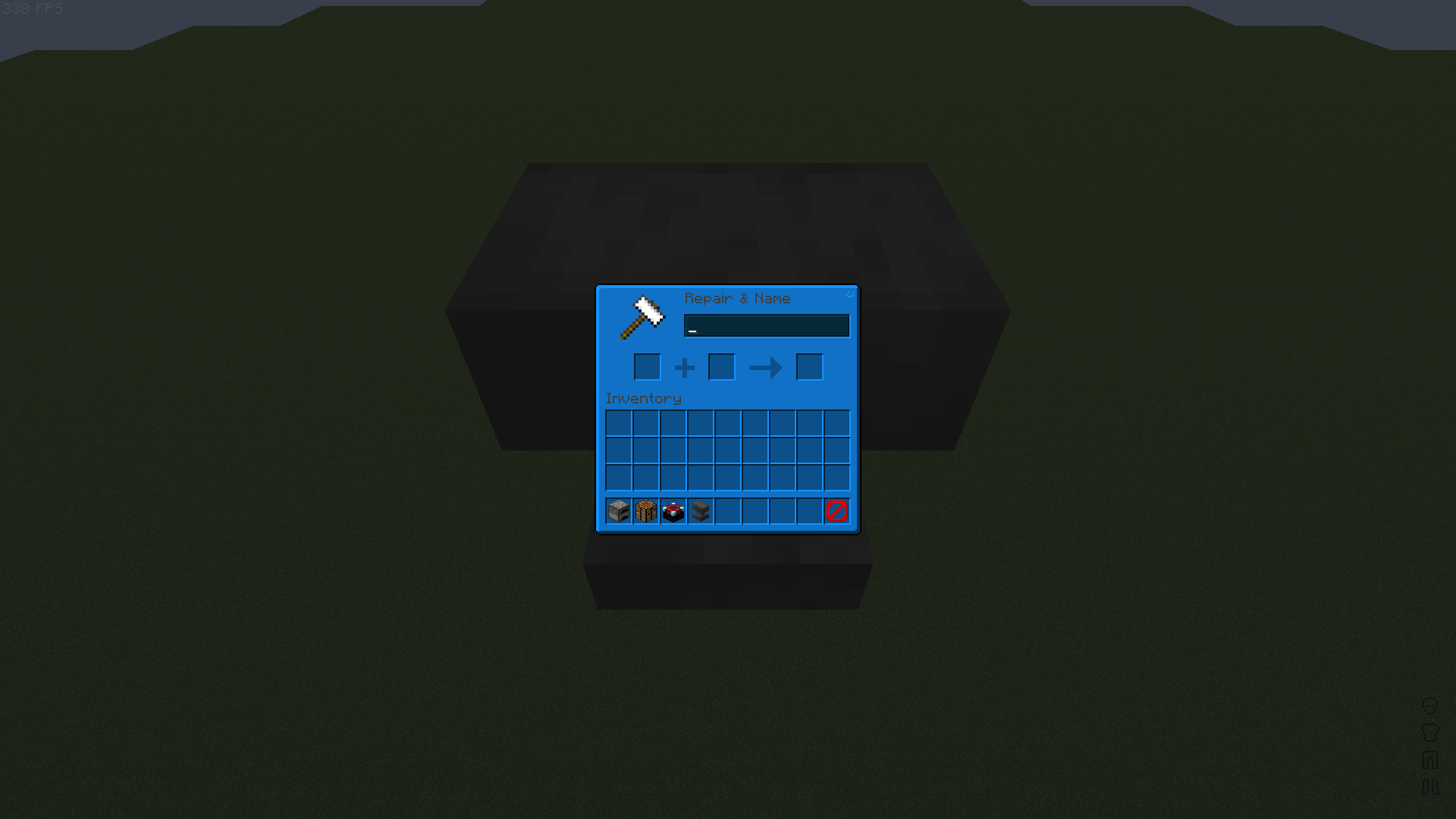
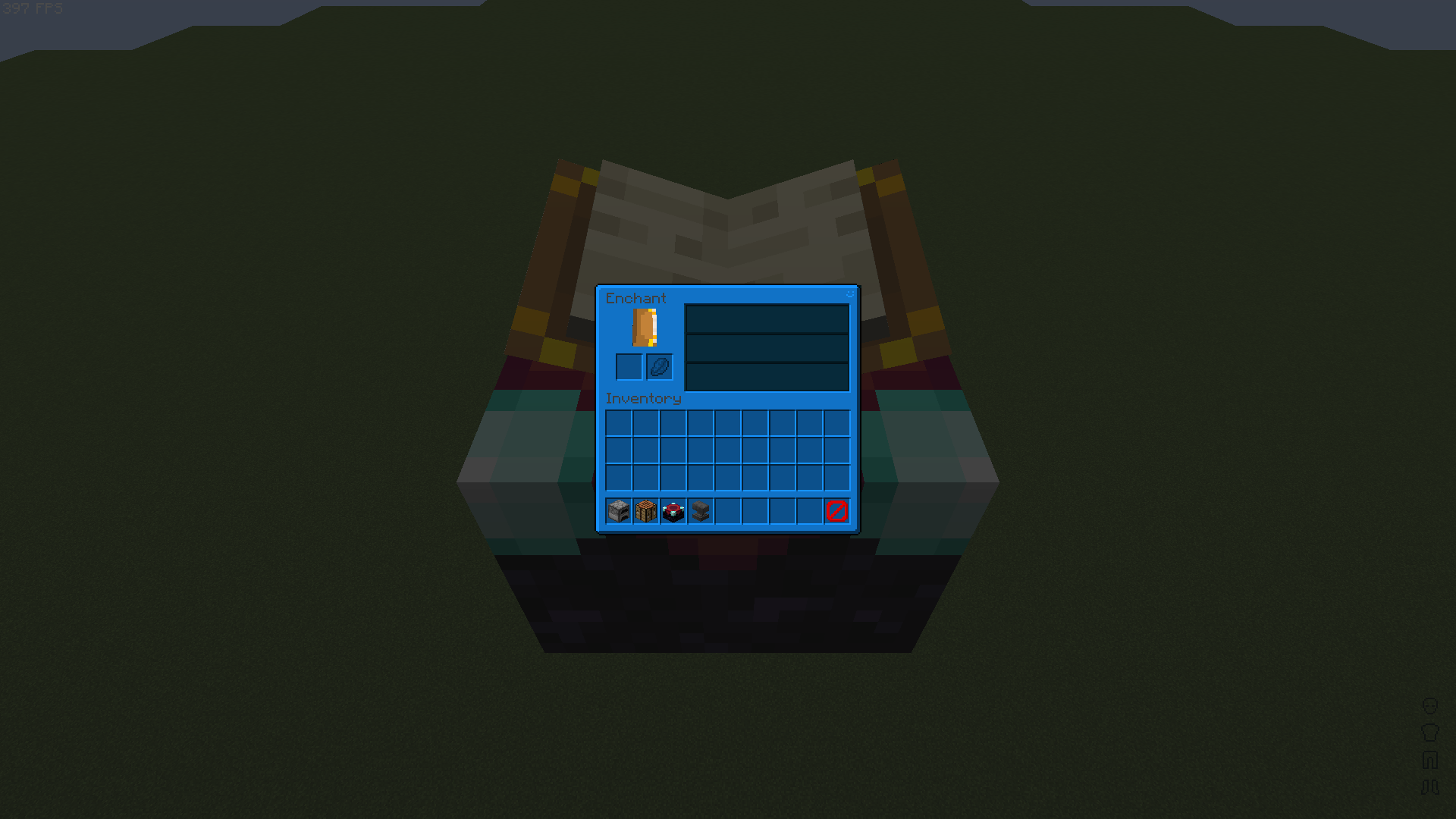
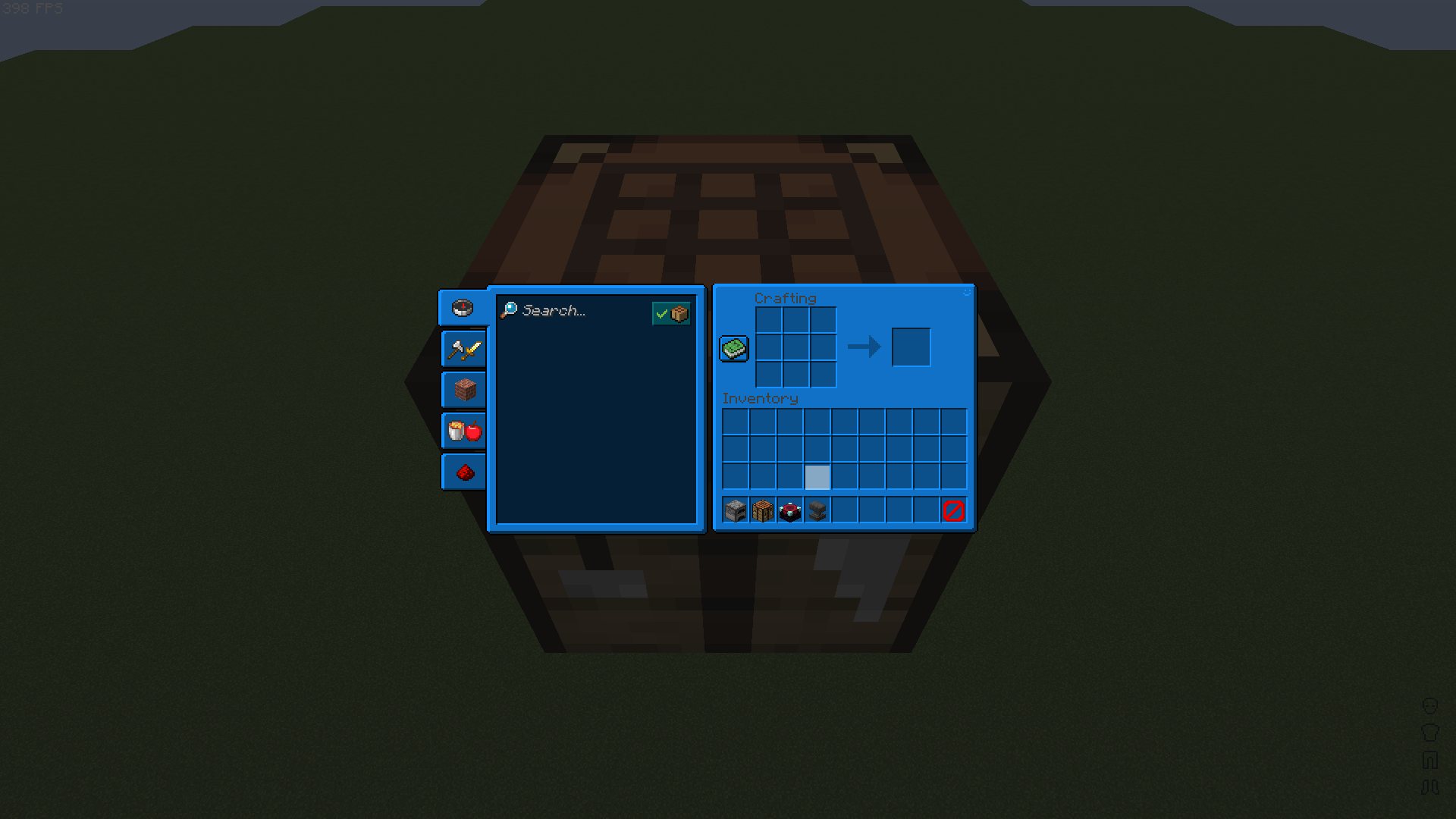
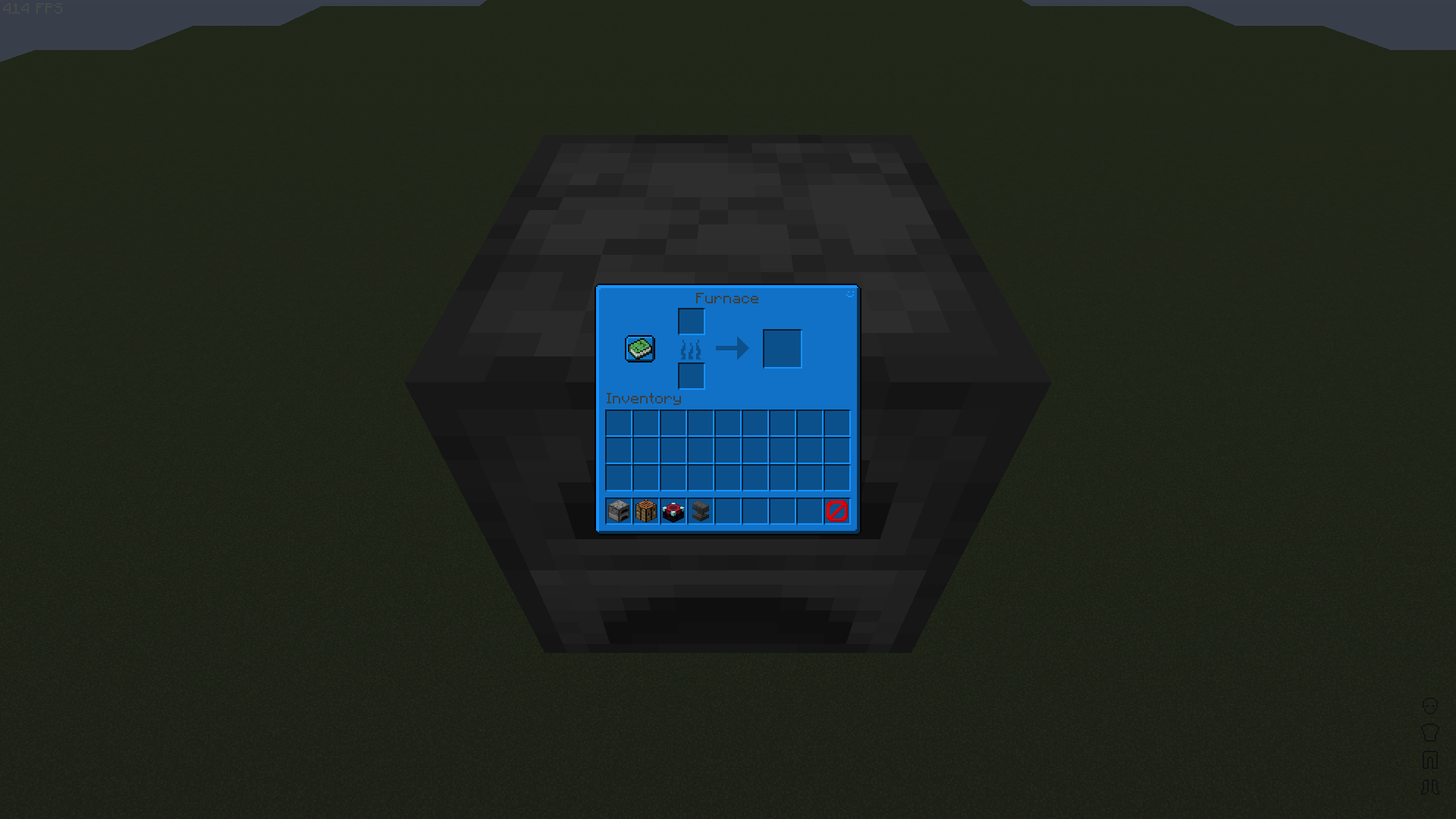
The vanilla GUI of Minecraft: Java Edition re-coloured to a nice dark blue.
截图
介绍
This is a pretty simple GUI recolour. I use this GUI in my own pack so I thought I might as well share it with any others that may wanna use it. There should be more info in the file found inside the .zip called “readme.txt”.
If you would like to download the red version of this pack, click here.
How I made the pack:
Making this pack was pretty simple; Photoshop made it pretty easy, here is what I did.
1. Get the vanilla GUIs.
2. Add a colour layer (HEX: 1693FF) above the GUI and mask it.
3. Use the blend mode ‘multiply’ to colour the GUI easily.
More of me:
YouTube: https://youtube.com/ElijahDoesMC
Discord: https://discord.gg/XsadkFuY3n
Carrd: https://elijahdoesmc.carrd.co

常见问题
ElijahDoesMC’s Blue GUI 支持哪些 Minecraft 版本?
ElijahDoesMC’s Blue GUI 支持 Minecraft Java 版 1.19–1.19.3,共 4 个版本。下载时注意选择和你游戏版本一致的文件。
ElijahDoesMC’s Blue GUI 怎么安装?
把下载的 .zip 文件(不用解压)放进游戏目录的 resourcepacks 文件夹,进游戏后在「选项 → 资源包」里把它移到右边启用。

评论
登录后评论和评分