
Best Mob Config
Your world. Your mobs. Take control of hostile mob spawning! Enable or disable individual mobs, fine-tune their spawn rates, and adjust the mob cap. Perfect for Survival, Hardcore, mob grinders, or even a Zombie Apocalypse!
截图
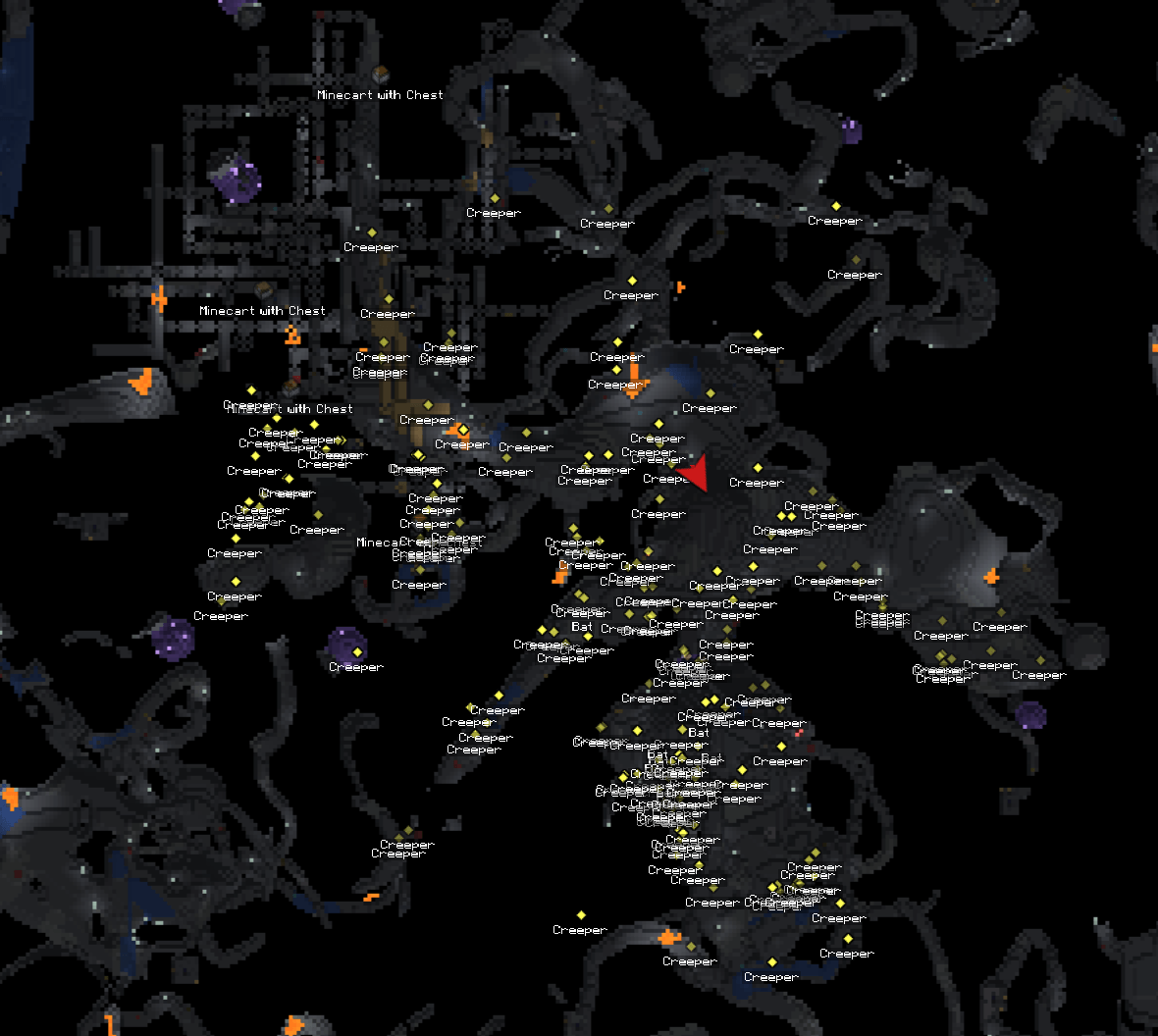
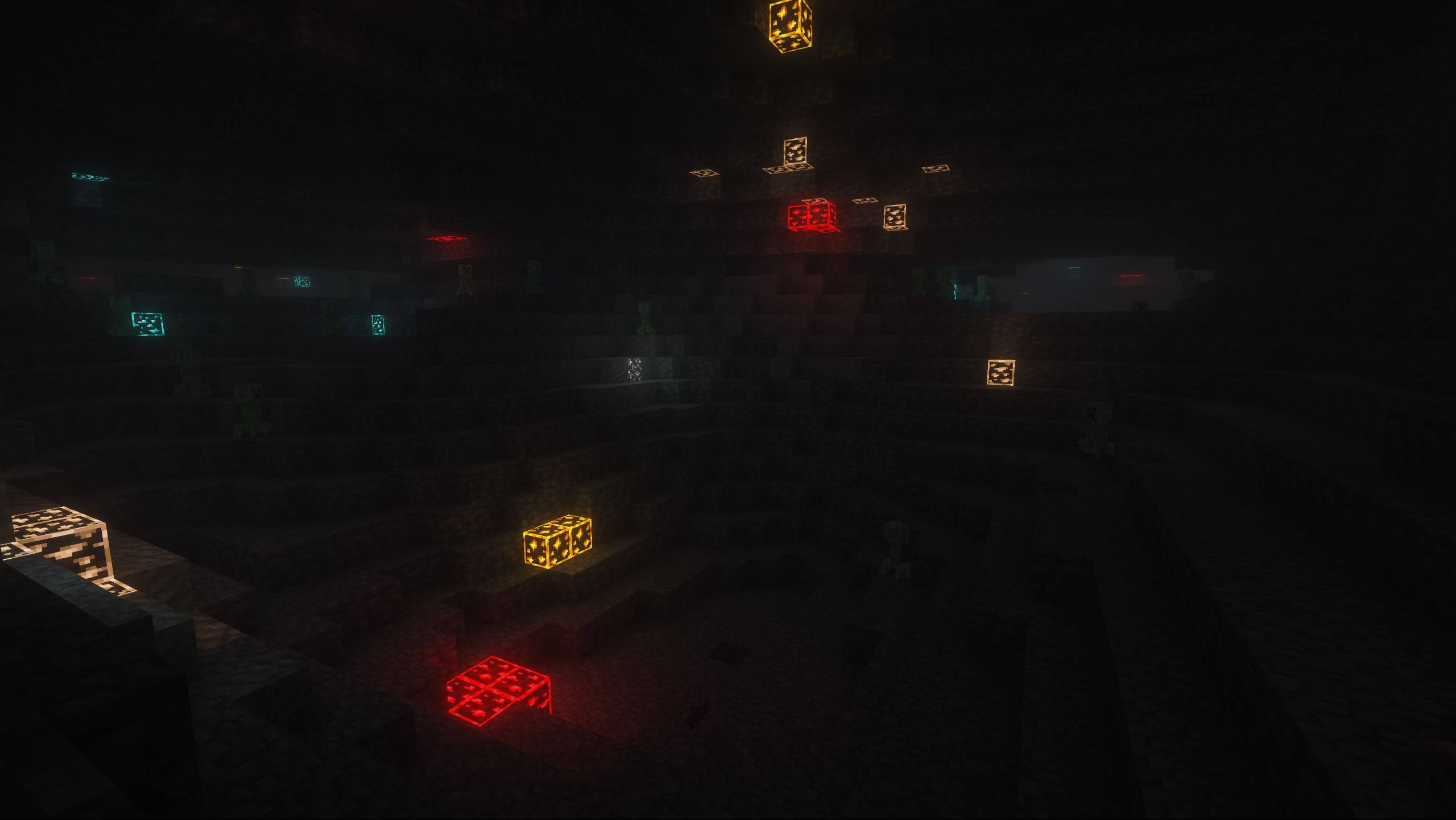
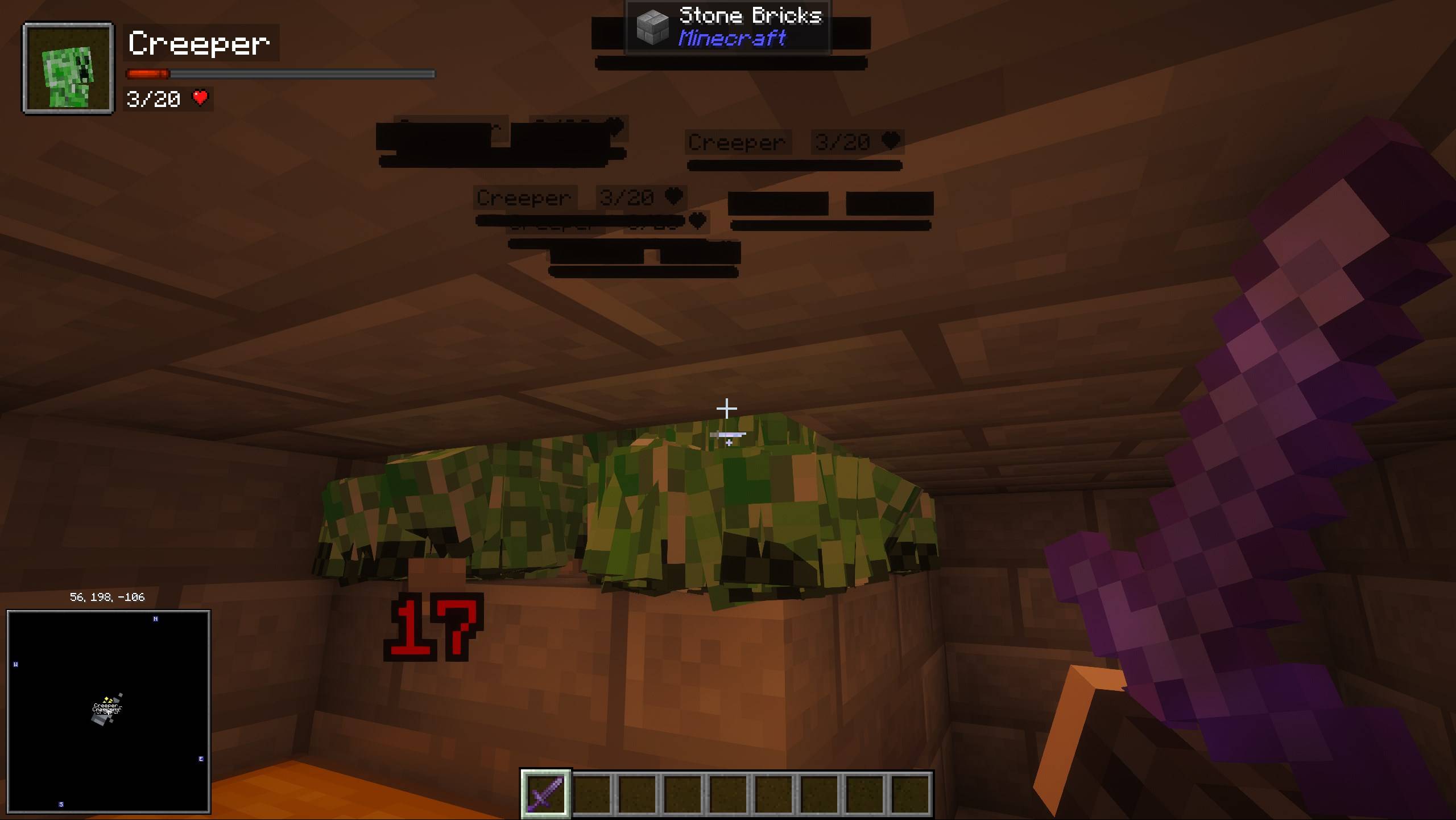
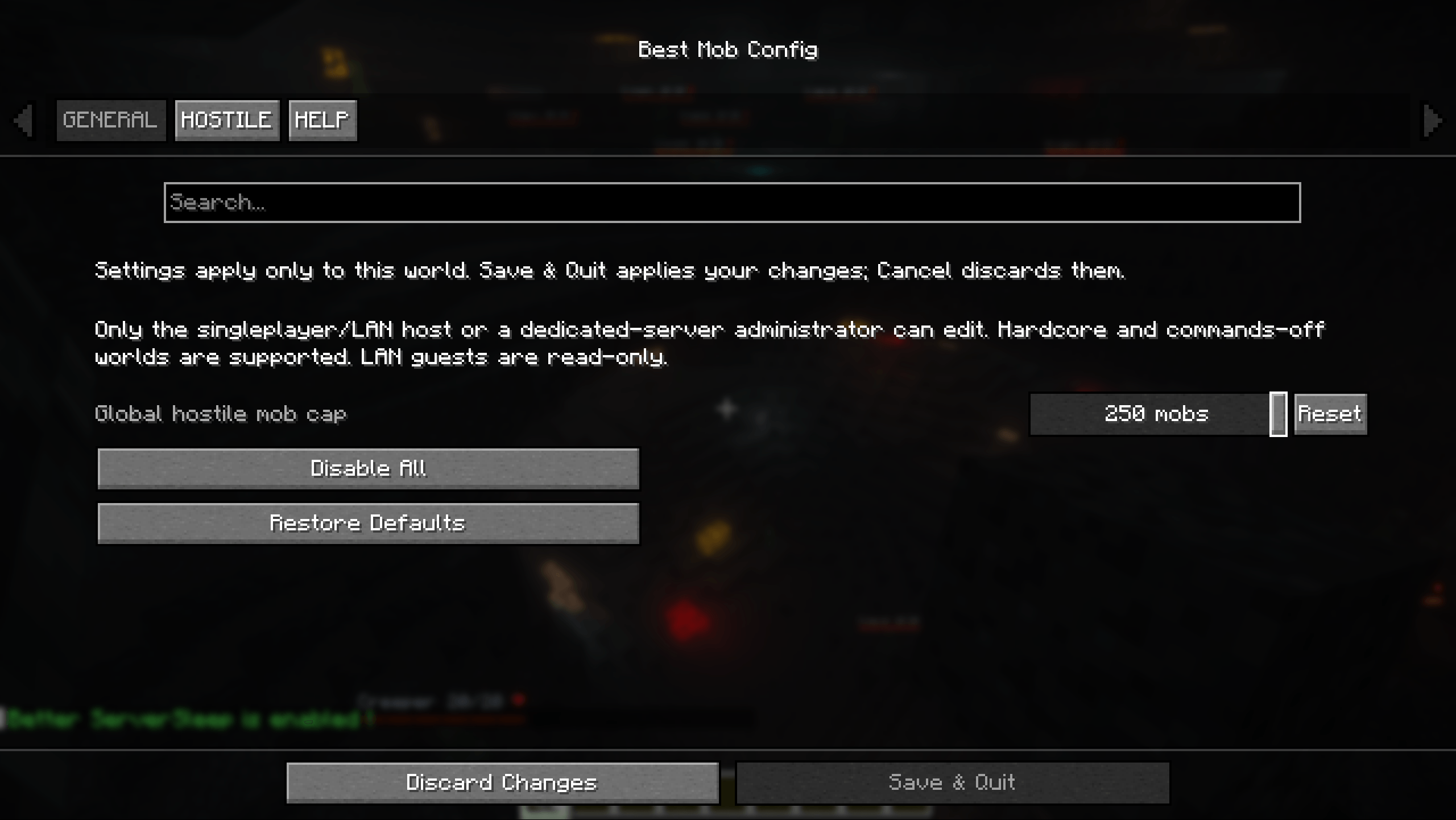
介绍
Best Mob Config
Your World. Your Mobs.
Best Mob Config gives you detailed control over hostile mob spawning without changing the way you want to play Minecraft.
Remove mobs you don’t want, adjust how frequently individual mobs appear, increase or decrease the overall hostile mob population, or completely reshape what comes out at night.
Whether you’re fine-tuning a normal Survival world, making Hardcore more interesting, controlling a mob grinder, or creating a world overrun exclusively by Zombies, Best Mob Config lets you build the spawning experience you want.
⚙️ How It Works
Best Mob Config gives you several ways to customize hostile mob spawning:
🚫 Enable or Disable Individual Mobs
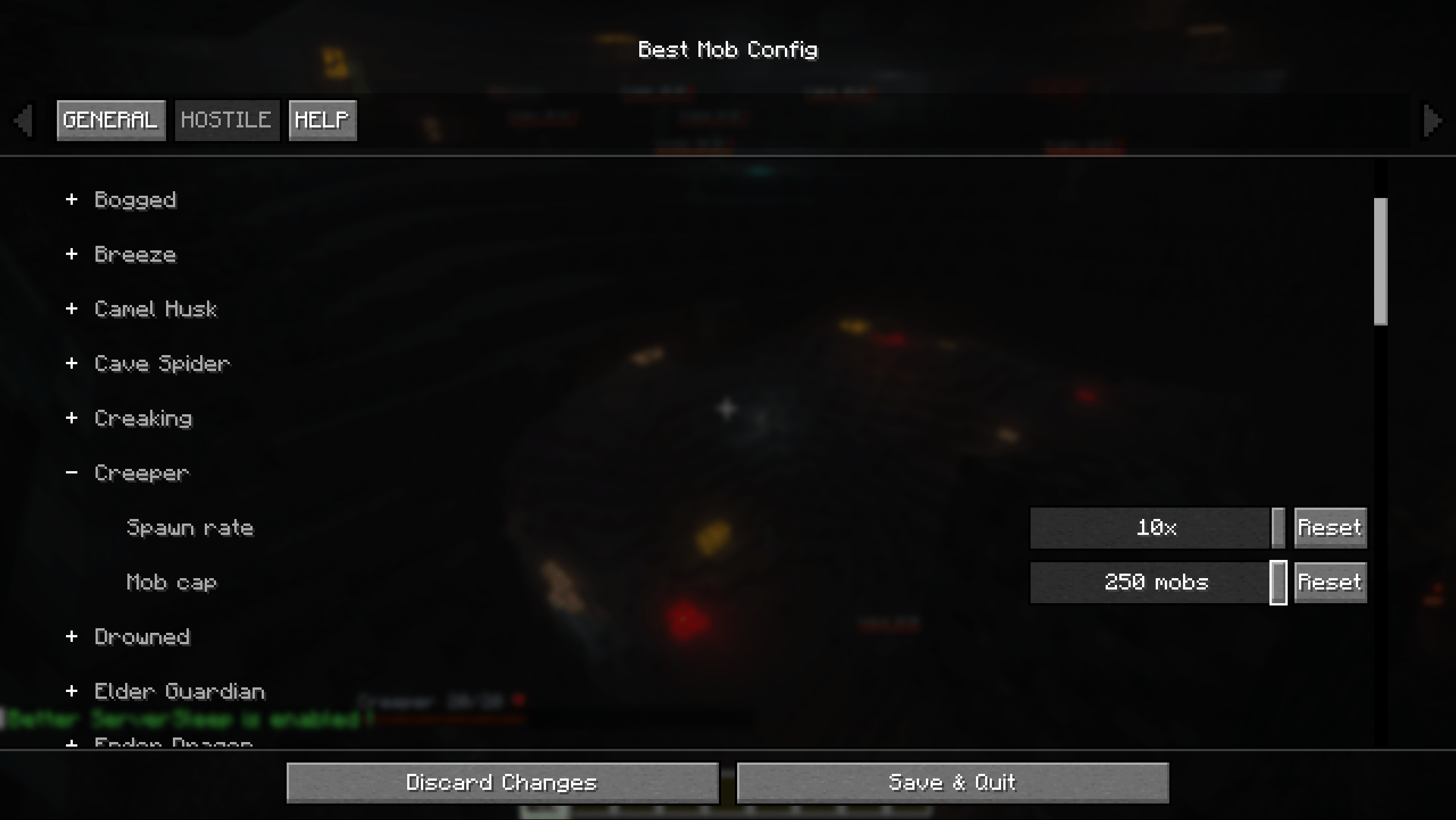
Every supported hostile mob can be individually enabled or disabled from natural spawning.
Hate Creepers destroying your builds? Disable them while leaving everything else alone.
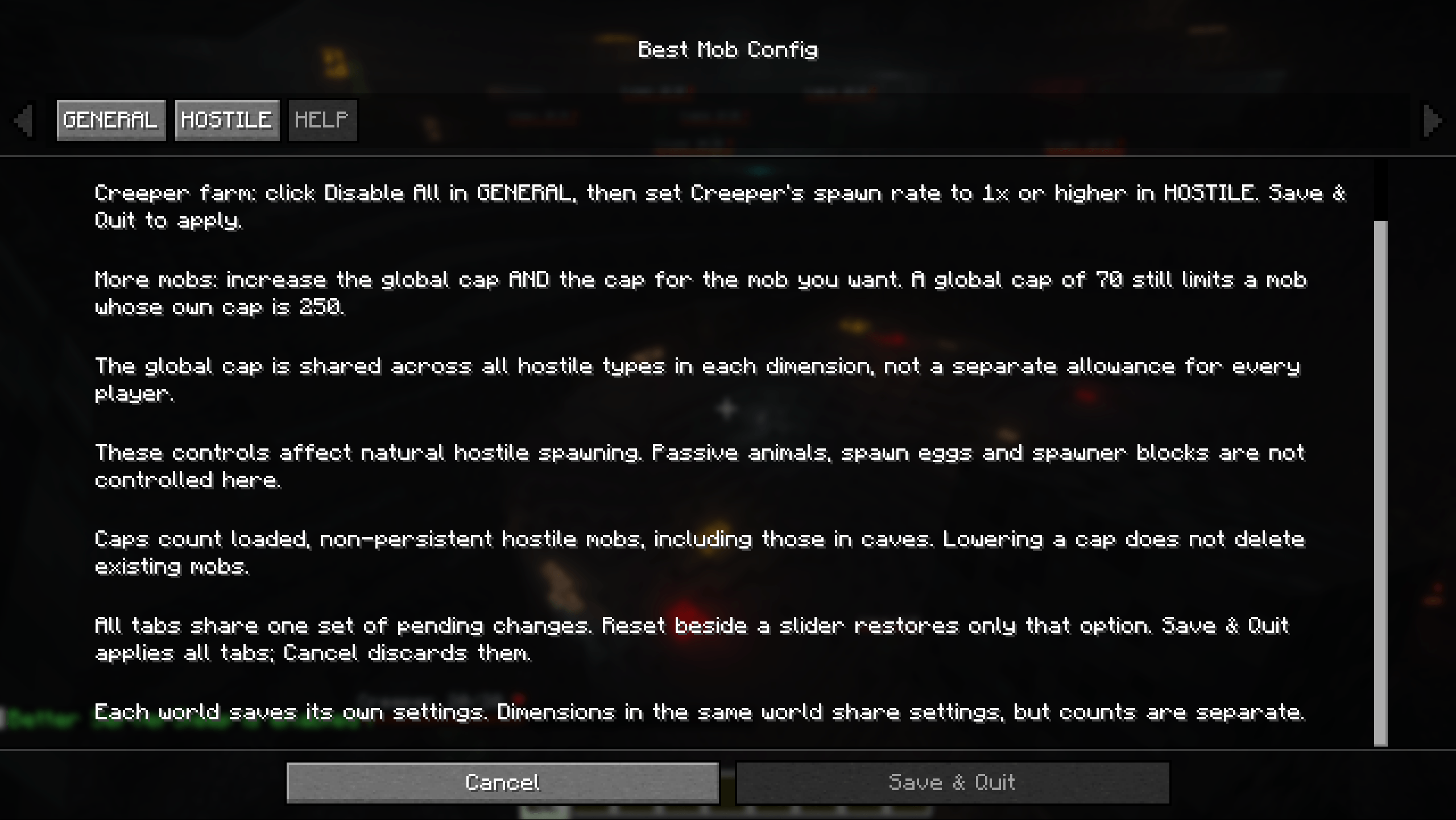
Want a Zombie Apocalypse world? Disable the other hostile mobs and leave Zombies enabled.
📊 Individual Mob Spawn Rates
You don’t have to completely disable a mob just because you think it appears too often.
Each mob has its own spawn rate control, allowing you to make more precise adjustments to how frequently it appears.
If Creepers feel a little too common, simply turn their spawn rate down. If Zombies aren’t appearing often enough for the world you’re creating, turn their rate up.
This gives you much more control than a simple ON/OFF switch and lets you fine-tune the balance of different hostile mobs.
👥 Hostile Mob Cap
Best Mob Config also gives you control over the hostile mob cap, letting you adjust how many hostile mobs can be present.
Want quieter nights with fewer enemies roaming around? Lower the cap.
Want Hardcore to feel more dangerous or a Zombie Apocalypse to actually feel like an apocalypse? Raise it.
Combined with the individual spawn controls, you can change both what spawns and how populated your world becomes.
💀 Survival, Hardcore & Challenge Worlds
Best Mob Config works especially well for custom Survival experiences.
You can make small quality-of-life changes to an otherwise normal world or completely change the way nighttime feels. Make certain enemies rarer, increase the mobs you enjoy fighting, remove ones you don’t, or crank up the mob population for a much more dangerous Hardcore run.
It’s also a great tool for themed worlds and modpacks. For example, disabling other hostile mobs and increasing Zombie spawning can provide the foundation for a Zombie Apocalypse world without needing to manually control every spawn.
⚔️ Mob Grinder Control
The spawning controls can also be useful for mob grinders and farms.
Adjusting which hostile mobs naturally spawn, their individual spawn rates, and the overall mob cap gives you additional control over the hostile mob population when designing or experimenting with grinders.
🔥 Made for Your Playstyle
Use Best Mob Config for normal Survival, Hardcore, Zombie Apocalypse worlds, mob grinders, custom modpacks, challenge runs, themed worlds, or simply getting rid of that one mob you’ve always hated.
From a small spawn-rate adjustment to completely changing Minecraft’s hostile mob population:
Your World. Your Mobs. Your Rules.
常见问题
Best Mob Config 支持哪些 Minecraft 版本?
Best Mob Config 支持 Minecraft Java 版 26.2,可用的加载器:Fabric。下载时注意选择和你游戏版本一致的文件。
Best Mob Config 怎么安装?
先用 PCL2 或 HMCL 启动器安装对应版本的 Fabric,再把下载的 .jar 文件放进游戏目录的 mods 文件夹,重新启动游戏即可。开启了版本隔离的,mods 文件夹在 versions/版本名 下面。
评论
登录后评论和评分