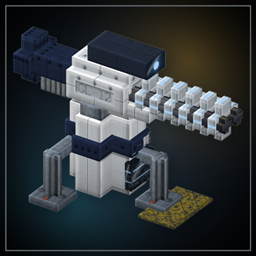
Lanebreaker: Tower Defense
A tower defense full game conversion with high quality custom blocks, turrets/defense, a custom Gamemode
截图
介绍
# Lanebreaker: Tower Defense
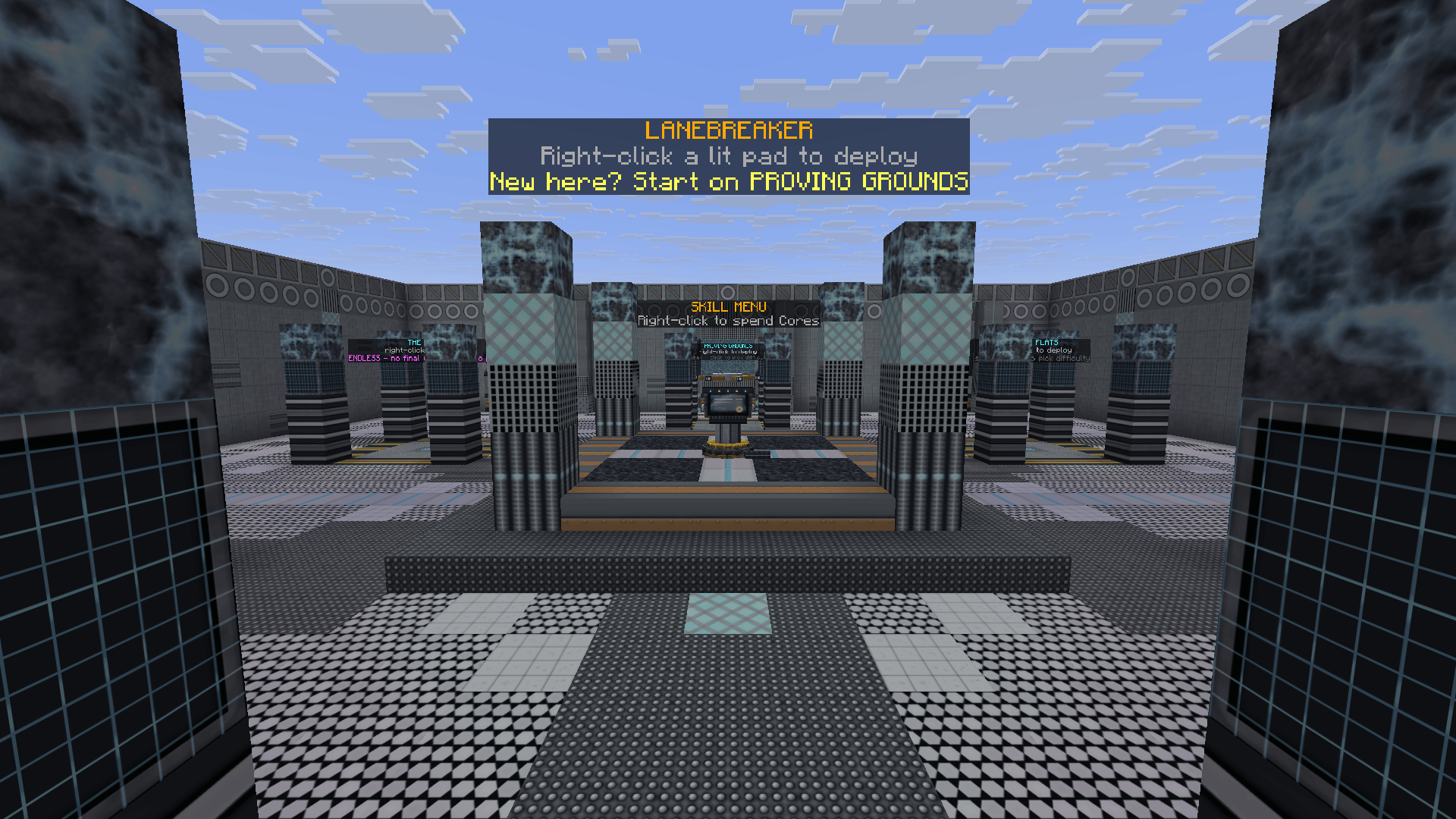
A full tower defense gamemode for Minecraft. You spawn in a hub, pick a map, and defend a freshly generated arena against waves of enemies.
## How it works
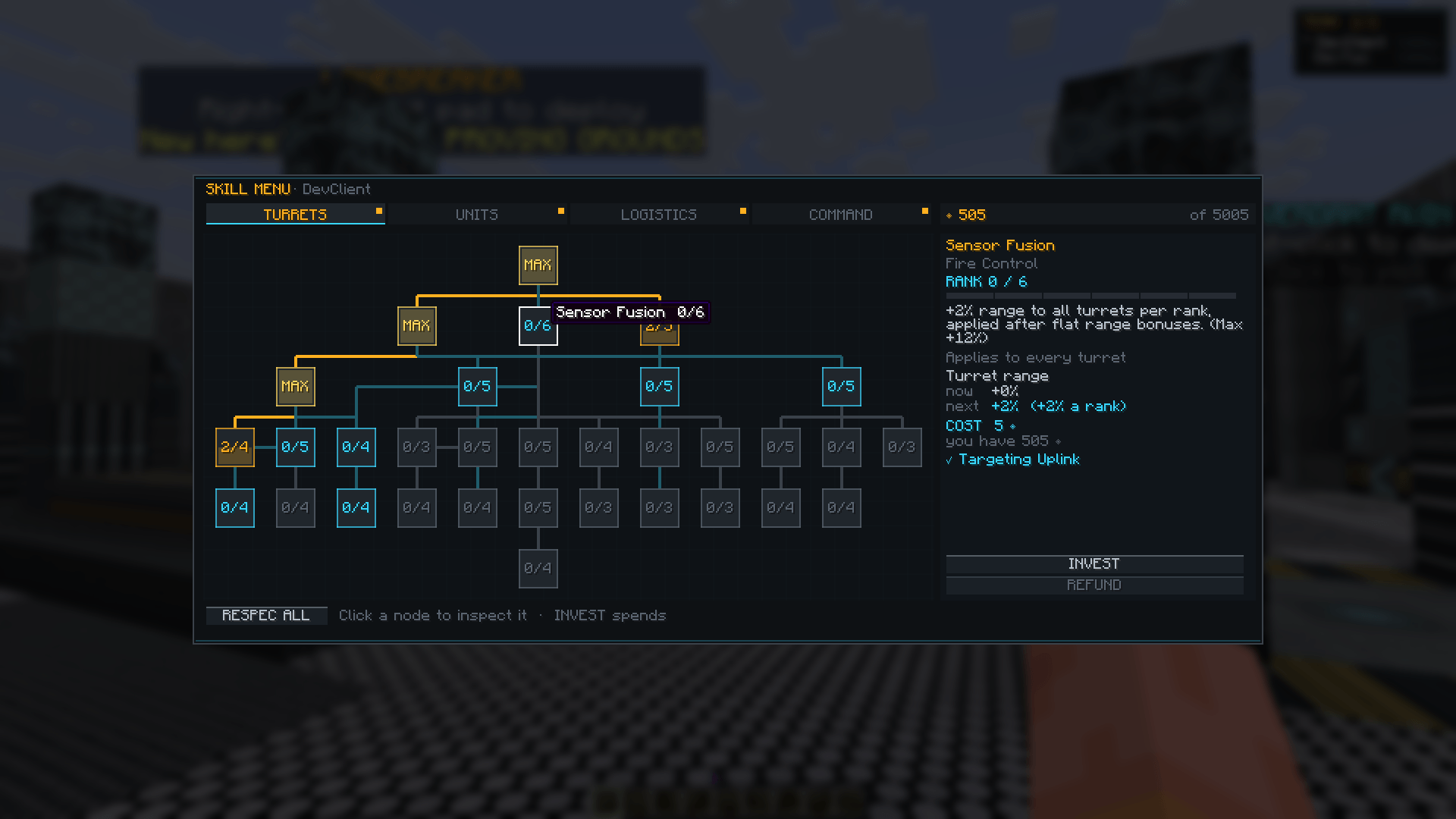
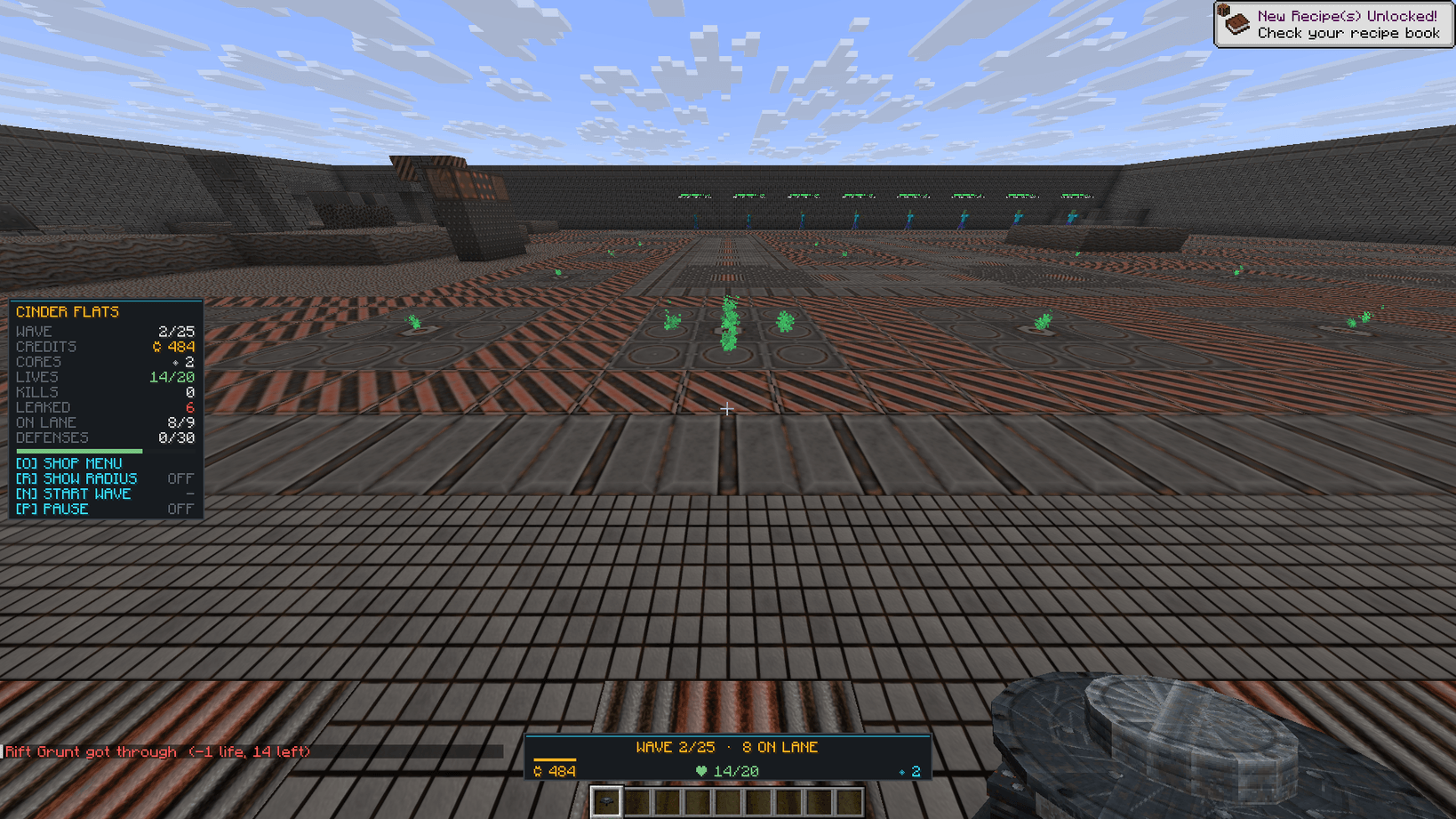
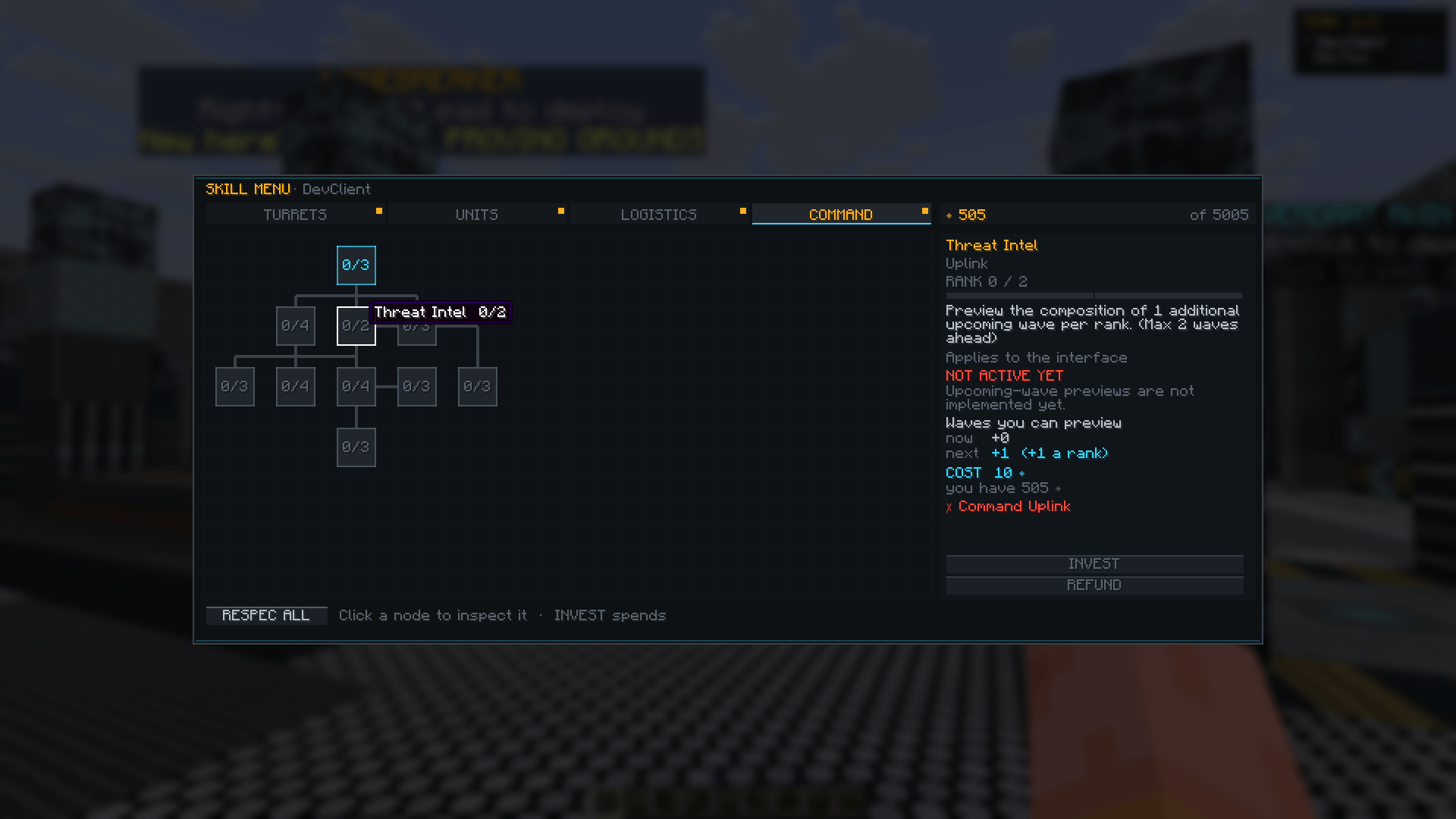
Right-click a map pad in the hub and the server builds you a new arena. Enemies walk the lane toward your objective, and every one that gets through costs a Life. Kills and cleared waves pay **Credits**, which you spend on defenses. Clearing waves and maps also earns **Cores**, which you keep forever and spend on unlocks and an 81-node skill tree.
Your first run includes a short tutorial.
## Defenses
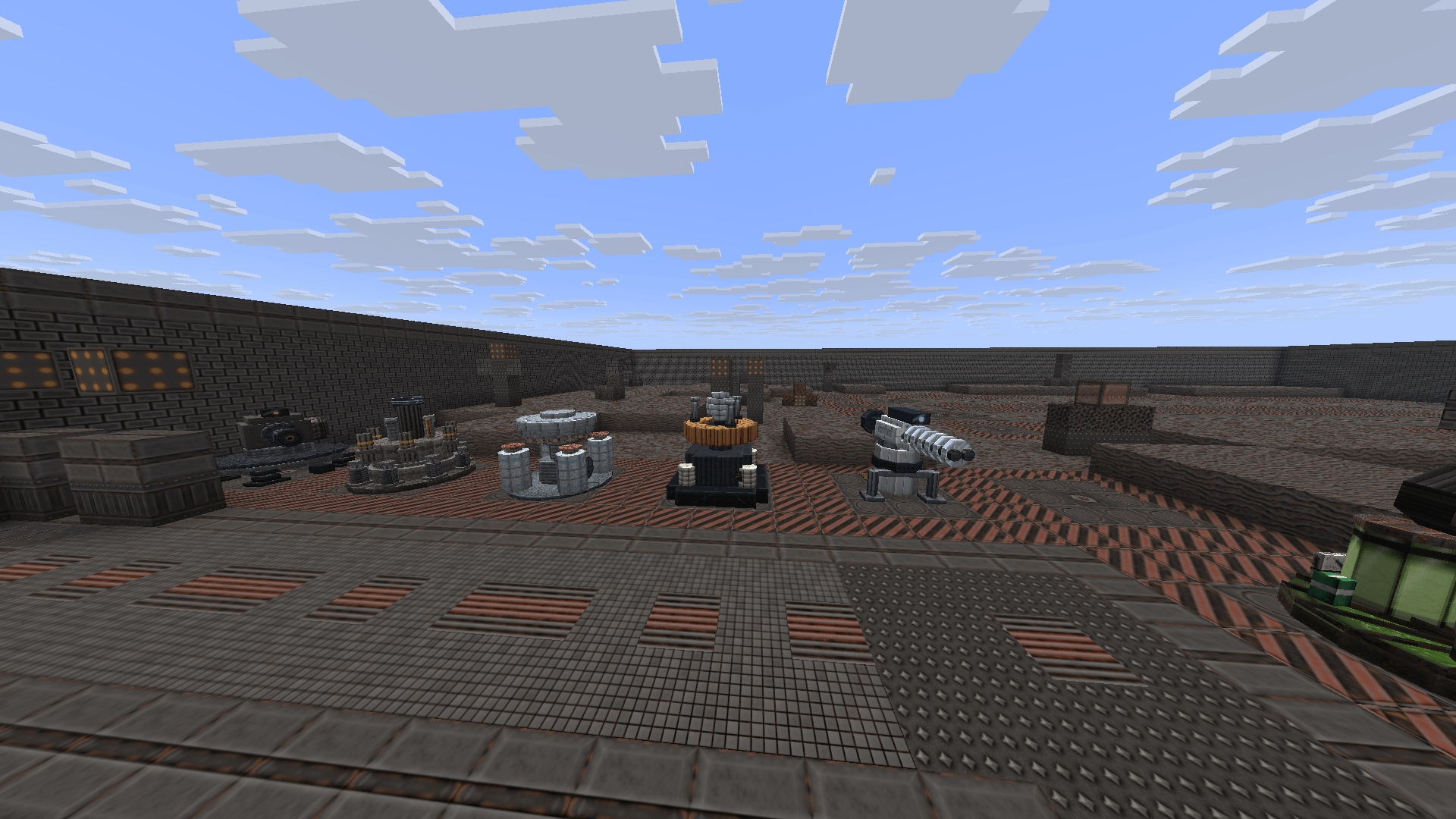
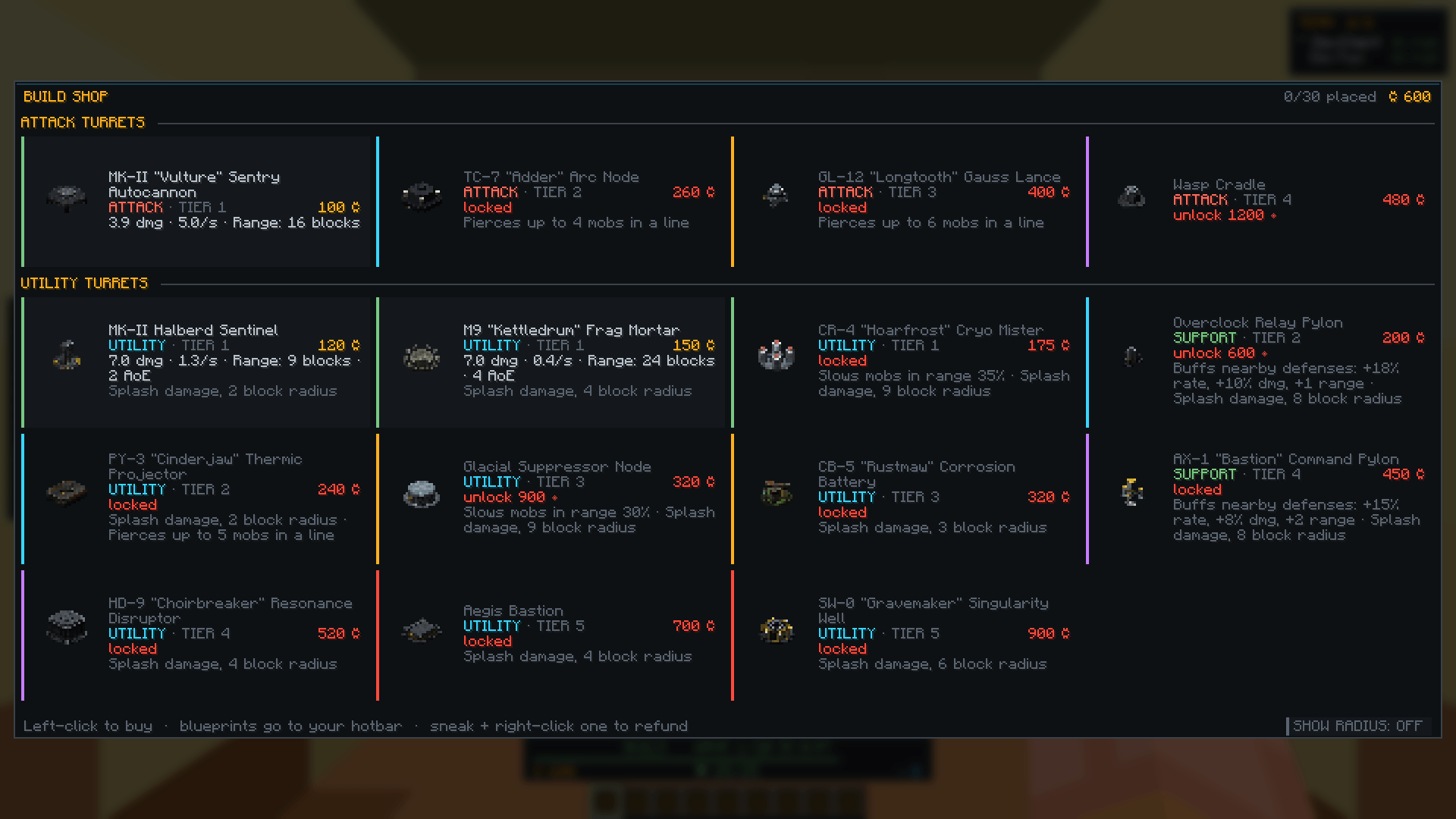
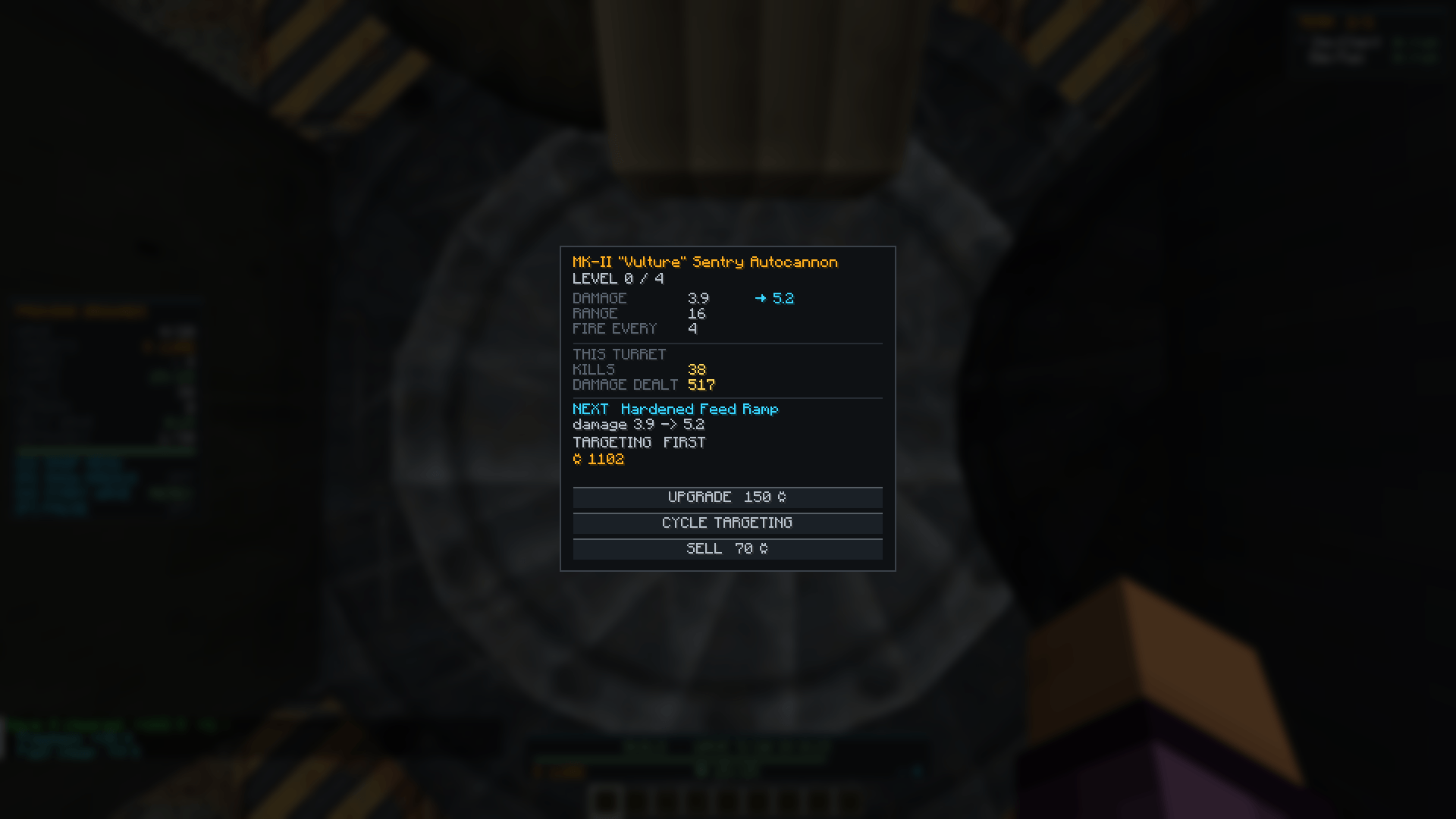
15 defenses, each with its own custom model and role: autocannons, mortars, chain lightning, armour piercers, slow fields, buff pylons, barriers, drone carriers, and a singularity well that crushes a whole wave at once. Every defense upgrades up to four times per run and has nine targeting modes.
## Maps and difficulty
Six maps, from the 20-wave Proving Grounds to The Rift, which never ends. The lane, pads and scenery are generated from a new seed every run, so you never play the same board twice.
Six difficulties: Recruit, Regular, Veteran, Elite, Nightmare and Endless.
## Enemies
20 enemy types, including swarms, armoured tanks, healers, flyers, and enemies that split or go untargetable. Bosses show up at waves 5, 10, 15 and 20.
## Multiplayer
Team up and defend the same arena together on one shared Credit balance. Each defense fires with the skills of whoever bought it.
`/team invite <player>`, `/team accept`, `/team leave`
## Controls
– `O` – Build shop
– `N` – Call the next wave early
– `R` – Range rings
– `K` – Skill Menu
– `P` – Pause
– `/lobby` – Leave a run
常见问题
Lanebreaker: Tower Defense 支持哪些 Minecraft 版本?
Lanebreaker: Tower Defense 支持 Minecraft Java 版 26.2,可用的加载器:Fabric。下载时注意选择和你游戏版本一致的文件。
Lanebreaker: Tower Defense 怎么安装?
先用 PCL2 或 HMCL 启动器安装对应版本的 Fabric,再把下载的 .jar 文件放进游戏目录的 mods 文件夹,重新启动游戏即可。开启了版本隔离的,mods 文件夹在 versions/版本名 下面。


评论
登录后评论和评分