截图
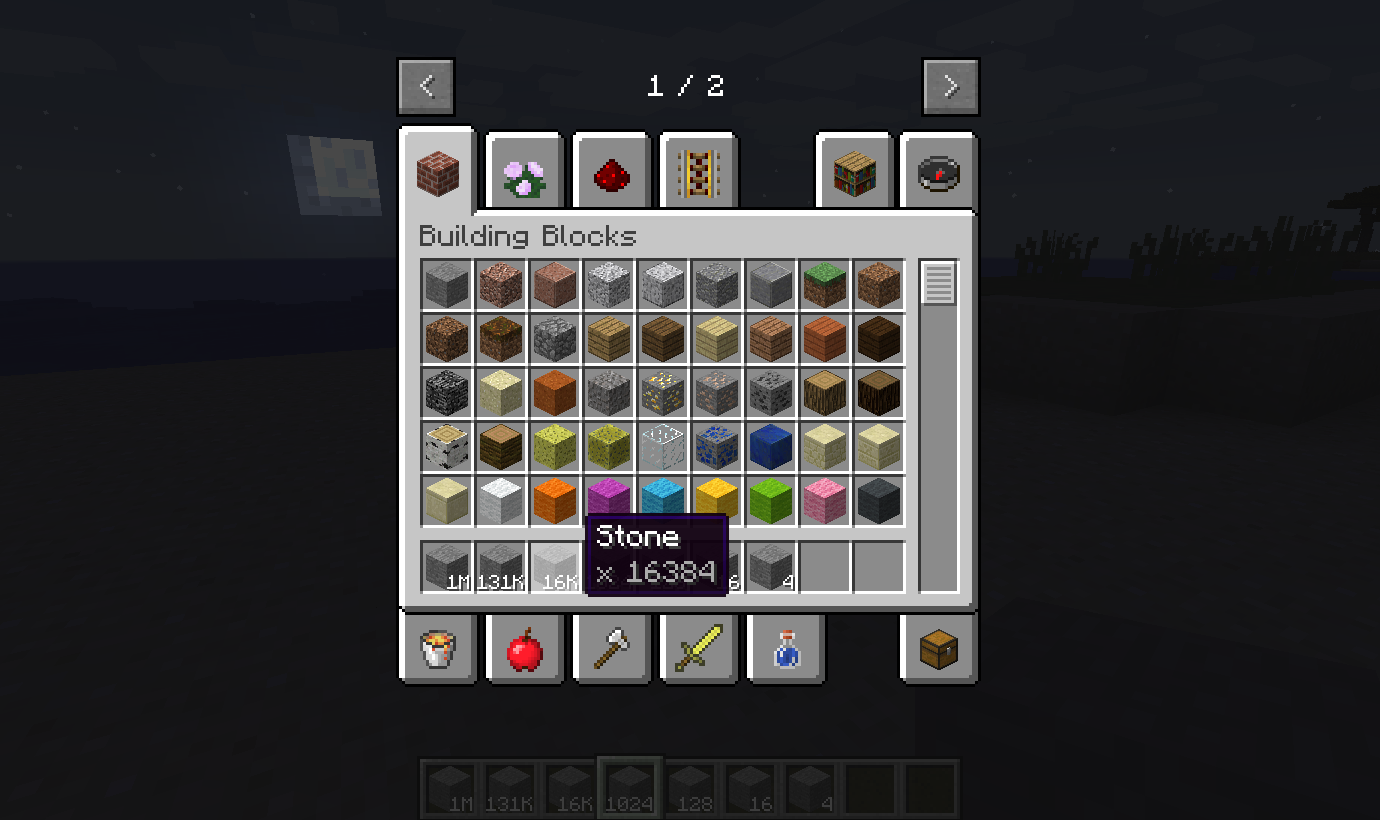
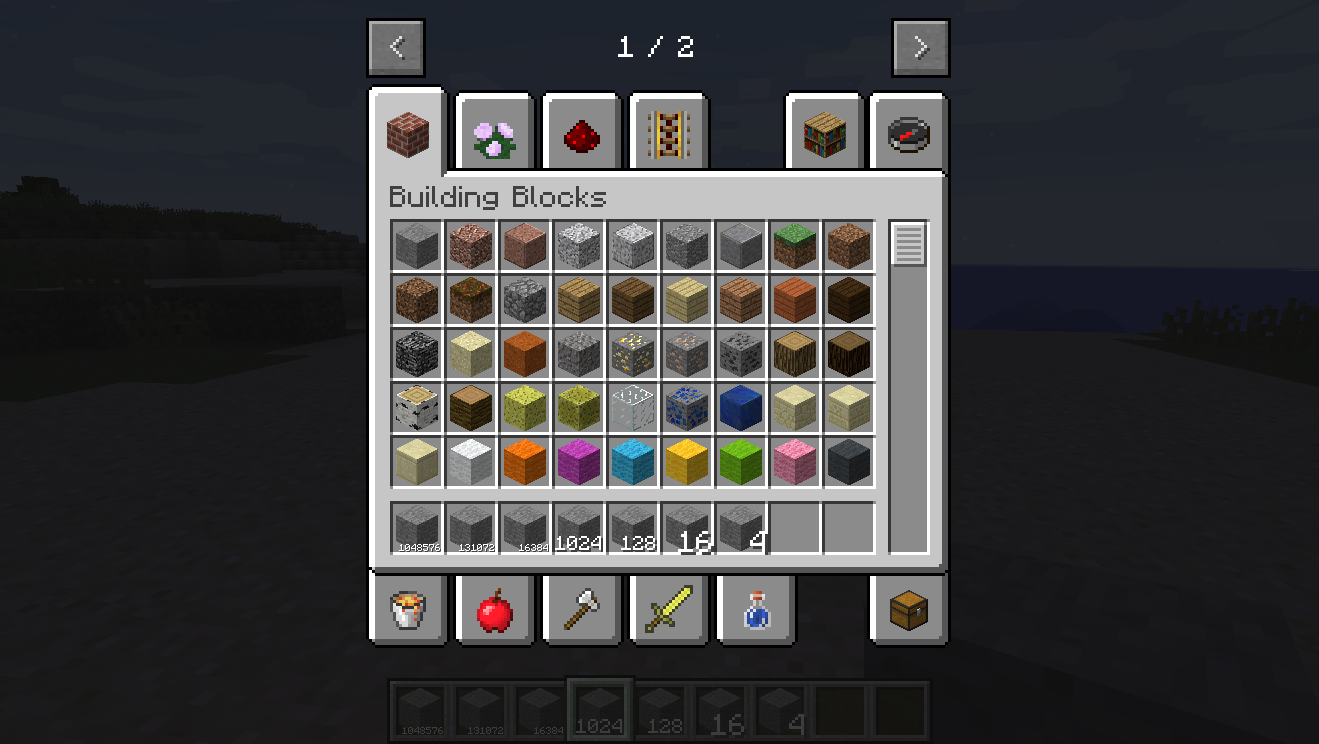
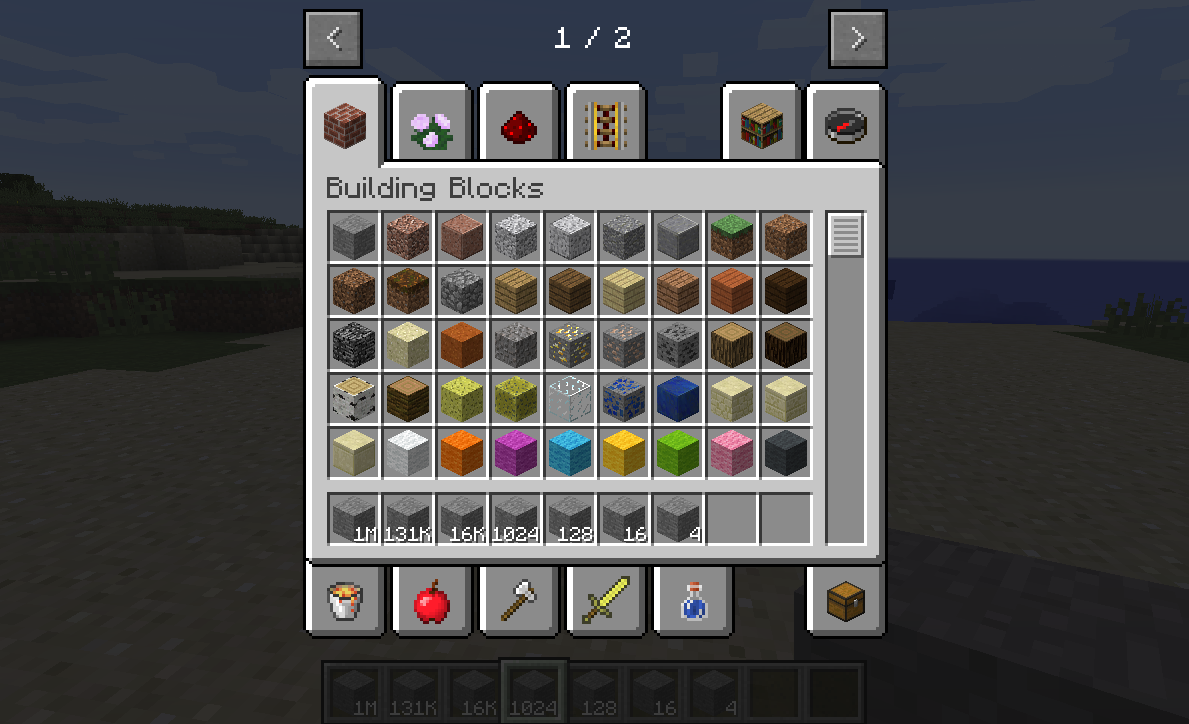
介绍
StackUp! is a Minecraft mod which lets you remove the vanilla item stack size limit of 64, instead setting it as high as you want*. You can find an introductory tutorial (assuming 1.12) here.
… * – Up to about 999 million. However, for reasons, I don’t really recommend going above a few (8-16) million, and ideally staying far below that still. (Values far higher than that may cause strange Farlands-esque issues in some mods. You have been warned.)
Usage of the mod is as follows:
- Upon installation, a “stackup.cfg” configuration file will be created. Do not forget to open it and set the maxStackSize configuration option – otherwise, items will still be hard-limited by 64! The config option sets the maximum global stack size. You can set it to anything you want – 99? Five hundred? Ten thousand? One million? The sky is the limit!
- After this, you may notice that all of the blocks and items still have a stack size of 64! That is correct – to prevent balance-breaking issues, StackUp! will only change default stack sizes by itself in very rare cases. To change items’ stack sizes, you can either use the built-in scripting system introduced in StackUp! 0.2.0, or an external mod such as CraftTweaker.
This patch has been tested with a lot of mods (including, but not limited to Refined Storage, Applied Energistics 2, Charset, Iron Chests, Quark and Rustic), but compatibility is not 100% guaranteed. Please report any bugs you find to us directly and not to other mod authors!
For modders: While I do patch most common patterns of “maximum slot limits” in inventories, I may not be able to catch more advanced ones. Items.AIR.getItemStackLimit(); is your friend!
For modpack developers: Make sure to read the scripting system documentation above.
Project icon utilizes Unity textures by CyanideX.
常见问题
StackUp! 支持哪些 Minecraft 版本?
StackUp! 支持 Minecraft Java 版 1.12.2–1.13,共 2 个版本,可用的加载器:Forge。下载时注意选择和你游戏版本一致的文件。
StackUp! 怎么安装?
先用 PCL2 或 HMCL 启动器安装对应版本的 Forge,再把下载的 .jar 文件放进游戏目录的 mods 文件夹,重新启动游戏即可。开启了版本隔离的,mods 文件夹在 versions/版本名 下面。运行环境:客户端和服务端都要装。
asie 的其他作品
查看全部 →
BuildCraft Core
建筑工艺的核心模块,默认包含在主jar文件中。

BuildCraft Factory
建筑工艺的工厂模块

BuildCraft Builders
建筑者模块。

BuildCraft Silicon
建筑工艺的硅模块
评论
登录后评论和评分