
Project Purple – 1.16+
Flat concrete, Old Ores, Some purple elements, Dark GUI and more! - For 1.16, 1.17 and 1.18
截图
介绍
This Project is being created by DDenn1
1.1 Version
Project Purple is a texture created to make small changes at the game appearance and add a little bit of purple.
The texture works on the versions 1.16.x, 1.17.x and 1.18.x
Coming Soon: 1.19 support, more mod support for dark GUI and more
Changes – 1.0 Version:
BLOCKS, ITENS AND ENTITIES
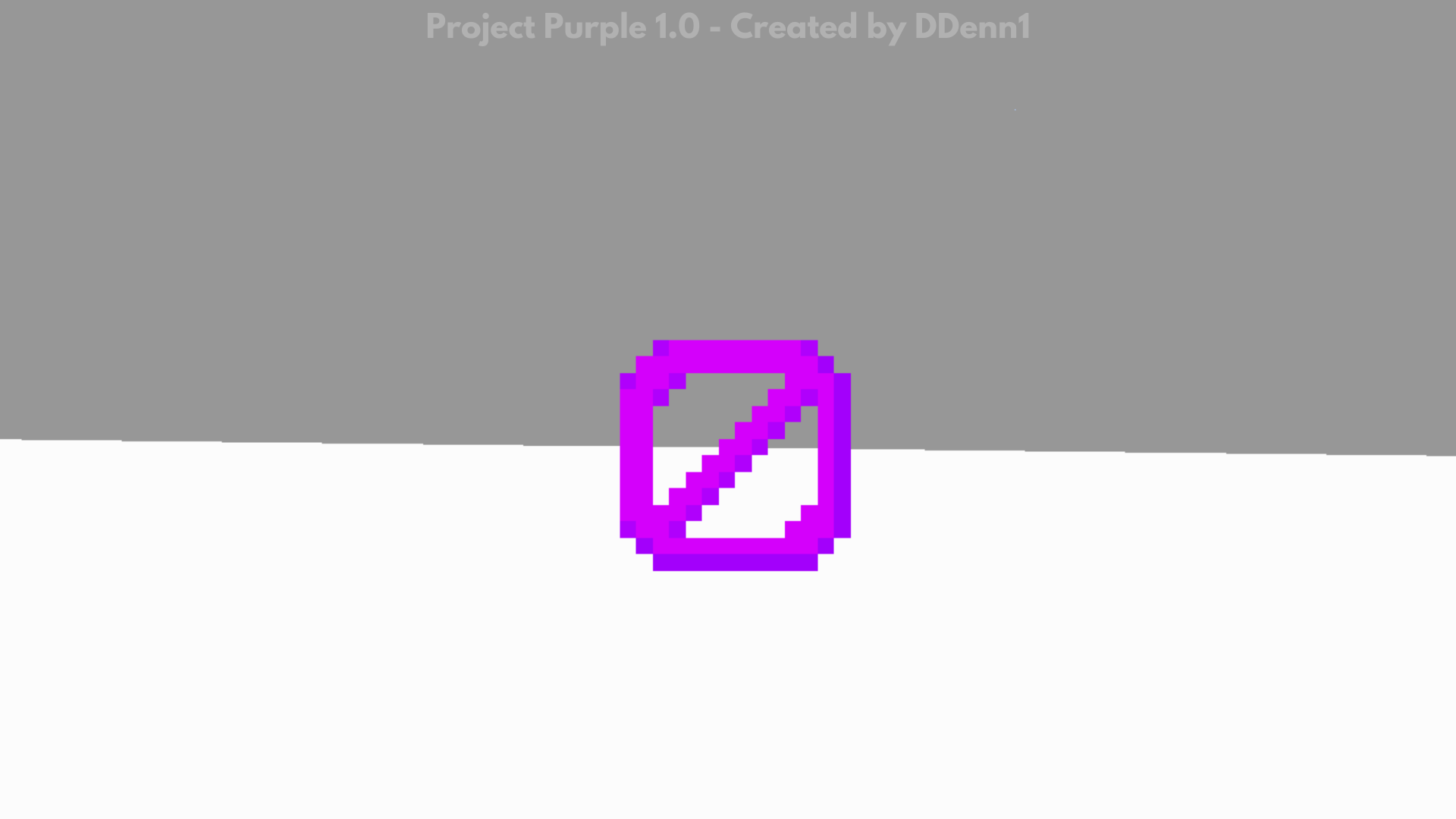
Purple barriers
New minimal details at trapped chests
Purple Christmas chests
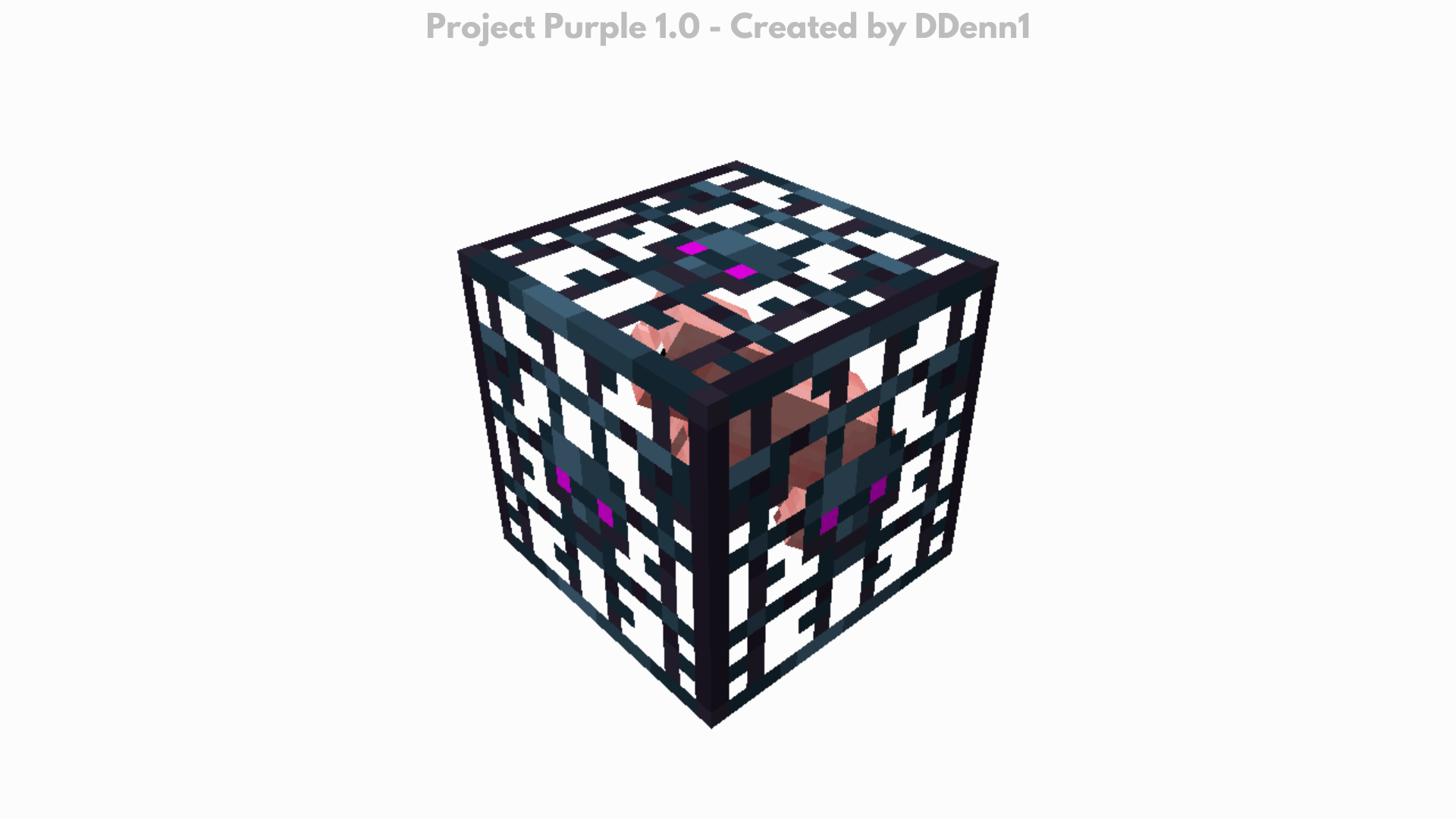
New detail at the spawner’s texture
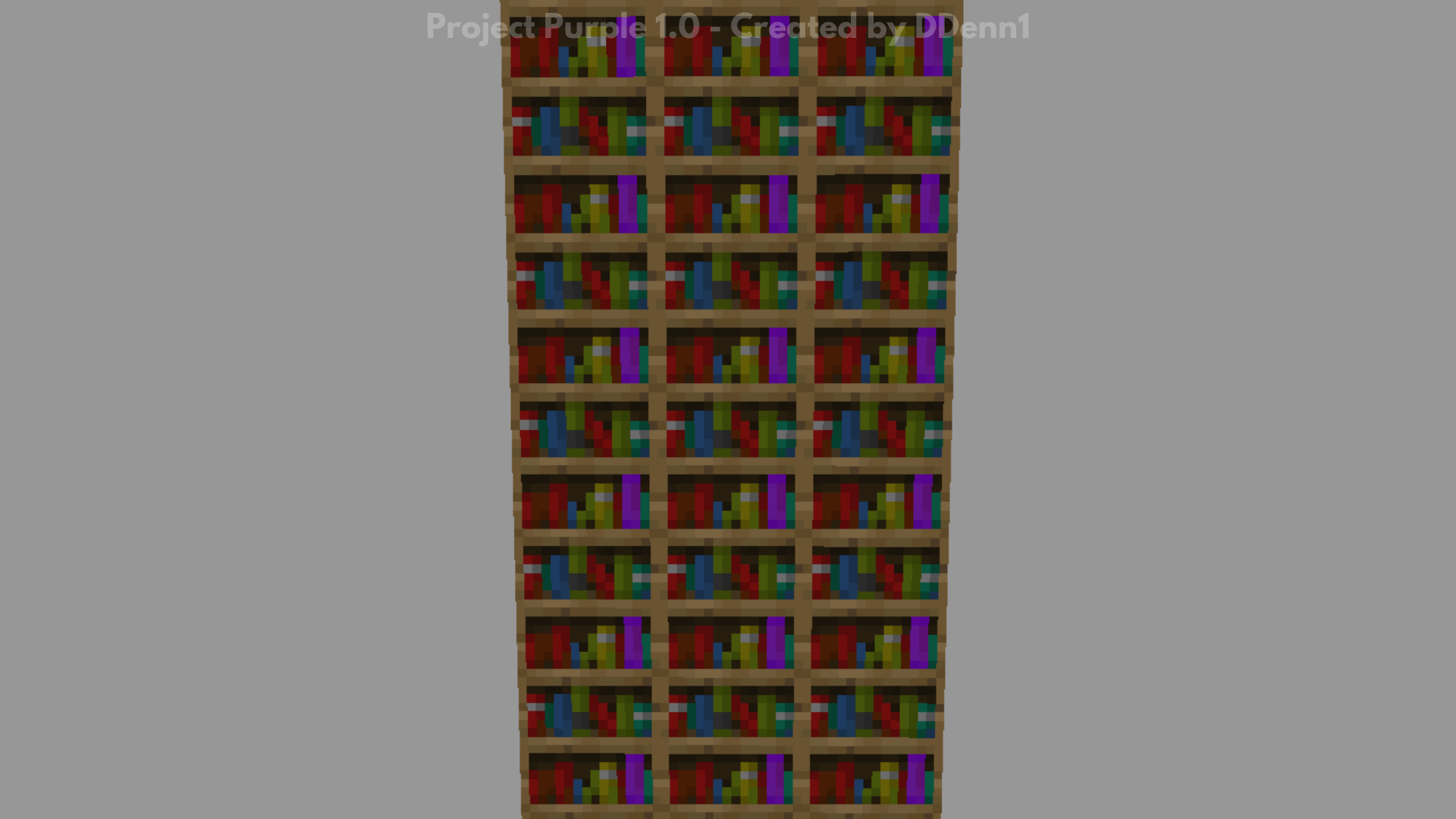
One purple book on the bookshelf
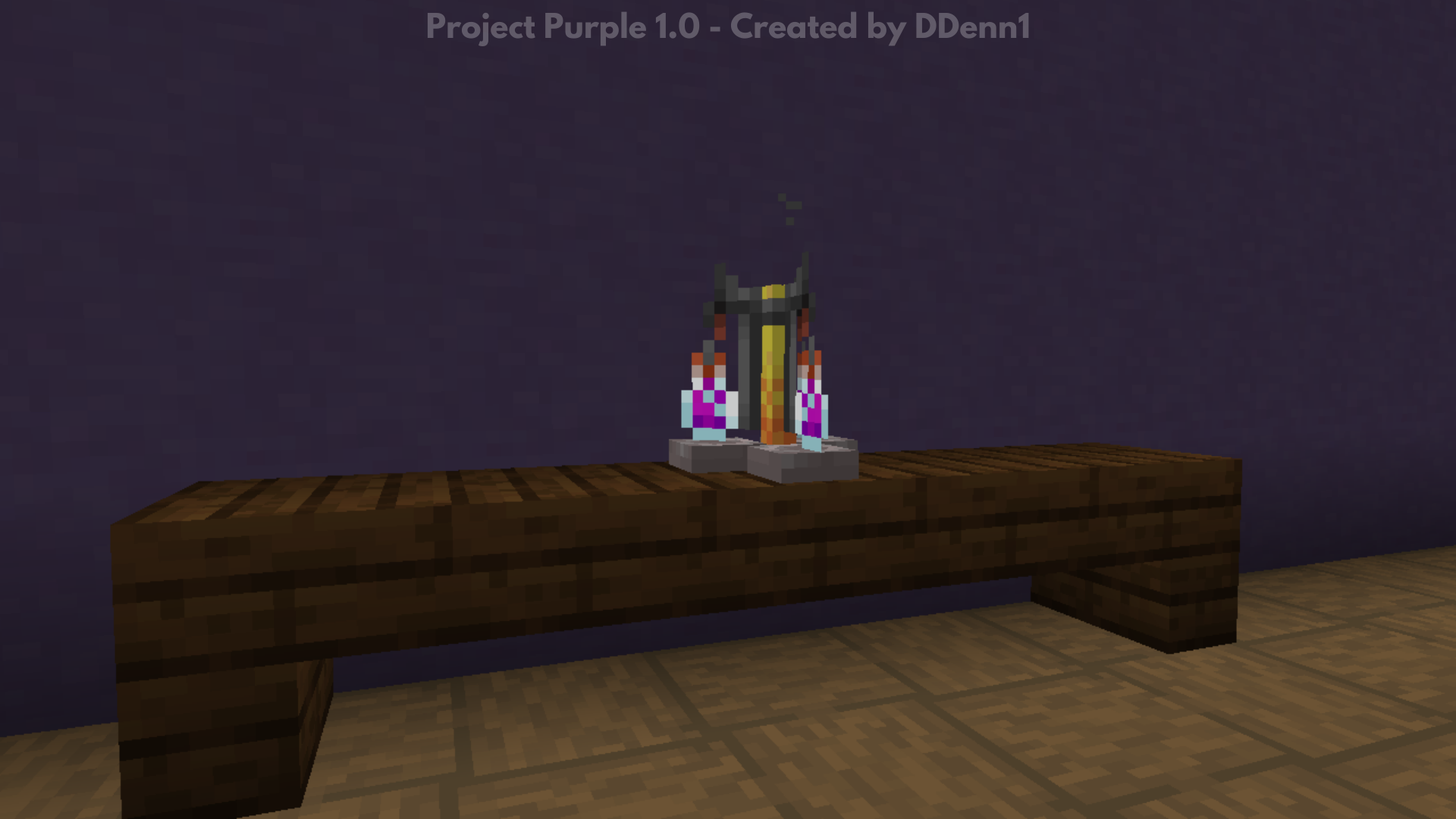
Purple potion on the Brewing Stand
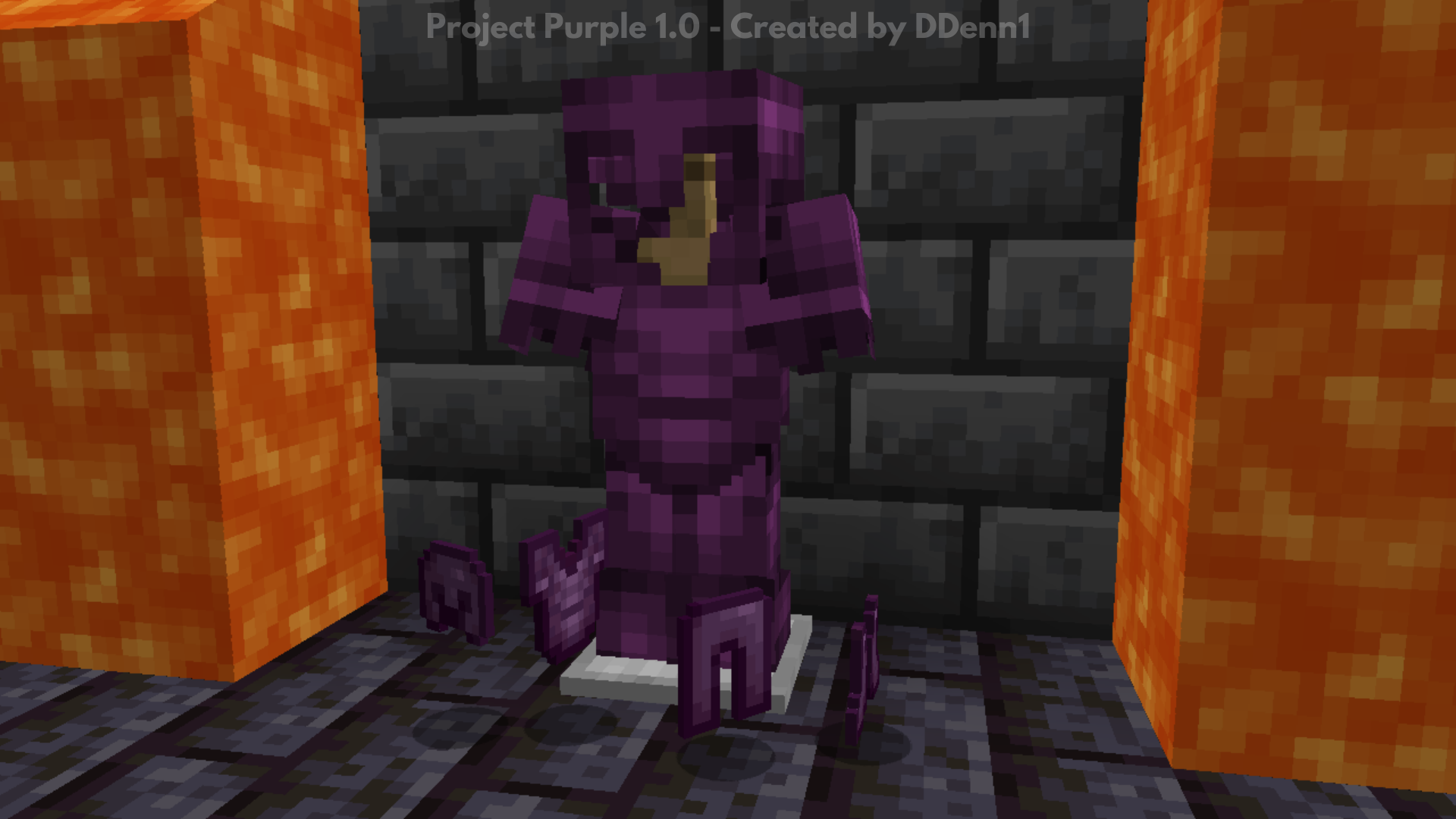
The purplest Netherite Armor
Flat concrete
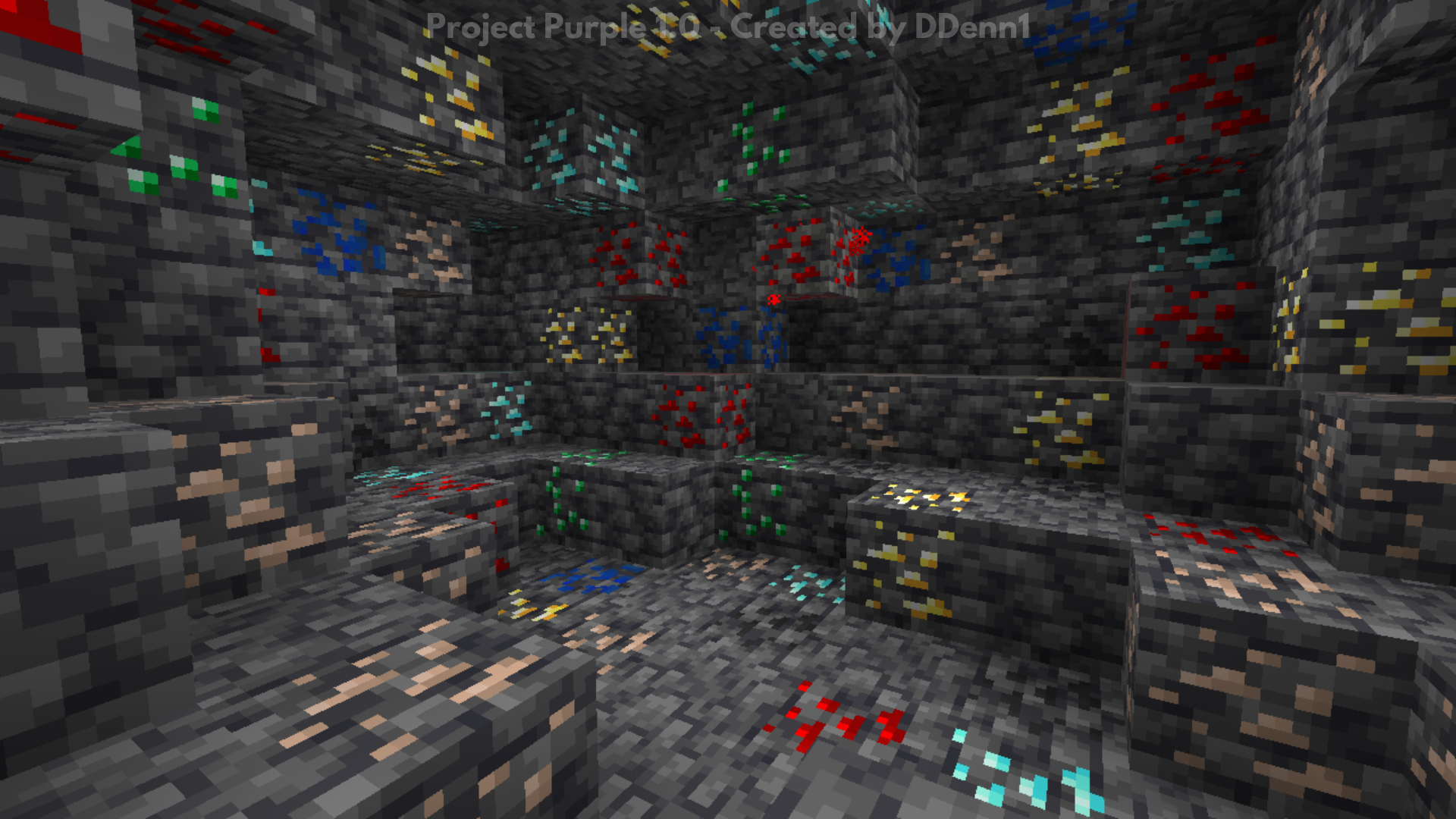
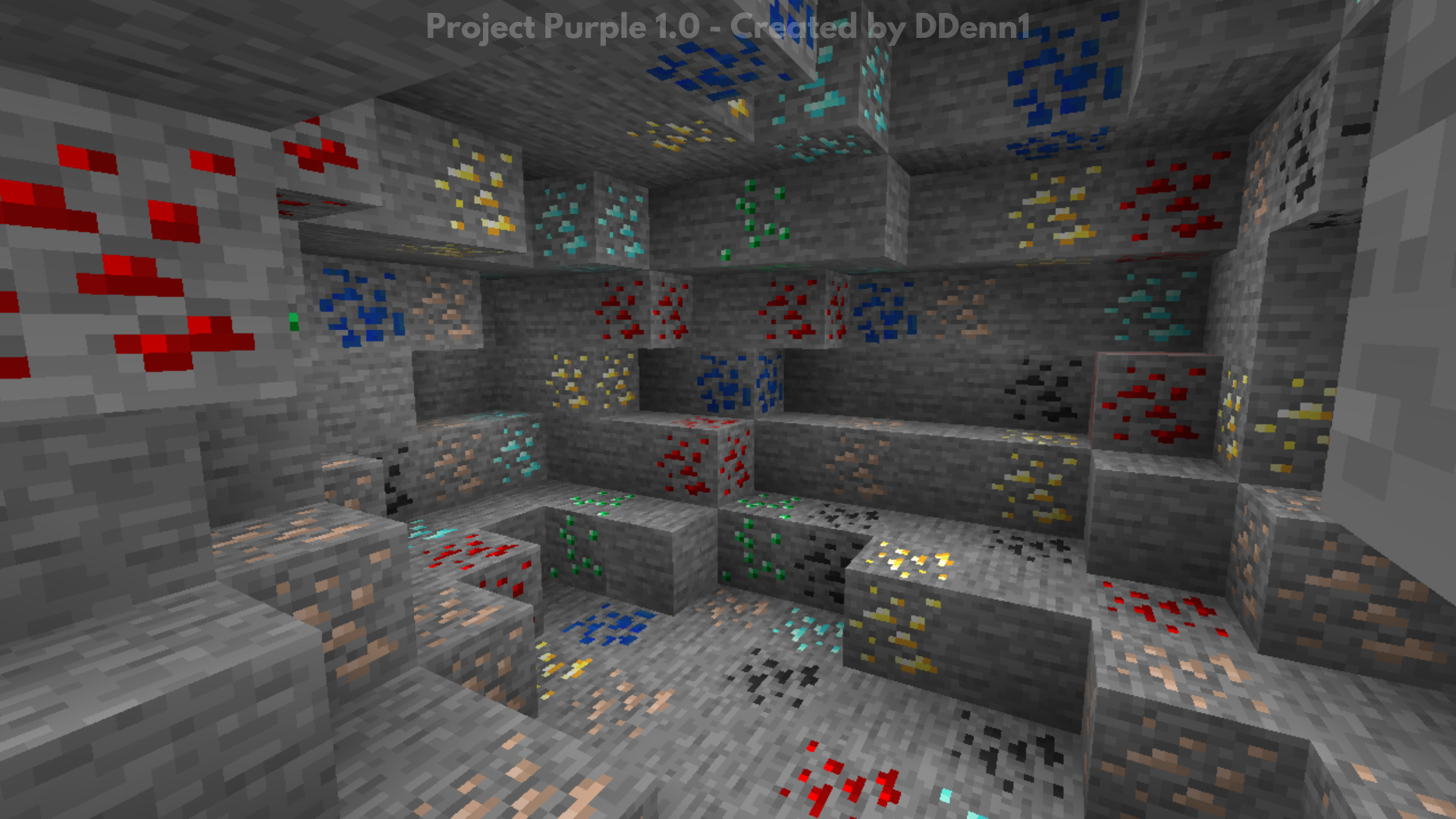
Old ores textures
Old ores textures but on the deepslate
Darker charcoal
MOBS
Minimal changes at the Glow Squid
VISUAL
Totally black The End sky
20% more saturated rain particles
More saturated sun
More discreet pumpkin blur
Purple Netherite Armor
Purple Moon and clouds
GUI
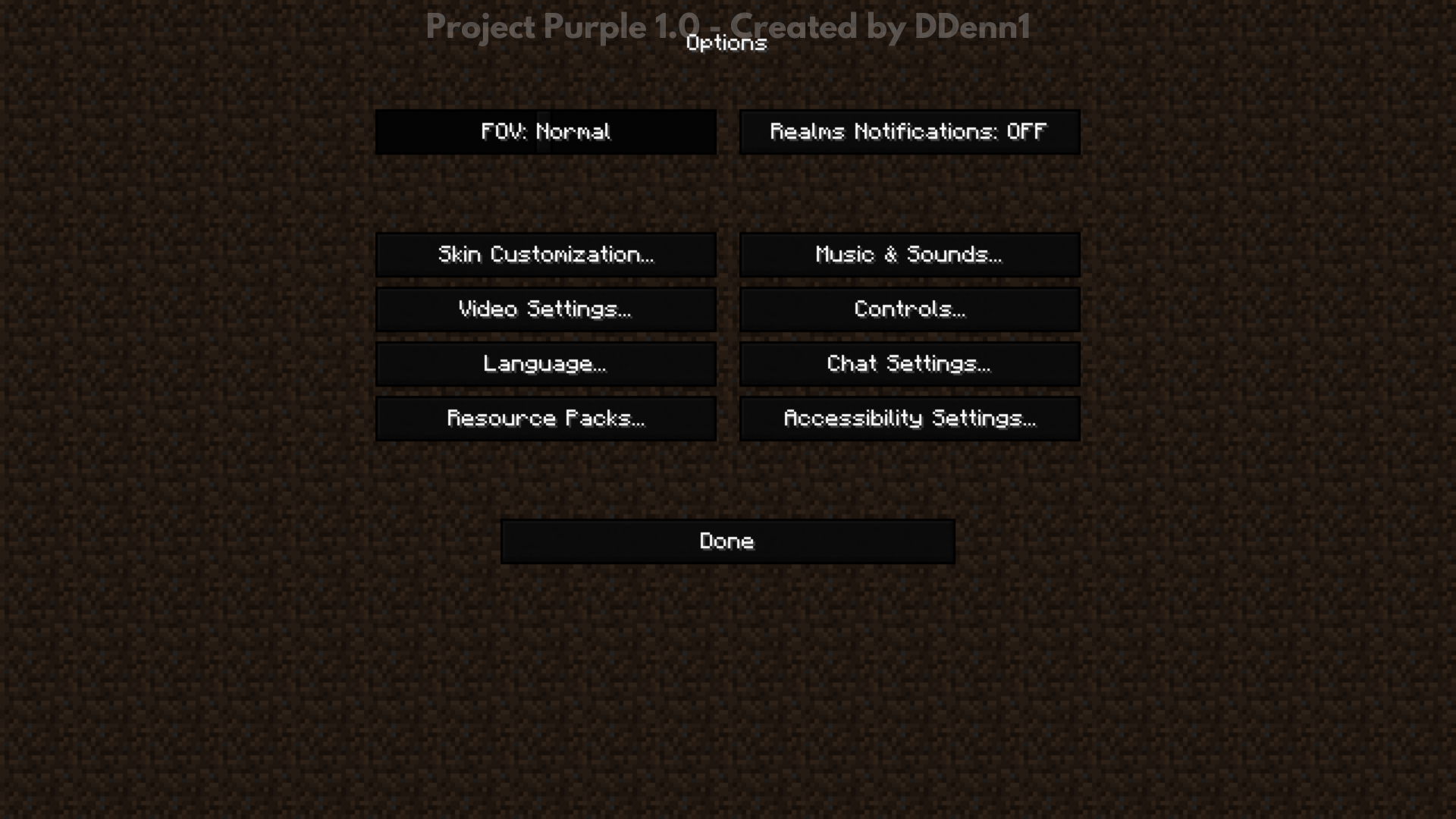
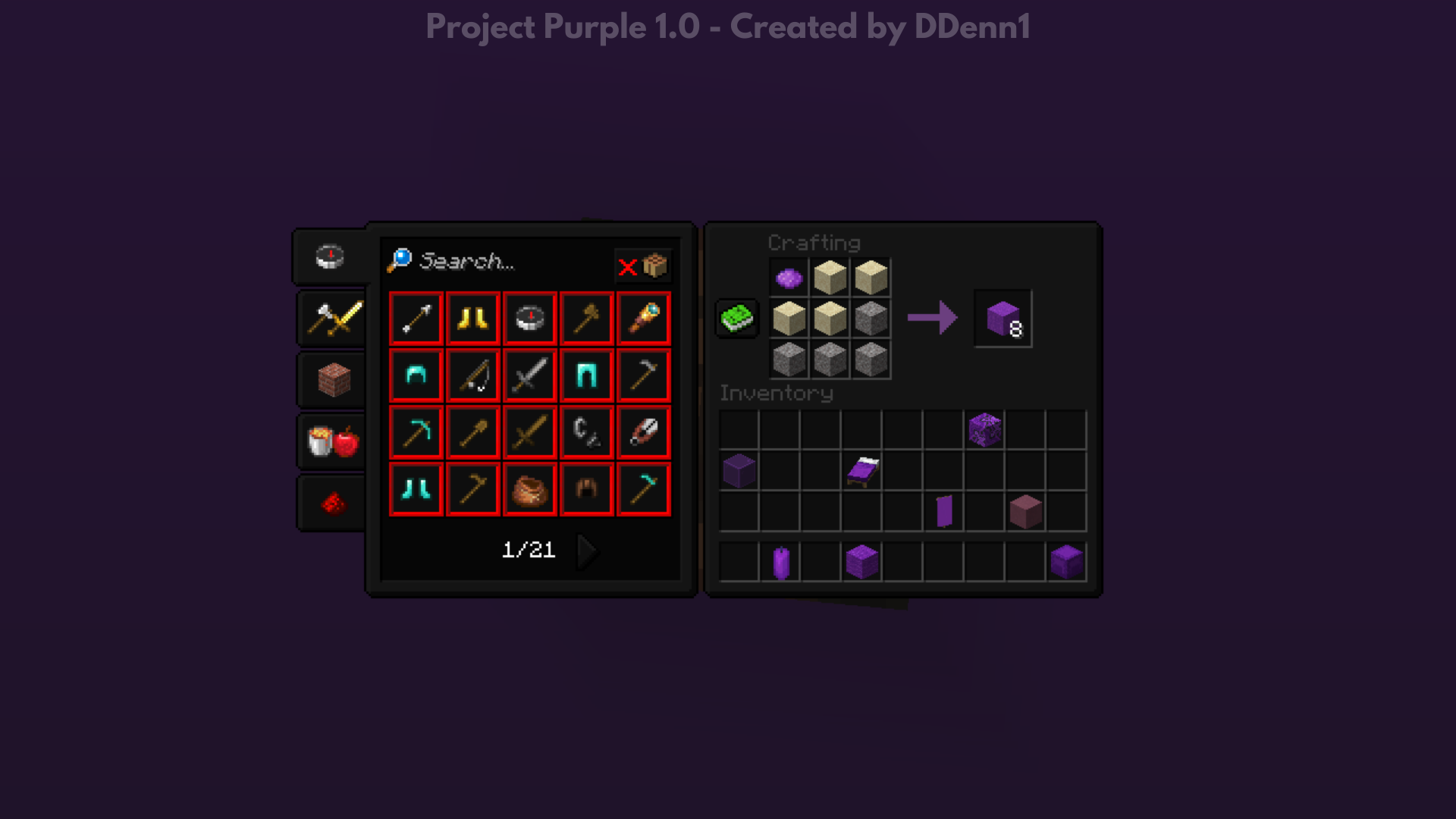
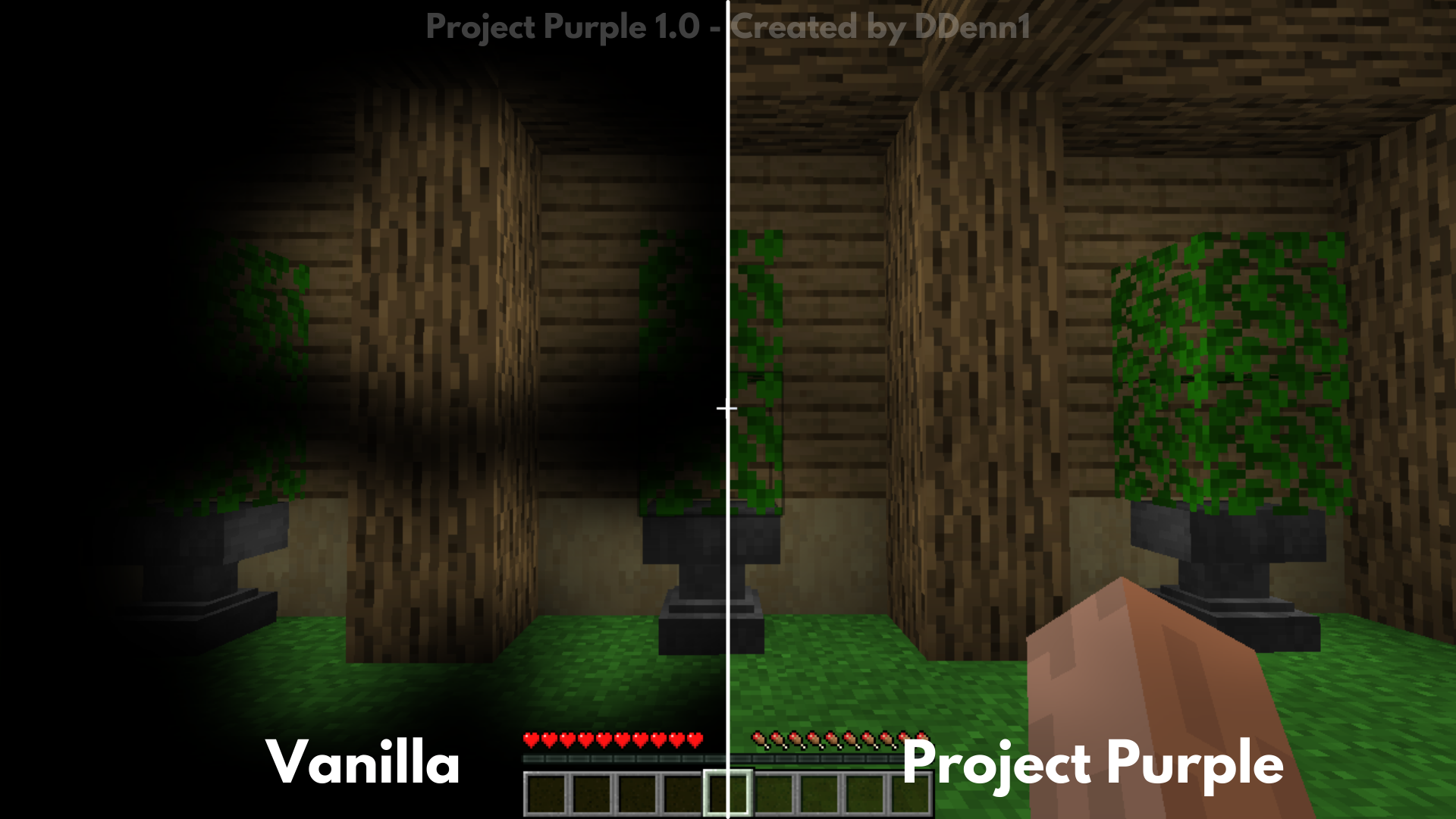
Dark GUI
New advancements background (Adventure and Minecraft part)
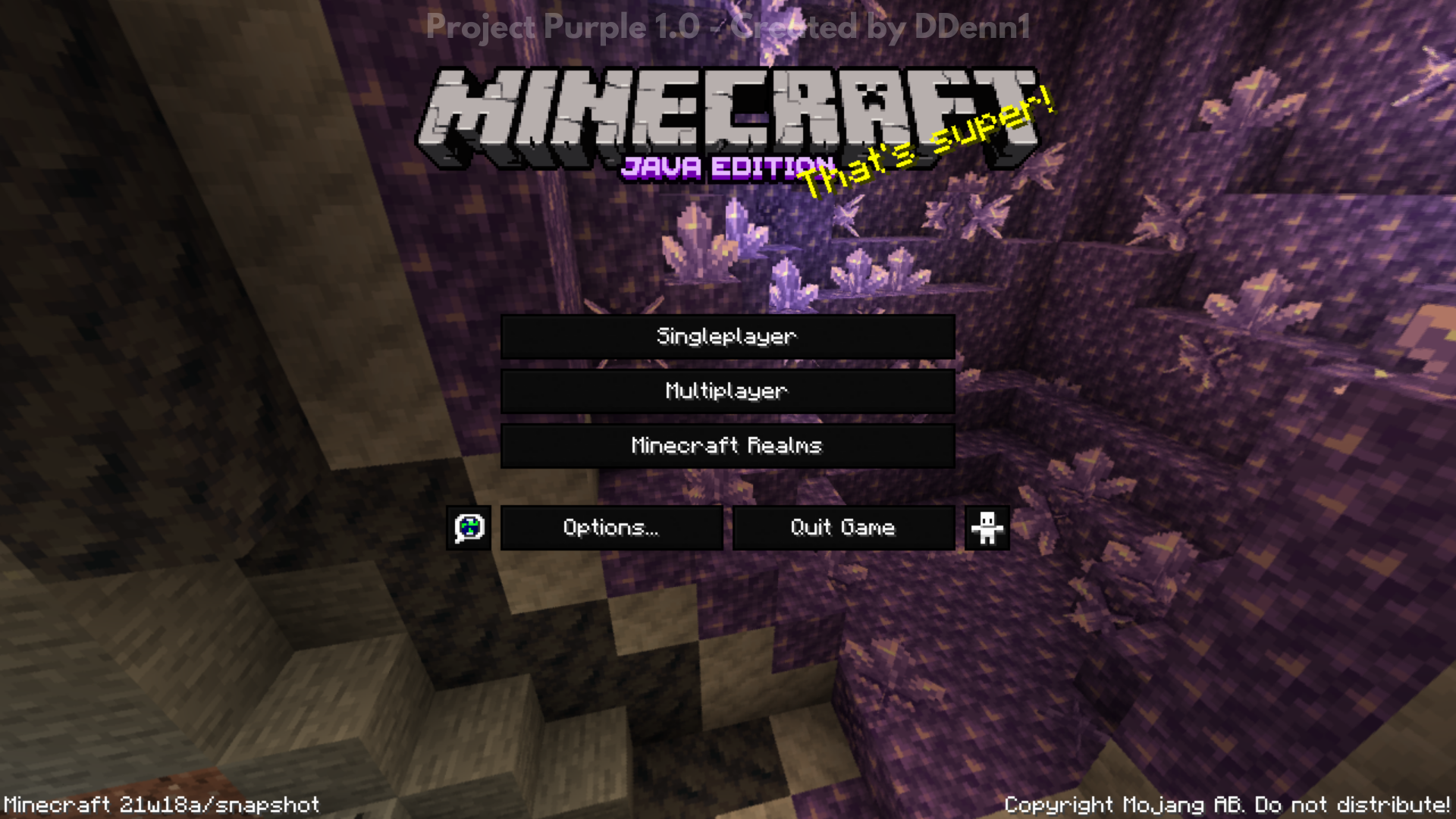
“Java Edition” on the tile screen is purple
XP bar is purple
Purple protection bar
Purple extra hearts
Purple detail at the cooldown attack icon
Statistics icons look like netherite
Added 3 new Splashes:
– Project Purple!
– Project Purple, Created by DDenn1!
– Thanks V.L!
Changes – 1.1 Version:
Added support for 1.18.x versions
New Icon
VISUAL
Correct an little error on the Pumpkin Bulr
GUI
Dark GUI for mods:
– JEI
– Storage Drawers
– Replay Mod
– Create
– And other mod if use the vanilla GUI models
Changed the colors of the connction bars
Ajusted the Multplayer bottons
Added 7 new Splashes:
– Purple!
– Dark GUI!
– Unique!
– Nothing!
– Thanks!
– Everybody to the floor!
– With the dragon listen to tango
Working for new version:
- 1.19 support (OK)
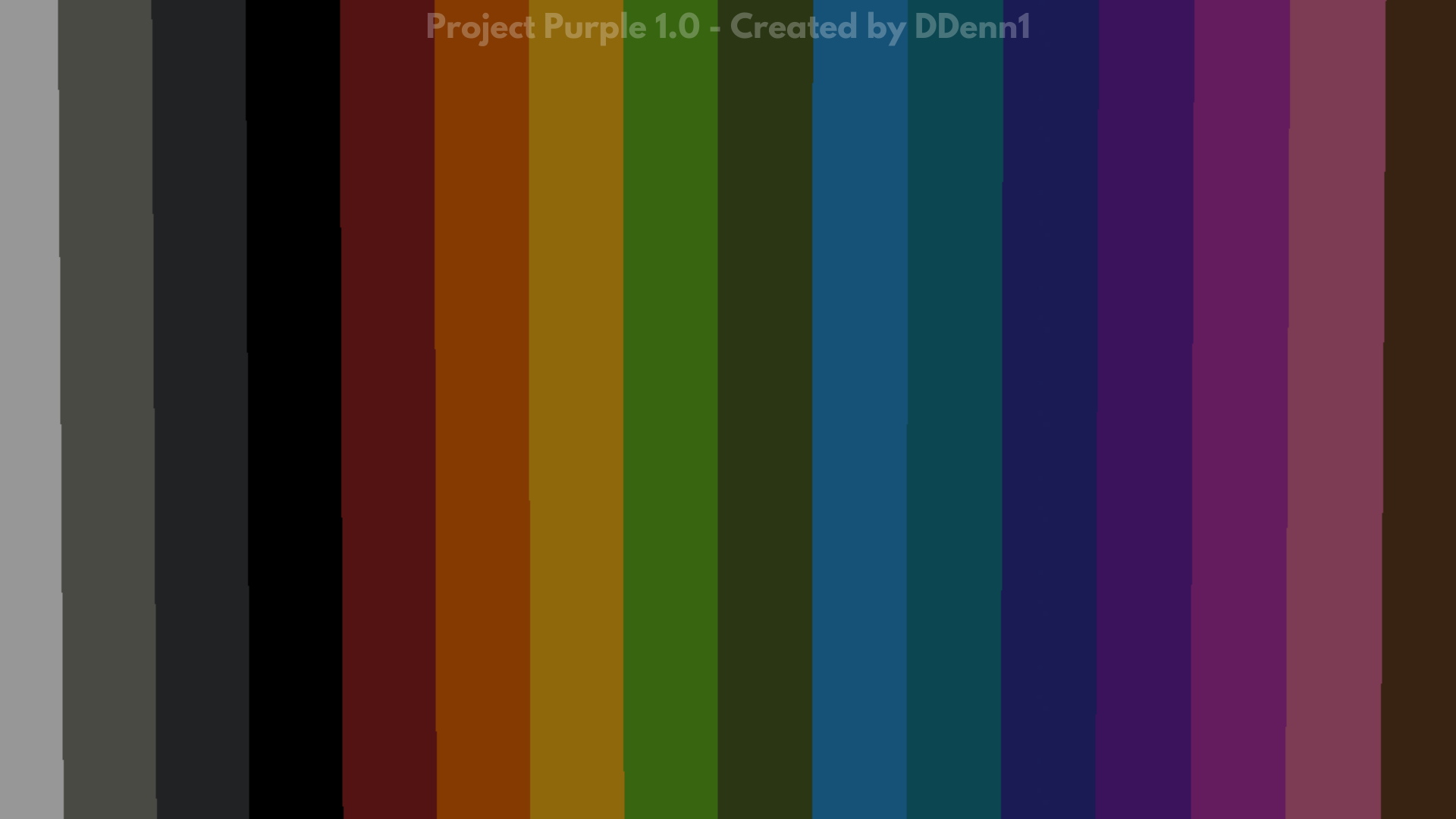
- Custom background color in loading screen (OK)
- Dark GUI for AE2 (WIP)
常见问题
Project Purple – 1.16+ 支持哪些 Minecraft 版本?
Project Purple – 1.16+ 支持 Minecraft Java 版 1.16–1.18.1,共 10 个版本。下载时注意选择和你游戏版本一致的文件。
Project Purple – 1.16+ 怎么安装?
把下载的 .zip 文件(不用解压)放进游戏目录的 resourcepacks 文件夹,进游戏后在「选项 → 资源包」里把它移到右边启用。
评论
登录后评论和评分