截图
介绍
Vanilla-Style Panoramas in Just a Few Seconds!
Automatically create and customize main menu panorama backgrounds for Minecraft.
Perfect for custom maps and modpacks.
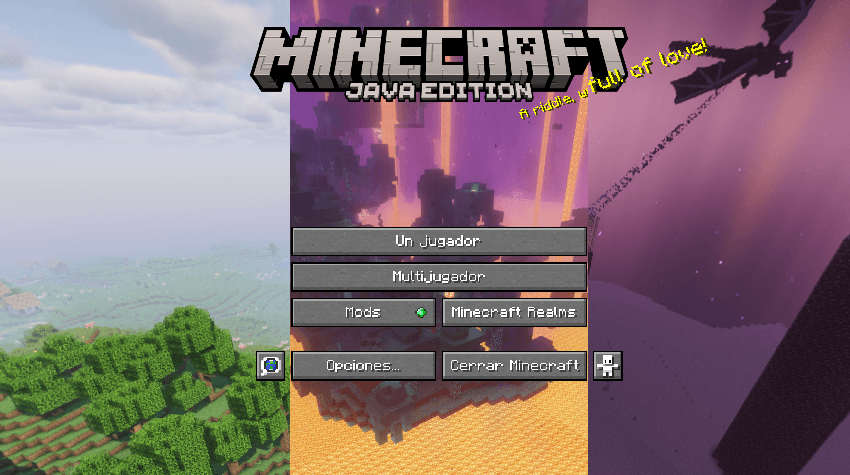
Currently, there are no mods that automatically generate authentic vanilla-style panoramas for Minecraft while respecting the original game aesthetic.
Normally, to customize this section—which is crucial for your modpack’s first impression—you have to rely on external software that doesn’t guarantee a perfect result, whether because the images end up misaligned, you have to take the shots manually, or it just leaves you with a static image.
On top of that, existing mods that attempt this often feature unintuitive, rigid processes that either run poorly or fail to render properly with shaders.
PHANOSHOT requires minimal user effort. In any world, simply press the “F6” key by default—which accounts for about 90% of your actual work!
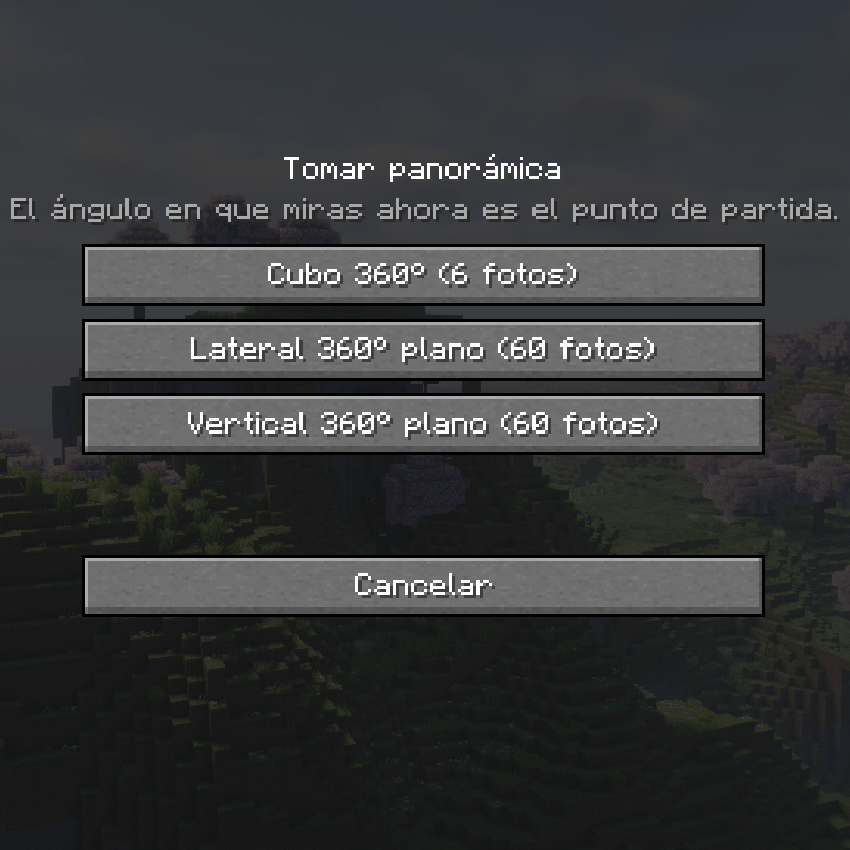
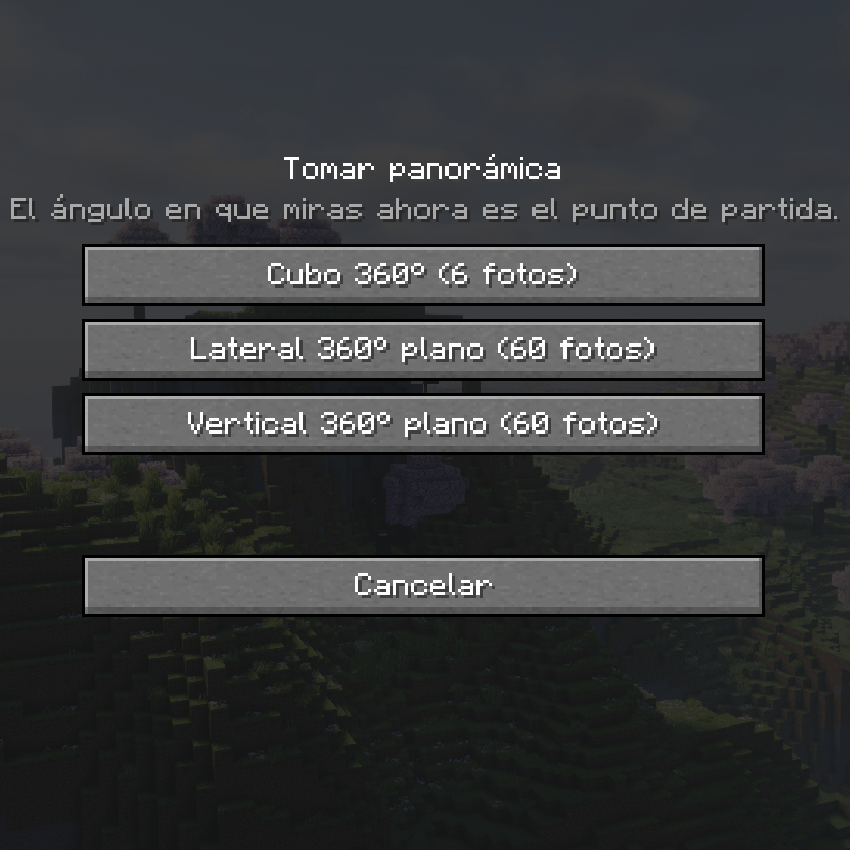
From there, choose one of the 3 available capture modes:
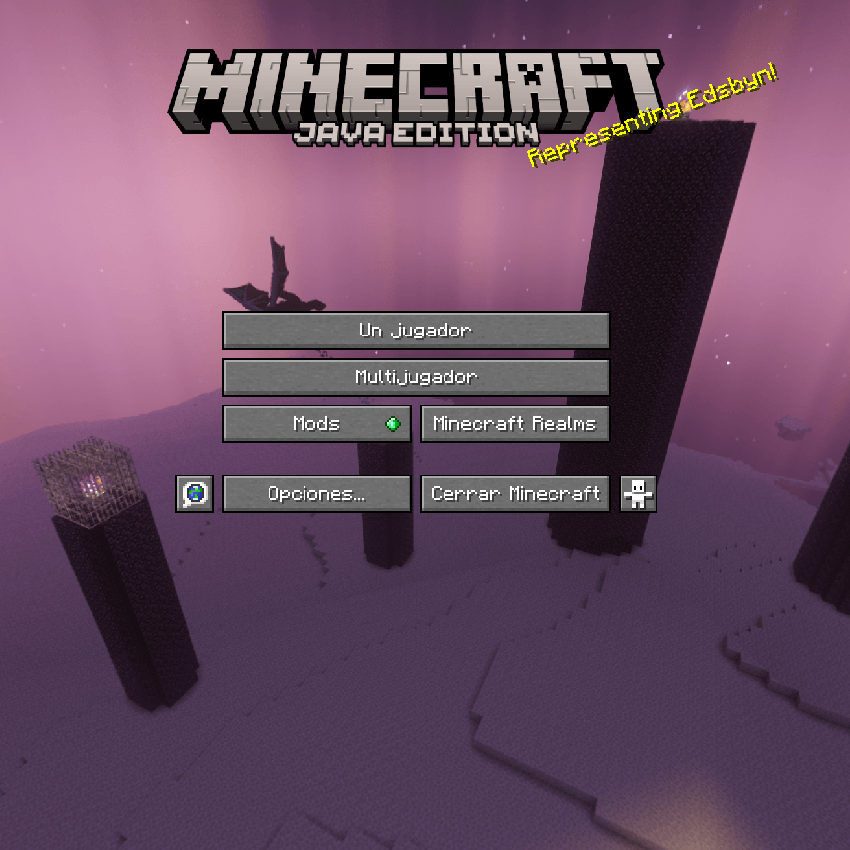
“Vanilla 360 Cube”: Creates an identical panorama to the official main menu.
“Horizontal & Vertical 360”: Designed for smoother camera sweeps at those specific angles—ideal for custom menu layouts, but left open for anyone who wants to experiment.
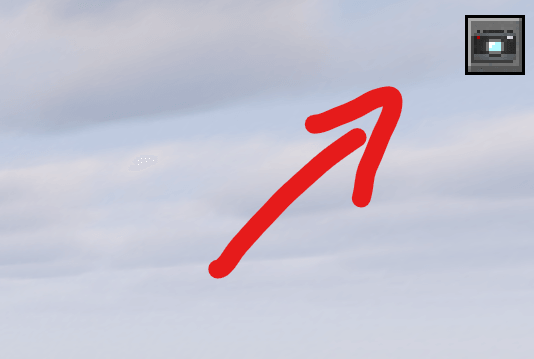
And that’s it! Just click, and the photoshoot will execute automatically. After that, click the icon in the top-right corner to open the panorama editor.
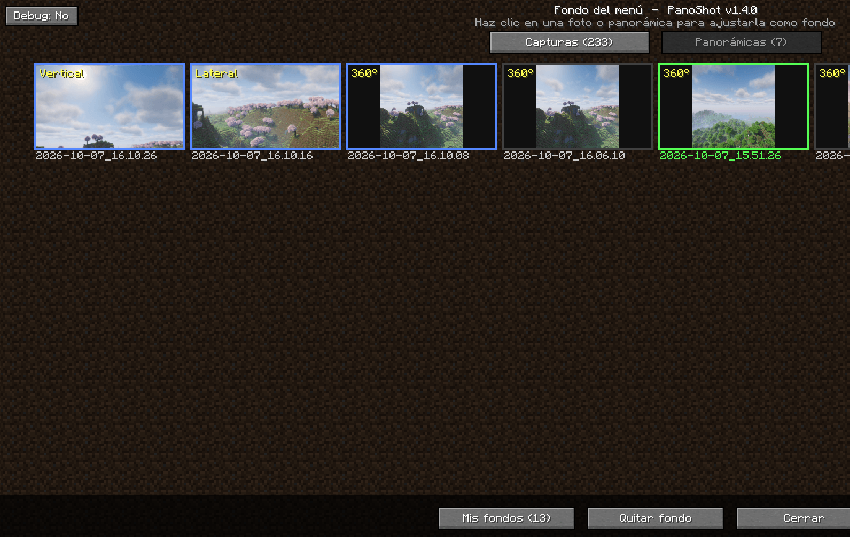
Como también podéis ver, podemos seleccionar fotos de capturas de pantalla normales de Minecraft; hacemos clic en la segunda casilla.

pick the screenshot you want, and preview it directly (I made sure to include image previews and names so you don’t have to guess or look for file names manually).
 **
That’s practically all it takes! You can modify and tweak plenty of settings if you want to experiment: while the default values match the official vanilla style, you can freely adjust FOV/lens width, color filters, Dutch tilt, custom angles, and several other handy parameters.
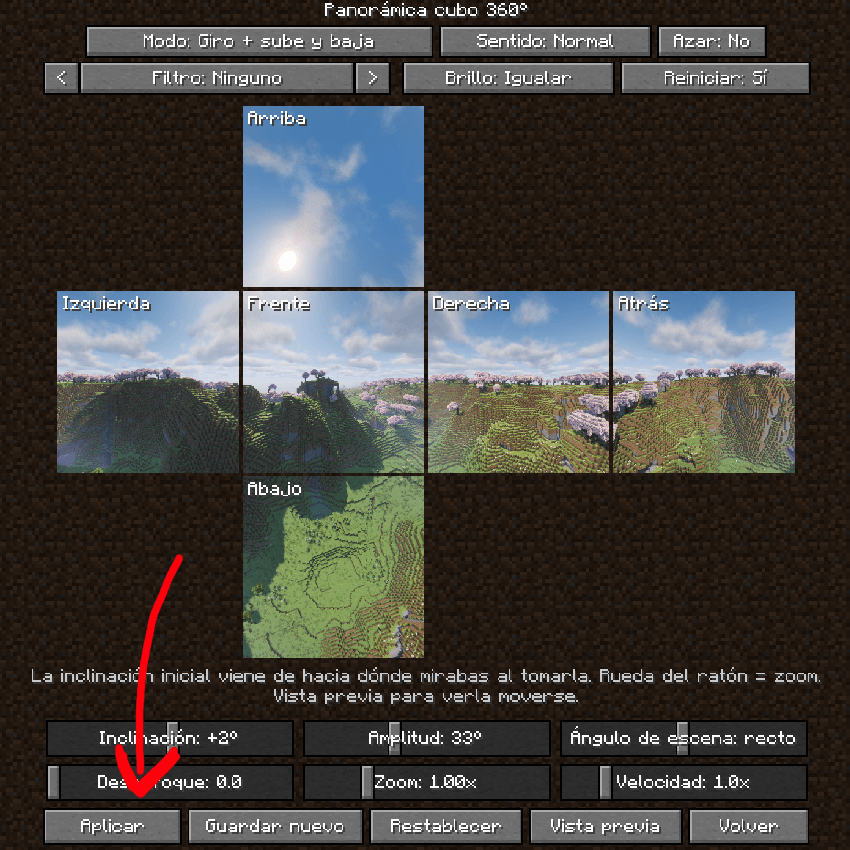
You can preview the result in real time, and once you’re happy with how it looks, just click “Apply”—the final image stays crisp and sharp. The entire workflow is designed to take just 2 to 3 minutes, so the hardest part will literally be finding a cool spot to take the photos!
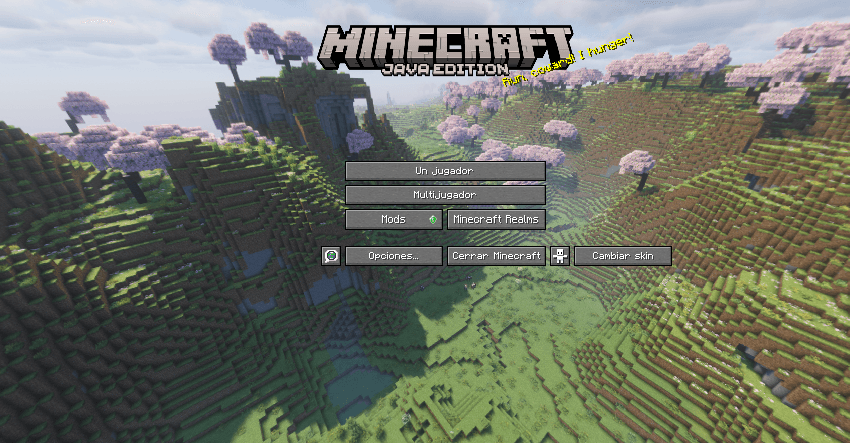
There are many more advanced settings, including the ability to configure multiple title screens and set up rotation rules so they cycle through different panoramas on startup. In any case, your panoramas are saved automatically so you never have to recreate them from scratch.
This mod still has plenty of room to grow! If you spot any bugs, need help figuring out a feature, or want to check if a specific function is supported, feel free to drop a comment. If there’s a mechanic you’d love to see added, I’ll definitely consider it for future updates.
(I think there’s a minor issue with the English translation in-game that I haven’t fixed yet, haha. I’ll get to it in a future update, but take it as an opportunity to learn some Spanish!)
常见问题
Phanoshot 支持哪些 Minecraft 版本?
Phanoshot 支持 Minecraft Java 版 1.20.1–1.21.1,共 2 个版本,可用的加载器:Forge。下载时注意选择和你游戏版本一致的文件。
Phanoshot 怎么安装?
先用 PCL2 或 HMCL 启动器安装对应版本的 Forge,再把下载的 .jar 文件放进游戏目录的 mods 文件夹,重新启动游戏即可。开启了版本隔离的,mods 文件夹在 versions/版本名 下面。
AdamArctic 的其他作品
查看全部 →
Real Bicycles
Finally, Bikes have arrived in Minecraft!
lockers plus
lockers with 18 color options
Free Height
Place any block at any height!
Render Distance Tuner
Configure the distance of all Minecraft entities to your liking.
评论
登录后评论和评分