Max Performance
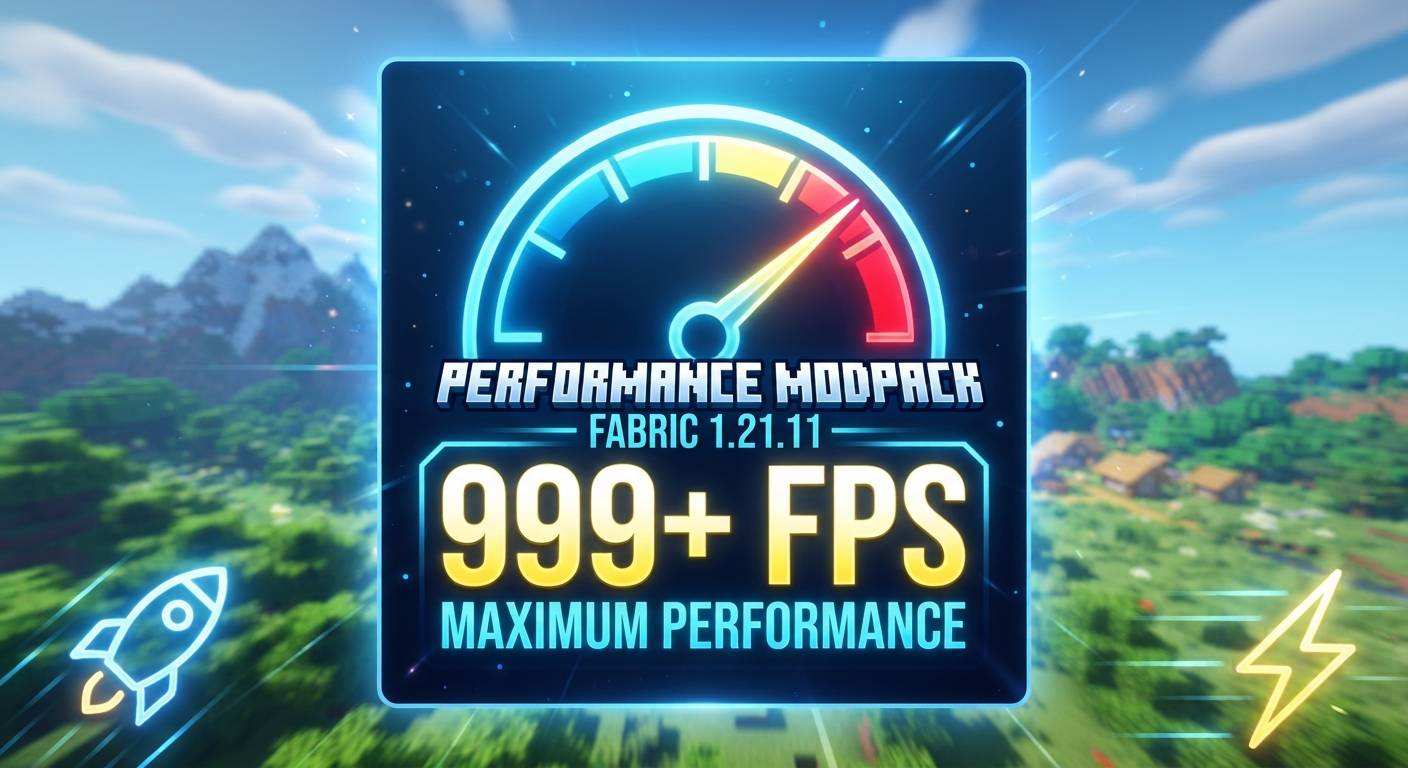
Download this pack to install all performance mods in 1-click. No lag, high FPS, no hard work!
截图
介绍
- 1-Click Install: Download this one pack, and ALL best performance mods will install automatically.
- No Hard Work: You do not need to find and download 30+ mods separately.
- Super Fast Game: Fixes your RAM usage, fixes lag, and boosts your FPS instantly.
- Shaders Support: Iris Shaders are included! Just add your favorite shader and play.
- Click Install.
- Open your Minecraft Launcher.
- Click Play and enjoy zero lag!
常见问题
Max Performance 支持哪些 Minecraft 版本?
Max Performance 基于 Minecraft Java 版 1.21.11,使用 Fabric 加载器。
Max Performance 怎么安装?
点本页「前往下载」拿到整合包文件(Modrinth 的是 .mrpack,CurseForge 的是 .zip),在 PCL2 或 HMCL 启动器里选择「导入整合包」,启动器会自动装好 Minecraft、加载器和全部模组。建议在启动器里给游戏分配 4–6 GB 内存。
Max Performance 开服需要多大内存?
推荐服务器内存 12 GB。在线人数多、或者建了大量机器和区块加载器时,可以再加 2–4 GB。
怎么和朋友一起玩 Max Performance?
点本页的「一键开服」,选好配置后会自动安装 Max Performance 的服务端,几分钟就能开好。把服务器地址发给朋友,大家用同一个版本的整合包连进去就行。
NoobGamerz 的其他作品
查看全部 →
Ultimate LuckyBlock Skyblock
刺激的空岛生存体验:每一个方块都是幸运方块!试试手气,收集惊人战利品,在虚空中努力生存。

BoxPvP Map
一张快节奏、开放风格的 BoxPvP 地图!刷取资源、提升装备等级、投入激烈的竞技场战斗,并统治排行榜。非常适合服务器和朋友一起玩!

Cpvp Arena
A high-performance, flat Crystal PvP (CPvP) Arena featuring a clean flat layout, clear purple borders, and dedicated anchor/beacon stations for ultimate explosive combat

Ultimate Mace PvP Arena
A highly strategic Mushroom-themed Mace PvP Arena featuring towering custom shrooms and rocky cliffs designed perfectly for high-altitude smash attacks.
评论
登录后评论和评分