
ZakeysFPS
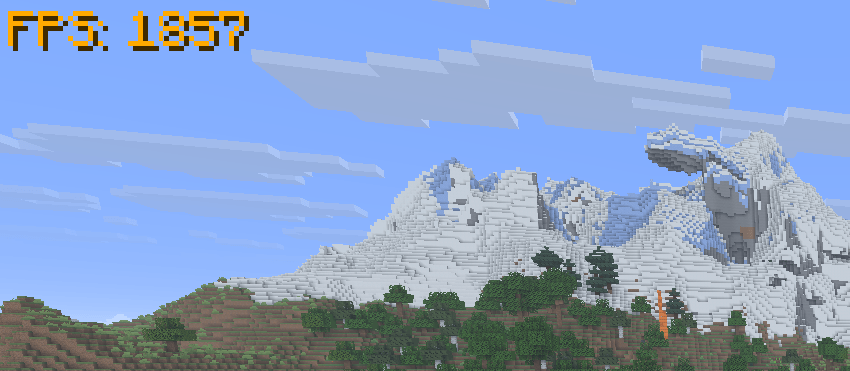
A simple, lightweight and customisable FPS display with adjustable size, colours, custom hex support and automatic F3 hiding.
截图
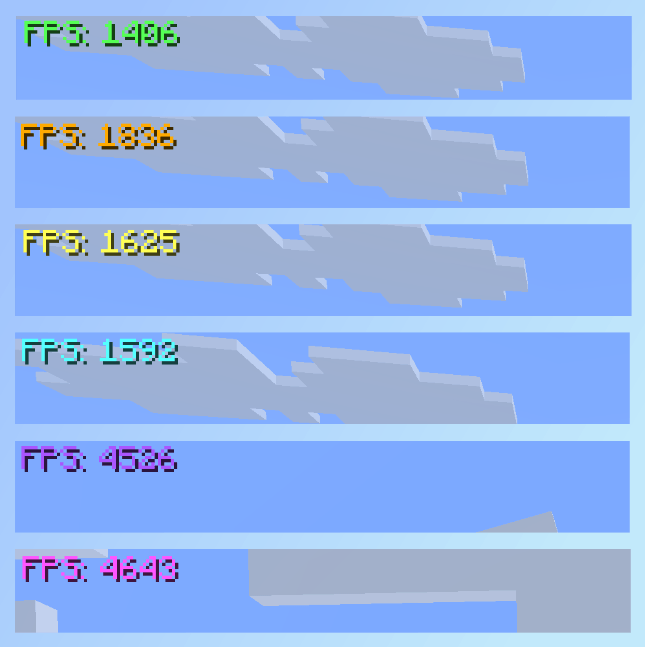
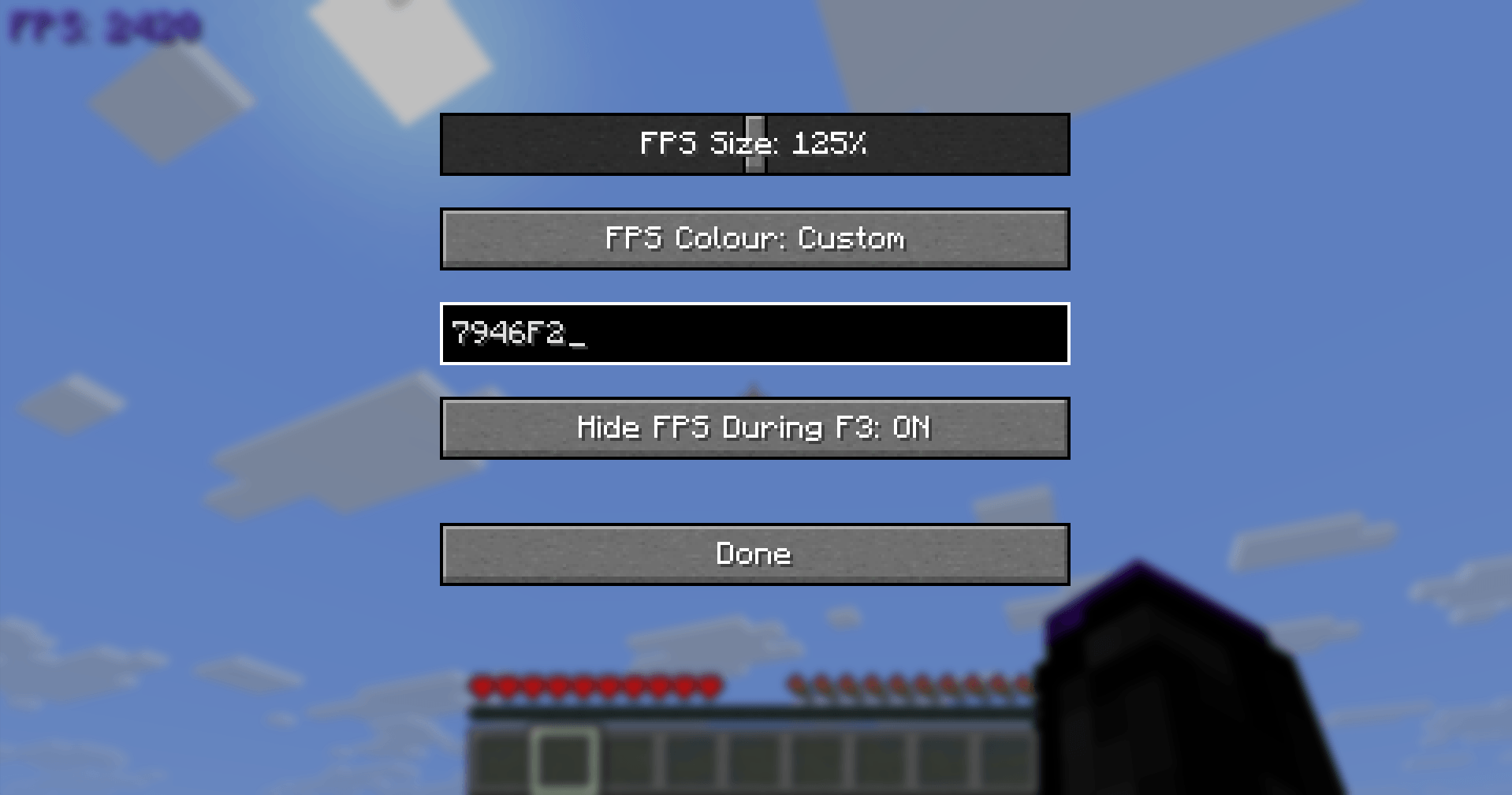
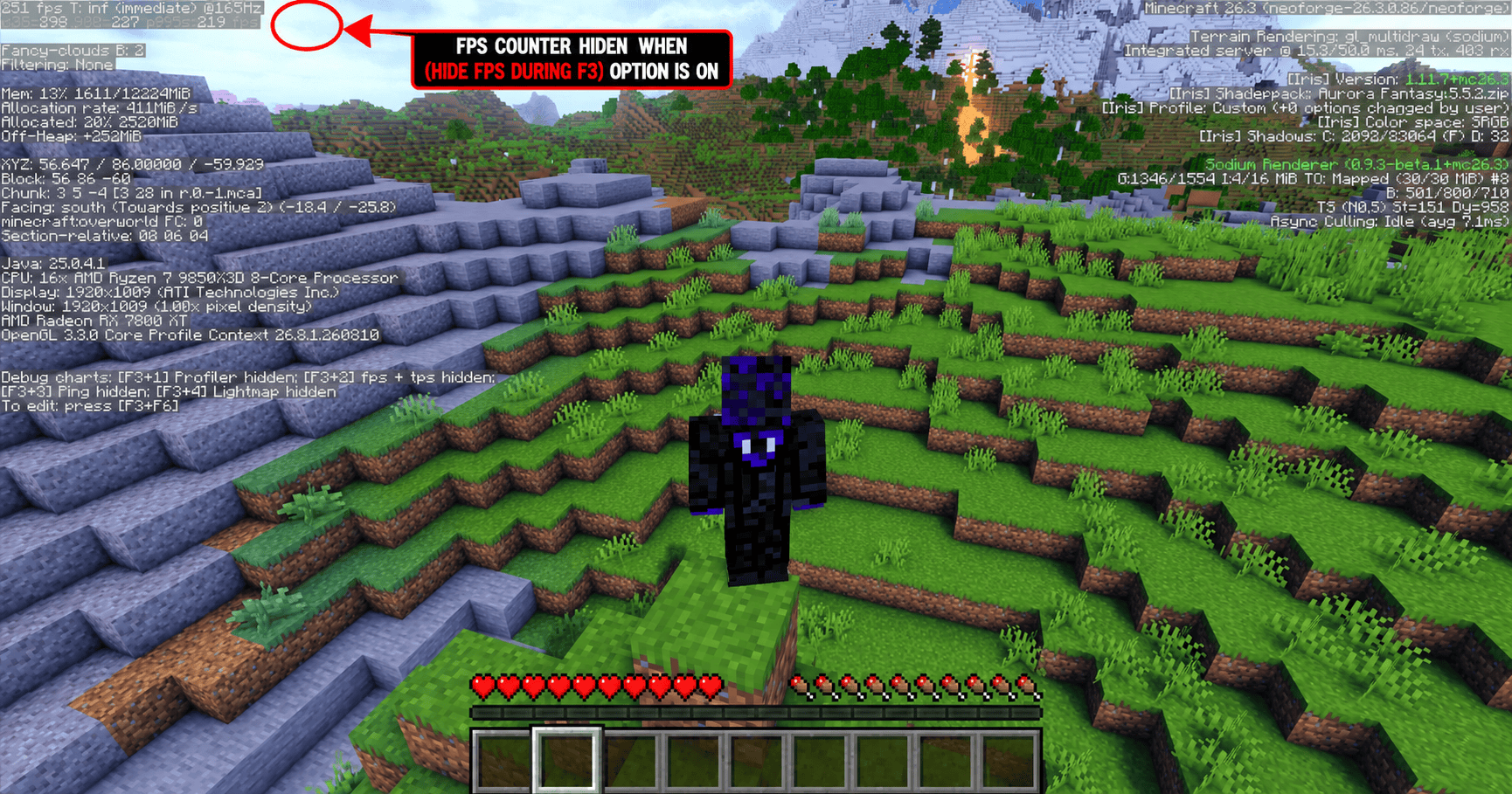
介绍
ZakeysFPS is a simple, lightweight and customisable FPS display for Minecraft.
It gives you a clean FPS counter without needing to keep the F3 debug screen open, with built-in options to customise how it looks.
Features
- Live FPS counter – Displays your current FPS directly on screen.
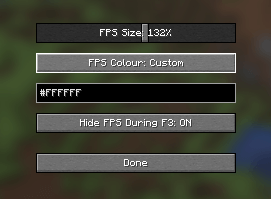
- Adjustable size – Scale the FPS display from 50% to 200%.
- Colour presets – Quickly choose from a selection of built-in colours.
- Custom colours – Enter your own HEX colour code for full colour customisation.
- Automatic F3 hiding – Optionally hides the FPS counter whenever the F3 debug screen is open and automatically shows it again when closed.
- In-game settings menu – Press
]by default to open the ZakeysFPS settings. - Client-side only – No server installation required.
- Lightweight – Designed to do one job without adding unnecessary features or clutter.
Compatibility
Minecraft: 26.3
Mod Loader: NeoForge
Environment: Client-side
ZakeysFPS does not increase or optimise your FPS — it simply provides a lightweight and customisable way to display it.
Keybind
The default keybind for opening the settings menu is:
] – Open ZakeysFPS Settings
This can be changed at any time through Minecraft’s normal Controls → Key Binds menu.

Created by Zakey7
常见问题
ZakeysFPS 支持哪些 Minecraft 版本?
ZakeysFPS 支持 Minecraft Java 版 26.3,可用的加载器:NeoForge。下载时注意选择和你游戏版本一致的文件。
ZakeysFPS 怎么安装?
先用 PCL2 或 HMCL 启动器安装对应版本的 NeoForge,再把下载的 .jar 文件放进游戏目录的 mods 文件夹,重新启动游戏即可。开启了版本隔离的,mods 文件夹在 versions/版本名 下面。
评论
登录后评论和评分