Mikasa Ackerman Custom GUI
A warm visual theme inspired by Mikasa Ackerman, with a custom main menu and matching menus, inventories, and buttons.
截图
介绍
Mikasa is a visual theme for Minecraft inspired by Mikasa Ackerman from Attack on Titan. It gives the game a warm brown look built around her, while your worlds, items, and gameplay stay exactly as they are.
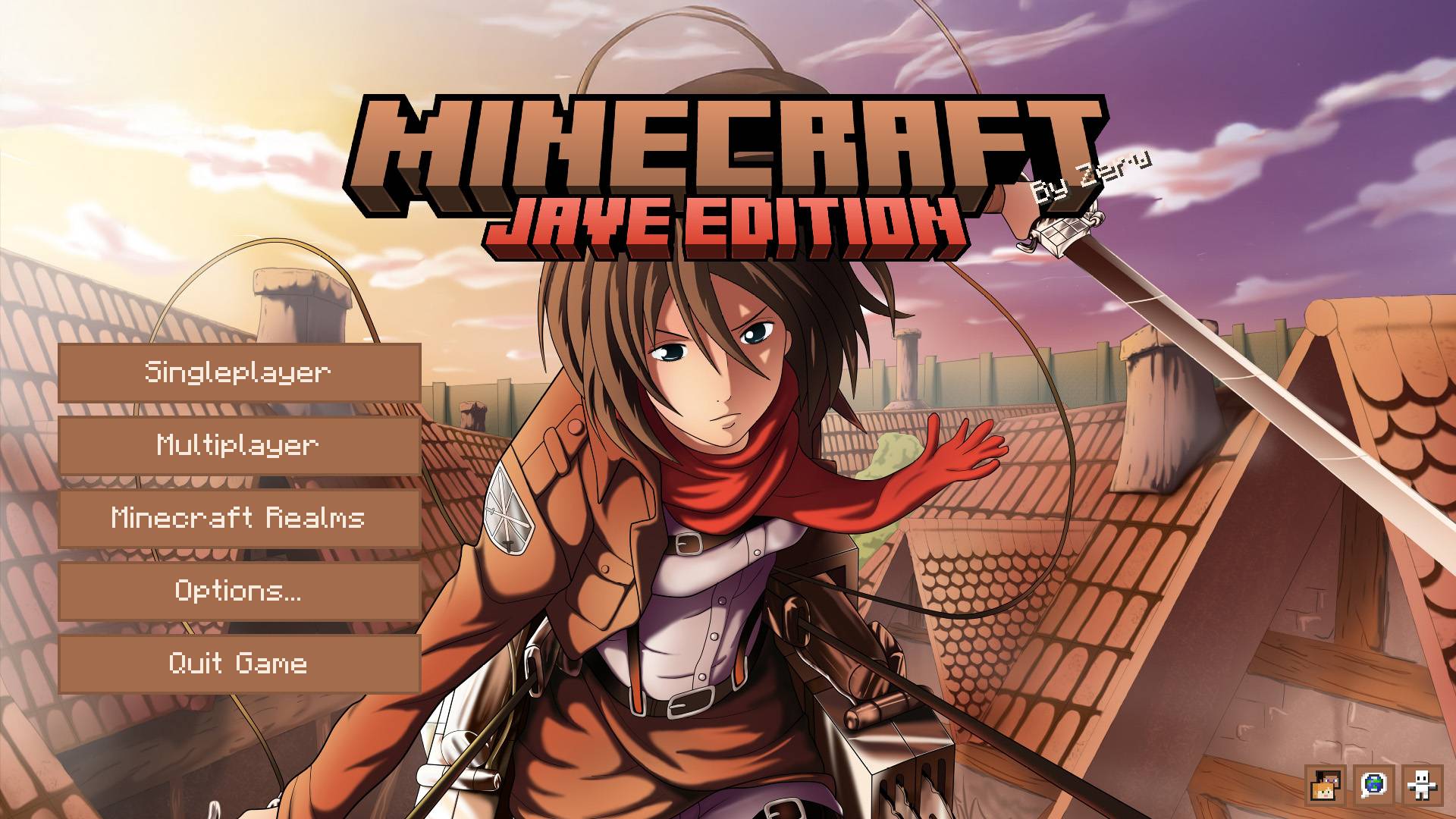
The title screen opens on custom artwork of Mikasa, with a matching logo above the menu. Singleplayer, Multiplayer, Minecraft Realms, Options, and Quit Game are all still there, drawn in warm brown with light text so they are easy to read.
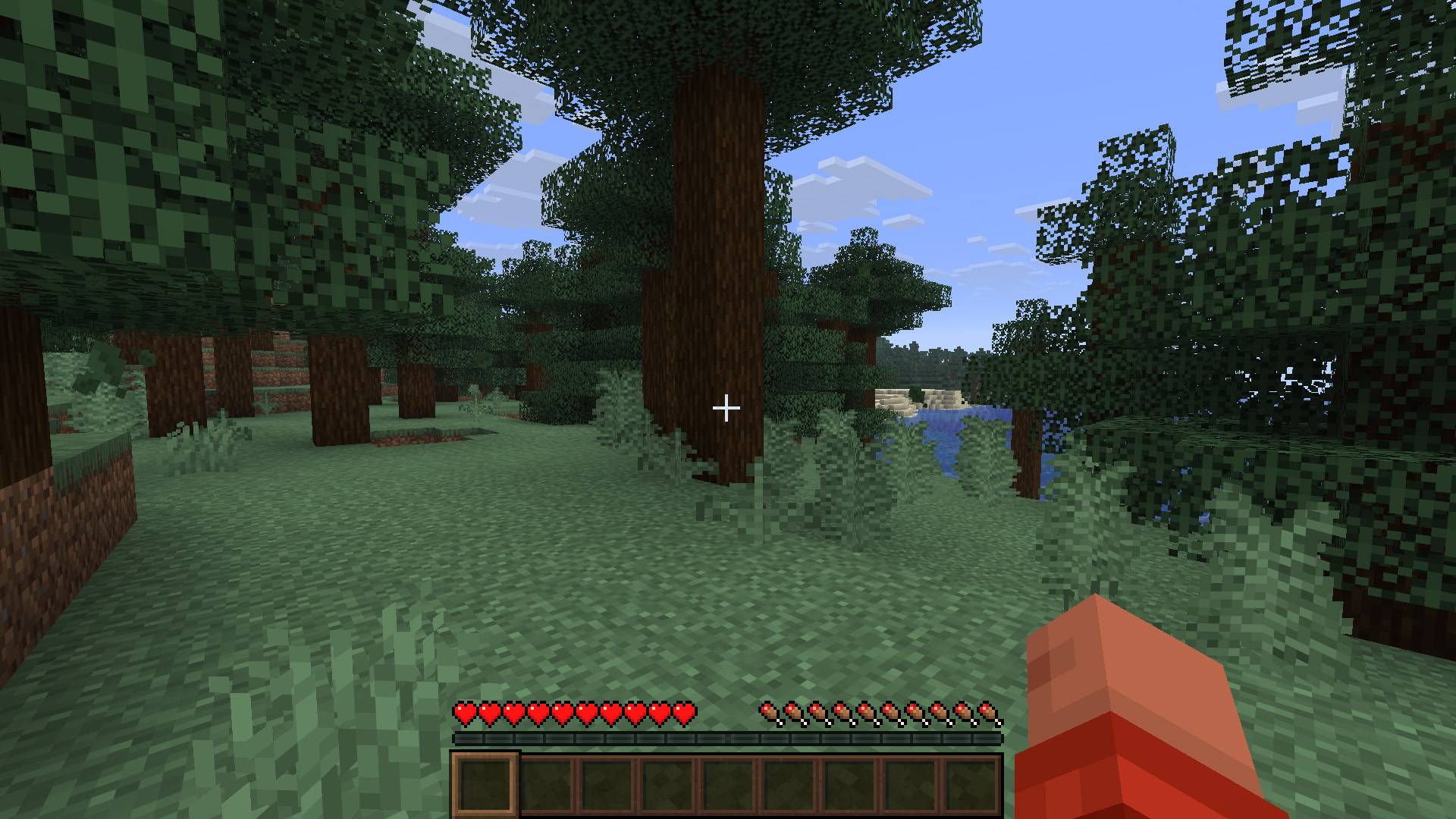
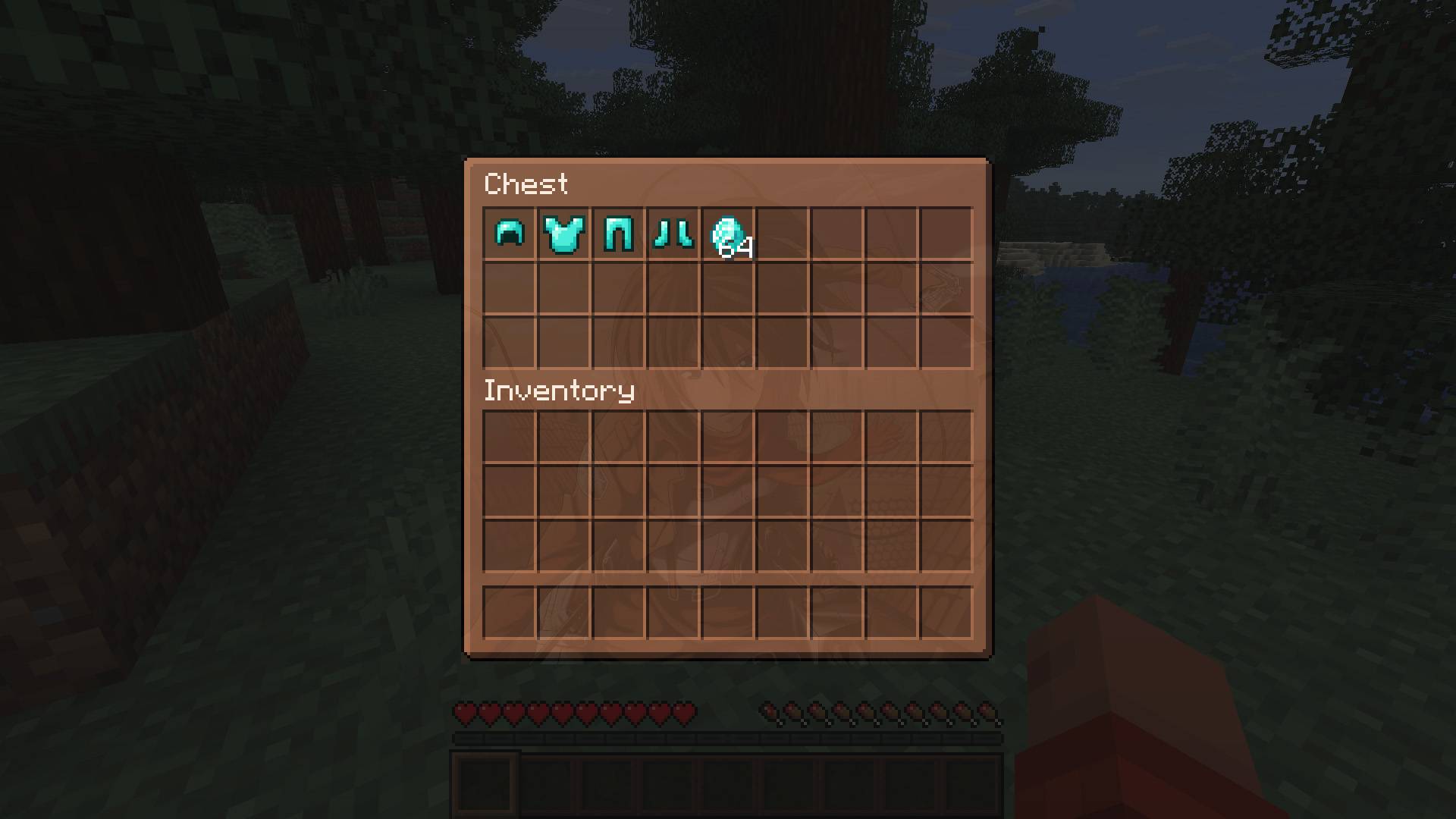
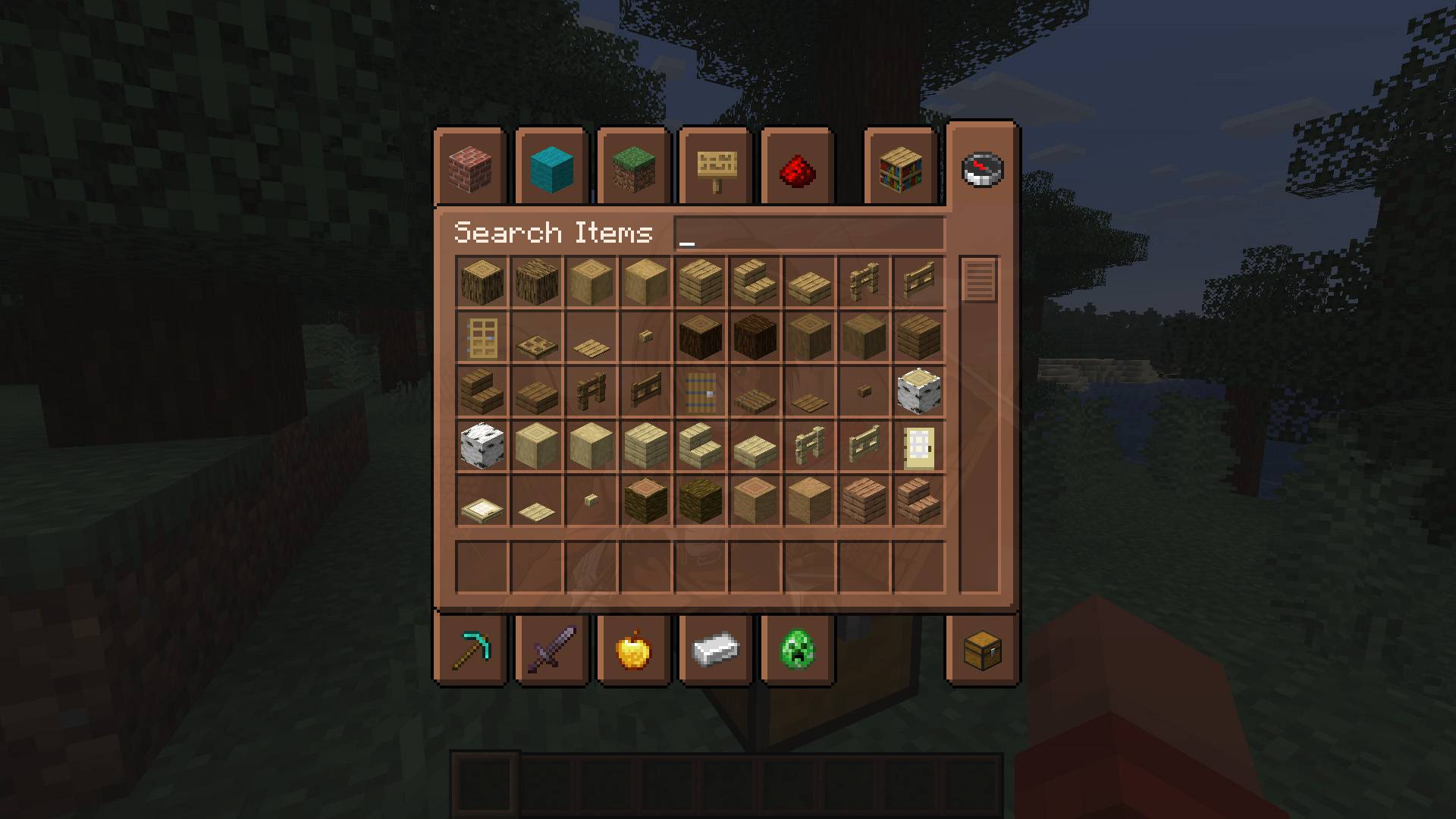
That same style carries through the rest of the interface. Inventories, chests, crafting screens, the recipe book, advancements, pause menus, and the loading screen all share the same colors. A soft portrait of Mikasa sits behind inventory and container screens, and the hotbar uses the same tint so the game feels consistent from the menu to play.
Language, accessibility, and friends stay available from small buttons in the bottom corner of the title screen. Small buttons added by other mods are kept there as well when they fit.
Install the mod and start the game. The new look is ready as soon as you reach the title screen.
This is a fan made theme. It is unofficial and is not affiliated with Attack on Titan or its creators.
常见问题
Mikasa Ackerman Custom GUI 支持哪些 Minecraft 版本?
Mikasa Ackerman Custom GUI 支持 Minecraft Java 版 1.20.1–26.3,共 4 个版本,可用的加载器:Fabric / Forge / NeoForge。下载时注意选择和你游戏版本一致的文件。
Mikasa Ackerman Custom GUI 怎么安装?
先用 PCL2 或 HMCL 启动器安装对应版本的 Fabric / Forge / NeoForge,再把下载的 .jar 文件放进游戏目录的 mods 文件夹,重新启动游戏即可。开启了版本隔离的,mods 文件夹在 versions/版本名 下面。
Zerw 的其他作品
查看全部 →
No Totem Pop Animation & Particles
图腾触发时保持屏幕清爽。适合PvP、硬核模式和追求干净画面的创作者。

Better Nether Portals
可以建造任意形状或朝向的下界传送门,封闭的黑曜石框架,用打火石点燃,然后走进去。

No Rain & Particles
此资源包会移除雨天画面效果,并彻底静音雨声。

One Money Block
One Money Block 是一款围绕单个方块展开的模组,带来独特有趣的游戏体验,并以金钱和升级为核心打造全新的成长系统。
评论
登录后评论和评分