
Hullspark Coordinate HUD
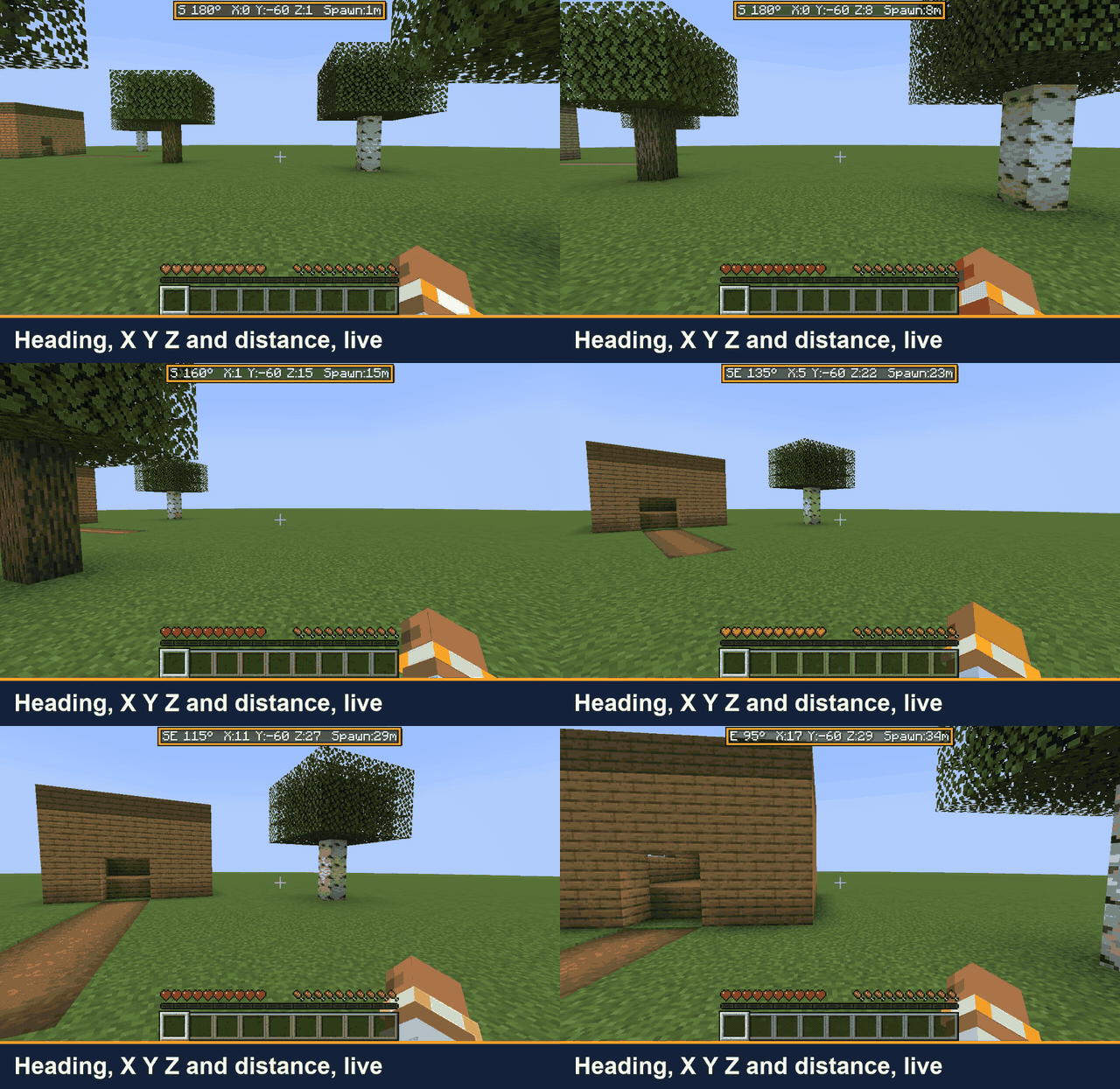
Always see where you are and how far you are from spawn. One line at the top of the screen, no minimap, no F3.
截图
介绍
You are far from home, you open F3 to check your coordinates, and half the screen turns into debug text. Then you forget the numbers before you can write them down.
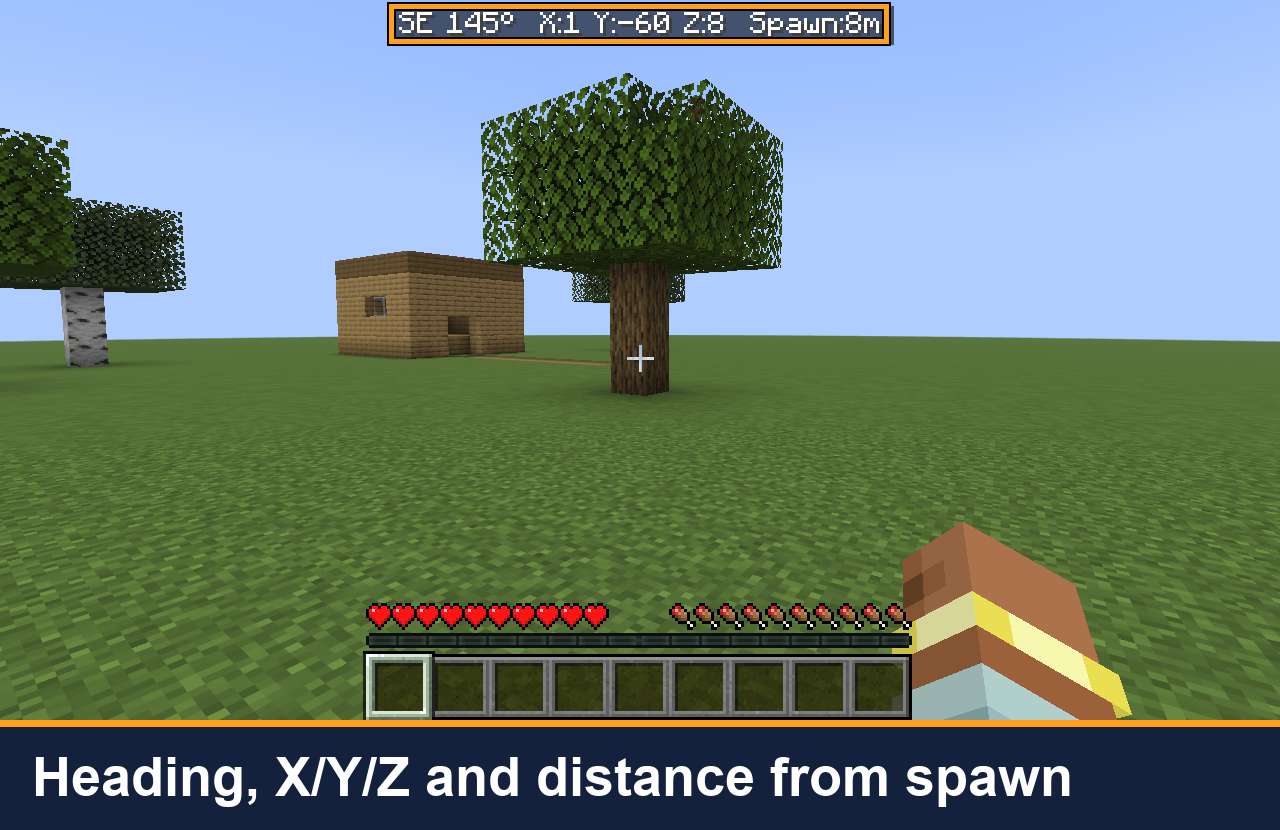
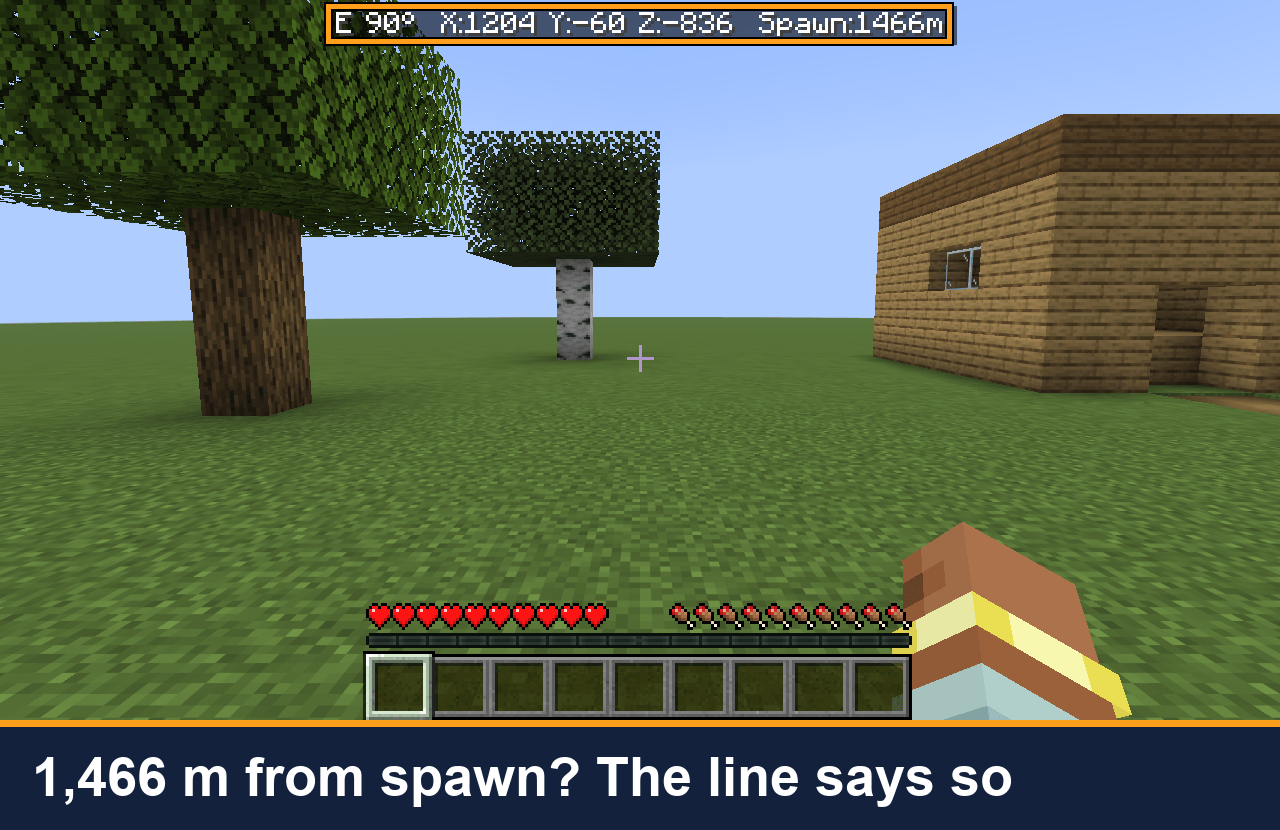
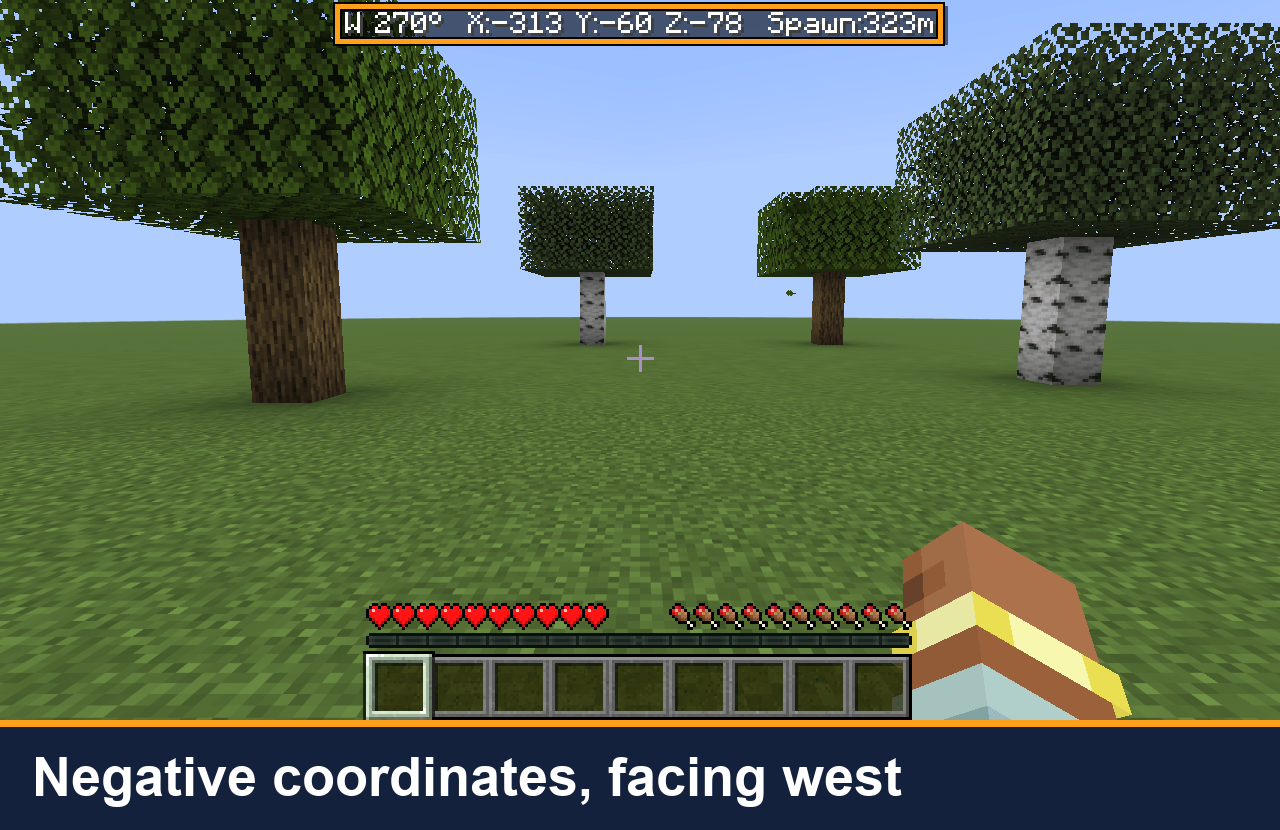
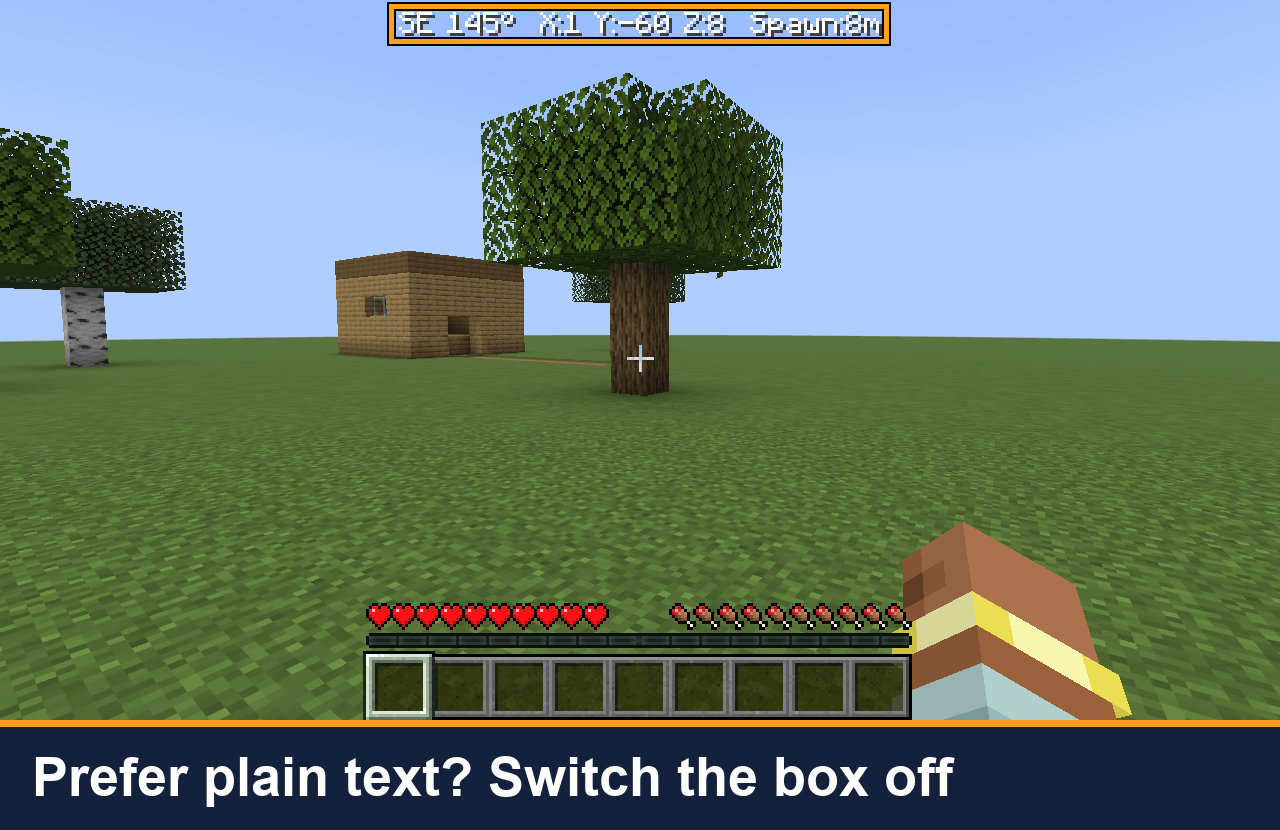
Coordinate HUD puts one line at the top of the screen instead:
N 90° X:120 Y:64 Z:-35 Spawn:312m
Where to look
- Left: the direction you are facing (8-point compass) and the bearing in degrees. 0° is north, 90° is east.
- Middle: your block coordinates, X Y Z.
- Right: how far you are from the world spawn, measured on the ground (height is not counted), so you can tell how far you would have to walk. In the Nether or the End it shows “Spawn:–” because the spawn is in another dimension.
What it does for you
- You can read your position while you walk, build or explore. No F3, no minimap, no map mod needed.
- It moves below boss bars so it does not cover the boss names.
- It hides when you open a chest, the inventory, the death screen or a menu, and with F1. It stays visible while you type in chat, so you can tell a friend where you are.
- Client-side only: install it on your own game, nothing to install on the server. It sends nothing over the network.
Copy your position (version 0.1.5, Minecraft 1.21.11 and 26.3)
Set a key in Options > Controls > Key Binds > Coordinate HUD > “Copy coordinates” (no default key). One press puts your position on the clipboard as “120 64 -35” and shows “Copied coordinates: …” above the hotbar. Paste it into chat, a note, or /tp.
Show / hide and settings (Minecraft 26.3)
- “Toggle coordinate line” key (no default key): turns the line on or off, and remembers your choice.
- config/coordinate-hud.properties, read when the game starts: background (the dark box behind the text, default true), hideWithDebugScreen (hide the line while F3 is open, default false), visible.
- If a server turns on reducedDebugInfo (the setting that hides coordinates in F3), the line hides too.
- The 1.21.11 build has no settings file and no toggle key.
Requirements
Fabric Loader 0.19.5+ and Fabric API. Minecraft 26.3 (needs Java 25) and 1.21.11. Pick the file for your version.
Source: https://github.com/hullspark/fabric-mods
Disclosure: this mod was developed with AI assistance (Claude) and reviewed by the author. It does not reuse code or assets from other mods. It does not collect or transmit any data.
常见问题
Hullspark Coordinate HUD 支持哪些 Minecraft 版本?
Hullspark Coordinate HUD 支持 Minecraft Java 版 1.21.11–26.3,共 2 个版本,可用的加载器:Fabric。下载时注意选择和你游戏版本一致的文件。
Hullspark Coordinate HUD 怎么安装?
先用 PCL2 或 HMCL 启动器安装对应版本的 Fabric,再把下载的 .jar 文件放进游戏目录的 mods 文件夹,重新启动游戏即可。开启了版本隔离的,mods 文件夹在 versions/版本名 下面。
Hullspark 的其他作品
查看全部 →
Death Point Marker
After you die, one HUD line keeps pointing you back to your loot: direction, distance and coordinates. No chat spam to scroll back to.

Hullspark Cat Dance
Cats near a playing jukebox hop, lean and swish their tails to the beat. Draw-only, client-side.

LastView
Your loading screen shows the place you left. Rejoin a world and its loading screen has your last view behind it instead of the menu panorama.
Bed Monster Highlight
When a bed says monsters are nearby, the monsters that blocked your sleep glow through walls for 10 seconds and the action bar names them.
评论
登录后评论和评分