🛠 Command Studio
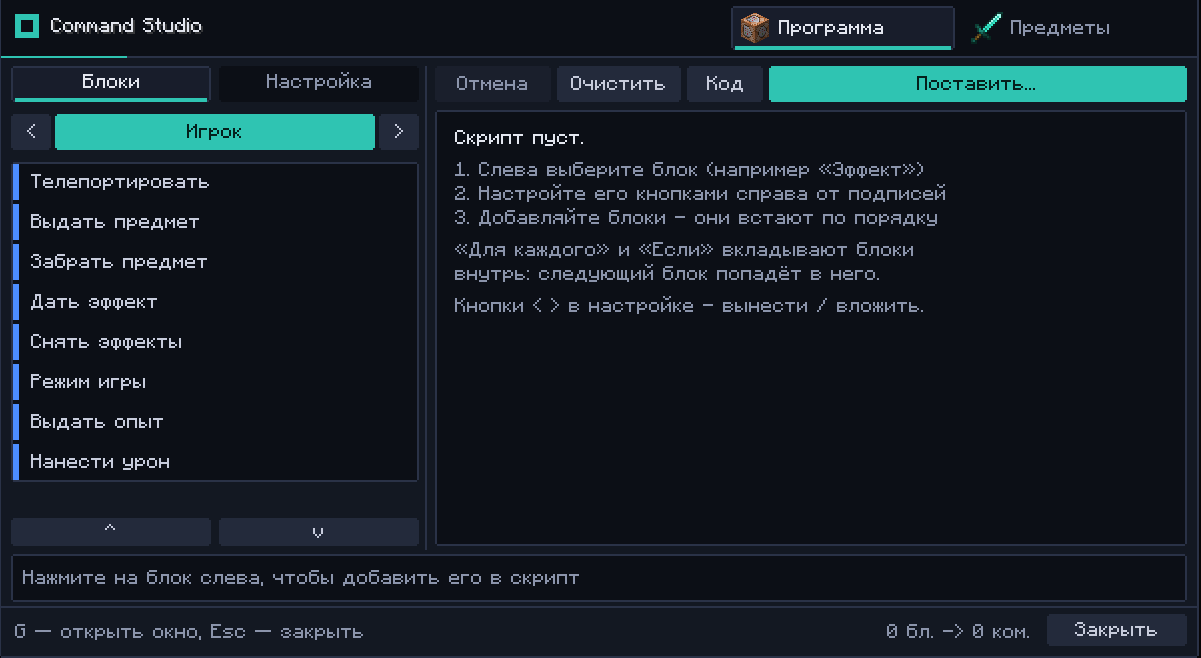
A powerful visual GUI for command blocks and an intuitive custom item builder with full NBT, attribute, and RGB support, built exclusively for server operators.
截图

介绍
Full Description
🛠 Command Studio
Tired of typing endless NBT strings and memorizing complicated /give syntax? Command Studio turns tedious command block management and item creation into a smooth, visual, and intuitive in-game experience.
Designed specifically for mapmakers, event hosts, and server administrators, this mod combines an advanced command block interface with a comprehensive custom item workshop.
✨ Key Features
1. 🧩 Visual Command Block GUI
-
Visual Logic: Easily manage command chains, execution conditions (Conditional / Unconditional), and block types (Impulse / Chain / Repeat) with a clean, user-friendly interface.
-
Syntax Highlighting & Hints: Catch typos and syntax errors instantly directly within the editor.
-
Chain Preview: Visually inspect execution orders and dependencies without getting lost in block orientation.
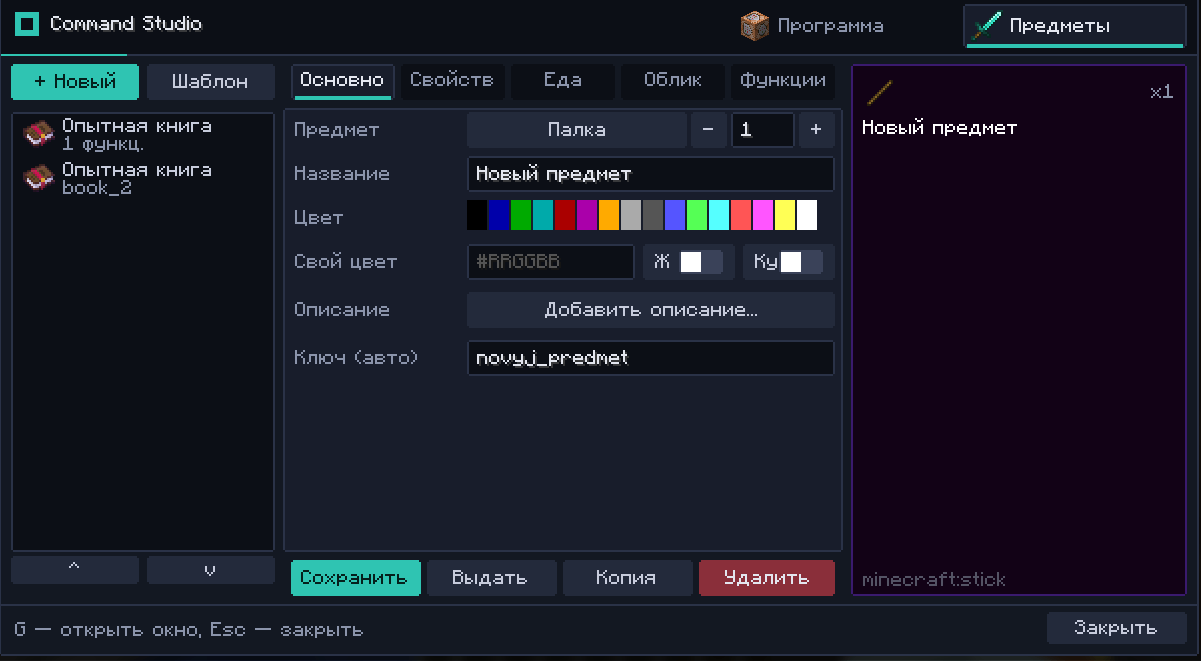
2. ⚔ Custom Item Studio (Item Builder)
-
Create Custom Gear in Clicks: Design unique weapons, armor, tools, and custom artifacts without needing third-party generator websites.
-
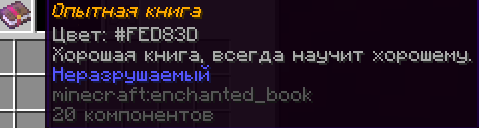
Rich Text Editing: Customize display names and multi-line lore with full support for formatting codes, HEX (RGB) colors, and gradients.
-
Deep NBT & Attribute Control:
-
Add any enchantments (including levels beyond vanilla limits).
-
Configure custom attributes (extra health, attack speed, movement speed, knockback resistance, attack range, etc.).
-
Toggle item flags (hide enchants, hide attributes, hide unbreakable, etc.).
-
Full CustomModelData support for seamless custom resource pack integration.
-
-
Flexible Export: Spawn items directly into your inventory or copy the generated /give command to your clipboard.
3. 🔒 Security & Server Safety
-
Operator Only: Access is strictly restricted to server operators (OP level 2+ / permission node support).
-
Regular players cannot open the editor, modify command blocks, or generate restricted items.
-
Full server-side validation to prevent exploits and keep your server secure.
🎮 Controls & Commands
-
/cs or /commandstudio — Open the Item Studio menu.
-
Keybindings can be customized in the vanilla controls menu.
🎯 Who is this for?
-
Mapmakers: Build quests, cutscenes, and complex mechanics much faster.
-
Server Admins: Design custom event rewards, boss drops, and utility tools on the fly.
-
Modpack Creators: Quickly balance and prototype custom loot tables and items in-game.
常见问题
🛠 Command Studio 支持哪些 Minecraft 版本?
🛠 Command Studio 支持 Minecraft Java 版 1.21.1–1.21.11,共 2 个版本,可用的加载器:Fabric / NeoForge。下载时注意选择和你游戏版本一致的文件。
🛠 Command Studio 怎么安装?
先用 PCL2 或 HMCL 启动器安装对应版本的 Fabric / NeoForge,再把下载的 .jar 文件放进游戏目录的 mods 文件夹,重新启动游戏即可。开启了版本隔离的,mods 文件夹在 versions/版本名 下面。

评论
登录后评论和评分