Mining Dimension Fabric
Add a mining dimension and replicators for fabric! This mod is mainly made for modpacks, so you can use it in your modpack !
截图
介绍
Mining Dimension
A Fabric mod for Minecraft that adds a dedicated Mining Dimension packed with dense ore veins, plus energy-powered Replicators that duplicate items.
Features
- Mining Dimension — a standalone dimension (
mining_dimension:mining) rich in ores: coal, iron, gold, diamond, redstone, lapis, copper, emerald, and ancient debris. Diamond, redstone, lapis and copper generate in extra-dense veins. - Mining Portal — a block that teleports you between the Overworld and the Mining Dimension. Sneak and use with an empty hand to travel. A matching portal is created automatically on the other side.
- Machine Frames — three tiers of crafting components: Simple → Machine → Advanced.
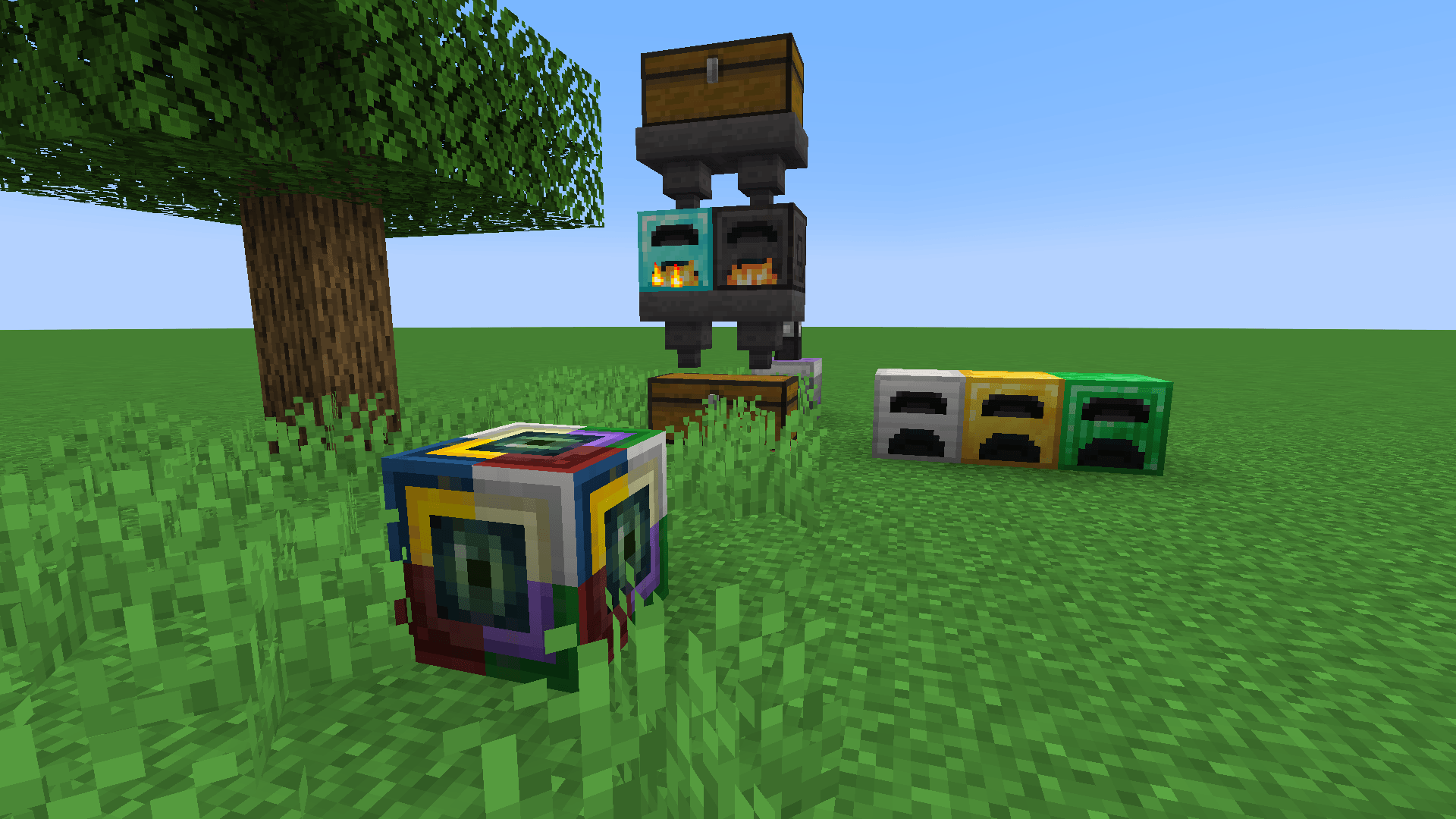
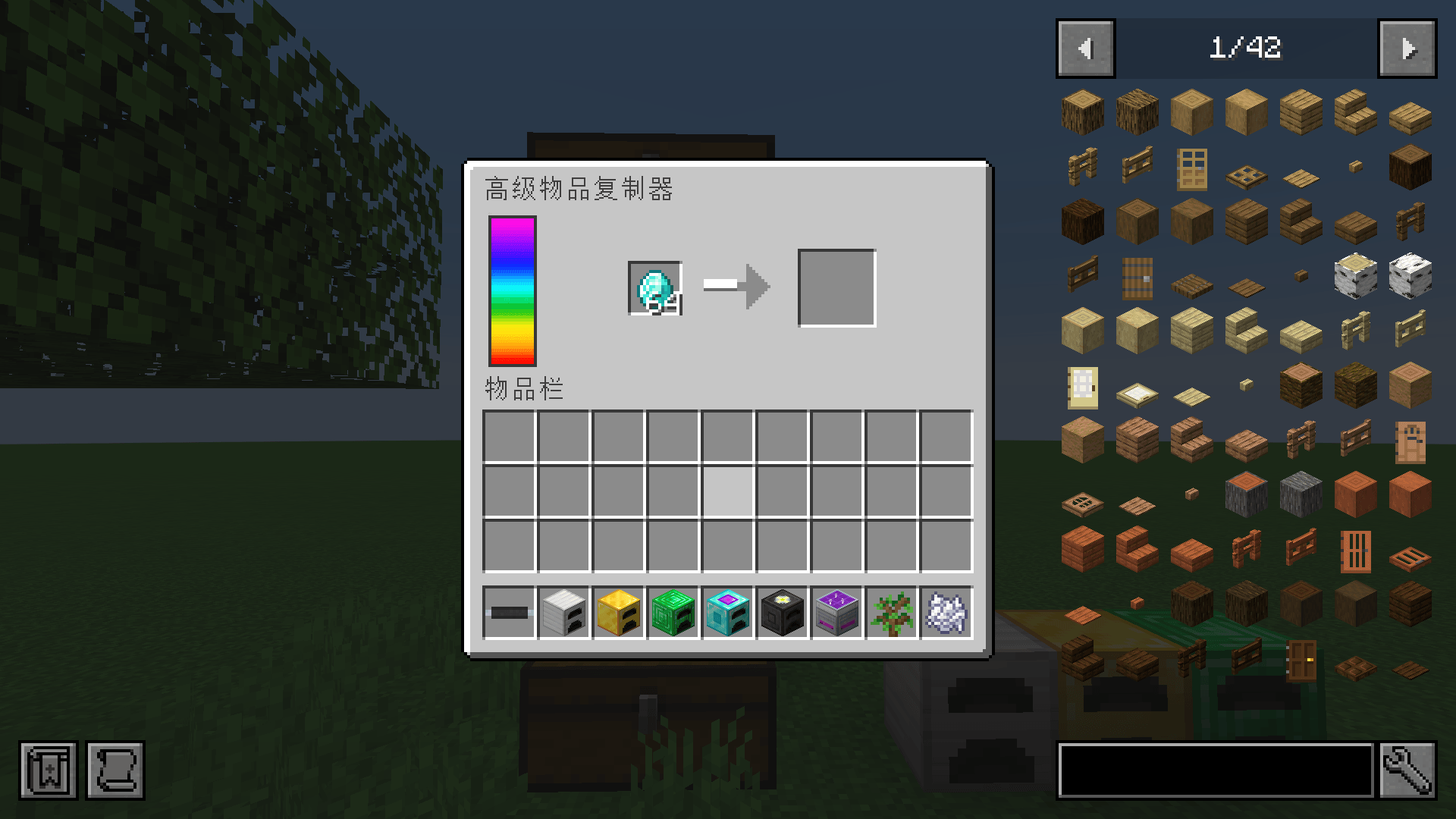
- Replicator — a machine that duplicates items using energy. Feed it through its GUI or with hoppers (top = input, bottom = output).
- Advanced Replicator — 4× energy capacity, 4× energy draw, and 5× faster copying than the regular Replicator.
- Fully configurable — energy cost, copy time, capacity, and item whitelist/blacklist are all adjustable in
config/mining_dimension.json.
Requirements
- Minecraft 1.20.1 , 1.19.2 and 1.18.2
- Fabric Loader 0.19.5 or newer
- Fabric API
- Java 17 or newer
Energy is handled through Reborn Energy, which is bundled with the mod — no separate dependency is required. Any energy mod that implements the same API (e.g. Tech Reborn) can power the Replicators.
Getting Started
The Portal
- Craft a Mining Portal.
- Place it in the Overworld and sneak + right-click with an empty hand — you’ll be sent to the Mining Dimension.
- A matching portal is created automatically on the other side, so you can always travel back.
The Replicator
- Craft a Replicator (requires an Advanced Machine Frame).
- Supply it with energy from any Reborn Energy-compatible source.
- Insert the item to copy into the top slot (or the GUI’s input slot).
- Collect copies from the bottom slot (or the GUI’s output slot).
Configuration
The config file is generated at config/mining_dimension.json on first launch:
| Key | Default | Description |
|---|---|---|
energyPerTicks |
96 |
Energy consumed per tick while copying |
copyTimeTicks |
200 |
Ticks required to produce one copy |
maxEnergy |
20000 |
Internal energy buffer capacity |
whitelist |
[] |
Item IDs that may always be replicated |
blacklist |
[] |
Item IDs that may never be replicated |
vanillaItemsWhitelisted |
true |
Whether vanilla items are replicable by default |
Building from Source
- Clone the repository.
- Run
./gradlew build(orgradlew.bat buildon Windows). - The compiled jar is output to
build/libs/.
License
This project is licensed under the MIT License.
Credits
- Author: Bookstore1037
常见问题
Mining Dimension Fabric 支持哪些 Minecraft 版本?
Mining Dimension Fabric 支持 Minecraft Java 版 1.18.2–1.20.1,共 3 个版本,可用的加载器:Fabric。下载时注意选择和你游戏版本一致的文件。
Mining Dimension Fabric 怎么安装?
先用 PCL2 或 HMCL 启动器安装对应版本的 Fabric,再把下载的 .jar 文件放进游戏目录的 mods 文件夹,重新启动游戏即可。开启了版本隔离的,mods 文件夹在 versions/版本名 下面。
评论
登录后评论和评分