
截图
介绍
🌍 Welcome to Dirt World!
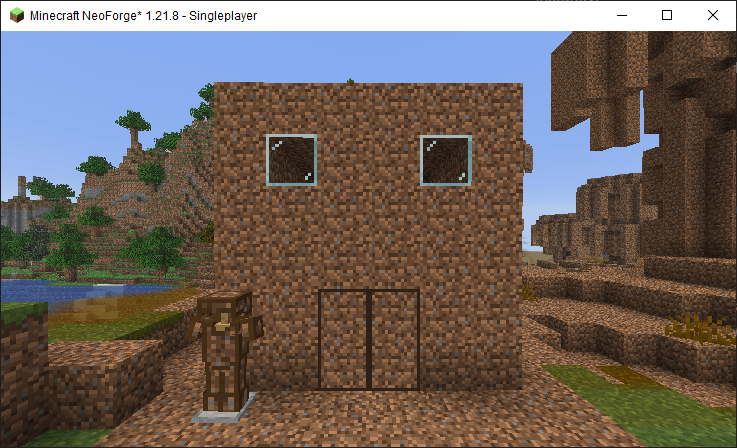
What if dirt wasn’t just the block you ignore? What if it was… everything? Dirt World transforms the humble dirt block into an entire adventure, with tools, dimensions, and secrets waiting beneath your feet!
—
🛠️ Features
🌱 Core Gameplay
· Dirt Tools & Armor: Full set of dirt-tier equipment with unique attributes
· Dirt Ore & Ingots: Mine, smelt, and craft with new earth resources
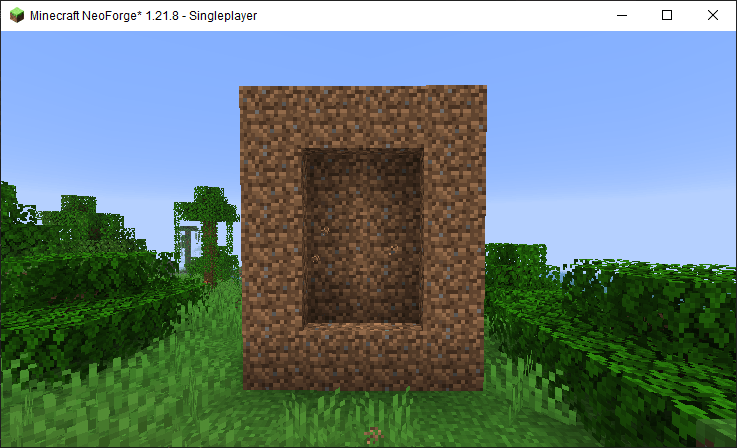
· Dirt Dimension: A mysterious realm where everything is dirt… but not as you know it
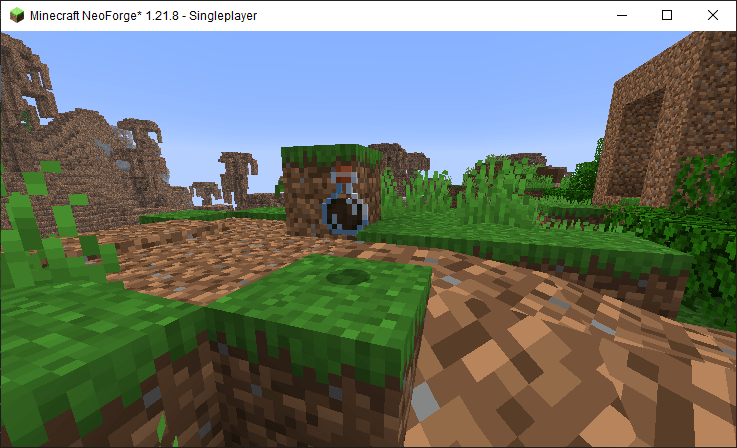
· Dirt Biome: Explore unique terrain generation in this earthy paradise
⚔️ Progression System
· Craft “Dirt and Grave” item to ignite the portal to another world
· Face Dirt Entities and survive their terrain-altering attacks
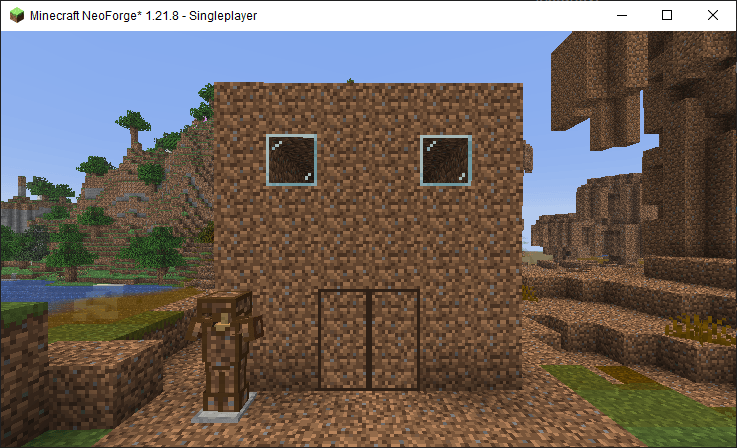
· Build with Dirt Doors, Dirt Houses, and more!

🌀 Unique Mechanics
· Dirt Fluid: A flowing, dirt texture Water
· Status Effects: Dirt like effect to represent eating Dirt in real life
· Custom Recipes: New crafting paths for dirt-based gear
· Structures: Pre-built Dirt Houses to discover or import

—
📦 Installation
1. Download and install Neoforge for your Minecraft version
2. Download Dirt World.jar from this page
3. Place in your .minecraft/mods folder
4. Launch Minecraft and get digging!
—
🔧 Technical Details
· Client & Server Compatible
· Performance Friendly: Optimized for smooth gameplay
· Regular Updates: More dirt content planned!
—
🎮 Why You’ll Love This Mod
✅ Fresh Start: Perfect for new survival worlds
✅ Balanced Progression: Not too easy, not too grindy
✅ Unique Theme: Finally, dirt gets the spotlight it deserves!
✅ Fun Discoveries: Easter eggs and secrets await…
—
⚠️ Known Issues
· Dirt Fluid may interact oddly with other mod fluids
· Some textures are placeholder (help welcome!)
· Dirt Dimension generation can be slow on older PCs
—
📜 Credits
Developer: [Cookie1836]
Inspired by: The underappreciated beauty of dirt
Special Thanks: The Minecraft modding community
常见问题
Dirt World 支持哪些 Minecraft 版本?
Dirt World 支持 Minecraft Java 版 1.21.8,可用的加载器:NeoForge。下载时注意选择和你游戏版本一致的文件。
Dirt World 怎么安装?
先用 PCL2 或 HMCL 启动器安装对应版本的 NeoForge,再把下载的 .jar 文件放进游戏目录的 mods 文件夹,重新启动游戏即可。开启了版本隔离的,mods 文件夹在 versions/版本名 下面。
评论
登录后评论和评分