Precise Cushion Placement
A client-side-only mod that allows players to place cushions at precise Y-coordinates.
截图
介绍
A client-side-only mod that allows players to place cushions at precise Y-coordinates.
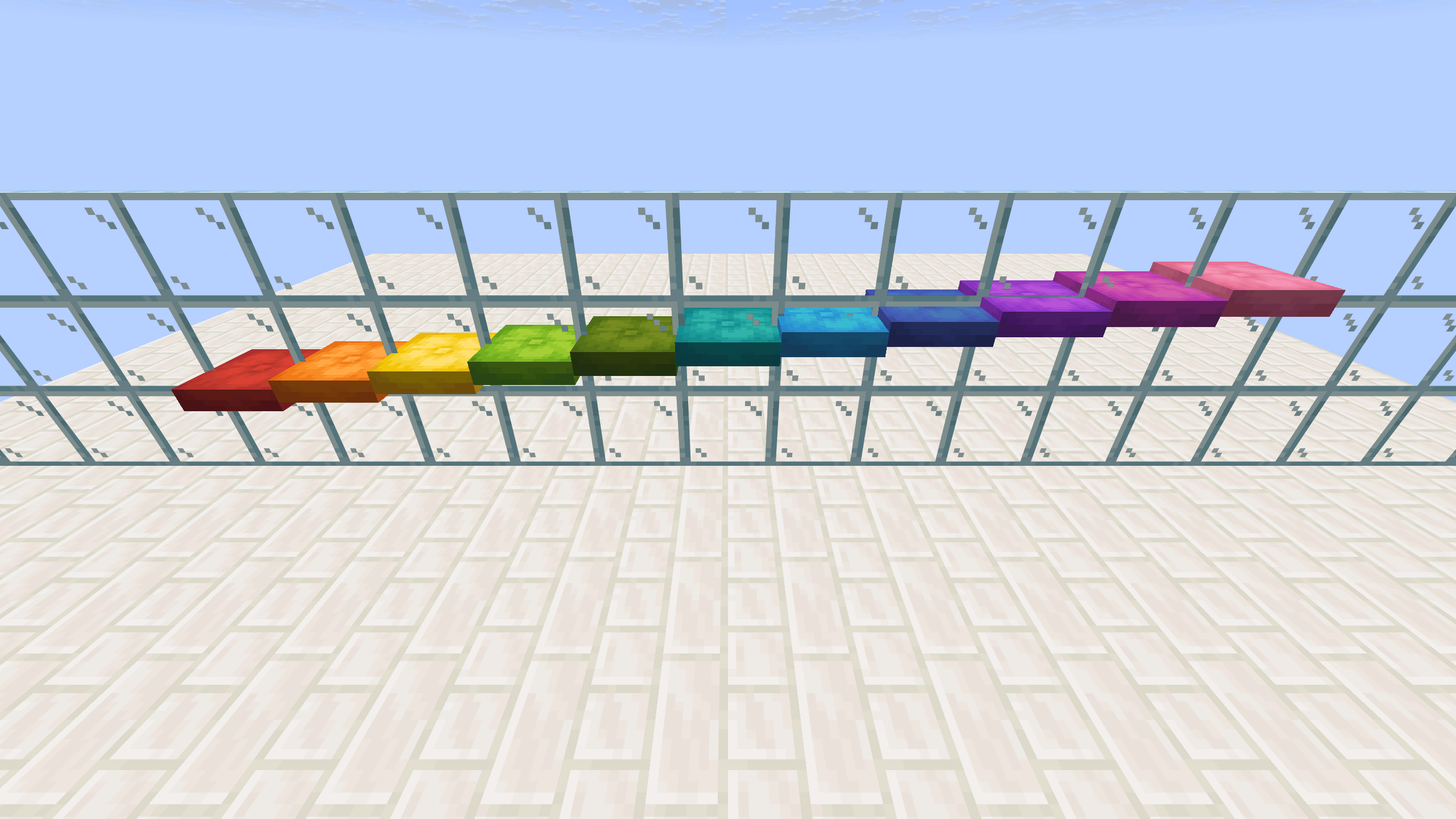
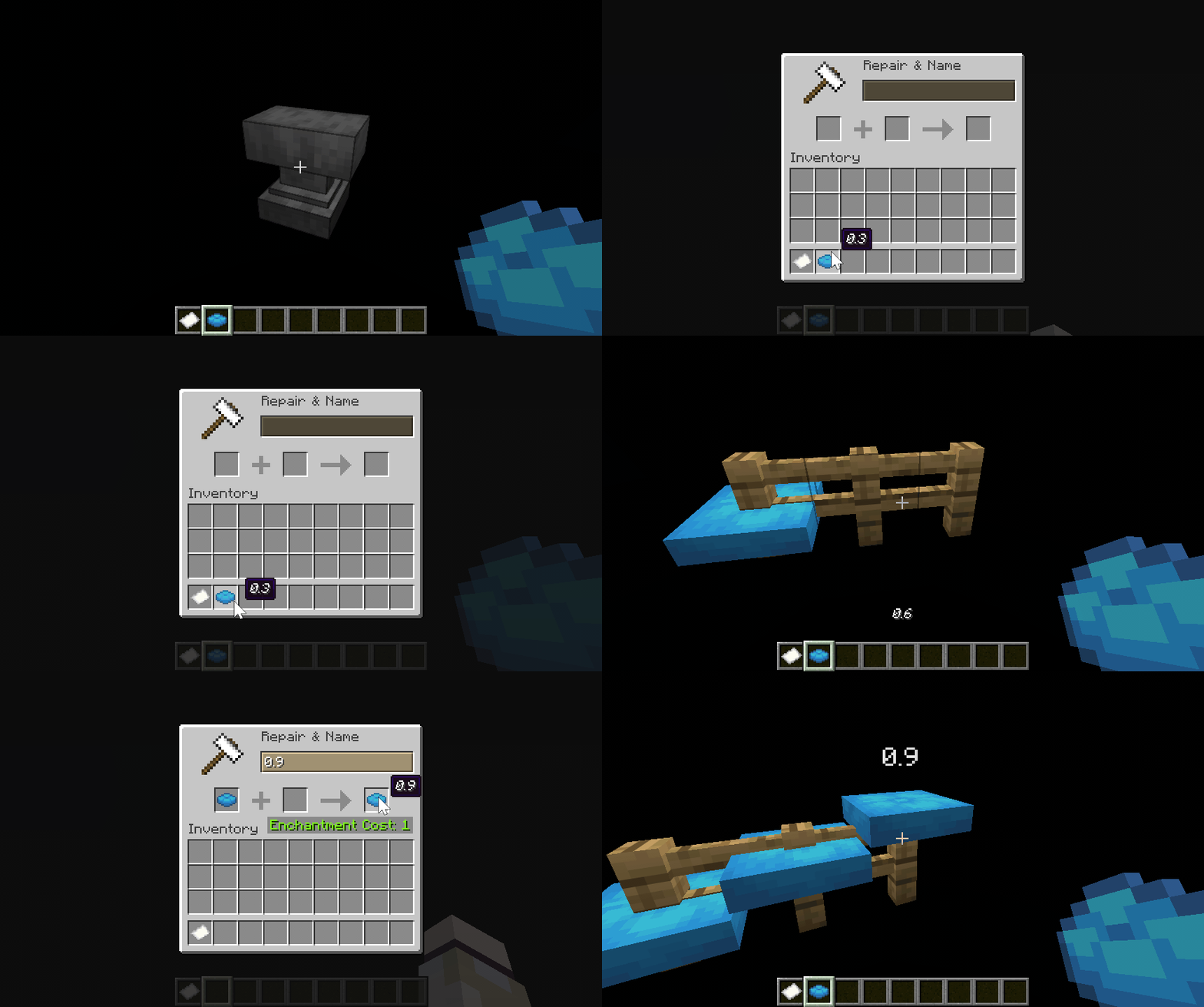
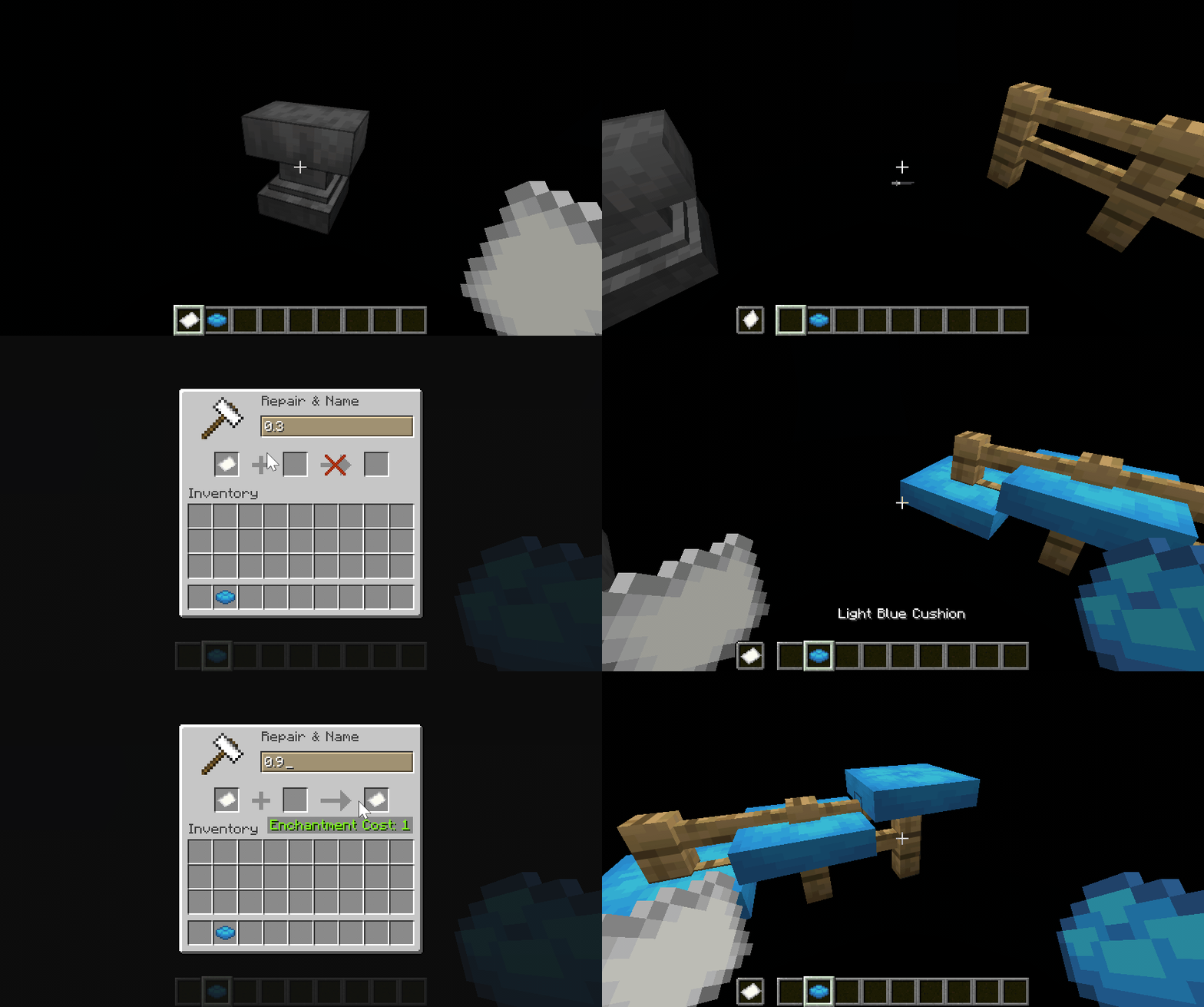
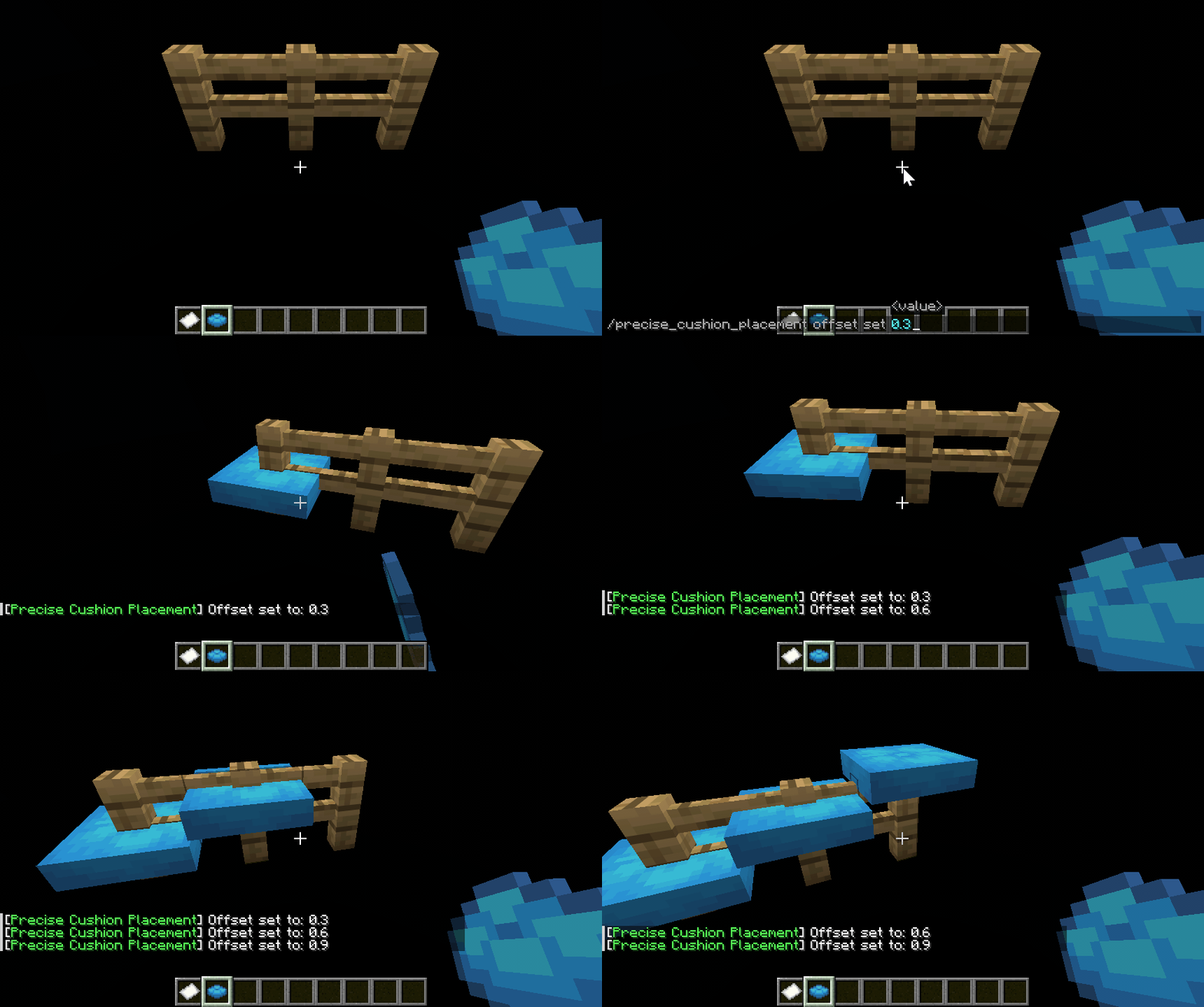
By default, it will try to get the Y coordinate offset of the cushion from the held cushion item custom name, offhand item custom name, or the value set by command in order. If a valid value ([0.0, 1.0]) is found, a new Y position (y_new = floor(y) + y_offset) will be calculated when placing the cushion and a new BlockHitResult will be synthesized using the new Y position and Direction.UP, thus achieving precise Y coordinate placement.
Y offset sources can be modified through configuration file or command.
⚠️ WARNING
Since this method modifies the
BlockHitResultto deviate from the position pointed by the player’s line of sight, it may trigger anti-cheat mechanisms on the server. Please consult the administrator before using such auxiliary mods.
Configuration
The configuration file is located at config/precise_cushion_placement.json.
The default configuration is:
{
  "offsetSources": [
    "CUSHION_ITEM_NAME",
    "OFFHAND_ITEM_NAME",
    "COMMAND"
  ]
}
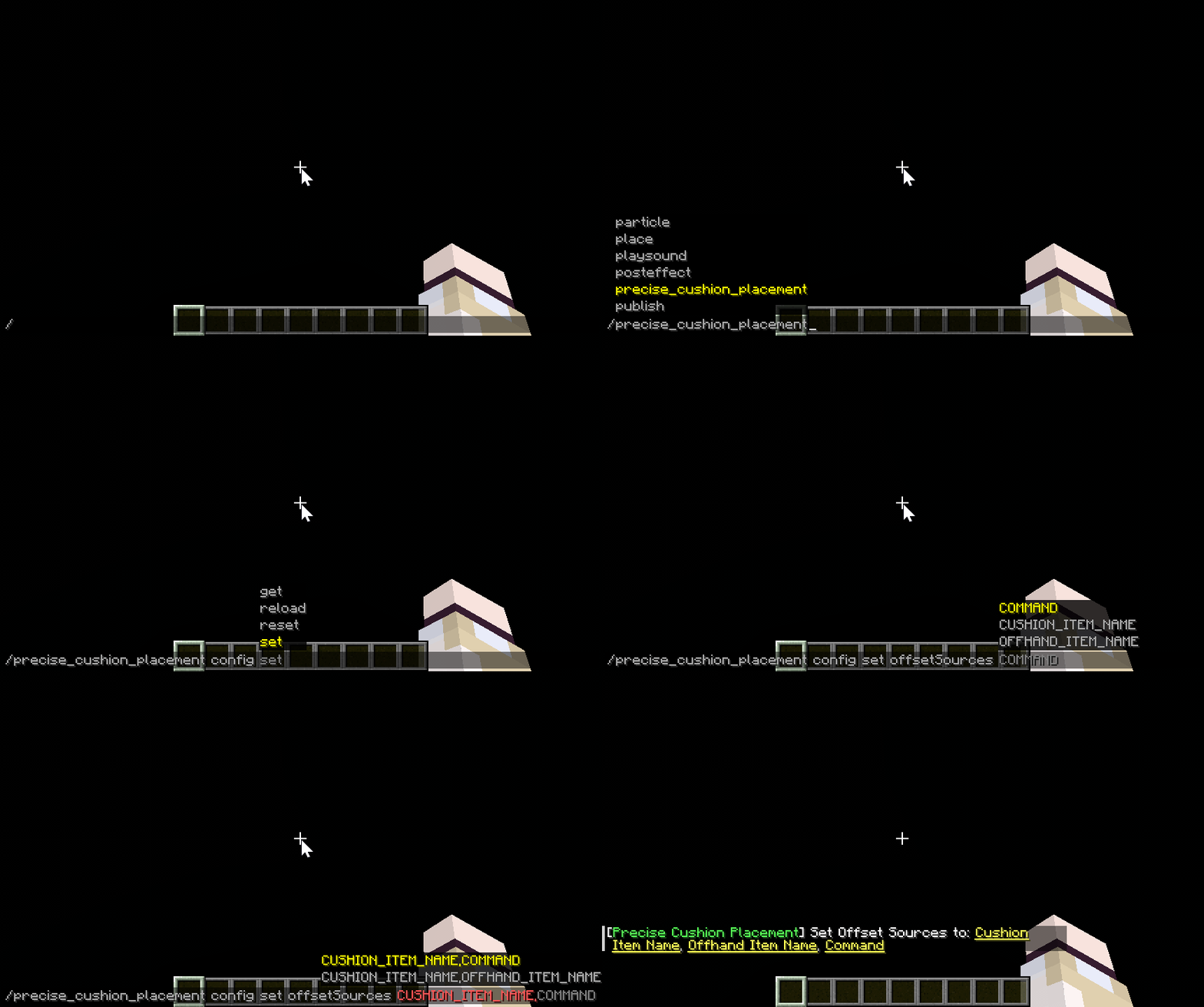
You can also make changes in-game using commands:
Commands
Subcommands are prefixed with /precise_cushion_placement.
| Subcommand | Parameters | Description |
|---|---|---|
offset clear |
None | Clear Y offset |
offset get |
None | Get Y offset |
offset set |
Double, 0.0~1.0 | Set Y offset |
config reload |
None | Reload configuration |
config reset |
None | Reset configuration |
config get |
None | Show current configuration |
config set offsetSources |
Enum set, separated by commas | Set Y offset sources |
Offset Sources
CUSHION_ITEM_NAME
OFFHAND_ITEM_NAME
COMMAND
常见问题
Precise Cushion Placement 支持哪些 Minecraft 版本?
Precise Cushion Placement 支持 Minecraft Java 版 26.3,可用的加载器:Fabric / Forge / NeoForge。下载时注意选择和你游戏版本一致的文件。
Precise Cushion Placement 怎么安装?
先用 PCL2 或 HMCL 启动器安装对应版本的 Fabric / Forge / NeoForge,再把下载的 .jar 文件放进游戏目录的 mods 文件夹,重新启动游戏即可。开启了版本隔离的,mods 文件夹在 versions/版本名 下面。
Myitian 的其他作品
查看全部 →
No Caves Mod
根据配置禁用洞穴和峡谷,并尽可能兼容其他地形修改模组和数据包。

Roughly Enough Input Methods
为 REI 添加更好用的拼音输入法。
Sushi Go Fluids
为 Sushi Go Crafting 中的一些物品添加流体支持。

Schematicannon Processing Pattern
可根据机械动力的蓝图加农炮生成 AE2 处理样板的模组。
评论
登录后评论和评分