Aurora Sky Pack
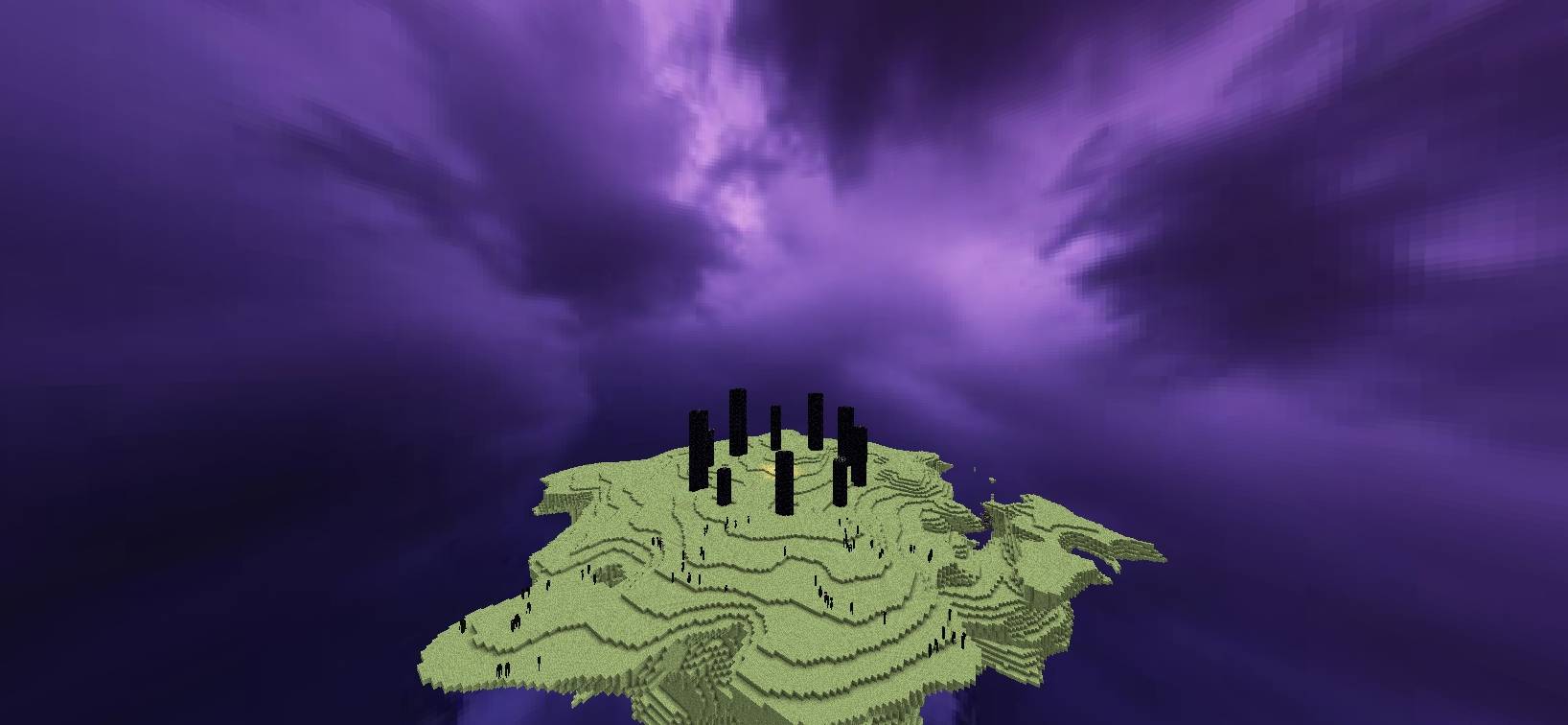
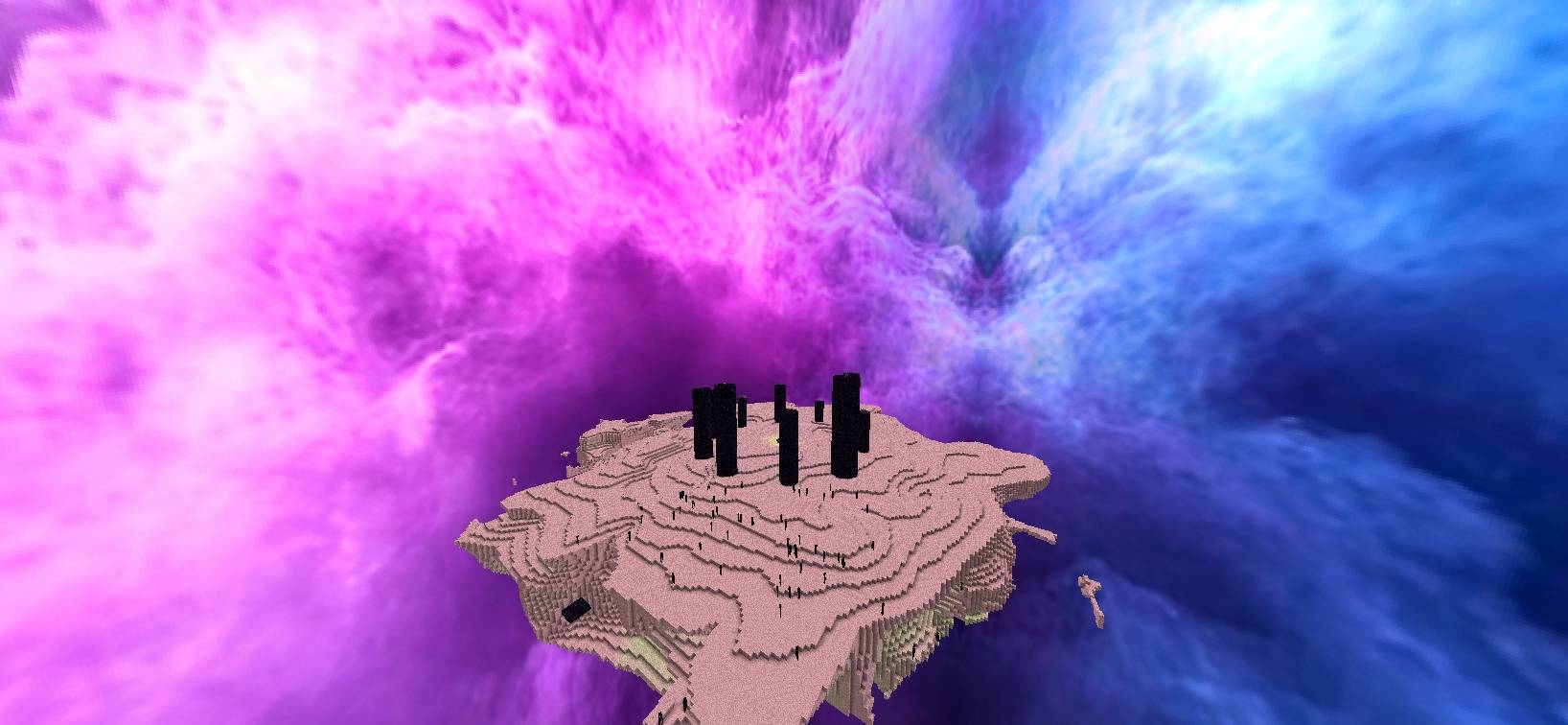
🌌 A colorful custom sky resource pack featuring pink daytime skies, purple-blue auroras at night, and two unique cosmic skies for the End.
截图

介绍
# 🌌 Aurora Sky
Give Minecraft a beautiful new atmosphere with colorful skies that change throughout the day and night.
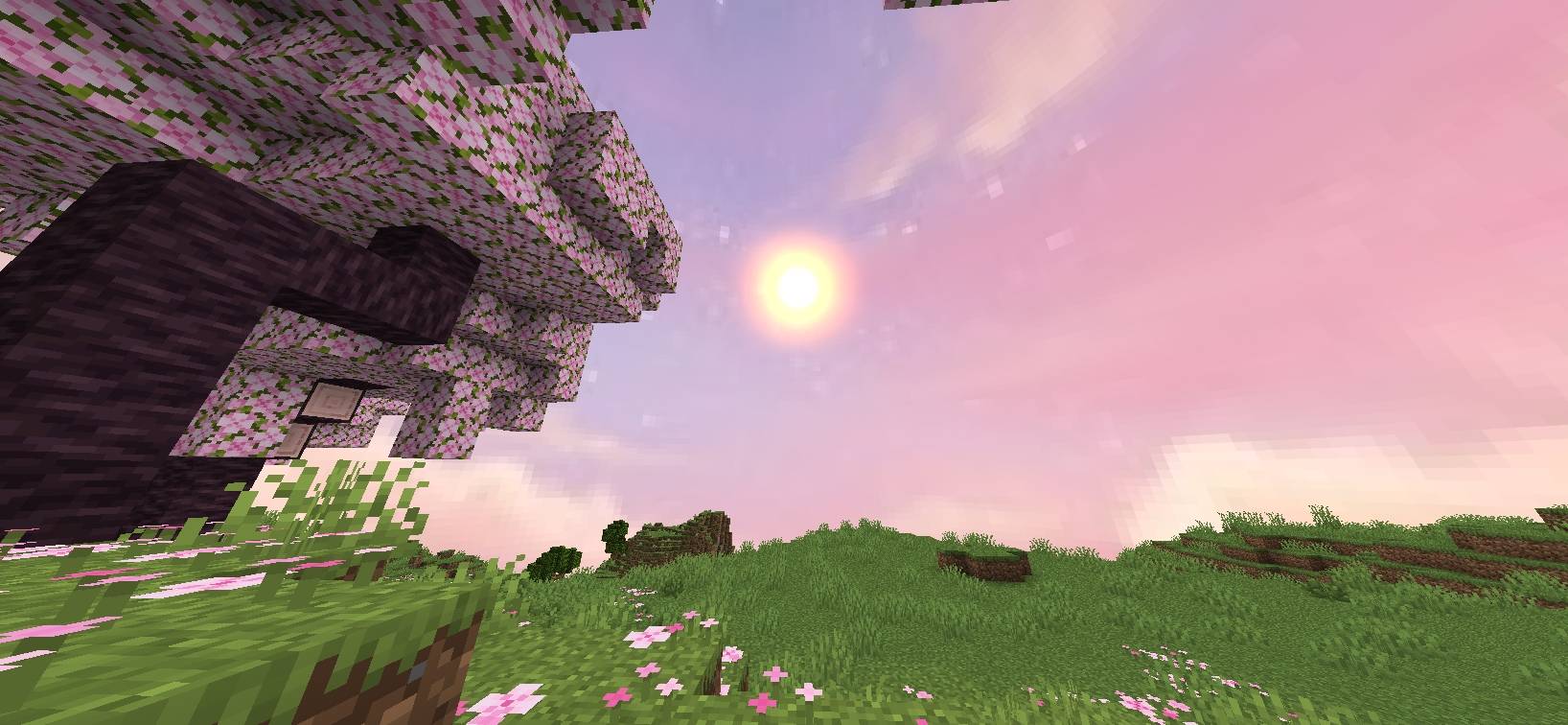
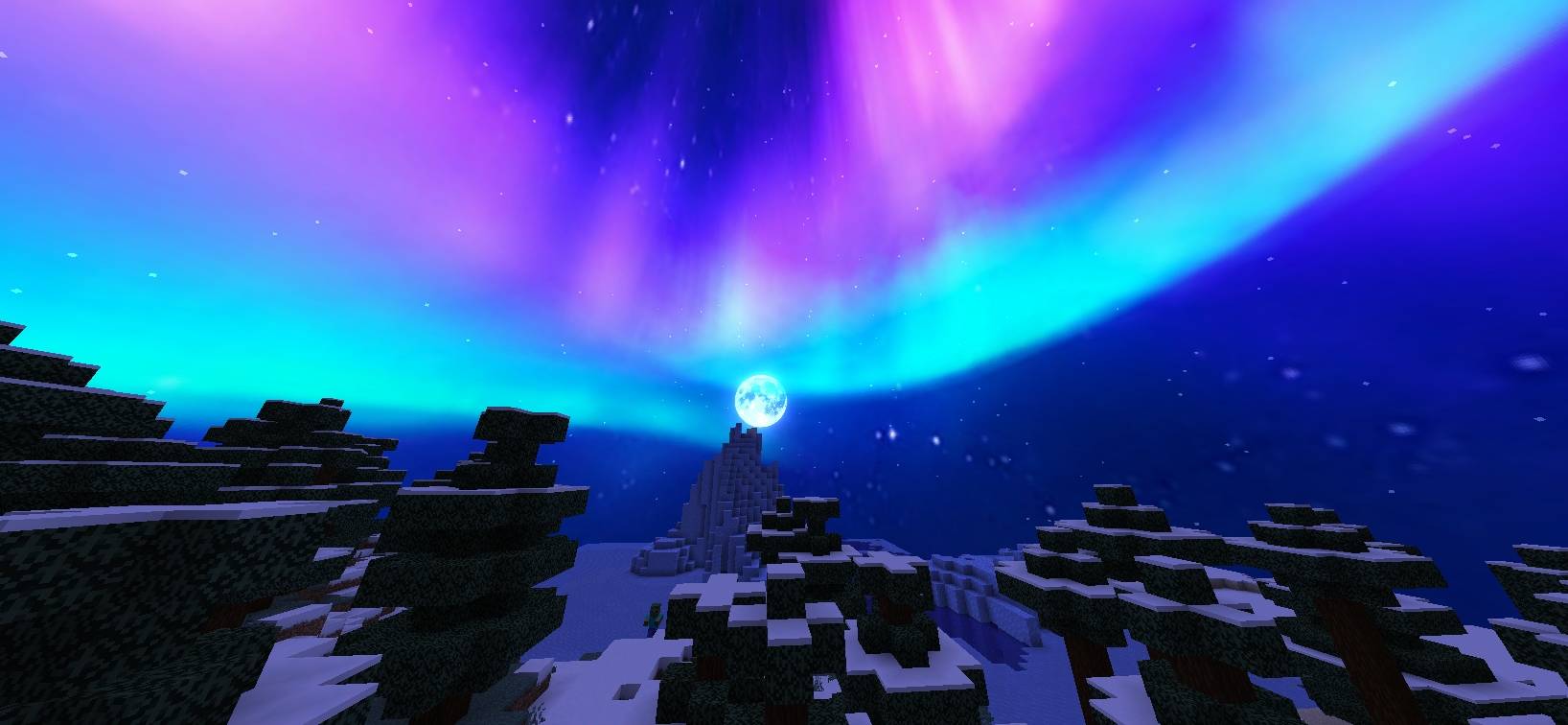
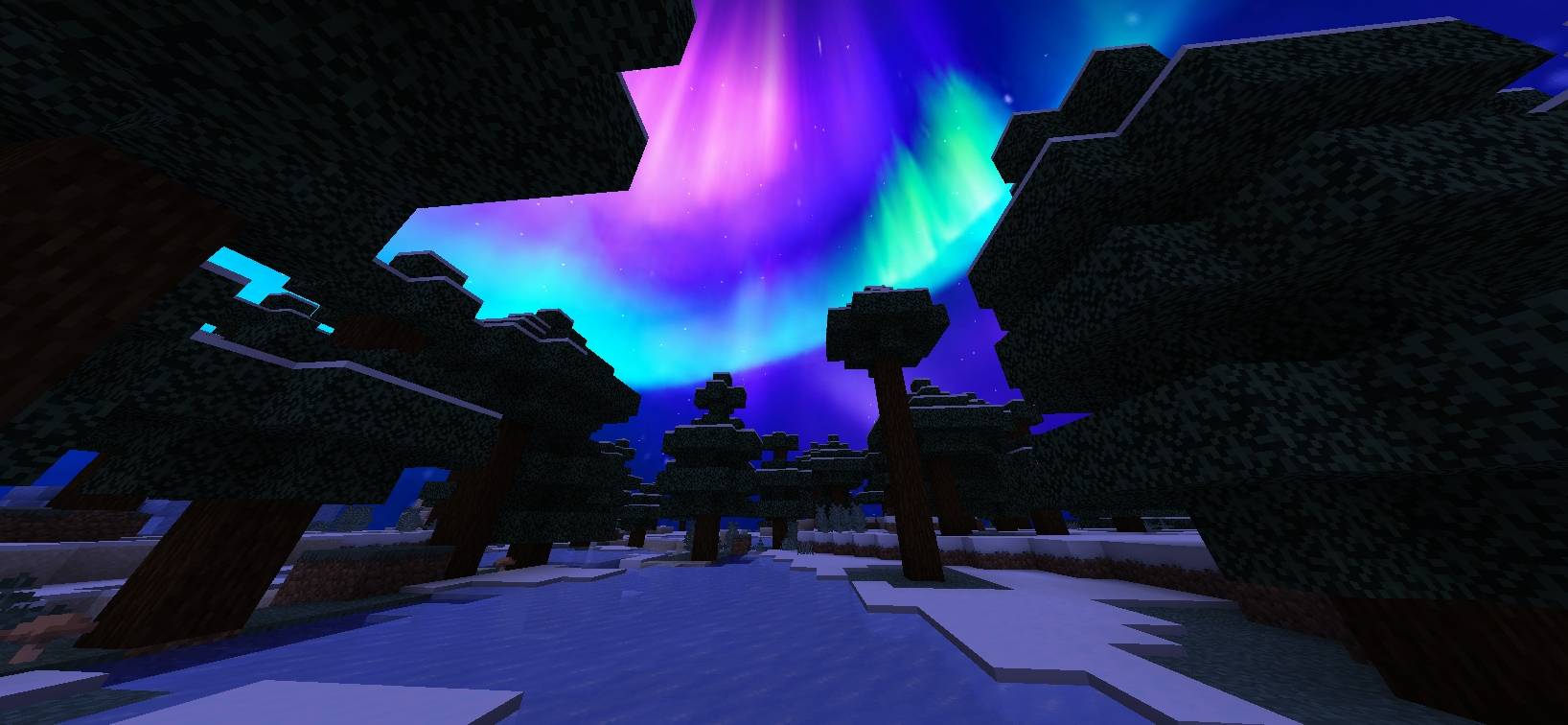
**Aurora Sky** features soft pink skies during the day, a purple and light-blue aurora atmosphere at night, and two unique cosmic skies for the End dimension.
## ✨ Features
### 🌸 Overworld
– 🌸 Pink and pastel sky during daytime
– 🌅 Soft colorful atmosphere around day and noon
– 💜 Purple and light-blue aurora sky during night and midnight
### 🌌 End Dimension
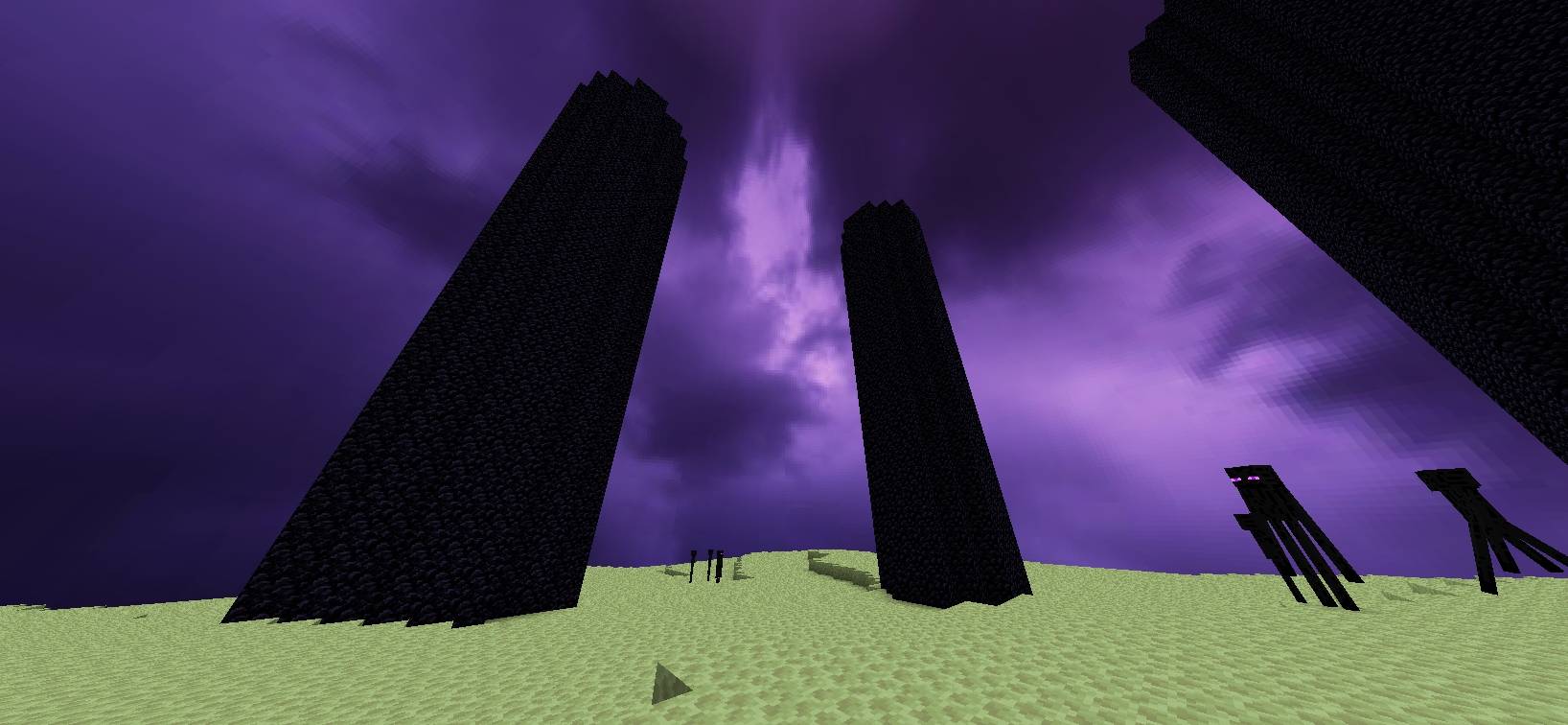
– 💜 Deep purple cosmic sky
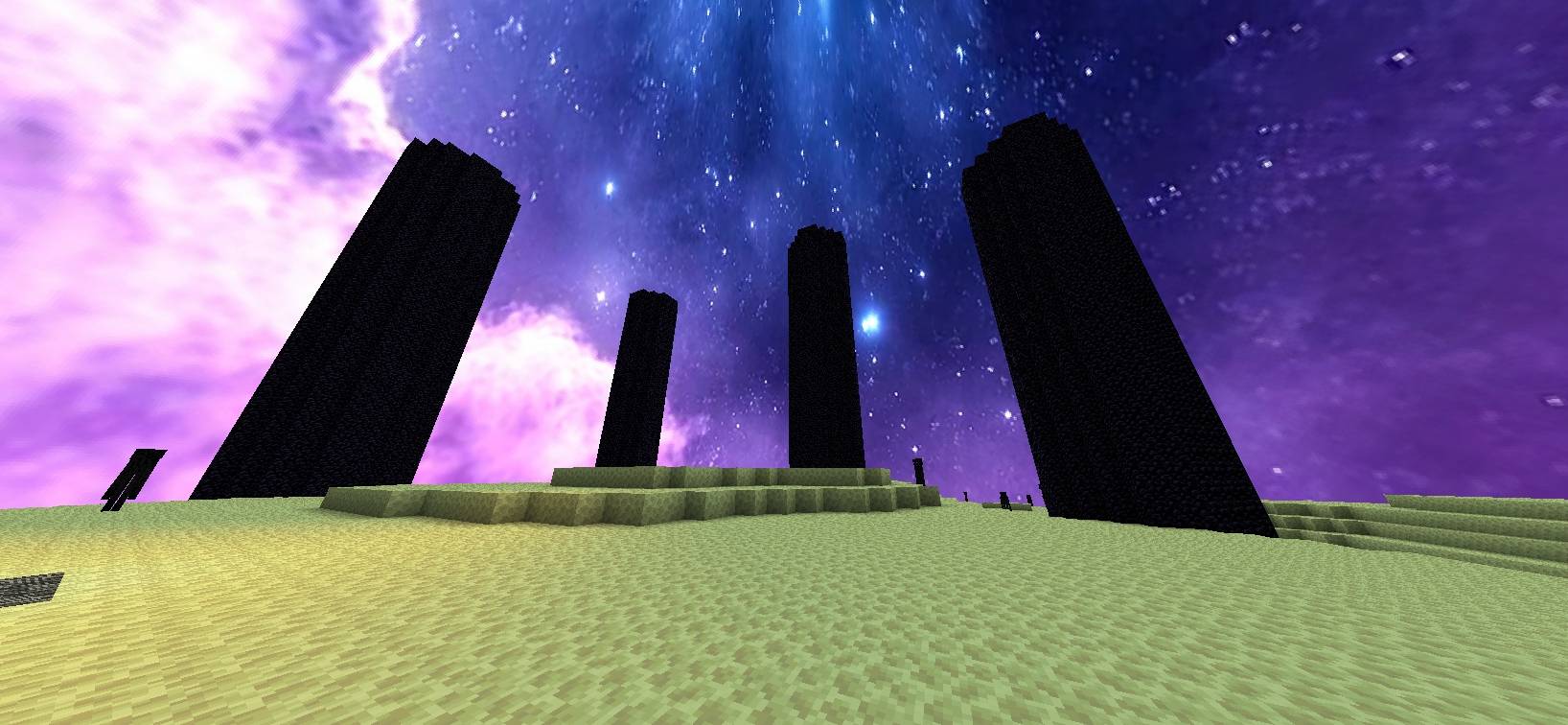
– 💙 Pink and blue cosmic sky with stars
– 🔄 Two different End sky layers
## 🎨 Sky Schedule
**Overworld**
– Day / Noon → 🌸 Pink sky
– Night / Midnight → 💜 Purple & light-blue Aurora sky
**End Dimension**
– 🌌 Purple cosmic sky
– 💙 Pink/blue starry cosmic sky
## 🧩 Compatibility
**Fabric:** Requires Skyboxify for custom sky support.
**OptiFine:** Uses the OptiFine custom-sky format.
## 📥 Installation
1. Download **Aurora Sky**.
2. Put the ZIP file into your Minecraft `resourcepacks` folder.
3. Enable the resource pack in Minecraft.
4. For Fabric, install Skyboxify.
## 🌫️ **Skyboxify Mod Link**:
#### https://modrinth.com/project/DWuwk8aA
## ⚠️ Note
The custom End sky may temporarily disappear during the Ender Dragon fight depending on the sky-rendering implementation/mod being used.
****And Thanks For Downloading**** 😊
常见问题
Aurora Sky Pack 支持哪些 Minecraft 版本?
Aurora Sky Pack 支持 Minecraft Java 版 1.21.11–26.3,共 3 个版本。下载时注意选择和你游戏版本一致的文件。
Aurora Sky Pack 怎么安装?
把下载的 .zip 文件(不用解压)放进游戏目录的 resourcepacks 文件夹,进游戏后在「选项 → 资源包」里把它移到右边启用。
OG_Gamer26 的其他作品
查看全部 →
Better Bushys Leaves
用 Better Bushys Leaves 让你的 Minecraft 世界更有生气!
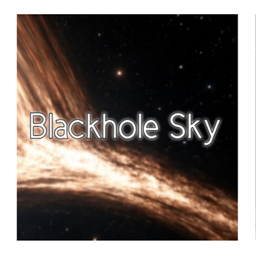
Blackhole Sky
🌌 一个自定义末地天空资源包,呈现巨大的逼真黑洞和发光的吸积盘。

OG X-Ray
OG X-ray is a resource pack designed to make important ores easier to spot while exploring underground. It helps improve visibility so you can locate resources more quickly and spend less time searching.

Blackhole Sky
🌌 A custom End sky resource pack featuring a massive realistic black hole and glowing accretion disk.
评论
登录后评论和评分