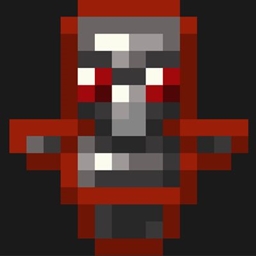
Dark PvP Essentials
Dark PvP Essentials is a Minecraft Java ressource pack that simplifies PvP and helps you to get higher FPS.
截图

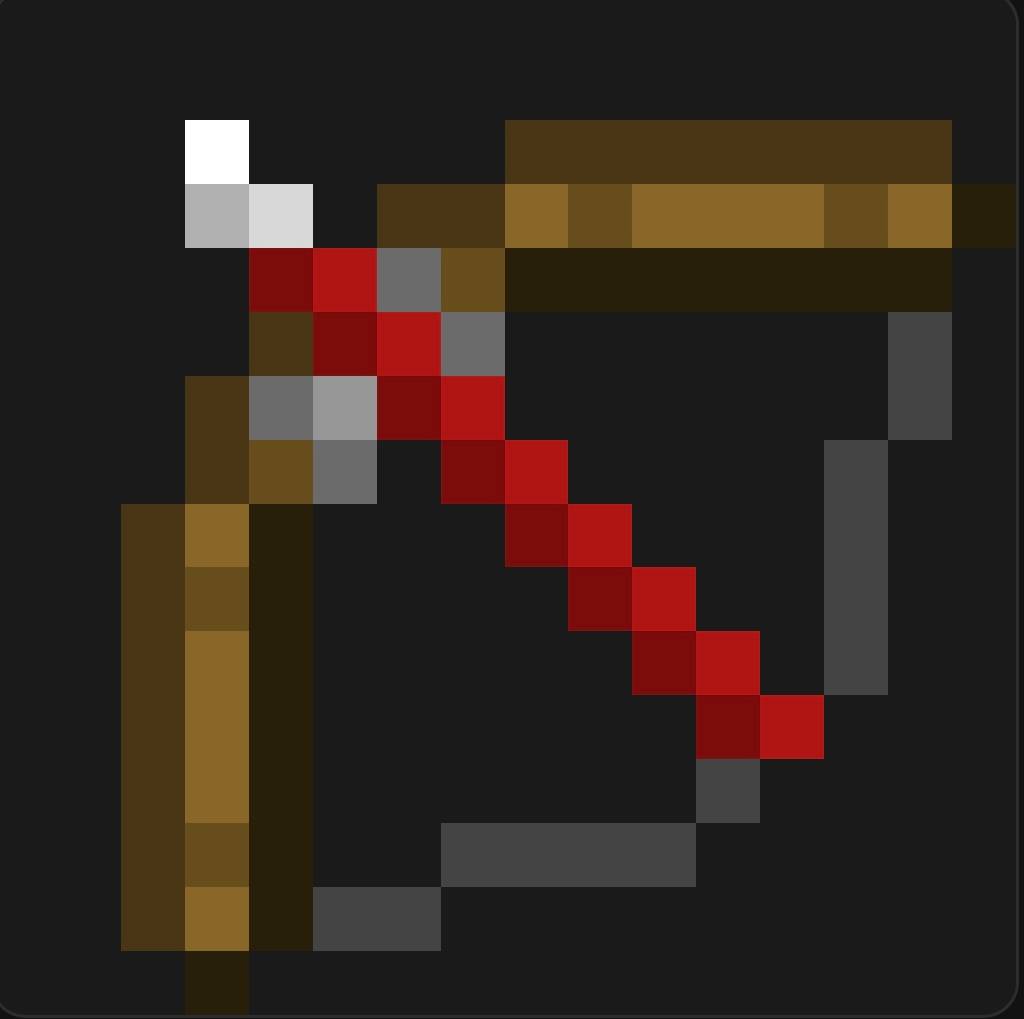
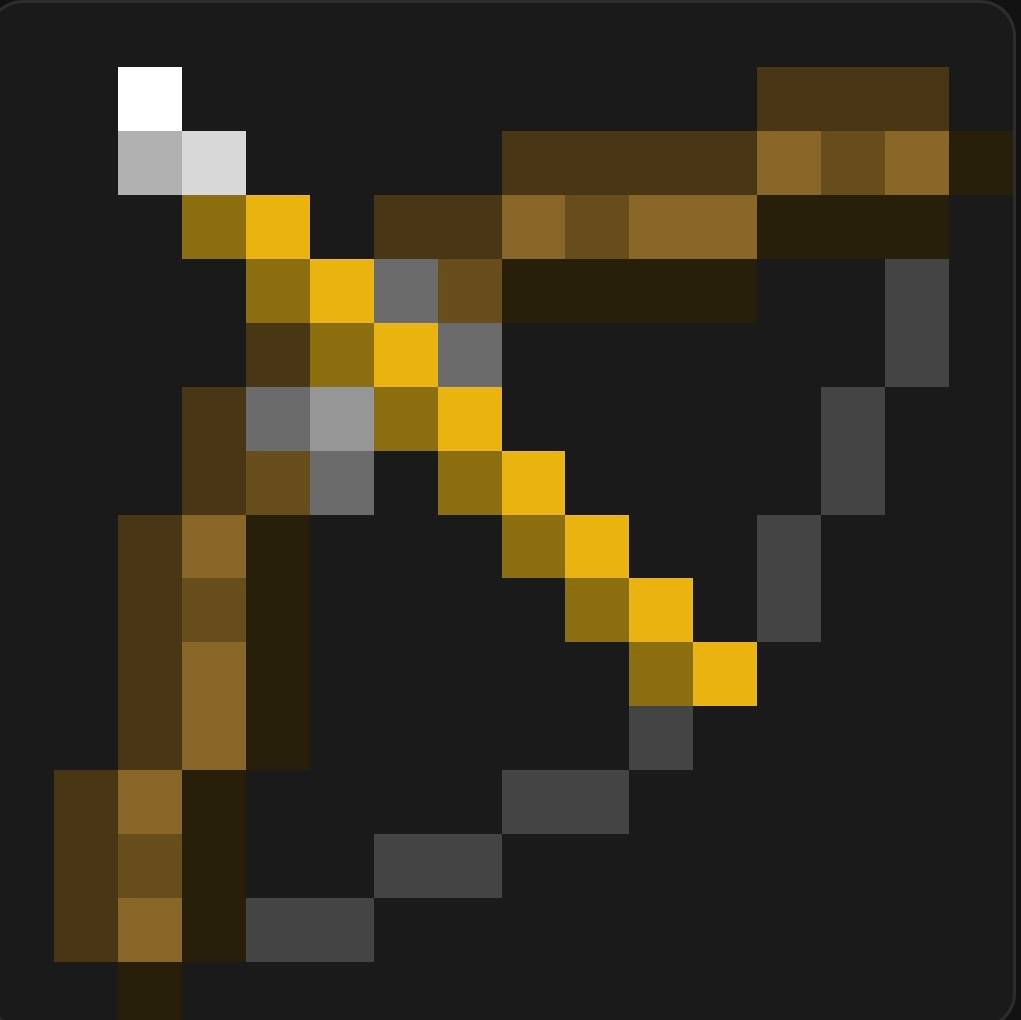
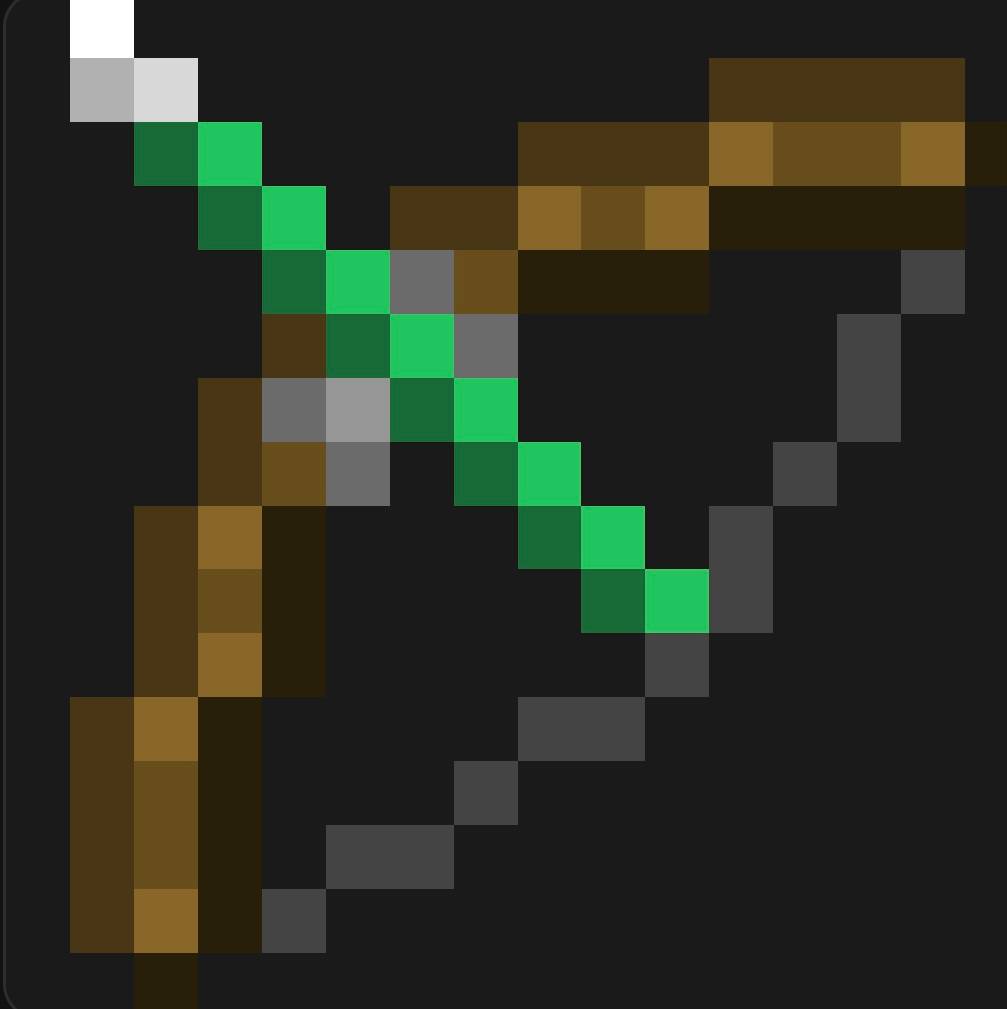
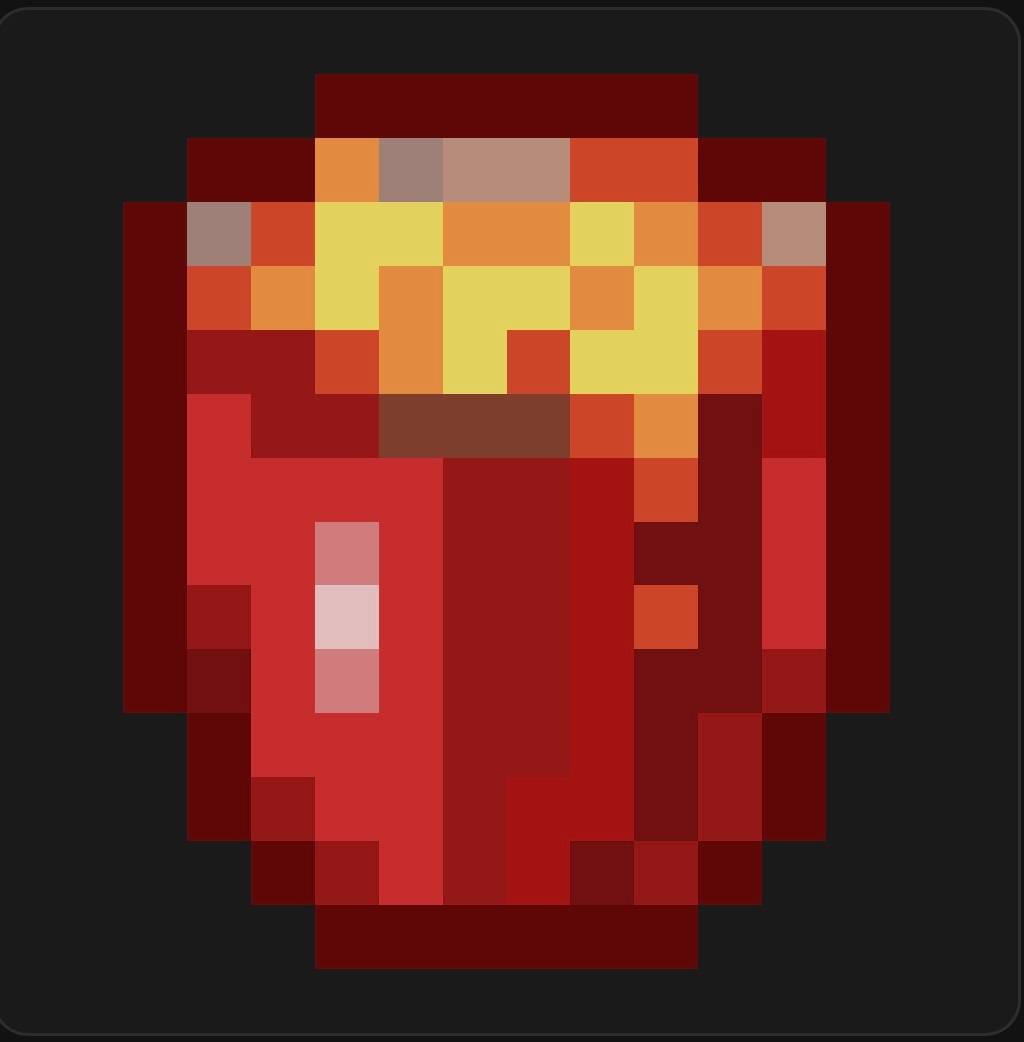
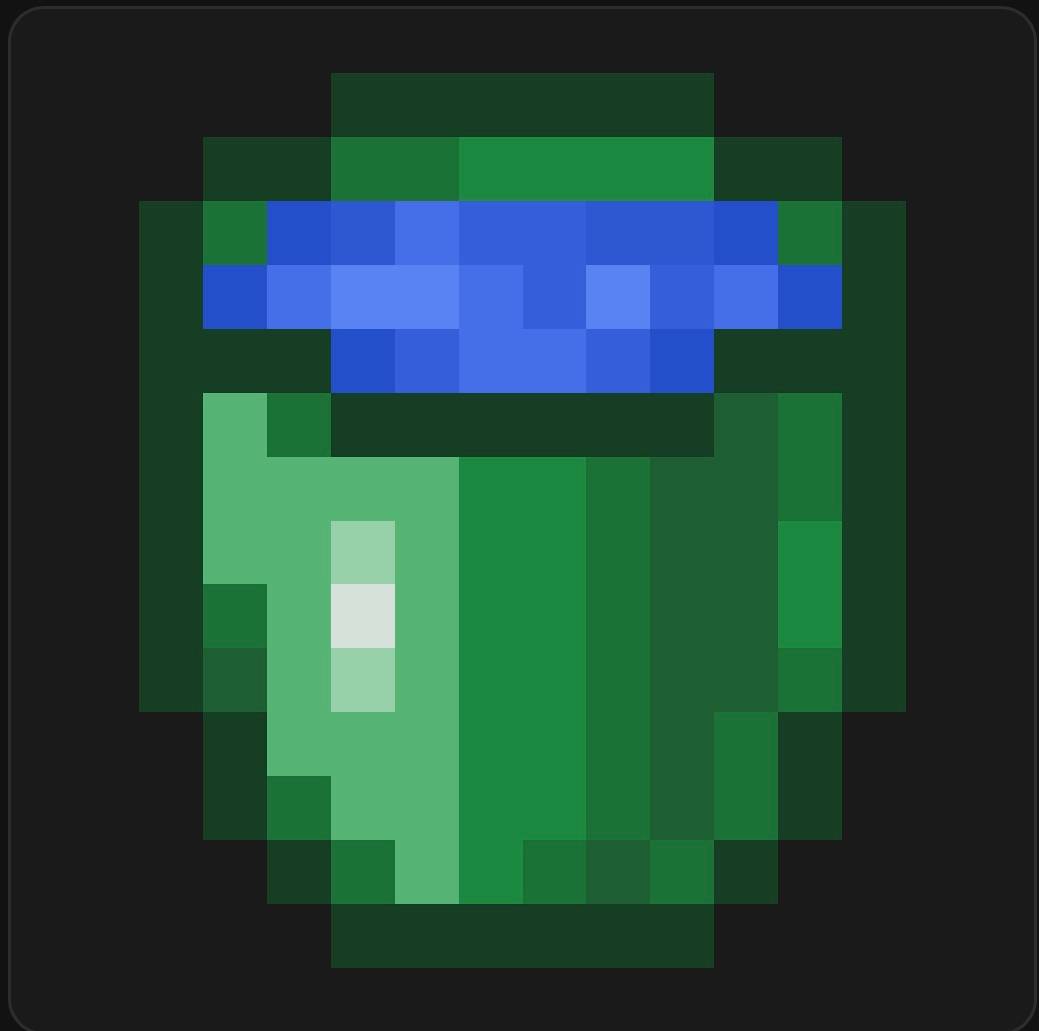
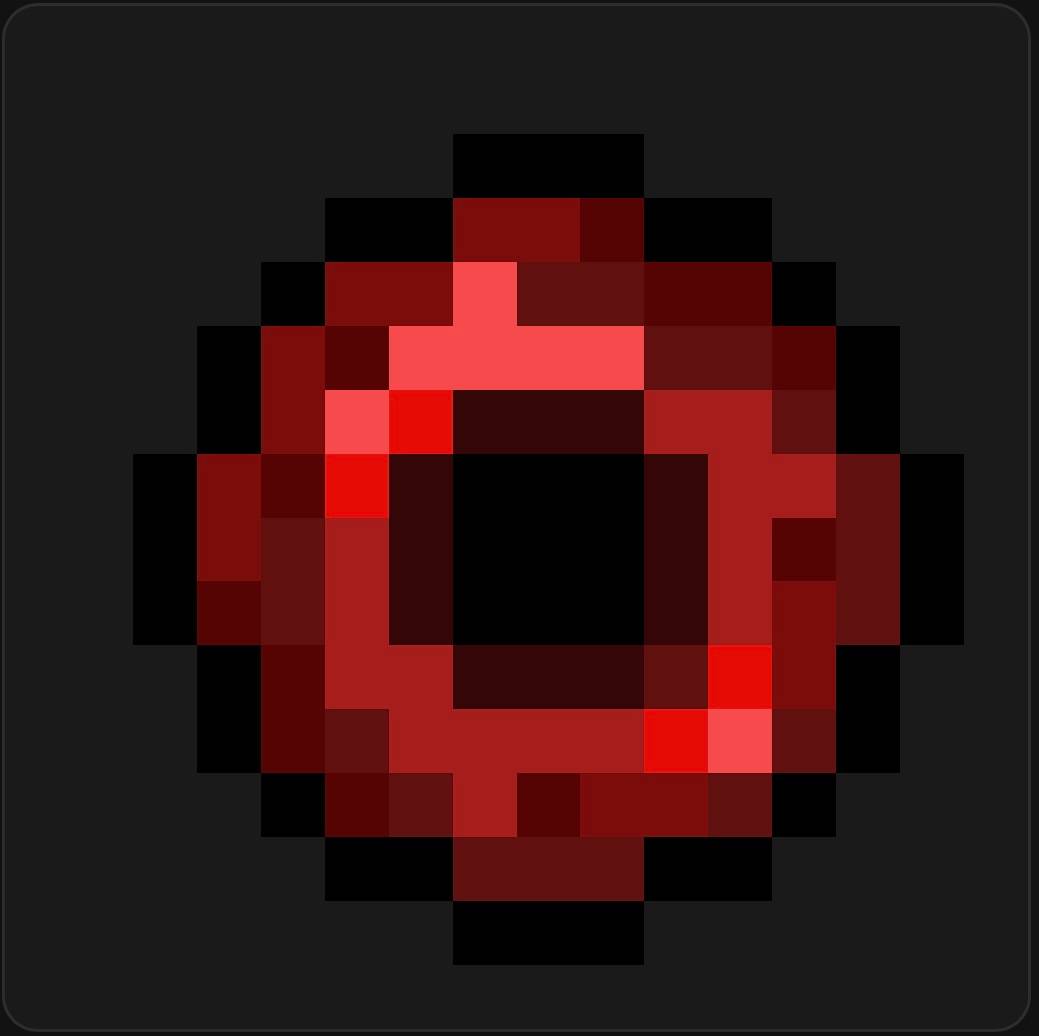
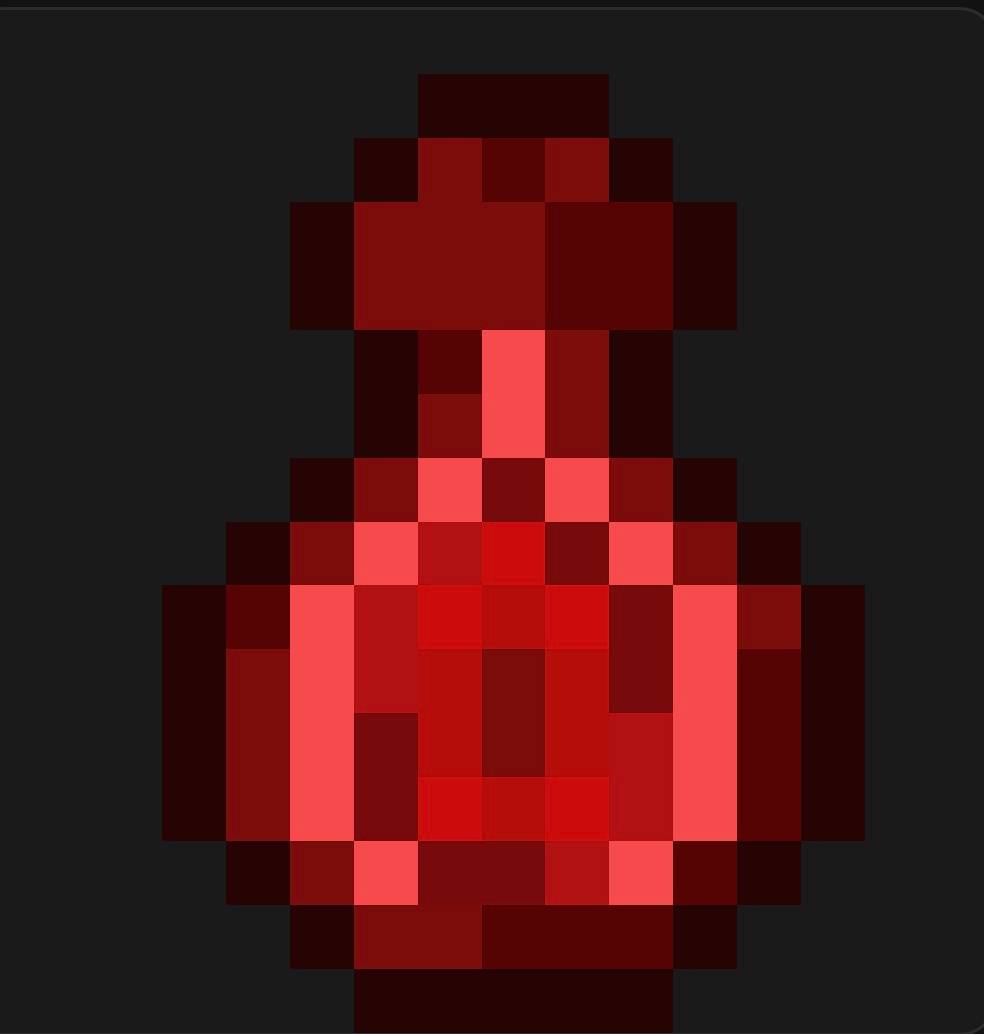
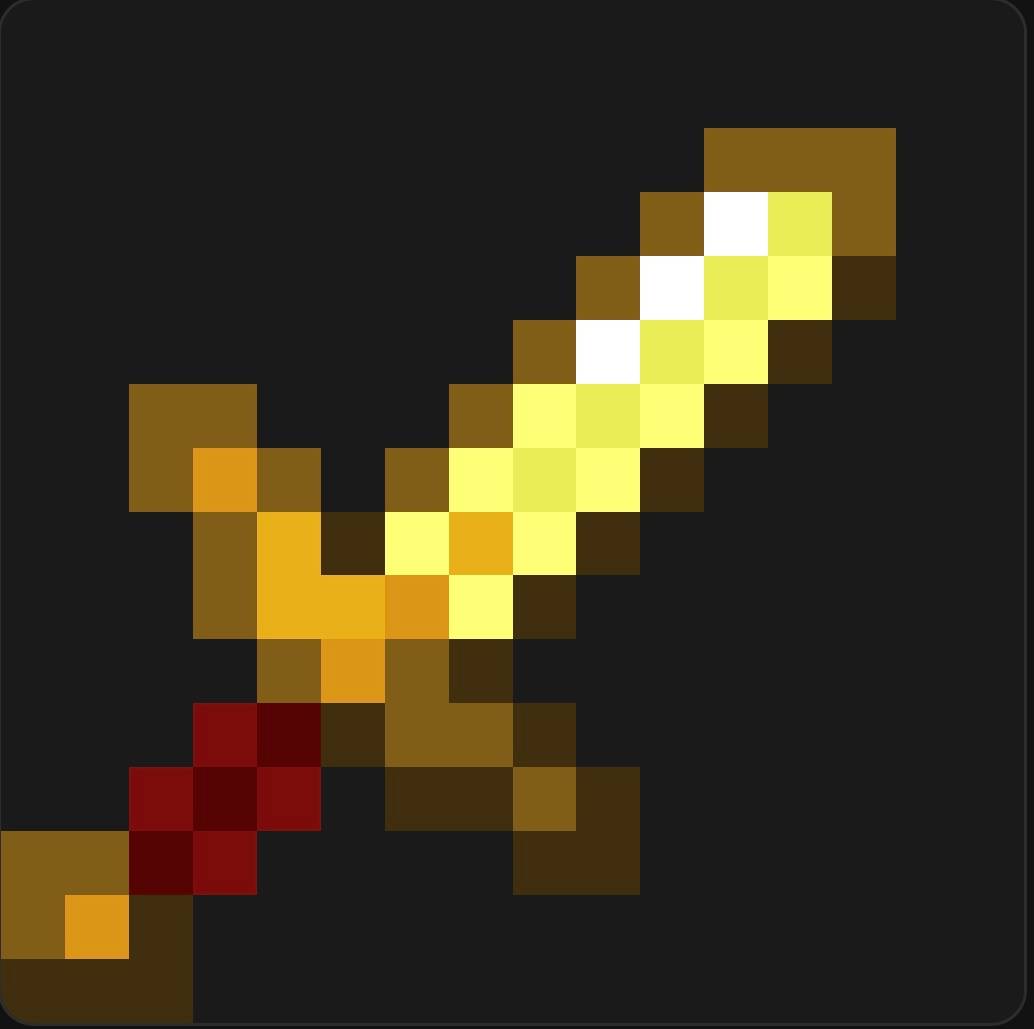
介绍
This pack is a lightweight PvP-focused resource pack built for minecraft 1.26.2 (Chaos Cubed). It retextures the core combat elements — weapons, HUD, and visual effects — to give you a cleaner, more readable PvP experience without touching gameplay mechanics.
What’s included
Weapons & Tools
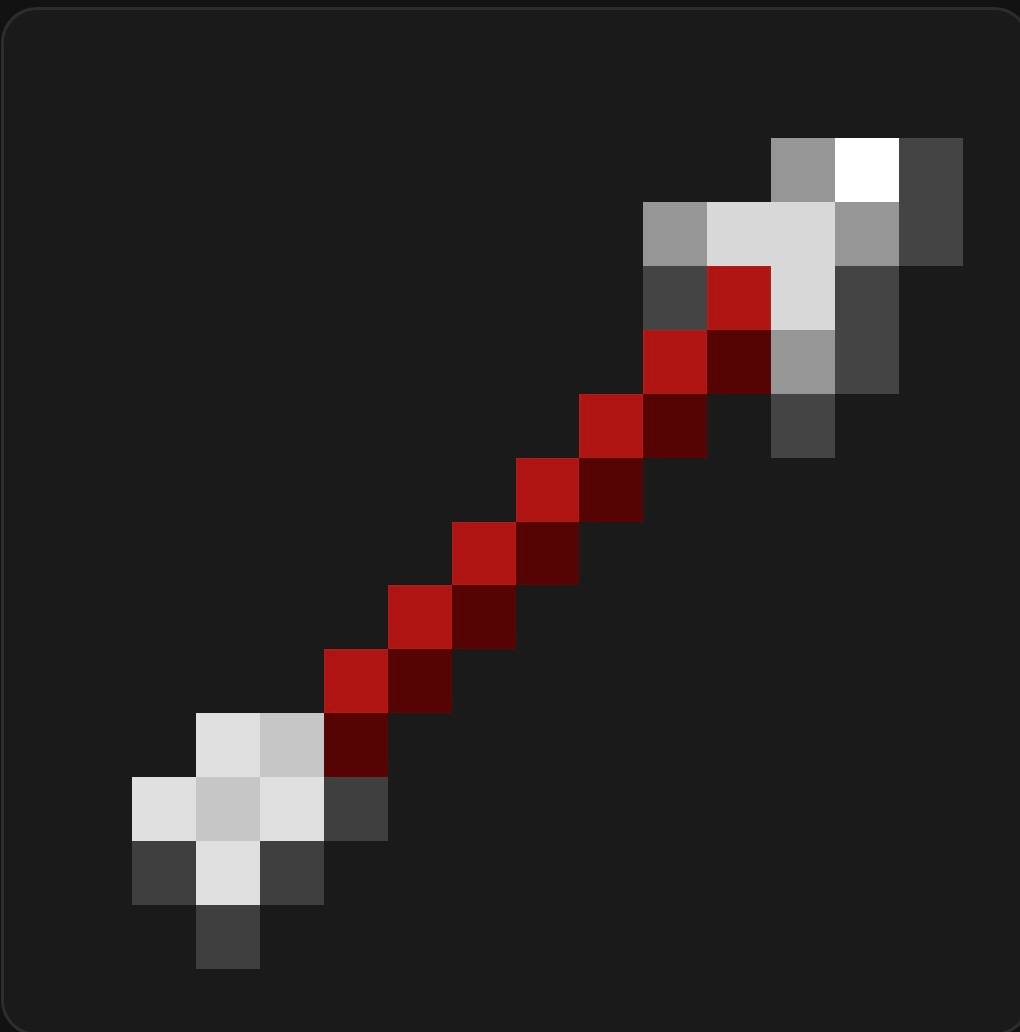
All swords (wood, stone, iron, gold, diamond), the diamond tool set (axe, hoe, pickaxe, shovel), and bow (including all 3 pulling stages) have been retextured for a sharper, more distinct combat look.
Armor
Full diamond armor set (helmet, chestplate, leggings, boots) redesigned.
HUD
Custom crosshair and attack indicator, redesigned hotbar (plus offhand slots and selection highlight), and a reworked GUI icons sheet and widgets — all aimed at improving clarity during fast-paced fights.
Combat Effects & Particles
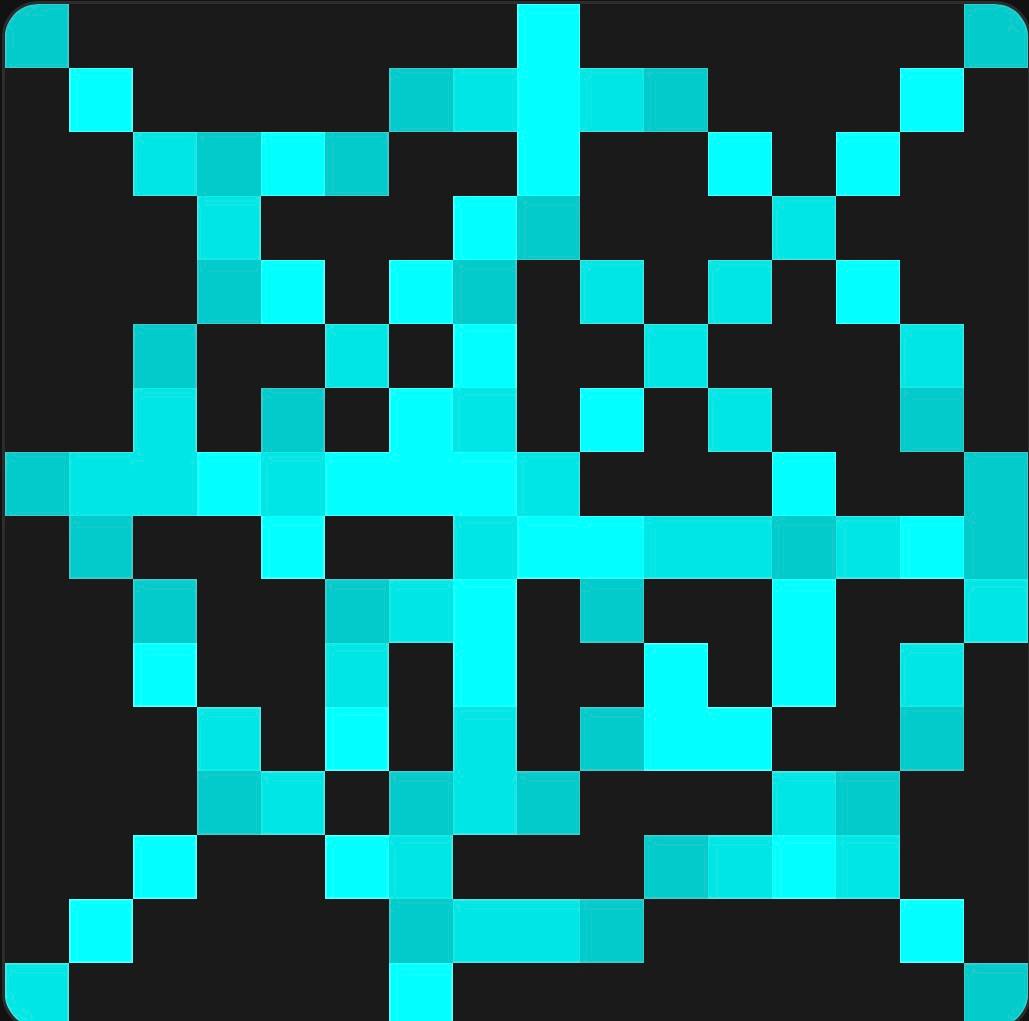
Retextured critical hit and damage particles, explosion animation frames, potion effect icons, and the enchanted item glint for sharper visual feedback in combat.
Items
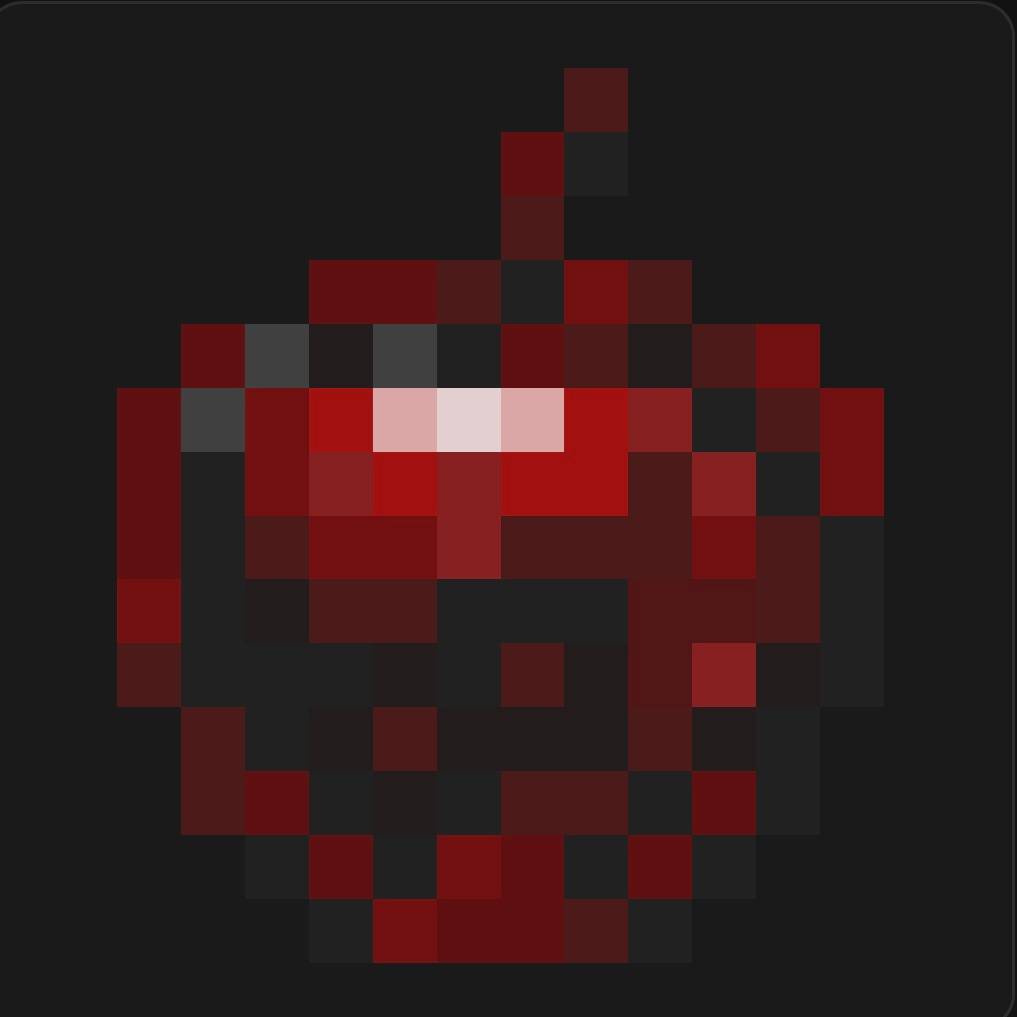
Golden apple, ender pearl, experience bottle, totem of undying, water/lava buckets, and arrow item & entity textures.
Environment & Misc
Obsidian, pumpkin (top/side), cobweb, fire animation, rain, moon phases, ender crystal, and experience orb.
Notes
- 100% cosmetic — no gameplay/hitbox changes, safe for use on PvP servers
- Built for
pack_format: 3(Minecraft 1.26.2) - Lightweight and optimized for browser-based minecraft online version performance
Installation
- Download the
.zipfile - In your minecraft 1.8.8 client / minecraft online version client , go to Options > Resource Packs
- Import the
.zipand move it to the active packs list
The first texture pack of the Dark PvP Essentials
常见问题
Dark PvP Essentials 支持哪些 Minecraft 版本?
Dark PvP Essentials 支持 Minecraft Java 版 26.2。下载时注意选择和你游戏版本一致的文件。
Dark PvP Essentials 怎么安装?
把下载的 .zip 文件(不用解压)放进游戏目录的 resourcepacks 文件夹,进游戏后在「选项 → 资源包」里把它移到右边启用。
评论
登录后评论和评分