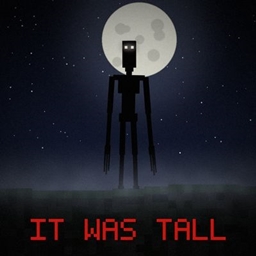
It Was Tall
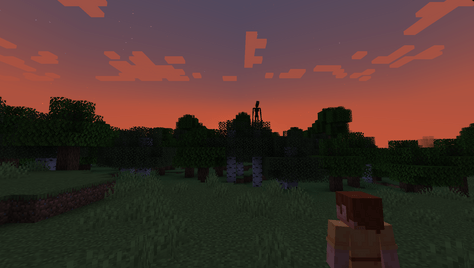
Something tall stands in the distance and stares. Walk closer and it runs. Hide and it sinks into the ground... In the mines it digs through the rock to reach you. Don't hide. Just run.
截图
介绍
It Was Tall
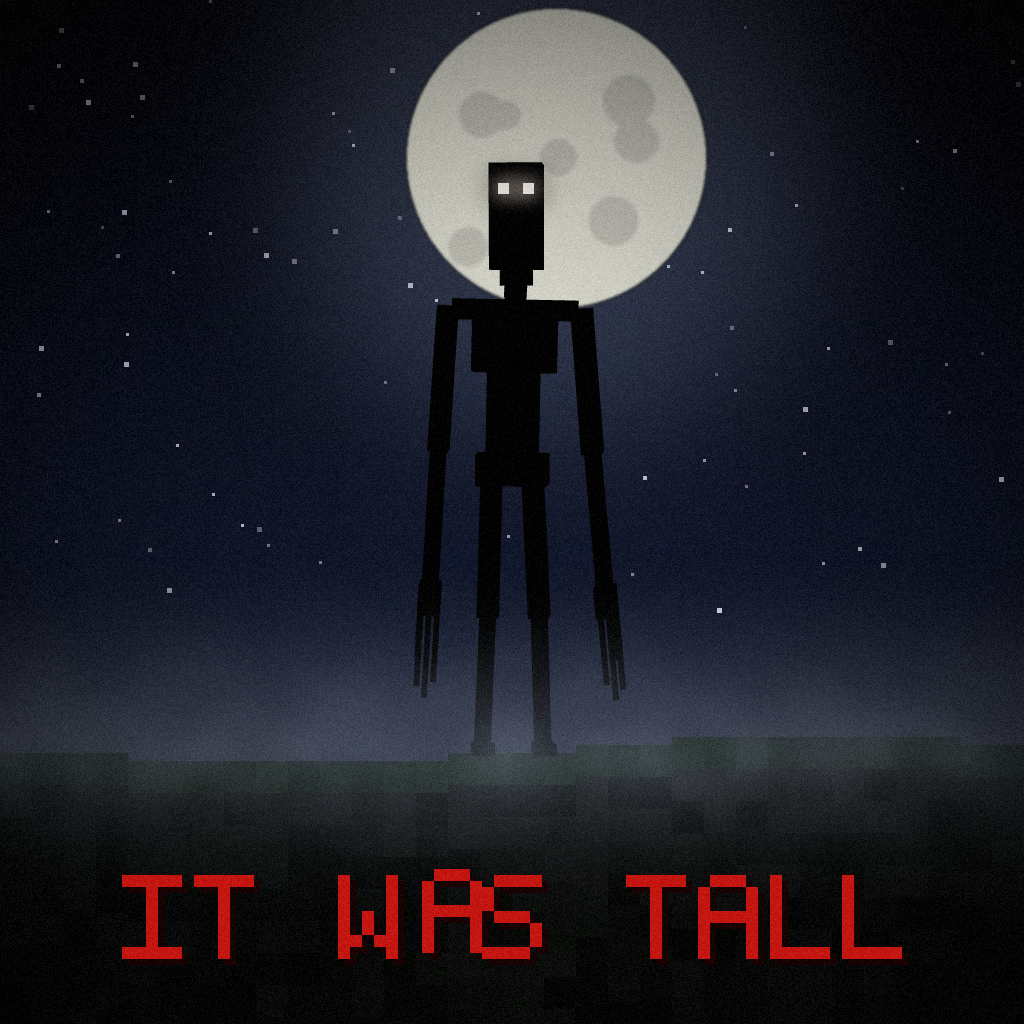
It Was Tall is a horror mod for Minecraft 1.21.1 using Fabric. It adds a tall creature that appears at a distance, watches players, and can begin chasing them when approached or watched for too long.
The creature
- Appears at a distance at night and watches the player.
- Can start chasing when a player approaches it or watches it for too long.
- Can stop pursuing when the player reaches a sheltered area, then sink into the ground.
- Has animations for standing, walking, chasing, sinking, digging, knocking and attacking.
- Can change its target when another player approaches or attacks it.
Underground events
After players spend time underground, the mod can trigger mine events:
- The creature can appear in nearby stone and dig towards the player with an iron pickaxe.
- Cracking block effects and digging sounds indicate its approach.
- Torches can go out, starting with torches farther from the player.
- The creature can appear behind the player with breathing sounds.
- It cannot dig through obsidian or bedrock.
- Digging respects the
mobGriefinggamerule.
Sounds and screen effects
- Includes 82 custom sound files used for screams, growls, sniffing, whispers, breathing, footsteps, ambience, digging and other events.
- Random small scares can play, such as branches cracking, stones falling, window knocks, creaking doors, footsteps and whispers.
- Ambient sounds vary depending on whether the player is underground, outside at night, inside a base at night or in daytime.
- A heartbeat can be heard when the creature is nearby.
- Red on-screen messages can appear with flickering and glitch effects.
- Jumpscares can display a brief image and play a loud sound.
Multiplayer
- The mod supports multiplayer when installed on the server and on every client.
- Each player has separate haunting events, timers, sounds, messages and jumpscares.
- Personal scare sounds and screen effects are sent only to the affected player.
- Other players can see the creature in the world.
- The server allows only one active Tall One at a time by default (
maxActiveIts: 1).
Commands
All /itwastall commands require operator permission level 2 (OP). Commands that target another player accept a player name or selector where indicated. Commands marked “self” require an in-game player and cannot be run from the server console.
| Command | Description |
|---|---|
/itwastall spawn |
Spawns the creature 30 blocks in front of you. (Self only.) |
/itwastall spawn <distance> |
Spawns the creature at the specified distance (4–96 blocks). (Self only.) |
/itwastall spawn <distance> <player> |
Spawns the creature at the specified distance in front of the selected player. |
/itwastall haunt |
Triggers a natural-style appearance for you. (Self only.) |
/itwastall haunt <players> |
Triggers a natural-style appearance for the selected players. |
/itwastall jumpscare |
Triggers a jumpscare for you. (Self only.) |
/itwastall jumpscare <players> |
Triggers a jumpscare for the selected players. |
/itwastall scare |
Plays a random scare sound for you. (Self only.) |
/itwastall scare <players> |
Plays a random scare sound for the selected players. |
/itwastall message |
Displays the configured scare message to you. (Self only.) |
/itwastall message <players> |
Displays the configured scare message to the selected players. |
/itwastall message <players> <text> |
Displays the specified text to the selected players. |
/itwastall mine dig |
Triggers the digging event for you. (Self only.) |
/itwastall mine dig <player> |
Triggers the digging event for the selected player. |
/itwastall mine sounds [player] |
Triggers the approaching digging-sounds event for you or the selected player. |
/itwastall mine torches [player] |
Triggers the torch-extinguishing event for you or the selected player. |
/itwastall mine peek [player] |
Triggers the creature-behind-the-player event for you or the selected player. |
/itwastall event falsepresence |
Triggers a False Presence event for you. (Self only.) |
/itwastall event falsepresence <player> |
Triggers a False Presence event for the selected player. |
/itwastall event knock |
Triggers three window knocks for you. (Self only.) |
/itwastall event knock <player> |
Triggers three window knocks for the selected player. |
/itwastall debug base |
Shows the saved base scan summary and sample markers. (Self only.) |
/itwastall debug view |
Displays debug frames for the mapped base for 30 seconds. (Self only.) |
/itwastall base rescan |
Queues a new gradual scan of your known base. Sleep in a bed first. (Self only.) |
/itwastall stage |
Shows the current phase, stage, tension and IT JOINED state. |
/itwastall stage <0-5> |
Immediately sets the current stage. No restart is required. |
/itwastall tension |
Shows the current tension value and stage. |
/itwastall tension <amount> |
Adds or removes tension. Accepts values such as 10, +10 or -7.5. |
/itwastall phase activate |
Activates the phase and sends the IT JOINED sequence to everyone. |
/itwastall status |
Shows the number of active creatures and the current phase/stage information. |
Examples:
/itwastall spawn 30 Steve/itwastall haunt @a/itwastall message @a It sees you./itwastall mine dig Steve/itwastall event knock Steve/itwastall tension +15
Configuration
The main configuration file is config/itwastall.json. It includes options for:
- Jumpscare images and duration.
- Natural appearances, their intervals and night-only behavior.
- The maximum number of active creatures.
- Underground events and digging behavior.
- Scare sounds and their intervals.
- Ambient sounds.
- On-screen scare messages and custom message text.
The first-join warning screen also lets each player enable or disable scare effects.
Requirements
- Minecraft 1.21.1
- Fabric Loader 0.20.1 or newer
- Fabric API
- GeckoLib for Fabric 4.9.3 or newer
For multiplayer, install the mod on the server and on every client.
Content warning
This mod contains jumpscares, brief flashing images, sudden loud sounds and horror effects. Players who do not want these effects can disable scares in the warning screen. The jumpscare image can also be disabled in the configuration.
Source code: https://github.com/vcbgf5/it-was-tall
常见问题
It Was Tall 支持哪些 Minecraft 版本?
It Was Tall 支持 Minecraft Java 版 1.21.1,可用的加载器:Fabric。下载时注意选择和你游戏版本一致的文件。
It Was Tall 怎么安装?
先用 PCL2 或 HMCL 启动器安装对应版本的 Fabric,再把下载的 .jar 文件放进游戏目录的 mods 文件夹,重新启动游戏即可。开启了版本隔离的,mods 文件夹在 versions/版本名 下面。
评论
登录后评论和评分