
OBS Recorder Indicator
Shows OBS Studio recording status as a HUD indicator in Minecraft.
截图



介绍
OBS Recorder Indicator
Shows OBS Studio recording status as a HUD indicator in Minecraft (Fabric).
OBS の録画状態を Minecraft に表示する Fabric Mod です。
-
Recording: red circle +
REC -
Paused: orange +
PAUSED -
Idle / disconnected: hidden
-
録画中: 赤い丸 +
REC -
一時停止: 橙色の丸 +
PAUSED -
停止 / 未接続: 非表示
OBS setup / OBS の設定
- Tools → WebSocket Server Settings
- Enable WebSocket server
- Auth off is simplest (or set
obsPasswordbelow) - Default port 4455 is fine
- OK
.
- ツール → WebSocket サーバー設定
- WebSocketサーバーを有効にするを有効にする
- 認証を有効にするはオフ推奨(使う場合は下の
obsPasswordへ) - ポートはデフォルト 4455 のままで OK
- 適用
Commands / コマンド
| Command / コマンド | Description / 説明 |
|---|---|
/obsindicator config |
Open settings / 設定を開く |
/obsindicator toggle |
Toggle indicator / 表示 ON/OFF |
/obsindicator status |
Connection status / 接続状態 |
/obsindicator reconnect |
Reconnect to OBS / OBS 再接続 |
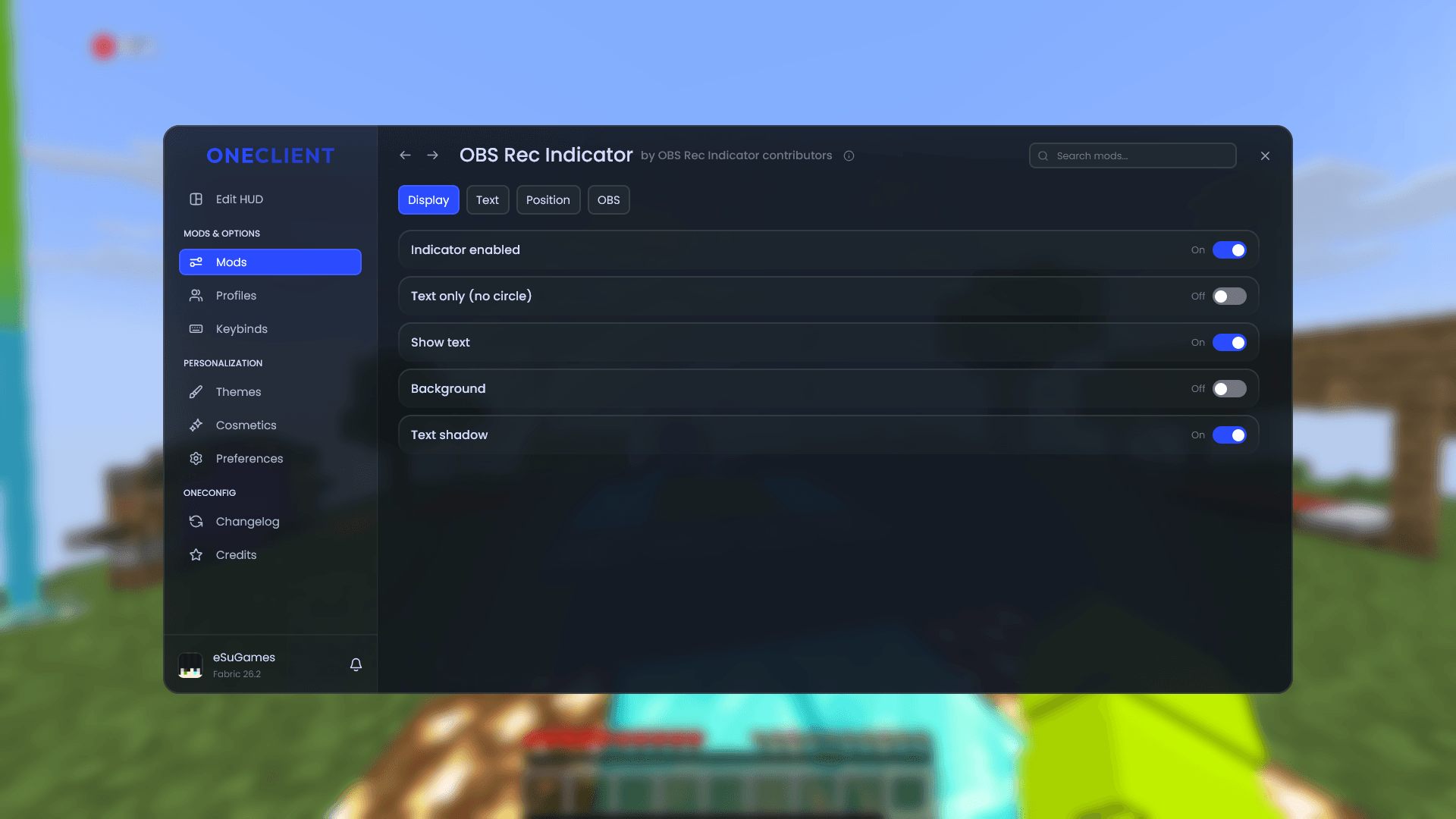
Without OneConfig, these are also available:
OneConfig を入れていない場合は次も使えます。
/obsindicator textonly— Text only / 文字のみ/obsindicator position <x> <y>— Position / 位置/obsindicator position reset— Reset position / 位置リセット
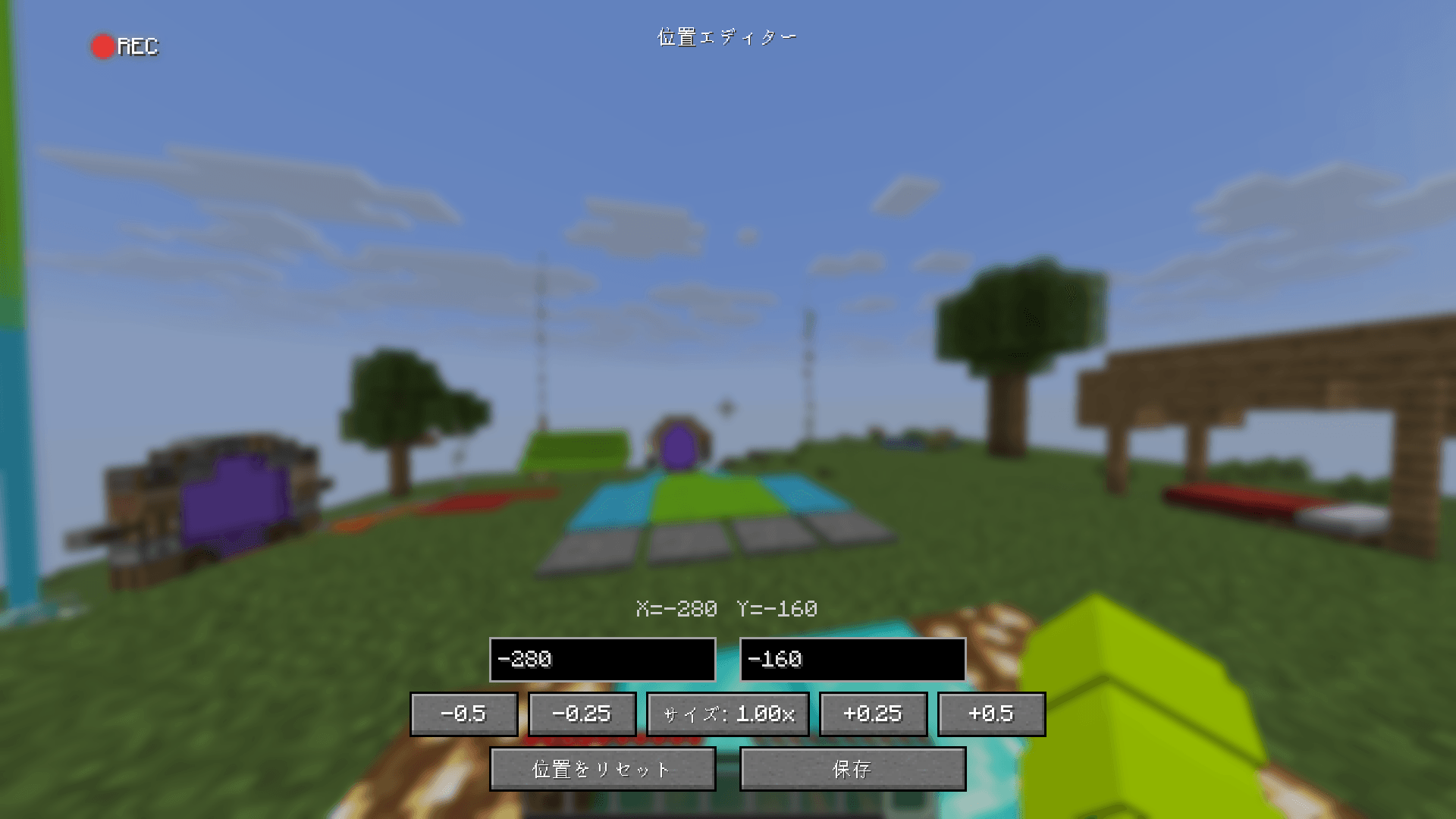
Position / 位置調整
Origin is the screen center. +X right, +Y down.
画面中央が (0,0) です。右 +X、下 +Y。
Drag on the full-screen preview from the built-in config, or from OneConfig’s Position editor.
- 内蔵 Config、または OneConfig の Position editor から、画面全体のプレビューでドラッグ
- サイズ:
-0.5/-0.25/1.00x/+0.25/+0.5
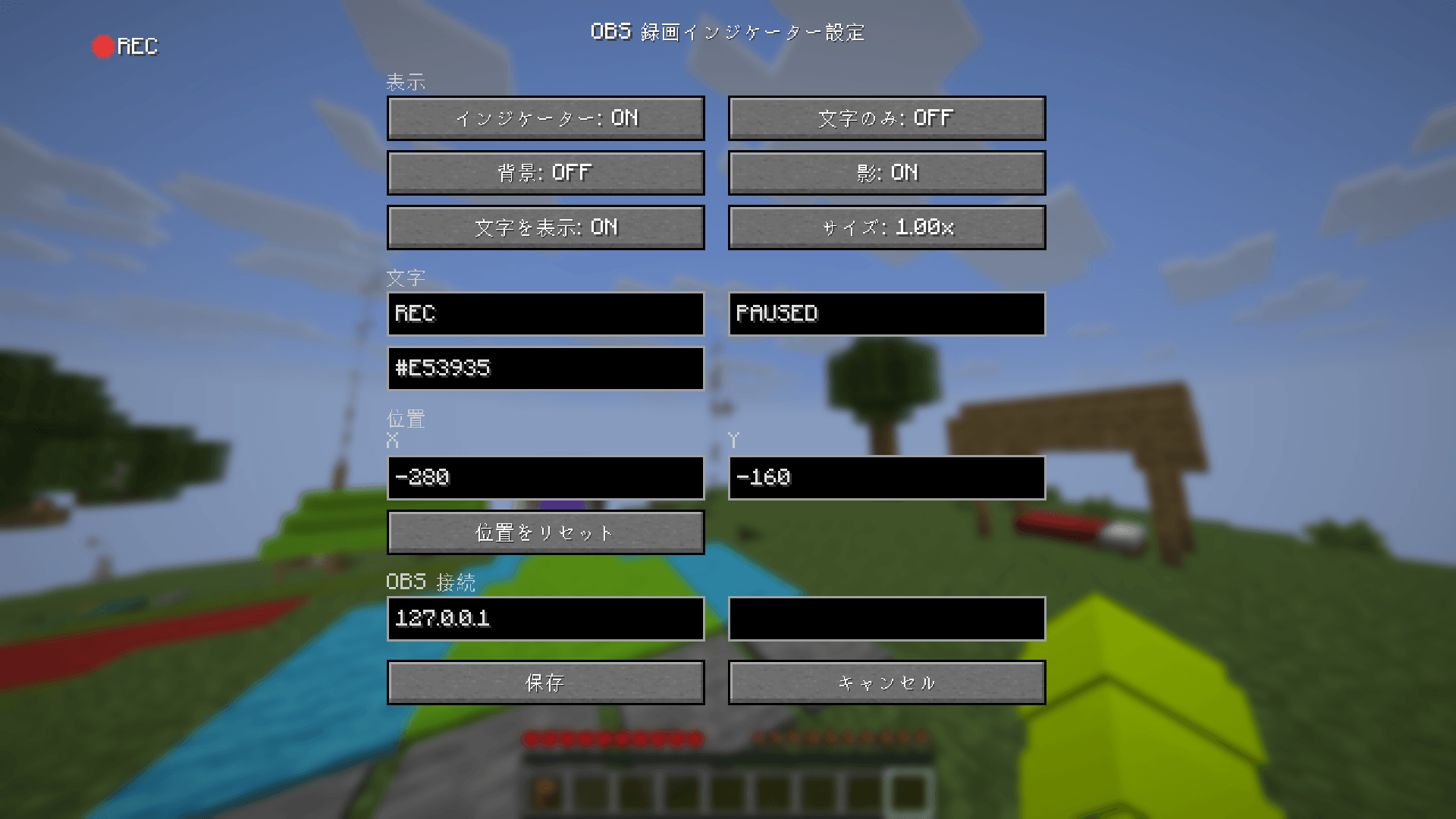
Config / 設定ファイル
config/obs_rec_indicator.json(初回起動時に生成)
| Key / キー | Description / 説明 |
|---|---|
enabled |
Indicator ON/OFF / インジケーター ON/OFF |
positionX / positionY |
Position / 位置 |
scale |
Size / サイズ |
showCircle |
Show Circle / 丸の表示 |
showText |
Show Text / 文字の表示 |
showBackground |
Background / 背景 |
showShadow |
Shadow / 影 |
recordingText / pausedText |
Text / 表示する文字 |
recordingColor / pausedColor |
Color / 色(デフォルト: #E53935) |
obsHost / obsPort |
OBS WebSocket |
obsPassword |
Password / パスワード(認証時) |
License / ライセンス
LGPL-3.0-only
常见问题
OBS Recorder Indicator 支持哪些 Minecraft 版本?
OBS Recorder Indicator 支持 Minecraft Java 版 1.8.9–26.3,共 3 个版本,可用的加载器:Fabric。下载时注意选择和你游戏版本一致的文件。
OBS Recorder Indicator 怎么安装?
先用 PCL2 或 HMCL 启动器安装对应版本的 Fabric,再把下载的 .jar 文件放进游戏目录的 mods 文件夹,重新启动游戏即可。开启了版本隔离的,mods 文件夹在 versions/版本名 下面。

评论
登录后评论和评分