
Loottery
🎟️ Scratch your way to riches! Discover lottery tickets, reveal hidden symbols, and win exciting rewards with five unique scratcher games!
介绍
🎟️ Loottery — Scratch. Play. Win!
Turn your Minecraft adventures into a game of chance!
Loottery brings interactive scratch-off lottery tickets to Minecraft! Discover tickets while exploring, scratch away hidden panels, and test your luck for a chance to win valuable rewards.
From simple matching games to challenging mazes and slot machines, every ticket offers a new opportunity to strike it rich!
🎮 Five Unique Lottery Games
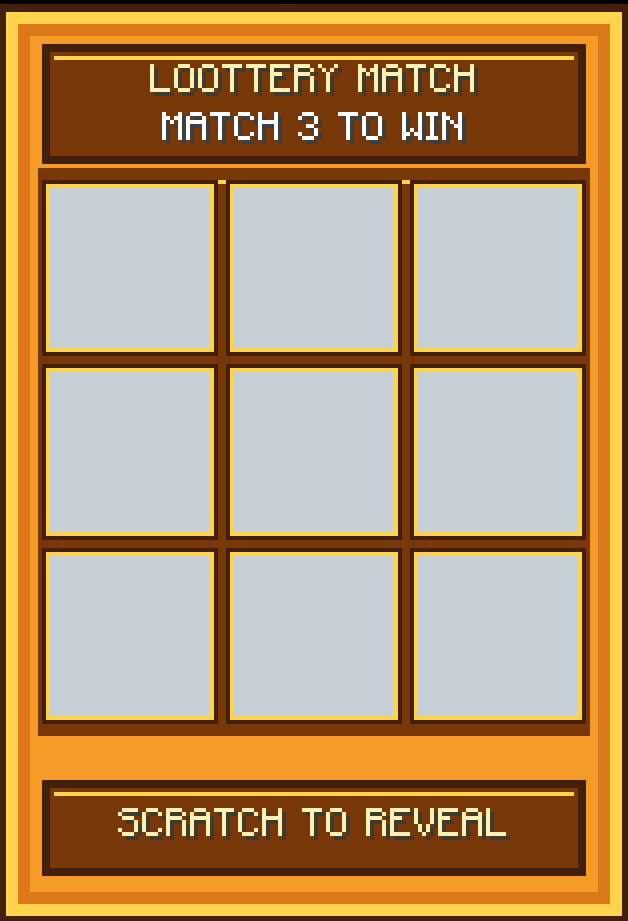
🎯 Loottery Match — Scratch the panels and reveal three matching items to win!
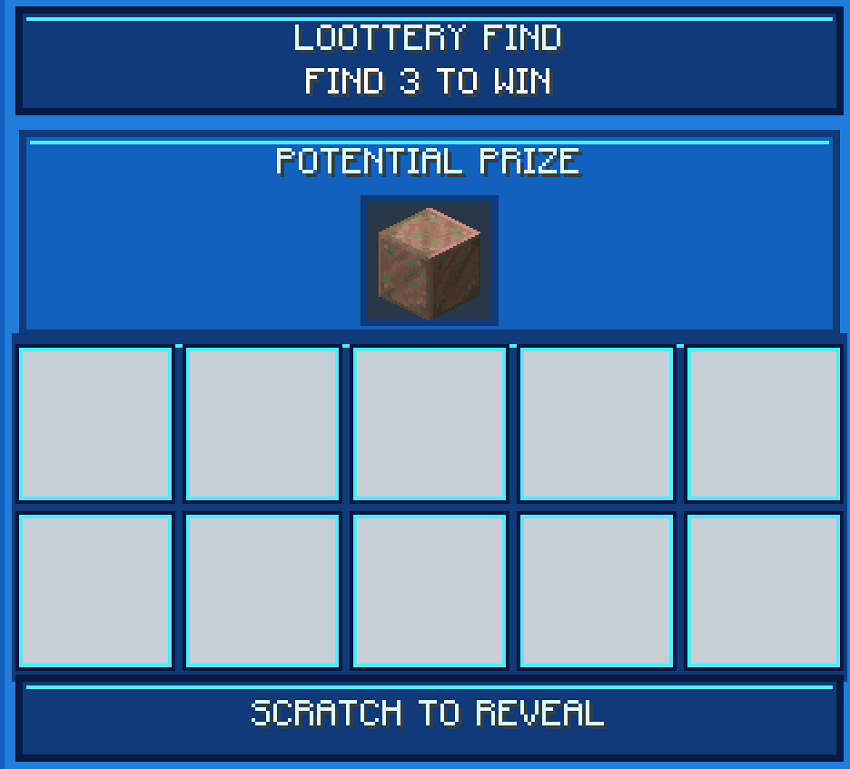
🔍 Loottery Find — Search for three matching symbols of the target item to claim your prize.
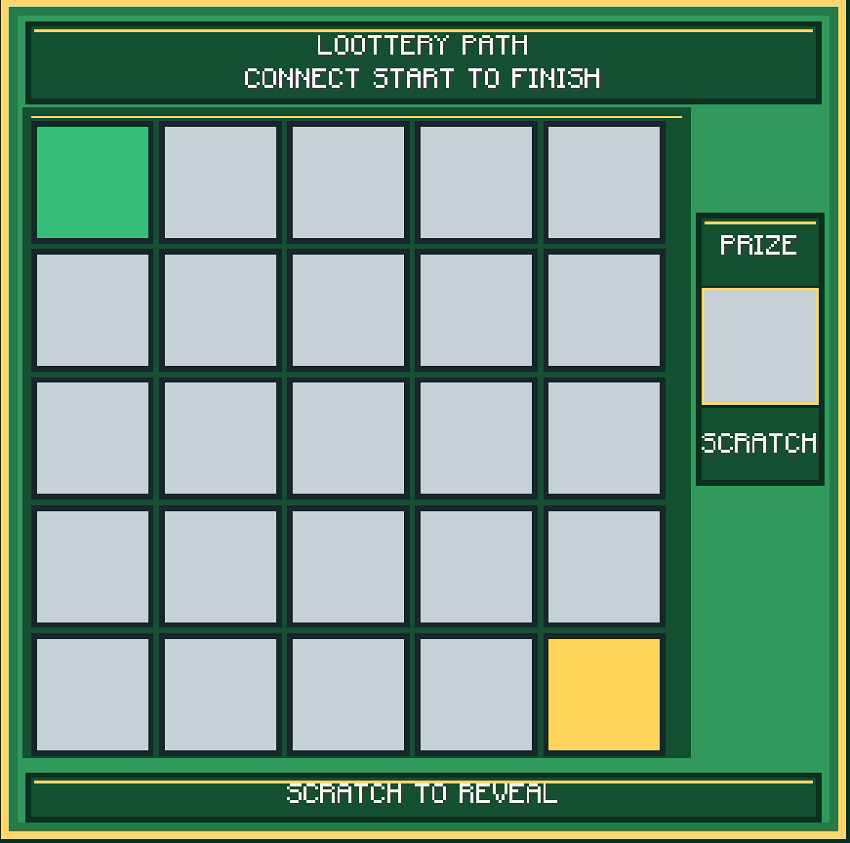
🧩 Loottery Path — Scratch your way through a hidden maze and connect START to FINISH.
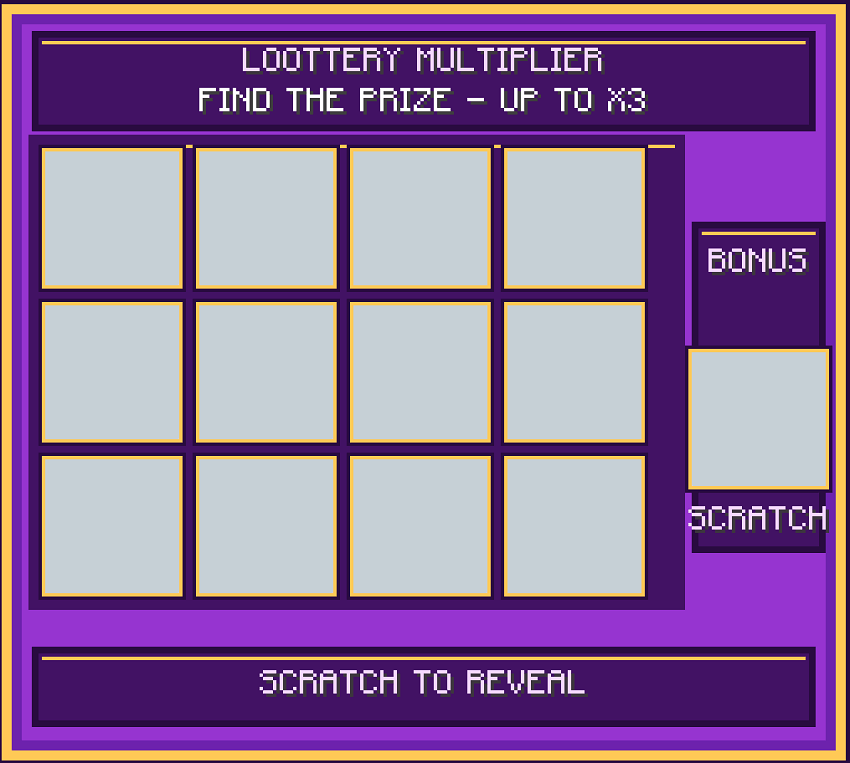
✨ Loottery Multiplier — Reveal a winning item and uncover a multiplier for up to 3× the rewards!
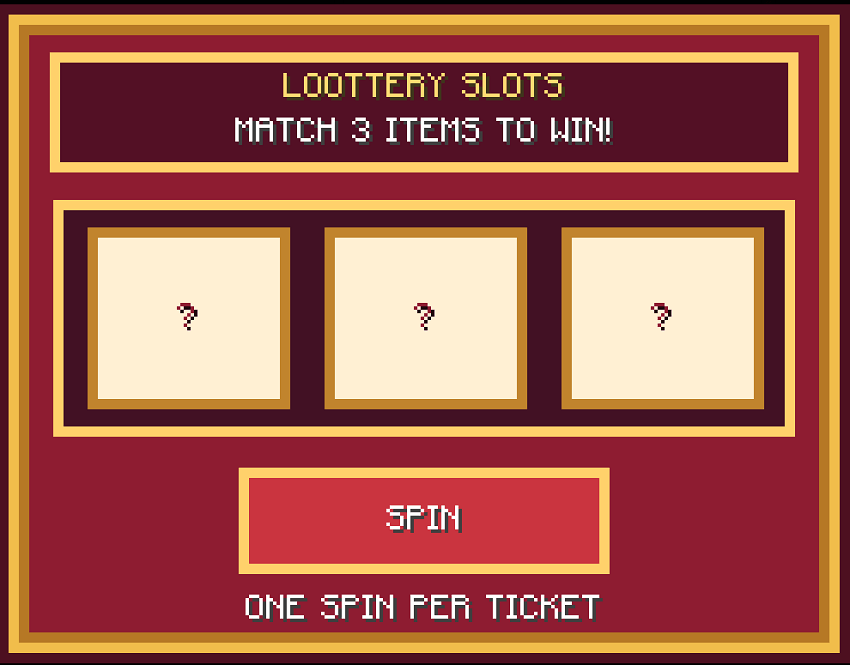
🎰 Loottery Slot — Spin the reels and match three symbols to win!
💎 Features
🎟️ Interactive scratch cards — Physically scratch away the covering to reveal hidden symbols.
🏰 Chest loot integration — Find lottery tickets in generated loot chests, with support designed for Lootr compatibility.
🎁 Randomized rewards — Win items ranging from common resources to rare treasures.
⚙️ Highly configurable — Adjust win chances, chest drop rates, ticket rarity, reward quantities, and eligible reward items.
🌍 Modded item support — Allow items from other mods to appear in the reward pool.
🎉 Winning effects — Celebrate your victories with sounds and particles!
🍀 Find Your Fortune
Every loot chest could hold your next winning ticket. Will you walk away with diamonds, uncover a winning path, or hit the jackpot on the slots?
Explore. Scratch. Win. Good luck!
常见问题
Loottery 支持哪些 Minecraft 版本?
Loottery 支持 Minecraft Java 版 1.21.1–26.3,共 3 个版本,可用的加载器:NeoForge。下载时注意选择和你游戏版本一致的文件。
Loottery 怎么安装?
先用 PCL2 或 HMCL 启动器安装对应版本的 NeoForge,再把下载的 .jar 文件放进游戏目录的 mods 文件夹,重新启动游戏即可。开启了版本隔离的,mods 文件夹在 versions/版本名 下面。
jaydizzle415 的其他作品
查看全部 →
Snail Pals
找到并驯服你的新伙伴:蜗牛!

Random Chance
提供随机性。

MoreUtils
一个实用模组,添加压缩方块、存储升级以及遍布所有维度的新矿石

Dungeons Weaponry
Adds 21 weapons to the game based off Minecraft Dungeons.
评论
登录后评论和评分