
Realism Trees
Realistic procedural trees for Fabric, featuring detailed branches, lush foliage, adjustable sizes and resource-pack support.
截图
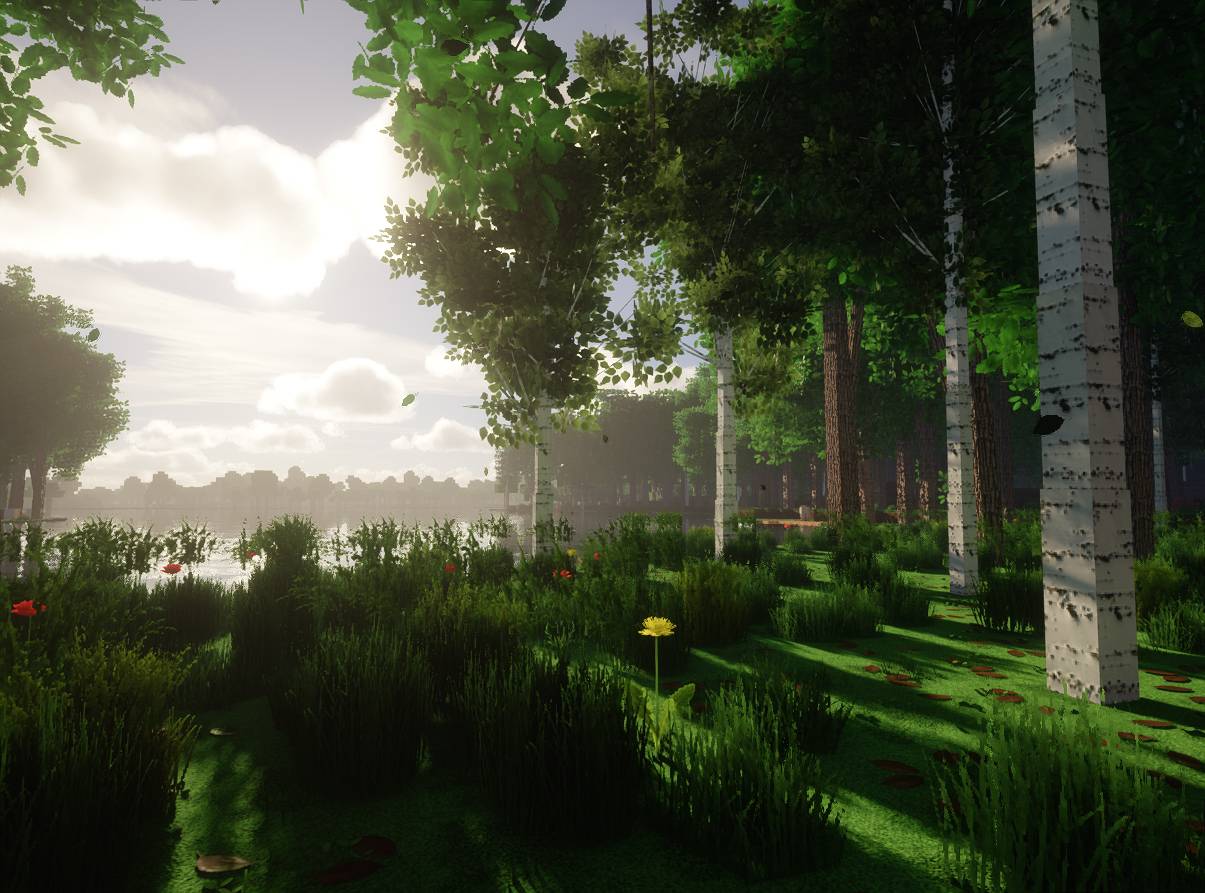
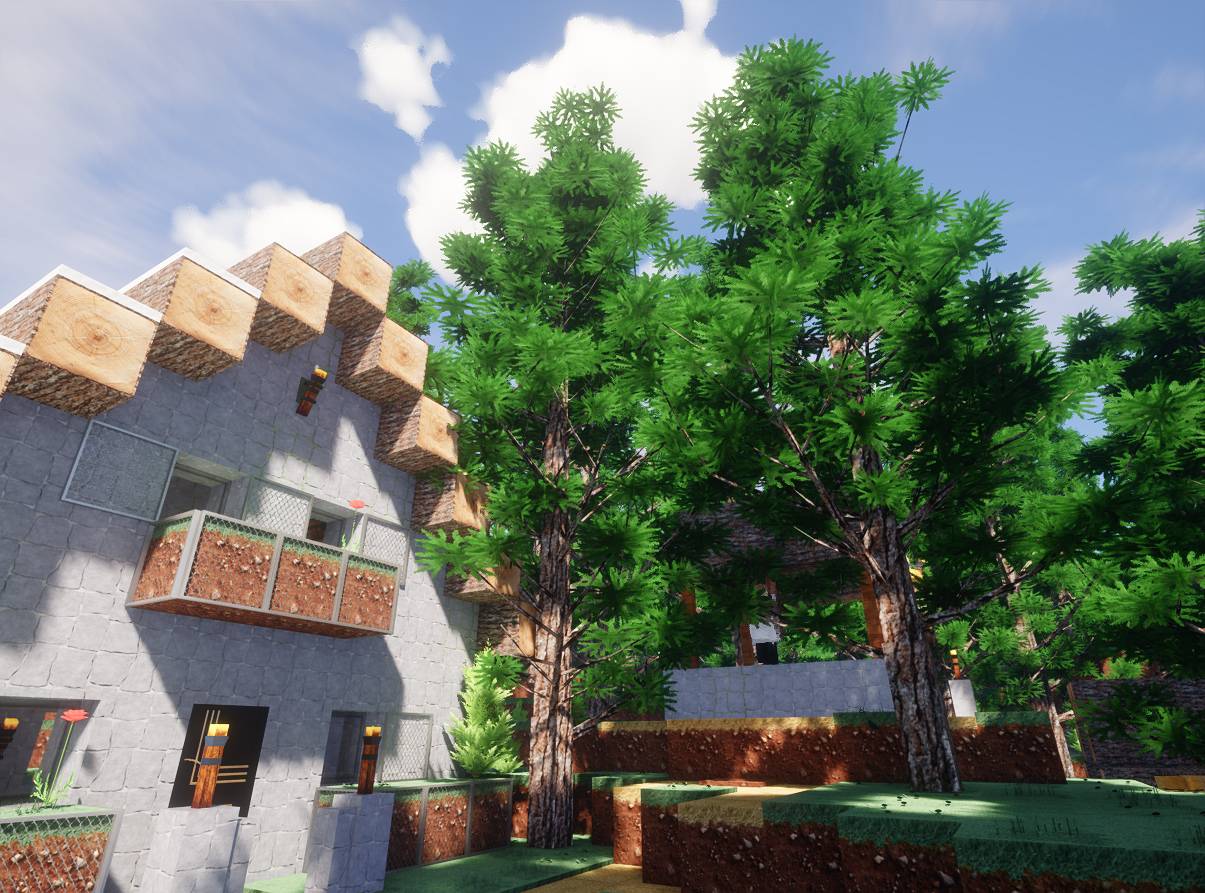
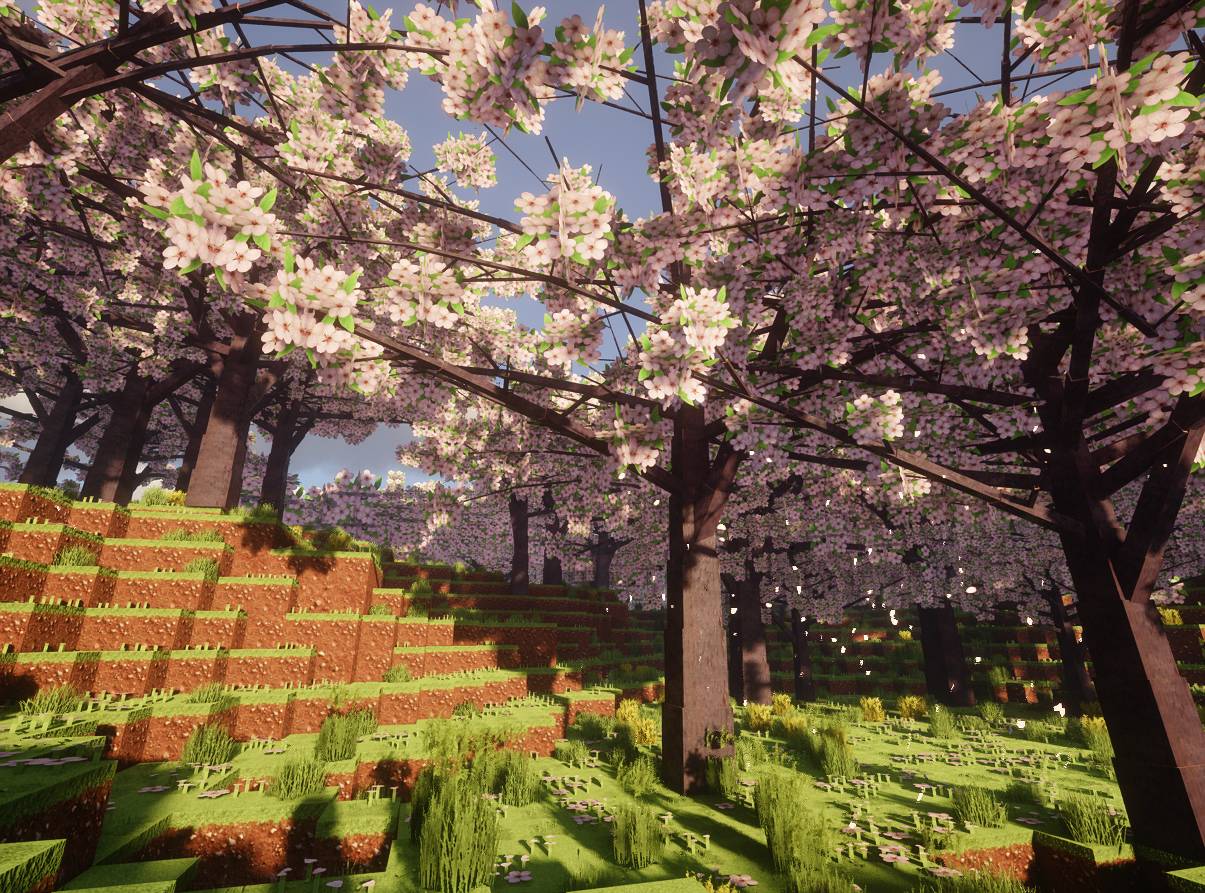
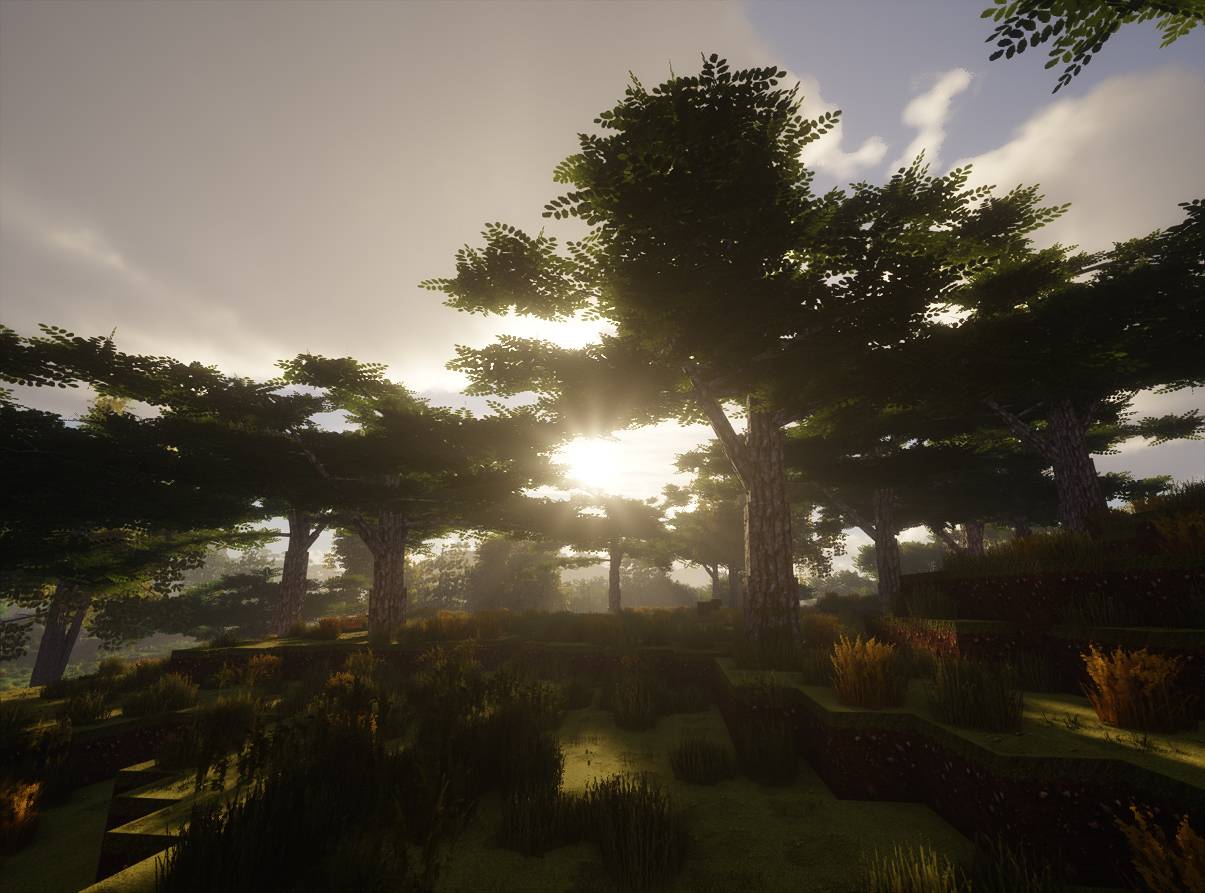
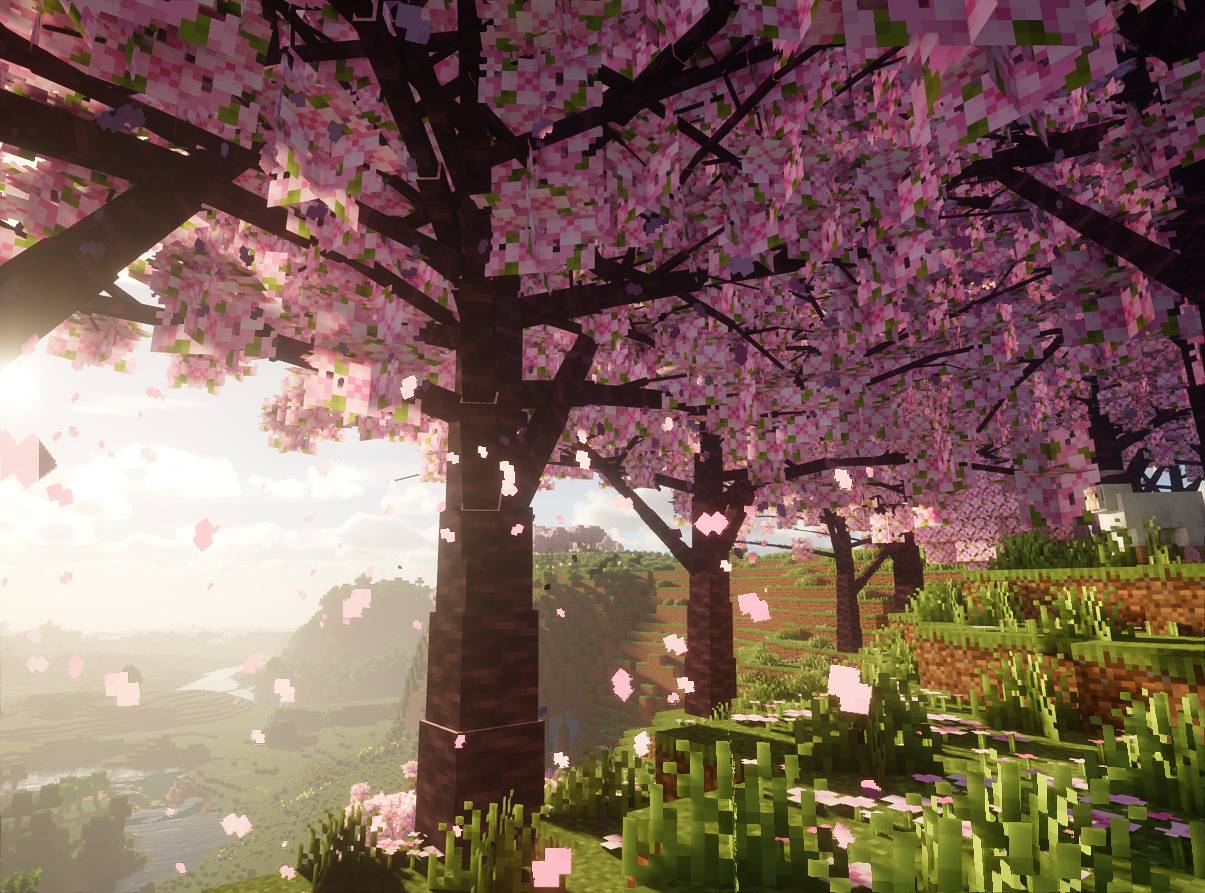
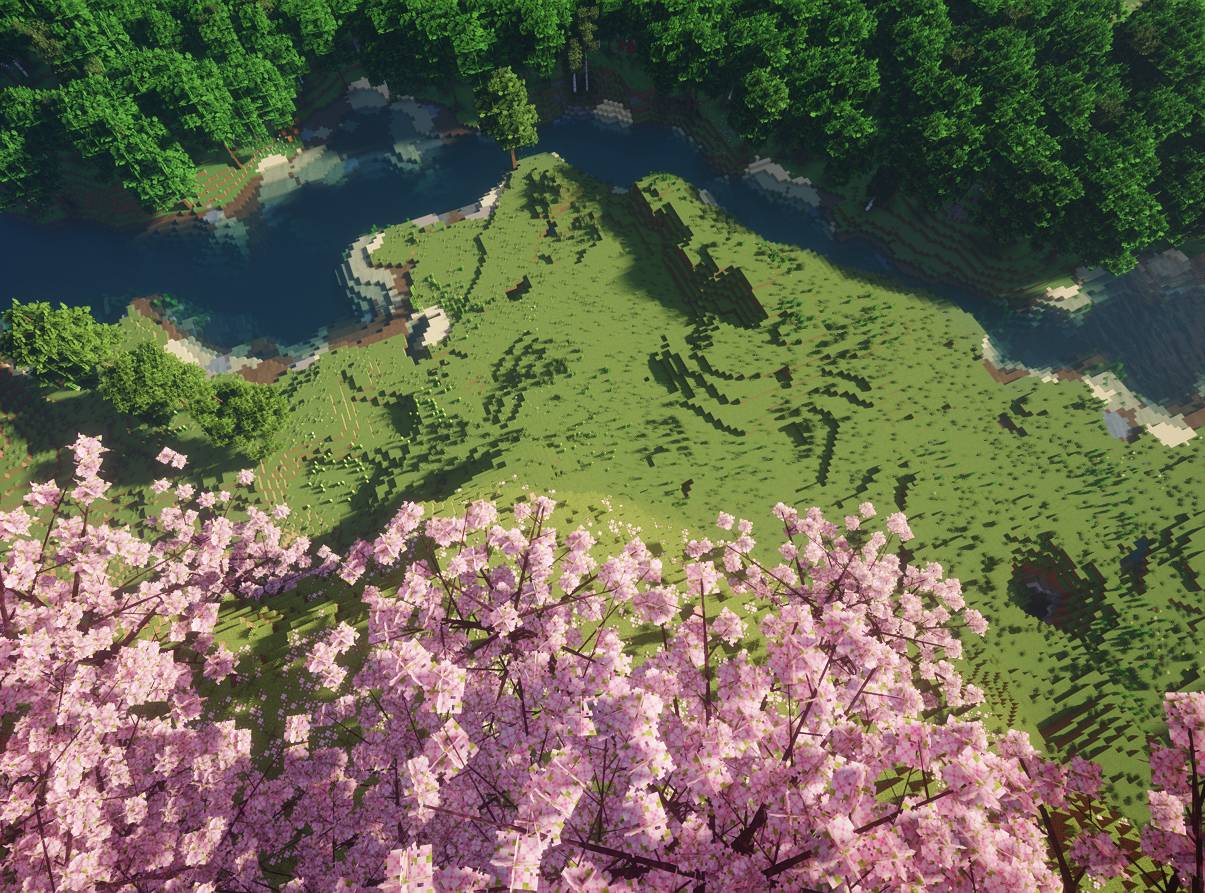
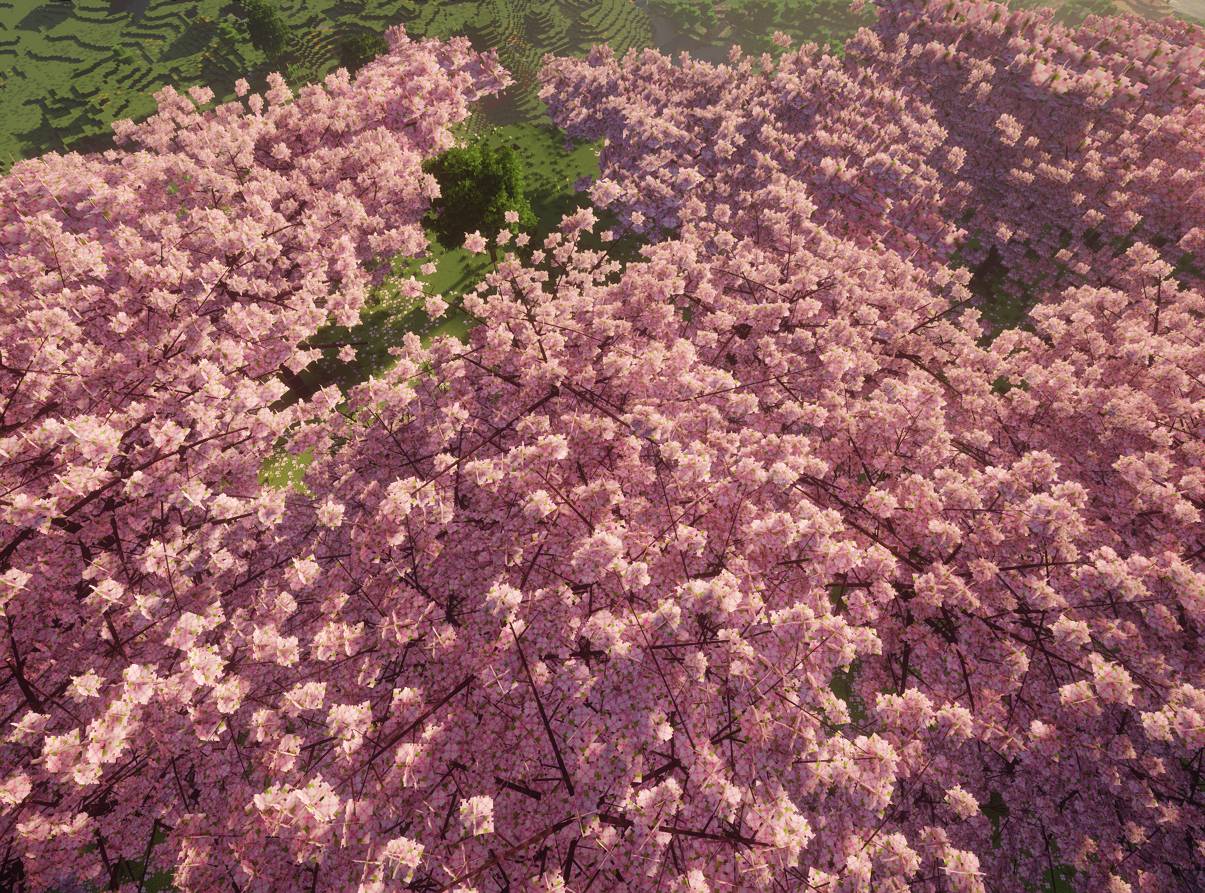
介绍
Realism Trees
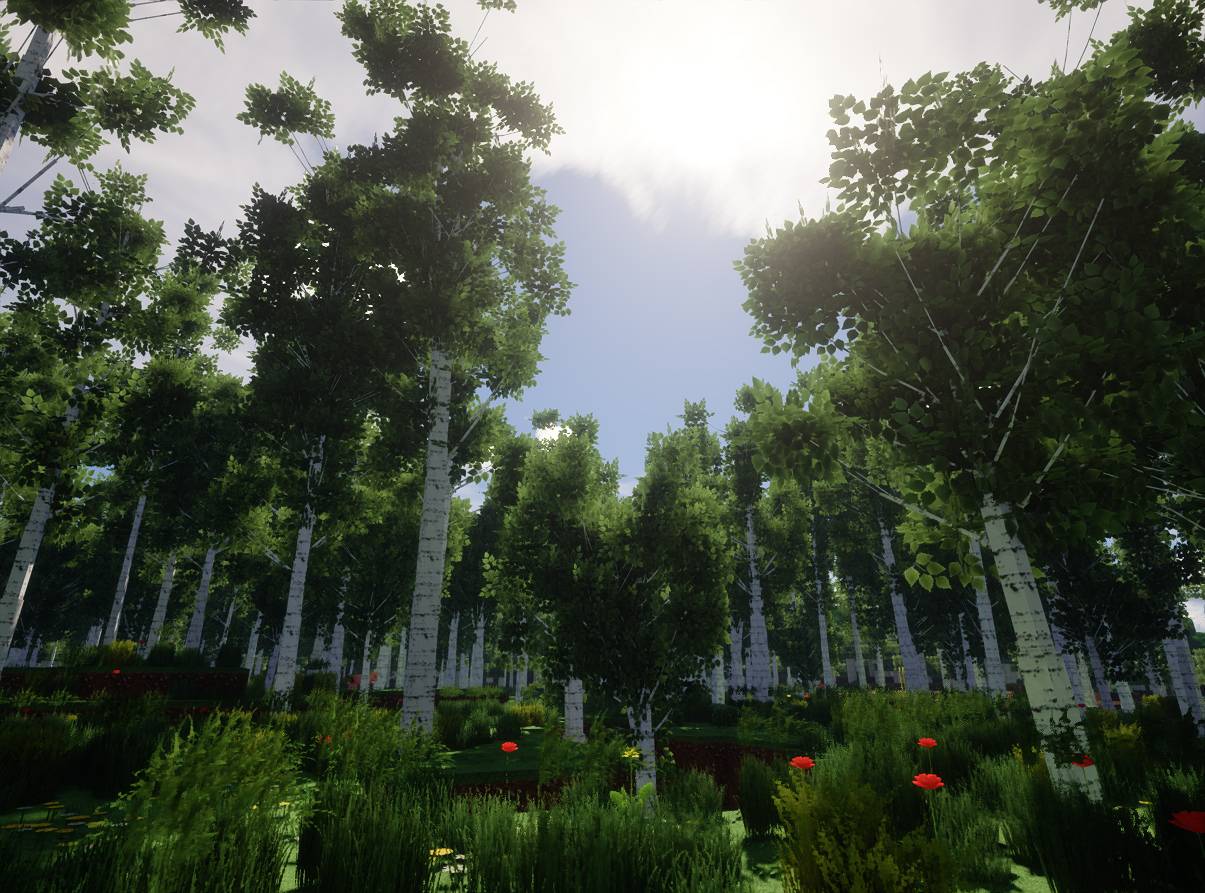
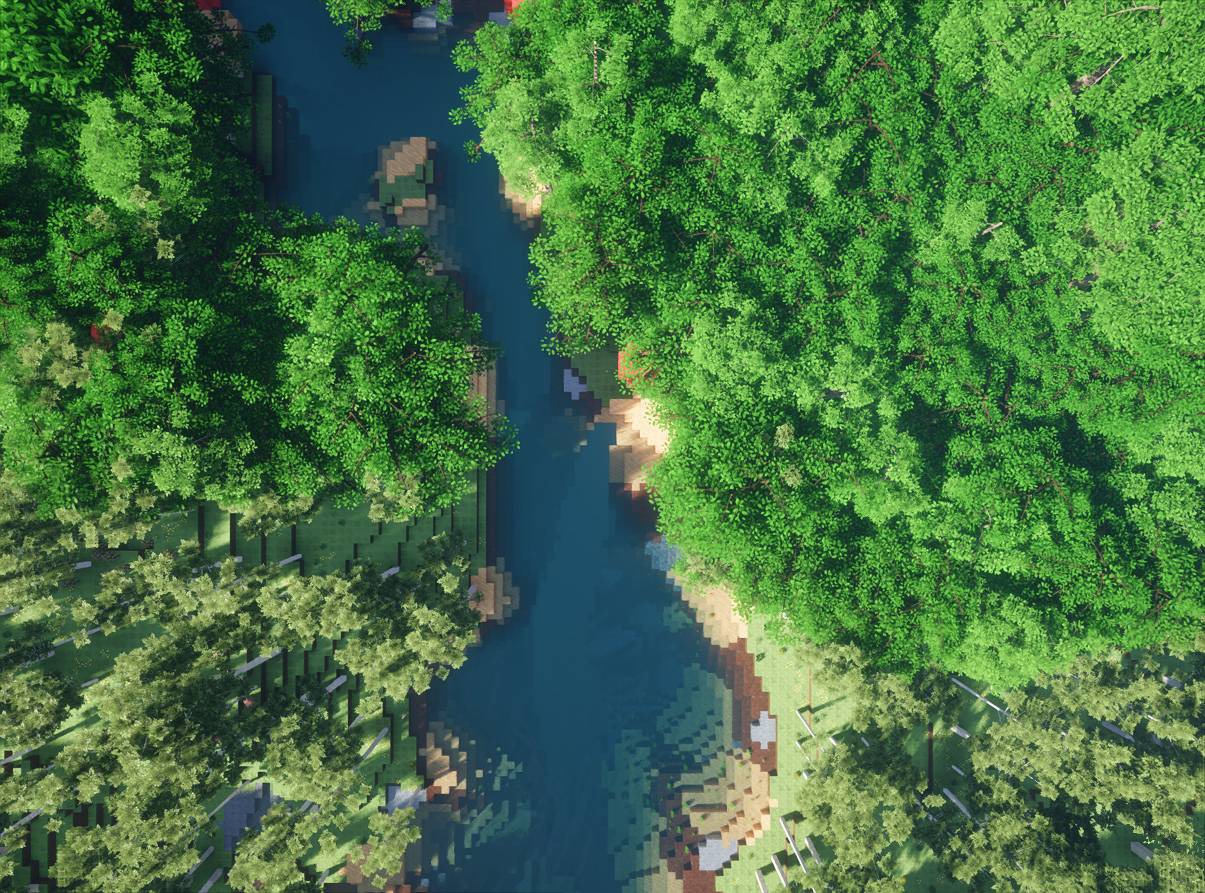
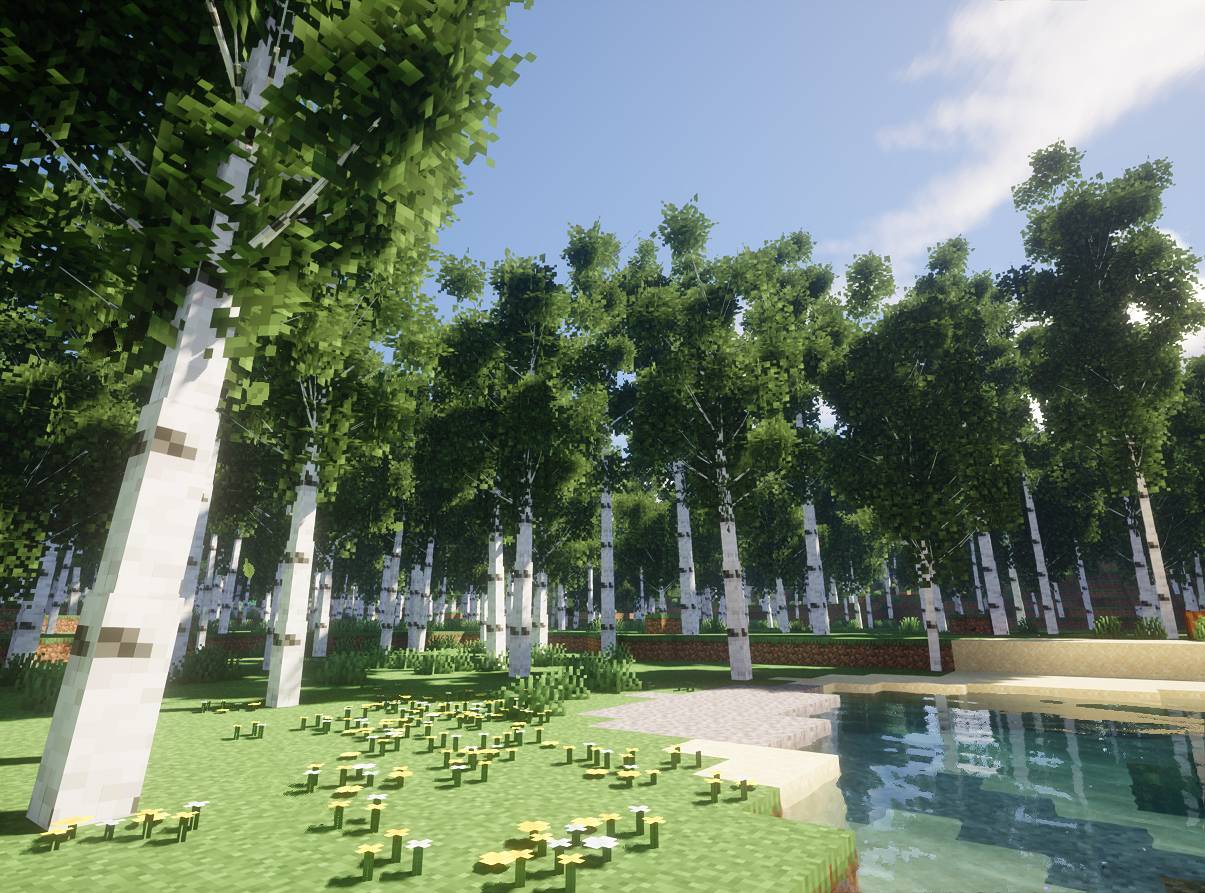
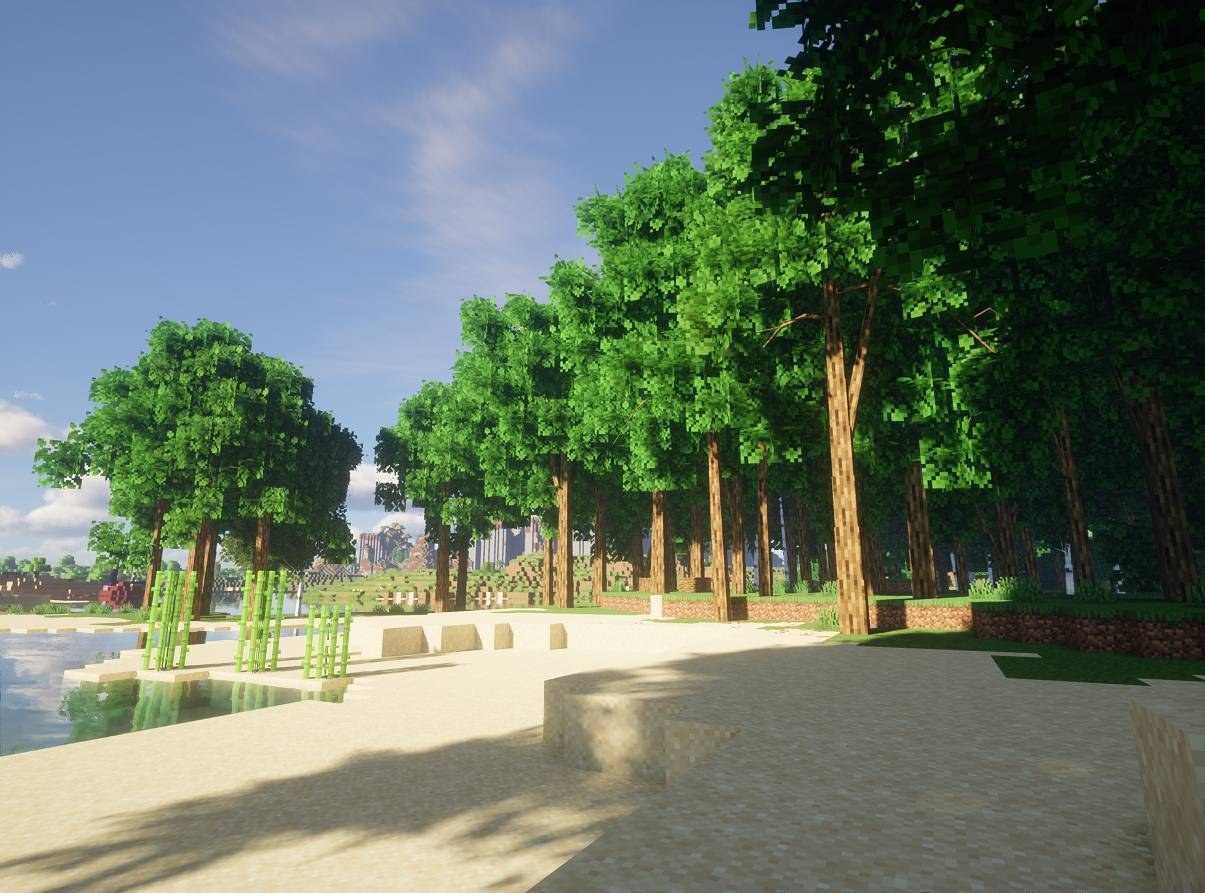
Transform Minecraft forests with realistic, naturally shaped trees, detailed branches, and lush foliage. Every tree has unique shapes and sizes, making your world feel more alive and immersive.
Features
- Realistic Trees: Natural trunks, branches, and dense foliage.
- Multiple Tree Types: Oak, birch, spruce, jungle, acacia, dark oak, cherry, mangrove, and pale oak.
- Adjustable Sizes: Scale trees from 1x to 4x.
- Optimized Performance: Distance-based detail for smoother gameplay.
- Easy Customization: Press N to open the in-game settings.
- Vanilla Friendly: Uses existing Minecraft blocks without permanently changing your world.
- Resource Pack Support: Works with vanilla textures and compatible texture packs.
Recommended Texture Pack
For the best visual experience, I recommend pairing Realism Trees with Realism Mats for highly detailed, realistic tree textures.
A texture pack is not required. The mod works perfectly with vanilla Minecraft textures.
Installation
-
Install Fabric Loader and Fabric API.
-
Download Realism Trees for your Minecraft version.
-
Place the mod in your
modsfolder.
For multiplayer, install the mod on both the client and server.
Note: Uninstalling the mod restores the original appearance of vanilla trees. Shader and Distant Horizons compatibility may vary.
Important Notice
Realism Trees is still under development and may contain bugs or stability issues. In rare cases, it could cause game crashes, world corruption, or data loss.
Always back up your worlds before installing or updating the mod. Use it at your own risk, especially on important saves or multiplayer servers.
常见问题
Realism Trees 支持哪些 Minecraft 版本?
Realism Trees 支持 Minecraft Java 版 1.21.1–26.2,共 2 个版本,可用的加载器:Fabric。下载时注意选择和你游戏版本一致的文件。
Realism Trees 怎么安装?
先用 PCL2 或 HMCL 启动器安装对应版本的 Fabric,再把下载的 .jar 文件放进游戏目录的 mods 文件夹,重新启动游戏即可。开启了版本隔离的,mods 文件夹在 versions/版本名 下面。
imonedesign 的其他作品
查看全部 →
Realistic Crafting Table – Realism Mats texture pack free demo
一款写实材质包,让工作台看起来更逼真。

Realism Mats Furniture Pack
为你的《Minecraft》世界添加现代风格家具。

Emerald Cove – Island Map
一座专为你和朋友打造的葱郁热带岛屿,在这里编织精彩故事
评论
登录后评论和评分