截图
介绍
OVERVIEW
This is a PBR pack for the FNaF Mod, the mod created by Mephilis and the FNaF Mod Team. The release of this pack is dedicated to the FNaF Mod hitting 1 MILLION downloads!!!
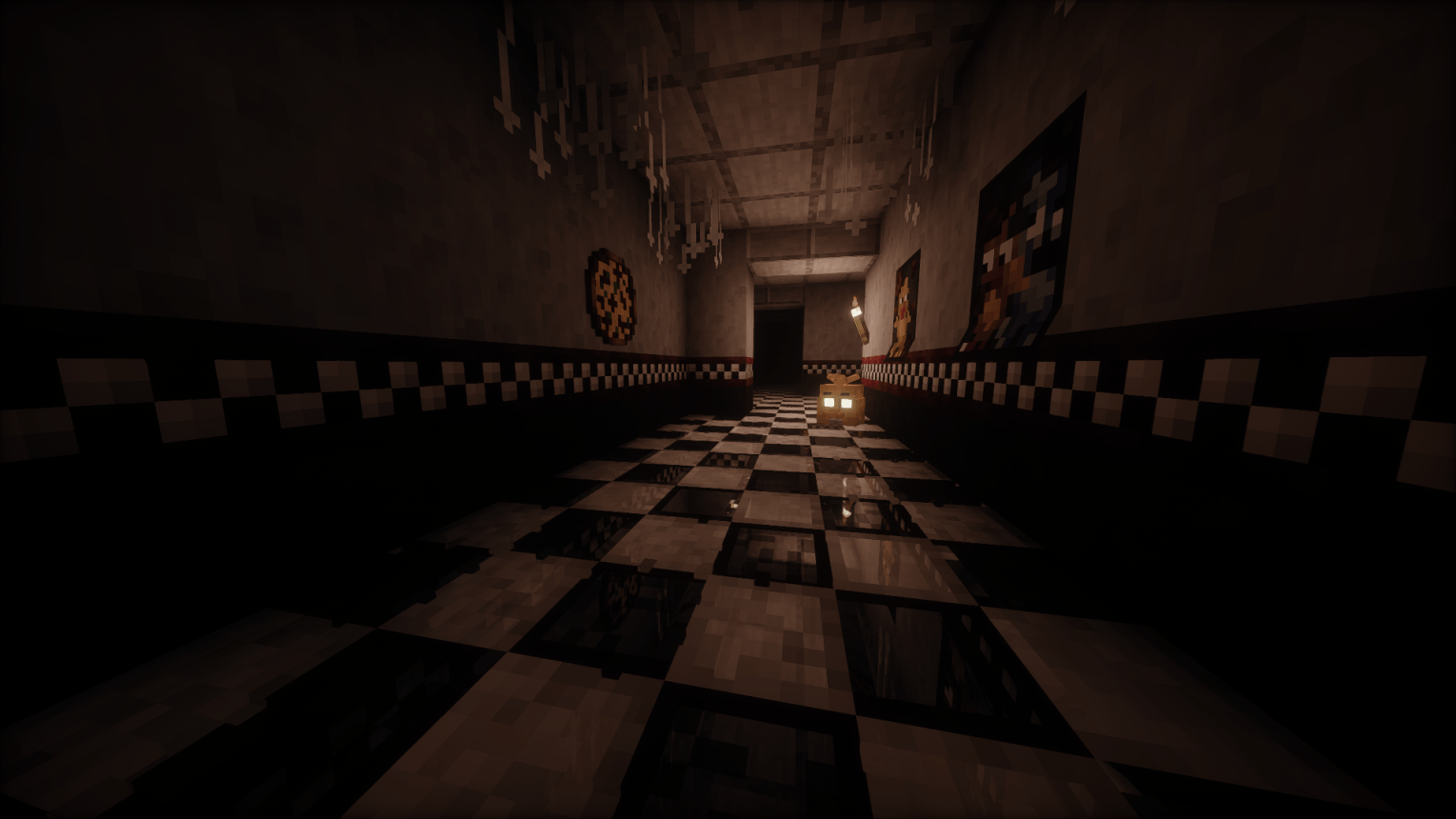
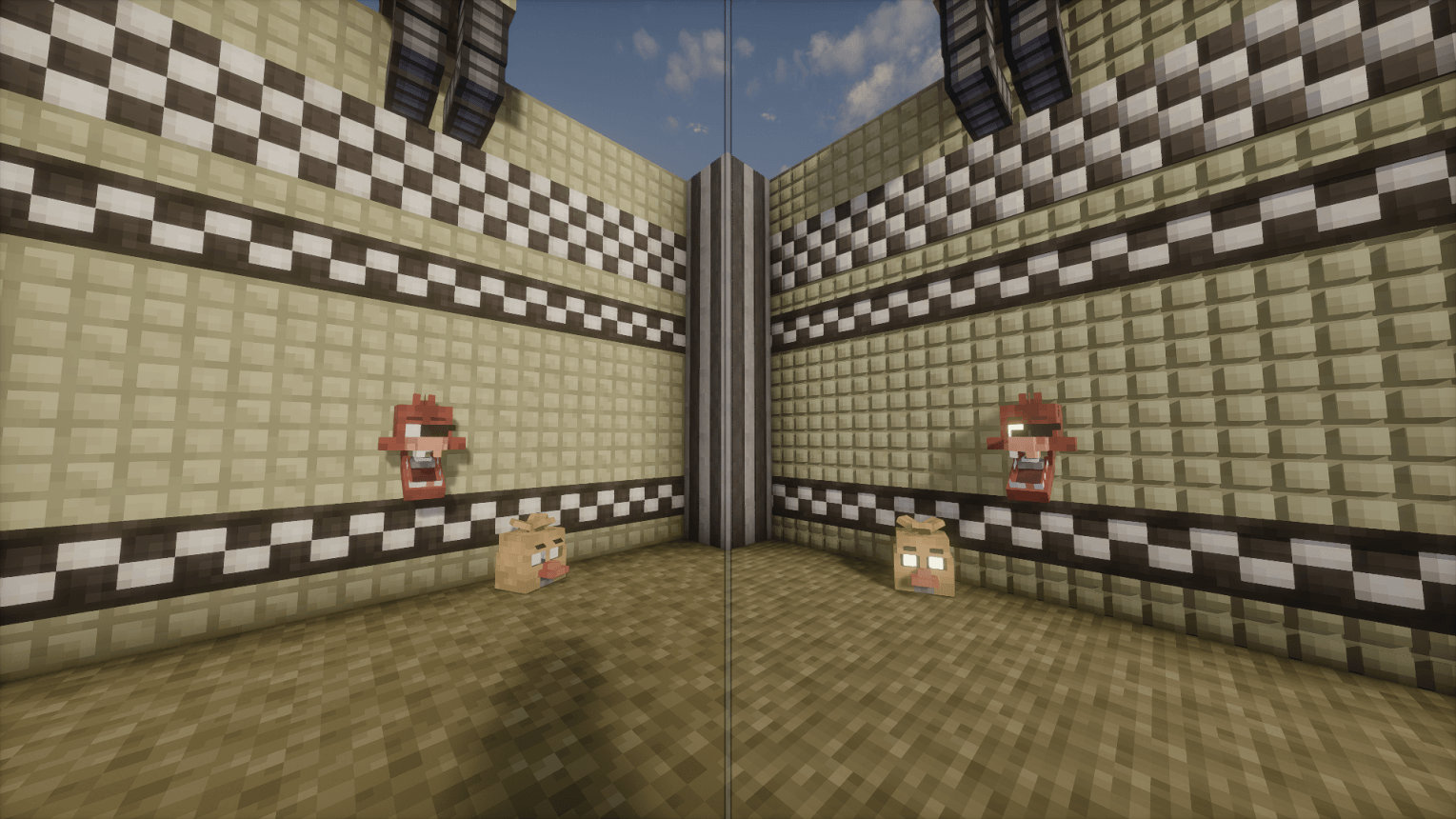
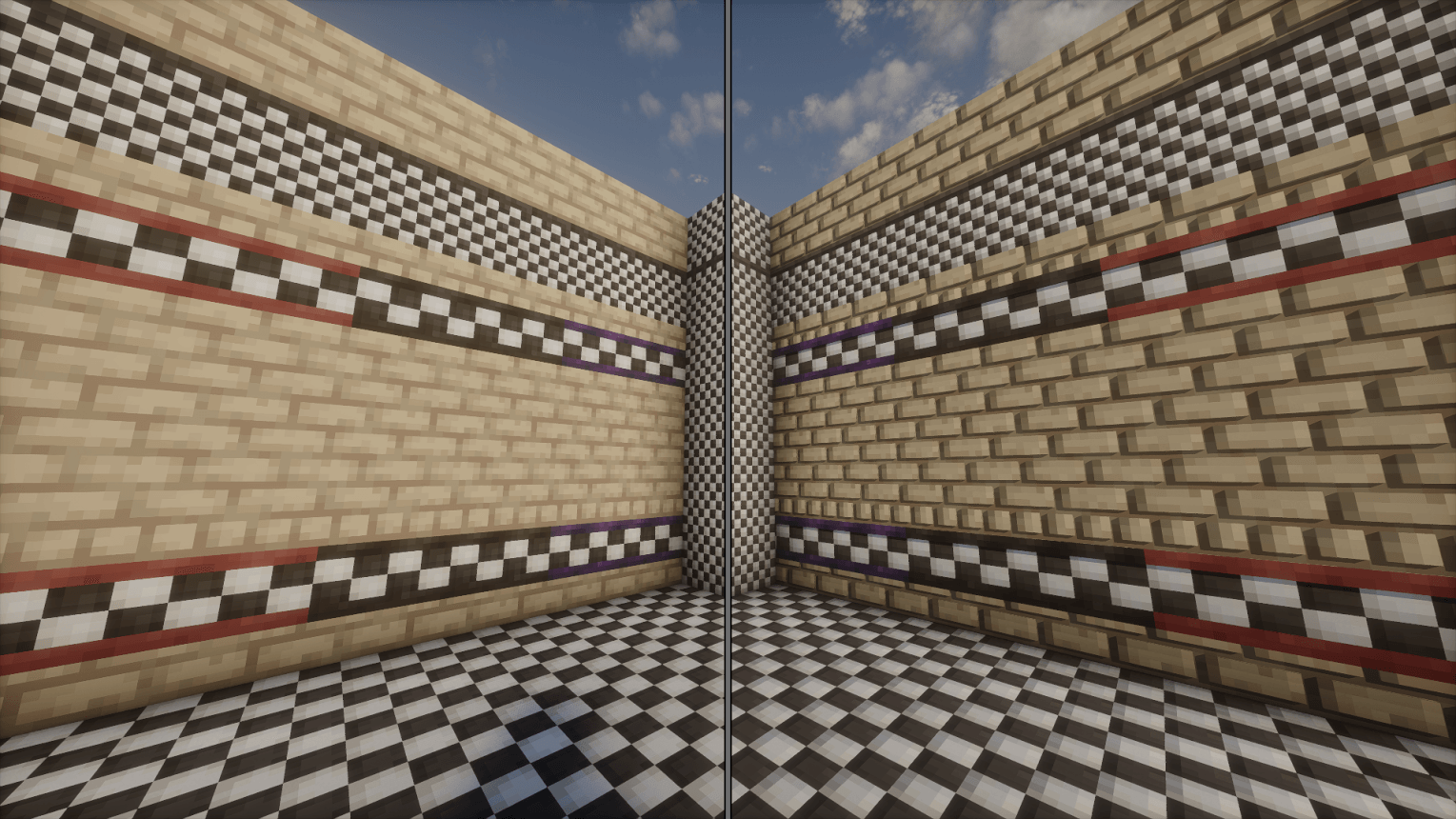
This pack adds normal, specular, and parallax occlusion mapping to various blocks from the FNaF Mod!
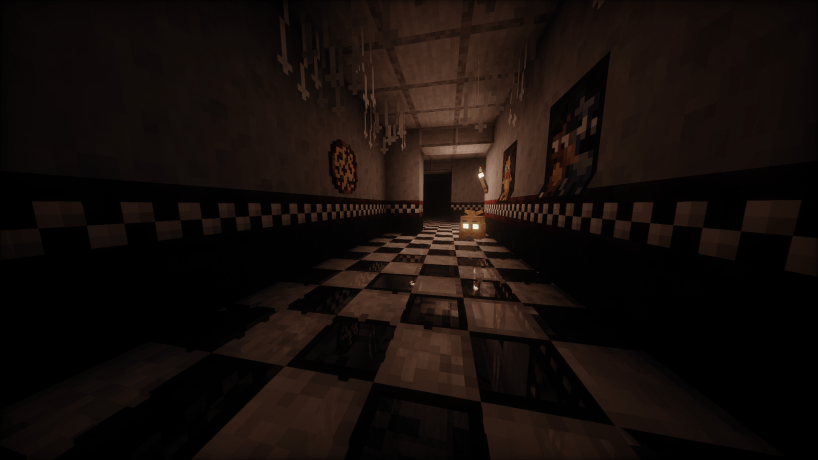
Floor tiles reflect light similar to how they do in the games. Bricks, wall tiles, cracked floor tiles and some other blocks have some added depth with parallax occlusion mapping.
This pack may not be for everyone, but I hope that it will be nice extra detail for your builds! If you have any ideas for how I can improve upon the pack or encounter any issues in relation to the pack, please let me know in the comments. I love feedback!!! I plan on adding more to this pack beyond whats in this initial release, there is still lots to be added and improved upon in this pack.
INSTRUCTIONS
To activate the PBR textures and for the best experience use Oculus (this pack has not been tested with optifine) and a shader with labPBR support. Go into your shader’s material/PBR settings and do the following:
- Make sure the shader is using the labPBR format, and not any other PBR format such as Integrated or SEUS.
- Find and enable normal, specular, and parallax occlusion mapping in labPBR/PBR settings.
- Find and enable directional blocklight/lightmaps if present in settings.
- Find and enable reflections if present in settings.
- And optionally, tweak various PBR settings to your heart’s content!
RECOMMENDATIONS
The look and feel of this pack varies from shader to shader, and my personal recommendation is to use either version of Complementary + Euphoria Patches, or Photon (get v1.1 of photon on modrinth if v1.2a behaves strangely for you.) In all of the screenshots shown, I used Photon.
Additionally, I recommend using the PBR Pack Embrace Pixels for PBR vanilla textures.
常见问题
The FNaF Mod PBR Pack 支持哪些 Minecraft 版本?
The FNaF Mod PBR Pack 支持 Minecraft Java 版 1.19.2。下载时注意选择和你游戏版本一致的文件。
The FNaF Mod PBR Pack 怎么安装?
把下载的 .zip 文件(不用解压)放进游戏目录的 resourcepacks 文件夹,进游戏后在「选项 → 资源包」里把它移到右边启用。
评论
登录后评论和评分