Kiosk
A modpack that makes escaping Minecraft difficult. Only supports Windows 11 and Prism Launcher derivatives.
截图
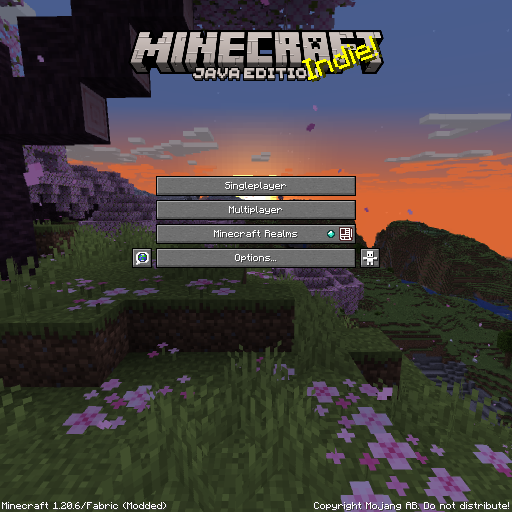
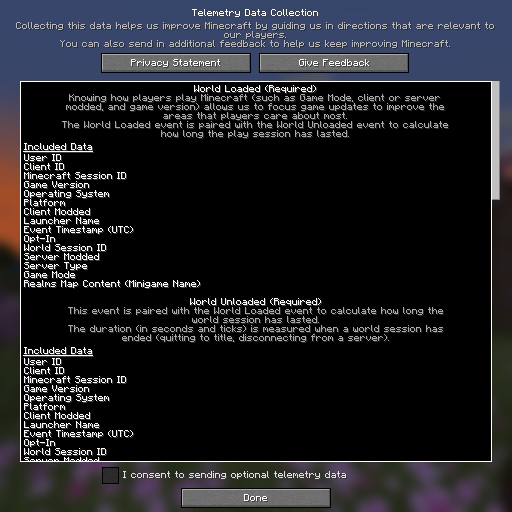
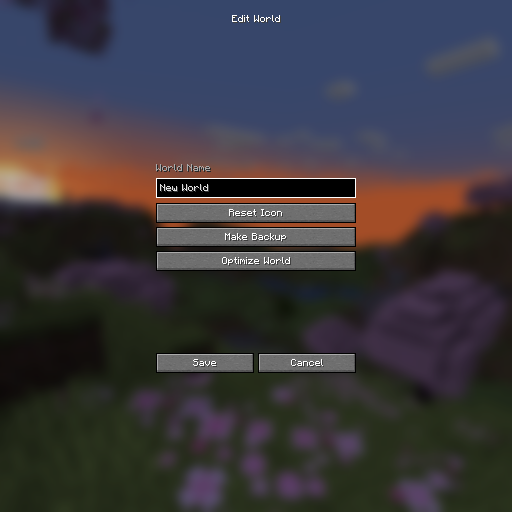
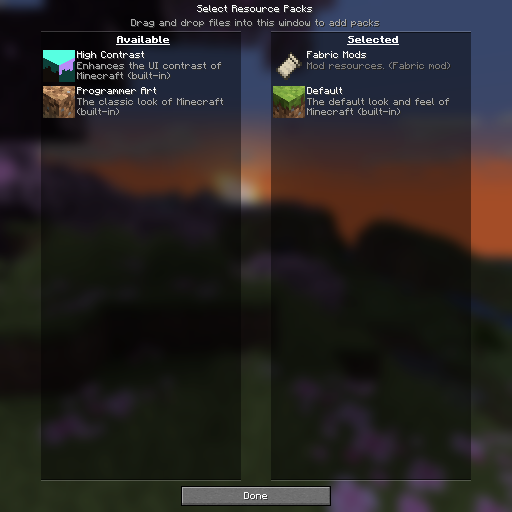
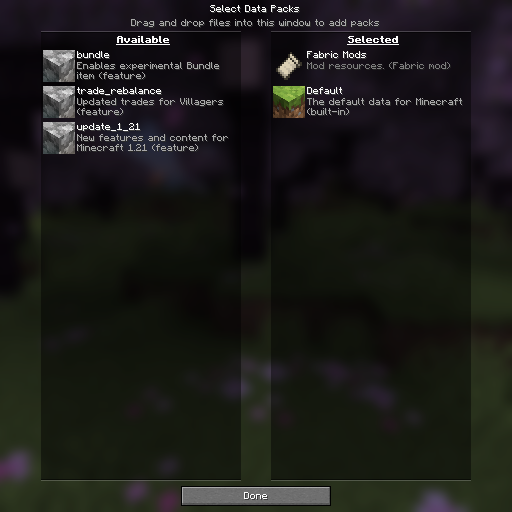
介绍

⚠ Warning
Do not use on personal computers.
Do not install as a regular modpack.
Follow instructions carefully.
About
Kiosk is a modpack that makes escaping Minecraft difficult. It does so by removing UI elements and keyboard shortcuts (like pressing Alt + F4 or holding F3 + C for ten seconds). This modpack also hides onboarding (the “Welcome to Minecraft!” screen), warnings (e.g. the “Third-Party Online Play” warning), tutorial hints, and Minecraft Realms notifications. By default, Music, the Narrator, and its keyboard shortcut are turned off.
Mods (5)
Fabric API – Required by FancyMenu, Konkrete, Melody, and RebindAllTheKeys.
FancyMenu – Enables custom menus.
Konkrete – Required by FancyMenu.
Melody – Required by FancyMenu.
RebindAllTheKeys – Adds keybinds to keys that aren’t rebindable.
Installation
Requirements
- Windows 11
- Prism Launcher
- No peripheral monitors
Steps
Uninstall apps/programs that have their own keyboard shortcuts (e.g. Snipping Tool or Game Bar)
Disable screen and touchpad gestures in settings as shown in the following images:
<source
srcset=’//cdn.modrinth.com/data/cached_images/aabc9ee3b8859e9738b8fe325fa67206c0a24fb9.png’
media='(prefers-color-scheme: dark)’
<img
src=’//cdn.modrinth.com/data/cached_images/f9749cfd3a048b1fd0f253a566bbc803317340d6.png’
alt=’The settings app opened to “Bluetooth & devices” → “Touch.” The switch is set to “Off.”‘
<source
srcset=’//cdn.modrinth.com/data/cached_images/30d50410fbbf2eebce68ca6698d375a48fbd62fb.png’
media='(prefers-color-scheme: dark)’
<img
src=’//cdn.modrinth.com/data/cached_images/5bfe9b877df82f54ef1889c2ab7f620d267d620a.png’
alt=’The settings app opened to Bluetooth & devices → “Touchpad” → “Advanced” “gestures.” Each drop-down list is set to “nothing.”‘
Create and open the following .reg files to disable task manager and screen edge swipe:
Windows Registry Editor Version 5.00

[HKEY_LOCAL_MACHINE\SOFTWARE\Microsoft\PolicyManager\default\LockDown\AllowEdgeSwipe]
"value"=dword:00000000

[HKEY_CURRENT_USER\SOFTWARE\Policies\Microsoft\Windows\EdgeUI]
"AllowEdgeSwipe"=-

[HKEY_LOCAL_MACHINE\SOFTWARE\Policies\Microsoft\Windows\EdgeUI]
"AllowEdgeSwipe"=dword:00000000

⚠ Warning
Only do this if you know what you are doing.
Get permission before doing this.
Windows Registry Editor Version 5.00

[HKEY_CURRENT_USER\SOFTWARE\Microsoft\Windows\CurrentVersion\Policies\System]
"DisableTaskMgr"=dword:00000001

[HKEY_LOCAL_MACHINE\SOFTWARE\Microsoft\Windows\CurrentVersion\Policies\System]
"DisableTaskMgr"=dword:00000001
Use https://github.com/ThatBlueEnder/Kiosk/releases/latest/download/Minecraft.zip as the URL when importing a Minecraft instance as shown in the following image:
<source
srcset=’//cdn.modrinth.com/data/cached_images/126ad8ed87d9fccbcbf95484e68da8279ca1f3e9.png’
media='(prefers-color-scheme: dark)’
<img
src=’//cdn.modrinth.com/data/cached_images/30a8ffb1971b58565b831a4df929dd05726f2ae9.png’
alt=’The import dialog when creating a new Minecraft Instance. The text field is populated with the URL “https://github.com/ThatBlueEnder/Kiosk/releases/latest/download/Minecraft.zip.”‘
Update the imported Minecraft instance as shown in the following image:
<source
srcset=’//cdn.modrinth.com/data/cached_images/48d02daea22c29cb62559c7e0bfb0107d0062bc7.png’
media='(prefers-color-scheme: dark)’
<img
src=’//cdn.modrinth.com/data/cached_images/0ec545dee640795e889cb2b375c734ba5d59c14e.png’
alt=’The console window for the imported Minecraft instance is opened to the “Modrinth” tab. The “Update pack” button is selected’
Notes
Keyboard shortcuts not specific to Minecraft (e.g. Alt + F4) are blocked by a compiled AutoHotkey executable that runs while the Minecraft instance is open. The intended method to escape Minecraft is by pressing Ctrl + Shift + \\. If a different method to escape Minecraft is found, please create an issue. Below is the .ahk that was compiled by AutoHotkey:
#NoTrayIcon
#SingleInstance Force
Persistent
*LWin::Return
*RWin::Return
*!F4::Return
*!Space::Return
*!Tab::Return
*^Esc::Return
*^+Esc::Return
*^!Tab::Return
*!Esc::Return
*AppsKey::Return
*PrintScreen::Return
*CtrlBreak::Return
*Pause::Return
*Help::Return
*Sleep::Return
*Browser_Back::Return
*Browser_Forward::Return
*Browser_Refresh::Return
*Browser_Stop::Return
*Browser_Search::Return
*Browser_Favorites::Return
*Browser_Home::Return
*Volume_Mute::Return
*Volume_Down::Return
*Volume_Up::Return
*Media_Next::Return
*Media_Prev::Return
*Media_Stop::Return
*Media_Play_Pause::Return
*Launch_Mail::Return
*Launch_Media::Return
*Launch_App1::Return
*Launch_App2::Return
*XButton1::Return
*XButton2::Return
*WheelLeft::Return
*WheelRight::Return
^+\::!F4
包含的模组 5 个



绿色边框的模组本站有收录,点进去看中文介绍;其余跳转到 Modrinth。
常见问题
Kiosk 支持哪些 Minecraft 版本?
Kiosk 基于 Minecraft Java 版 1.21.1,使用 Fabric 加载器。
Kiosk 怎么安装?
点本页「前往下载」拿到整合包文件(Modrinth 的是 .mrpack,CurseForge 的是 .zip),在 PCL2 或 HMCL 启动器里选择「导入整合包」,启动器会自动装好 Minecraft、加载器和全部模组。这个整合包有 5 个模组,建议在启动器里给游戏分配 4–6 GB 内存。
Kiosk 开服需要多大内存?
推荐服务器内存 12 GB。在线人数多、或者建了大量机器和区块加载器时,可以再加 2–4 GB。
怎么和朋友一起玩 Kiosk?
点本页的「一键开服」,选好配置后会自动安装 Kiosk 的服务端,几分钟就能开好。把服务器地址发给朋友,大家用同一个版本的整合包连进去就行。
评论
登录后评论和评分