Create Aeronautics: Bearing Load
作者:Almar_B_V_D
Adds mass-based stress to the Swivel Bearing in Create: Aeronautics, making heavier Sable sub-levels require more SU. The load multiplier is configurable.
介绍
中文介绍正在准备中,下面暂时显示原文。
Create Aeronautics: Bearing Load
Make mass matter!
This addon adds mass-based stress to the Swivel Bearing in Create: Aeronautics. Heavier Sable sub-levels require more Stress Units (SU), making mass an important factor in mechanical design.
Features
- Mass-based stress: Heavier sub-levels generate additional stress on the Swivel Bearing.
- Configurable multiplier: Adjust how much mass affects stress through the mod configuration.
How to Configure
Esc → Create Settings (goggles icon) → Other Mods → Bearing Load → Server Config → Load Multiplier
Requirements
- Minecraft 1.21.1
- NeoForge
- Create 6.0.10
- Create: Aeronautics 1.3.2
- Sable 2.0.5
BEFORE
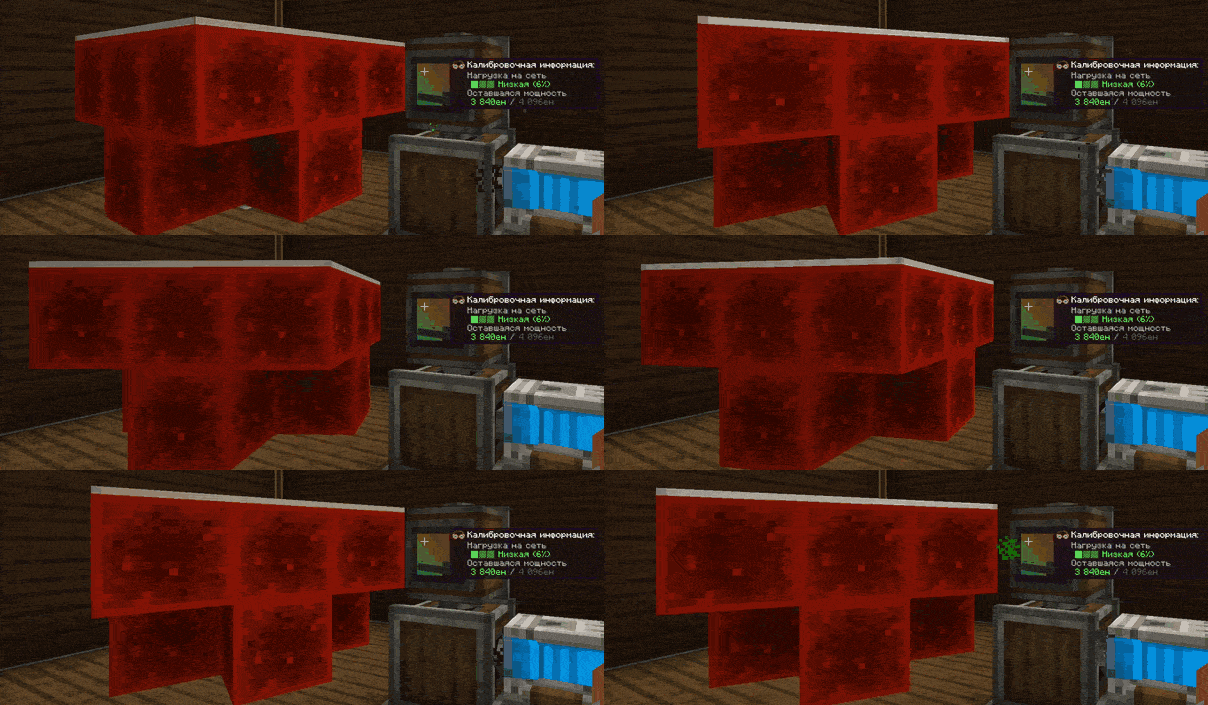
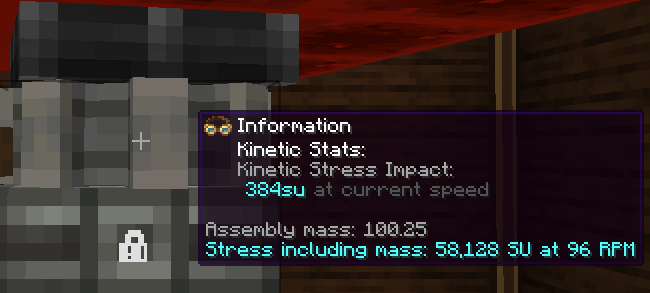
AFTER (Structure mass: 56 kg, Rotational Speed: 64 RPM, Load Multiplier: 1)
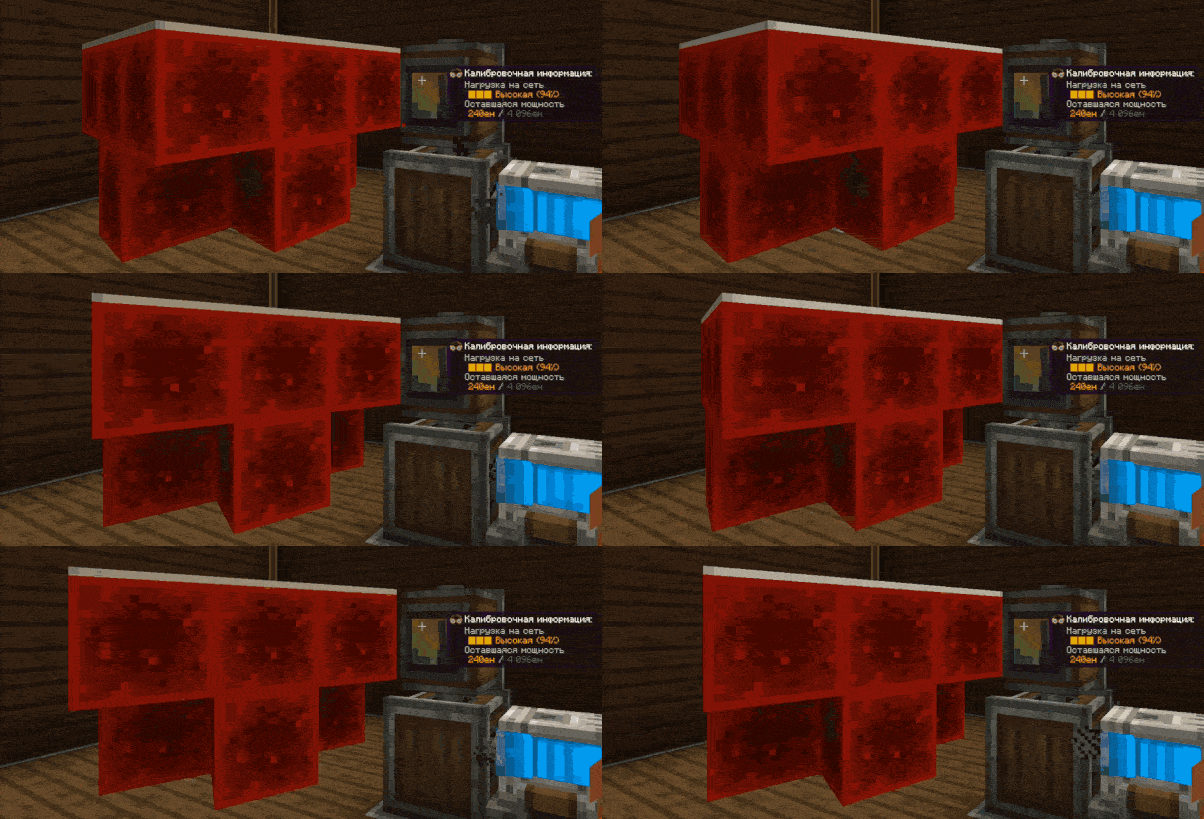
Updates in real time
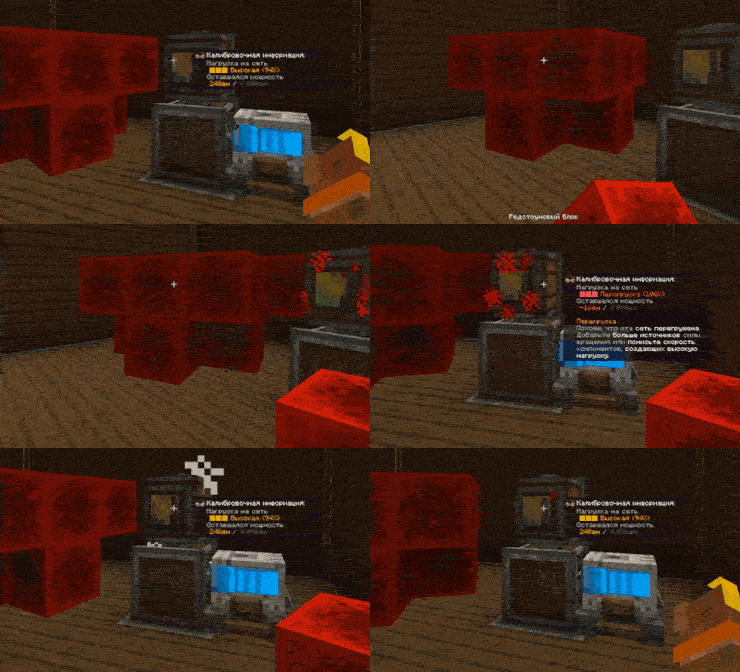
(In 1.1.0)Adds SU consumption and structure mass information to the bearing’s goggles tooltip.
Happy engineering!
P.S. After installing the mod, deactivate and activate the Swivel Bearing for the changes to take effect.
常见问题
Create Aeronautics: Bearing Load 支持哪些 Minecraft 版本?
Create Aeronautics: Bearing Load 支持 Minecraft Java 版 1.21.1,可用的加载器:NeoForge。下载时注意选择和你游戏版本一致的文件。
Create Aeronautics: Bearing Load 怎么安装?
先用 PCL2 或 HMCL 启动器安装对应版本的 NeoForge,再把下载的 .jar 文件放进游戏目录的 mods 文件夹,重新启动游戏即可。开启了版本隔离的,mods 文件夹在 versions/版本名 下面。
评论
登录后评论和评分