
Item! Prohibited use of items.
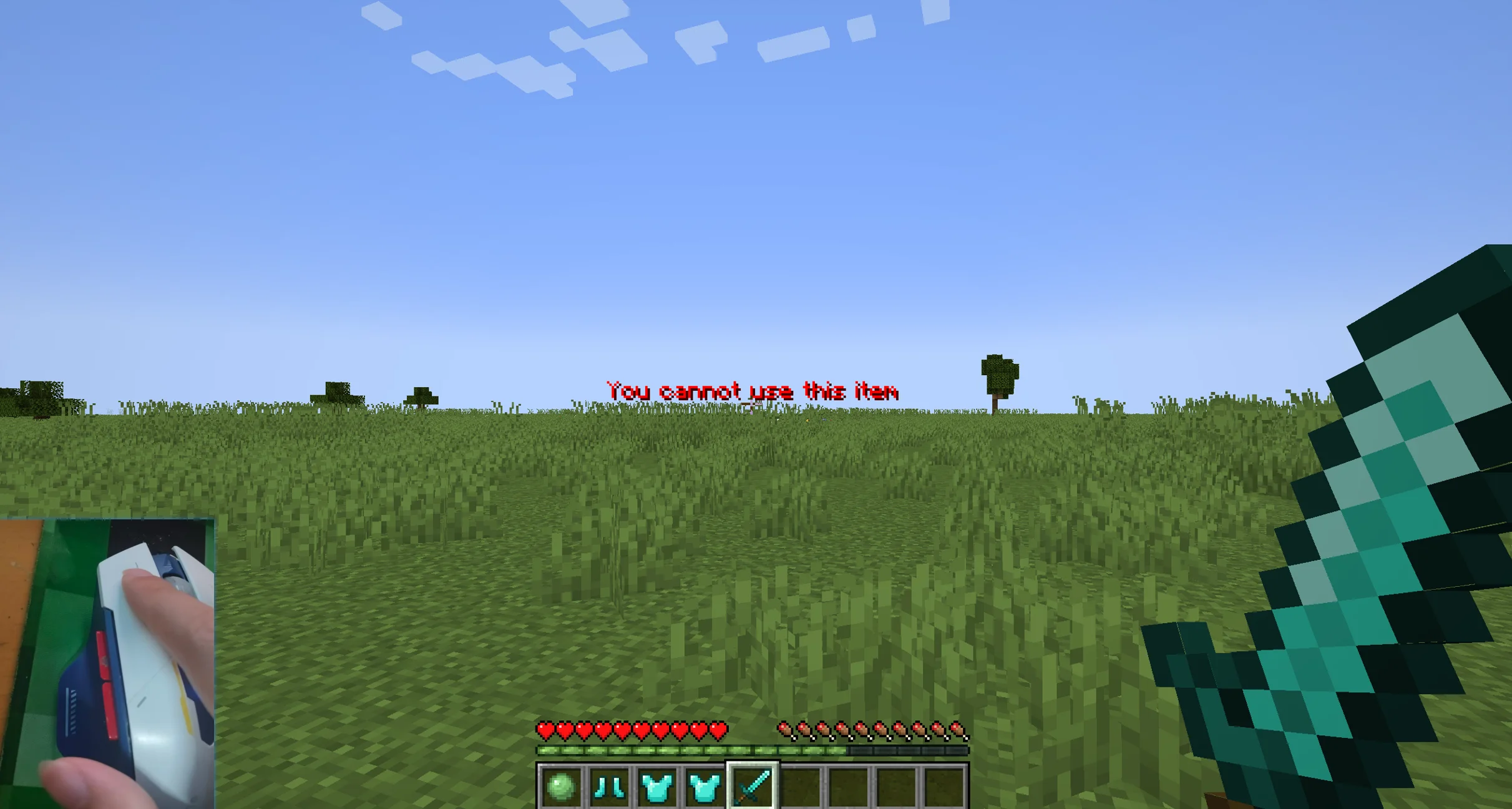
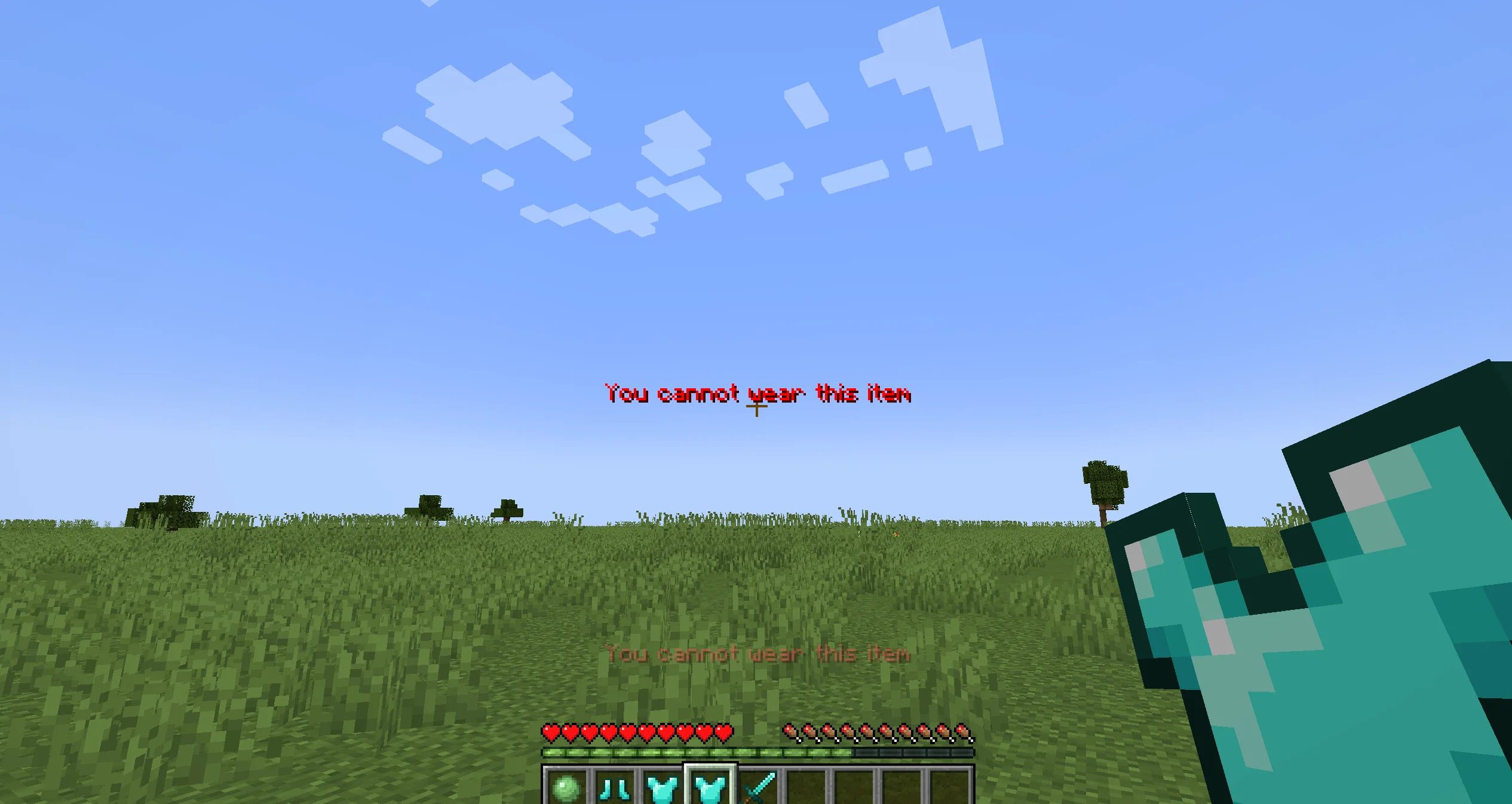
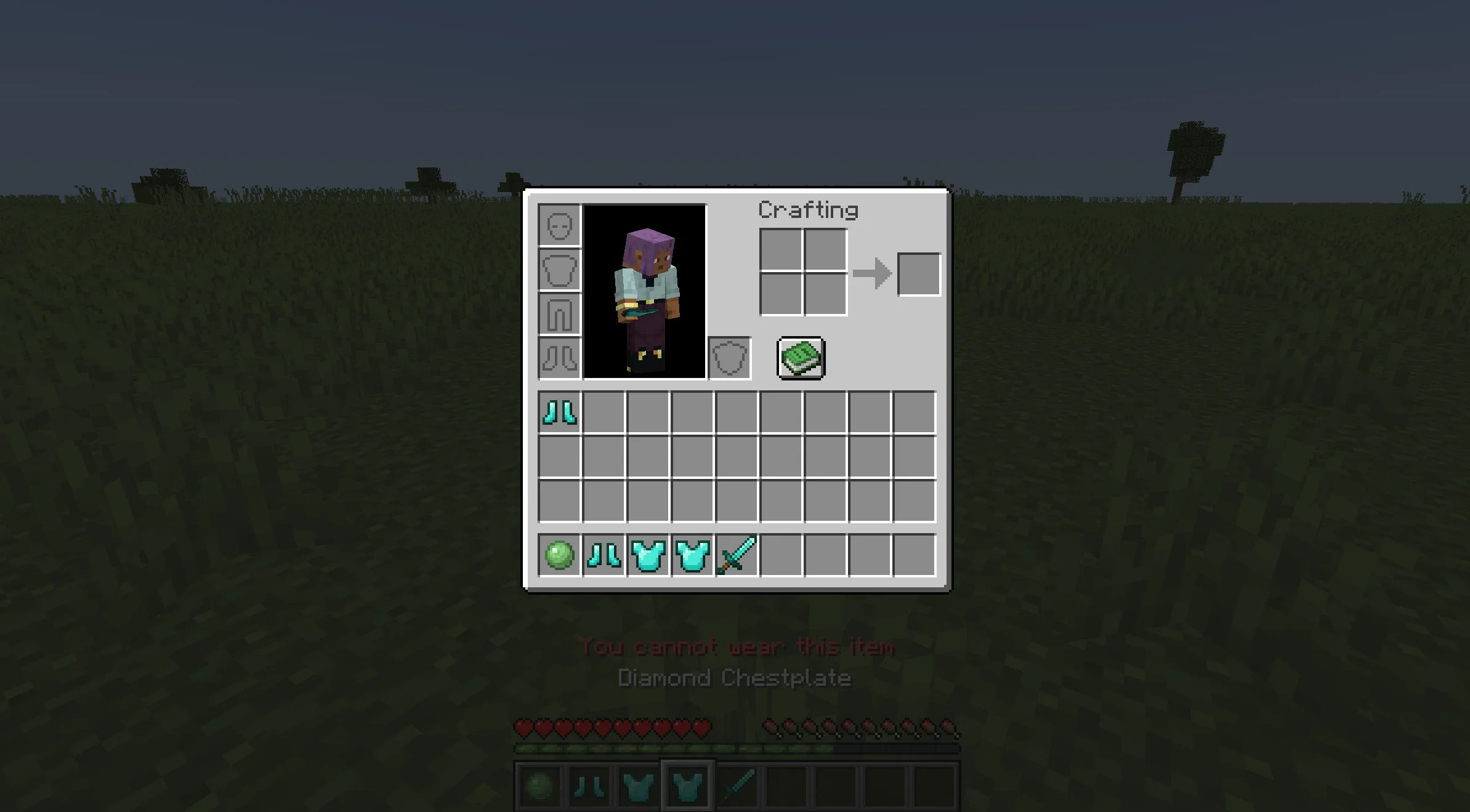
By configuring, players are unable to use items; This mod will not delete items, it only prevents players from using them while holding them, but allows them to hold disabled items for workbench interaction, etc.
截图
介绍
How It Works
-
This mod only prevents players from using tools and weapons, for example.
-
Tools without a weapon cannot be used or attack.
-
Blocks cannot be placed, etc.
-
Example: If you disable the crafting table, players can hold it but cannot place it down. However, they can still open it.
Configuration
-
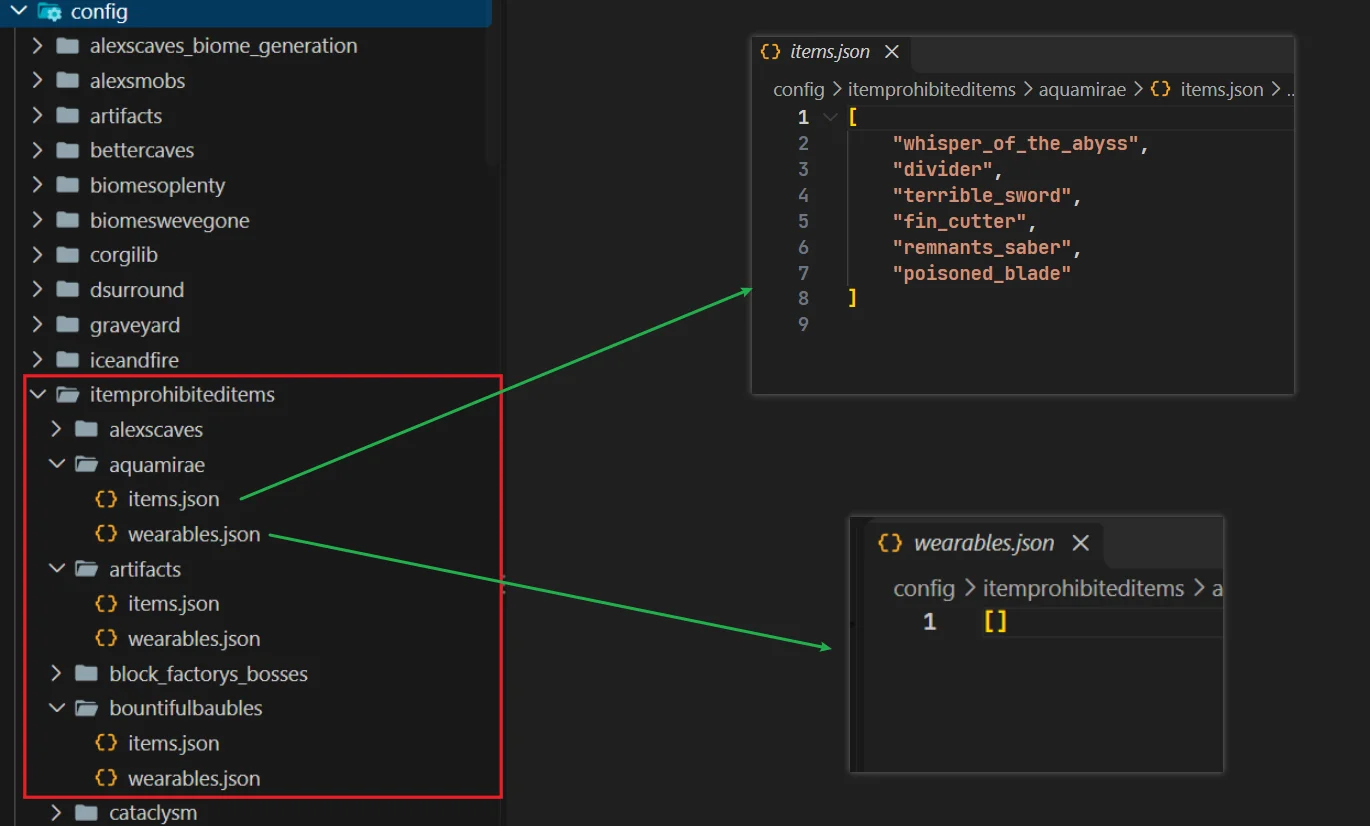
Create a folder named after this mod’s ID inside the
configdirectory:itemprohibiteditems -
Each subfolder inside
itemprohibiteditemsrepresents a mod, named after that mod’s ID. -
Create two JSON files inside:
items.json: The items to be disabled.wearables.json: Armor that cannot be equipped (experimental, recommended to leave disabled).
Folder Structure
E:\DEVELOPER\MINECRAFT\FORGE\PROHIBITED-USE-OF-ITEMS\RUN\CONFIG
│  fml.toml
│  forge-client.toml
│  itemprohibiteditems-common.toml
│  itemprohibiteditems-wearable.toml
│
└─itemprohibiteditems (folder)
    └─minecraft
            items.json
            wearables.json
items.json
- Disable the diamond sword
[
    "diamond_sword"
]
wearables.json
- Disable diamond armor
[
    "diamond_boots",
    "diamond_leggings",
    "diamond_chestplate",
    "diamond_helmet"
]
In-Game Reload (Commands)
- Reload everything
/itemprohibiteditems reload- View disabled items
/itemprohibiteditems items- View disabled equipment
/itemprohibiteditems wearables常见问题
Item! Prohibited use of items. 支持哪些 Minecraft 版本?
Item! Prohibited use of items. 支持 Minecraft Java 版 1.20.1,可用的加载器:Forge。下载时注意选择和你游戏版本一致的文件。
Item! Prohibited use of items. 怎么安装?
先用 PCL2 或 HMCL 启动器安装对应版本的 Forge,再把下载的 .jar 文件放进游戏目录的 mods 文件夹,重新启动游戏即可。开启了版本隔离的,mods 文件夹在 versions/版本名 下面。
animator70 的其他作品
查看全部 →
Dynamic Surroundings (Expanded) Mixins
A Mixin patch mod for Dynamic Surroundings (Expanded) (CurseForge) that fixes its failure to properly recognize tool/weapon sound effects from certain mods on Minecraft Forge 1.20.1.

Rlcombat hits
A lightweight mod that adds extra hit and crit sound effects to Minecraft melee attacks, just like in RLCombat. You'll hear a slash sound when your weapon connects and a sharp crack on a critical hit.

Dragon Blessings
Provide players with three "Dragon Blessing" attack methods: the attack method is independent of the item: holding the corresponding blessing effect (buff), attacking the target will trigger the corresponding dragon attack effect.
评论
登录后评论和评分