
DigammaXR (ARCHIVED)
The only simple way to play Minecraft Java in VR on Intel Arc graphics cards.
截图
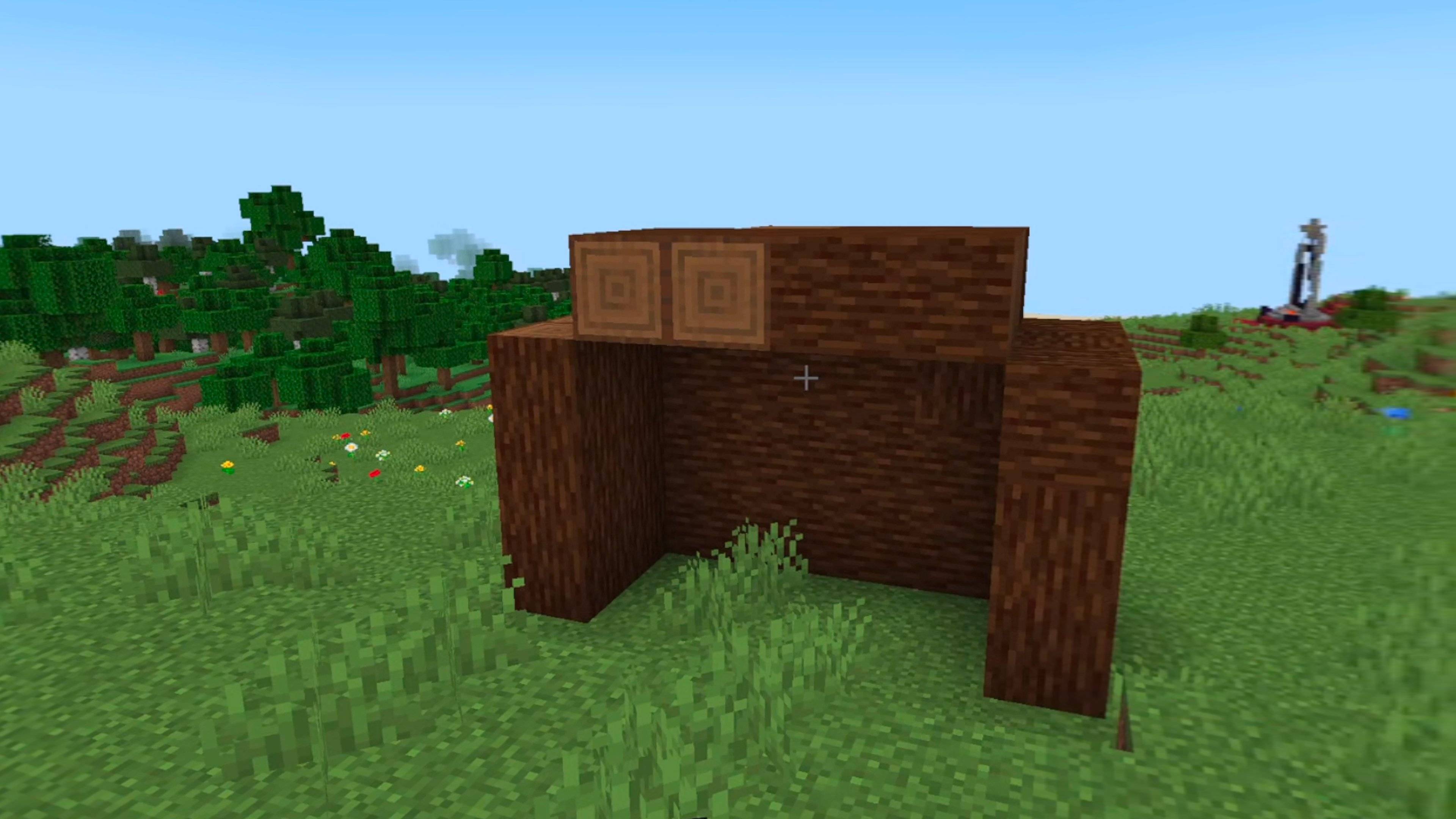
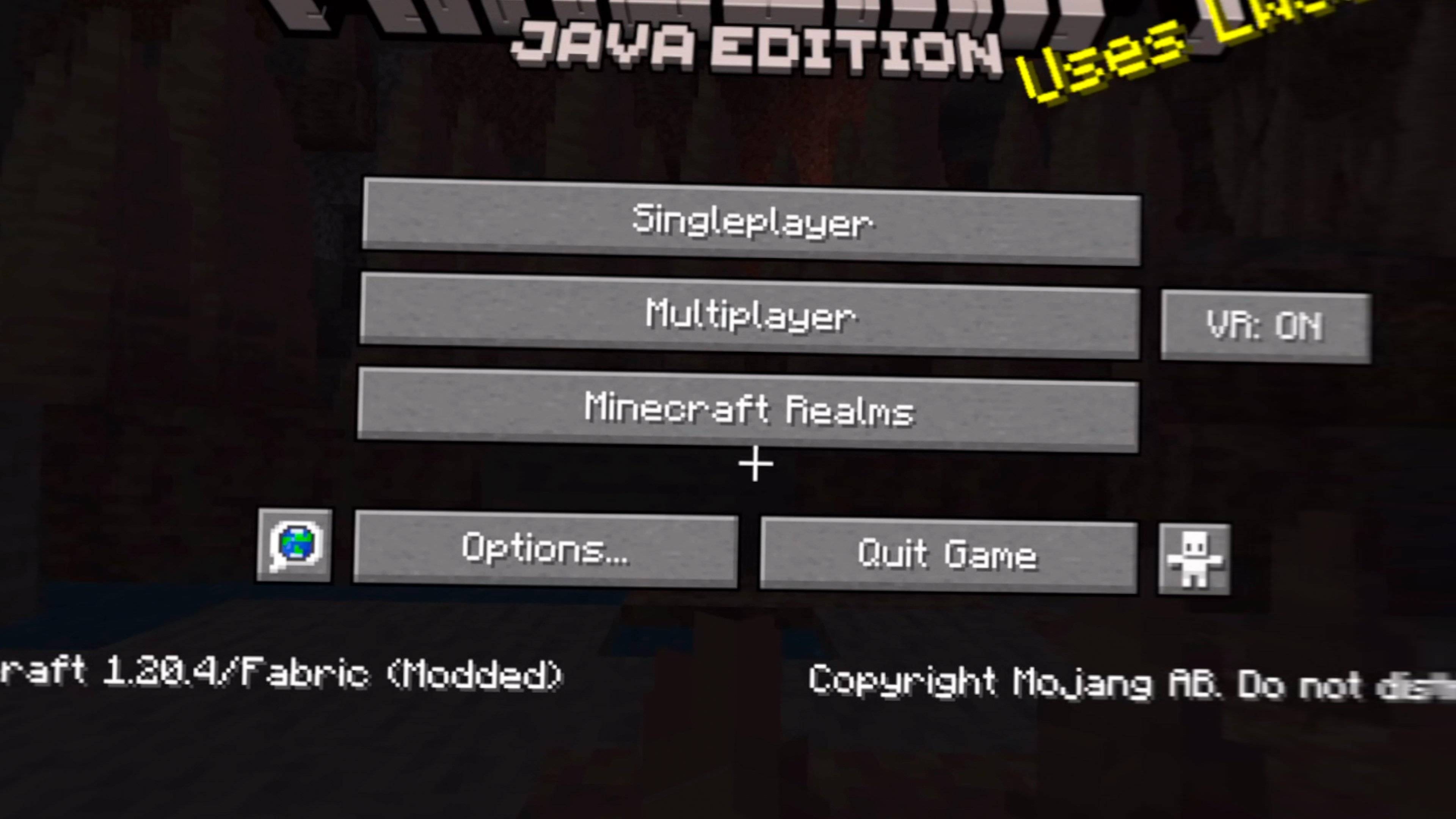
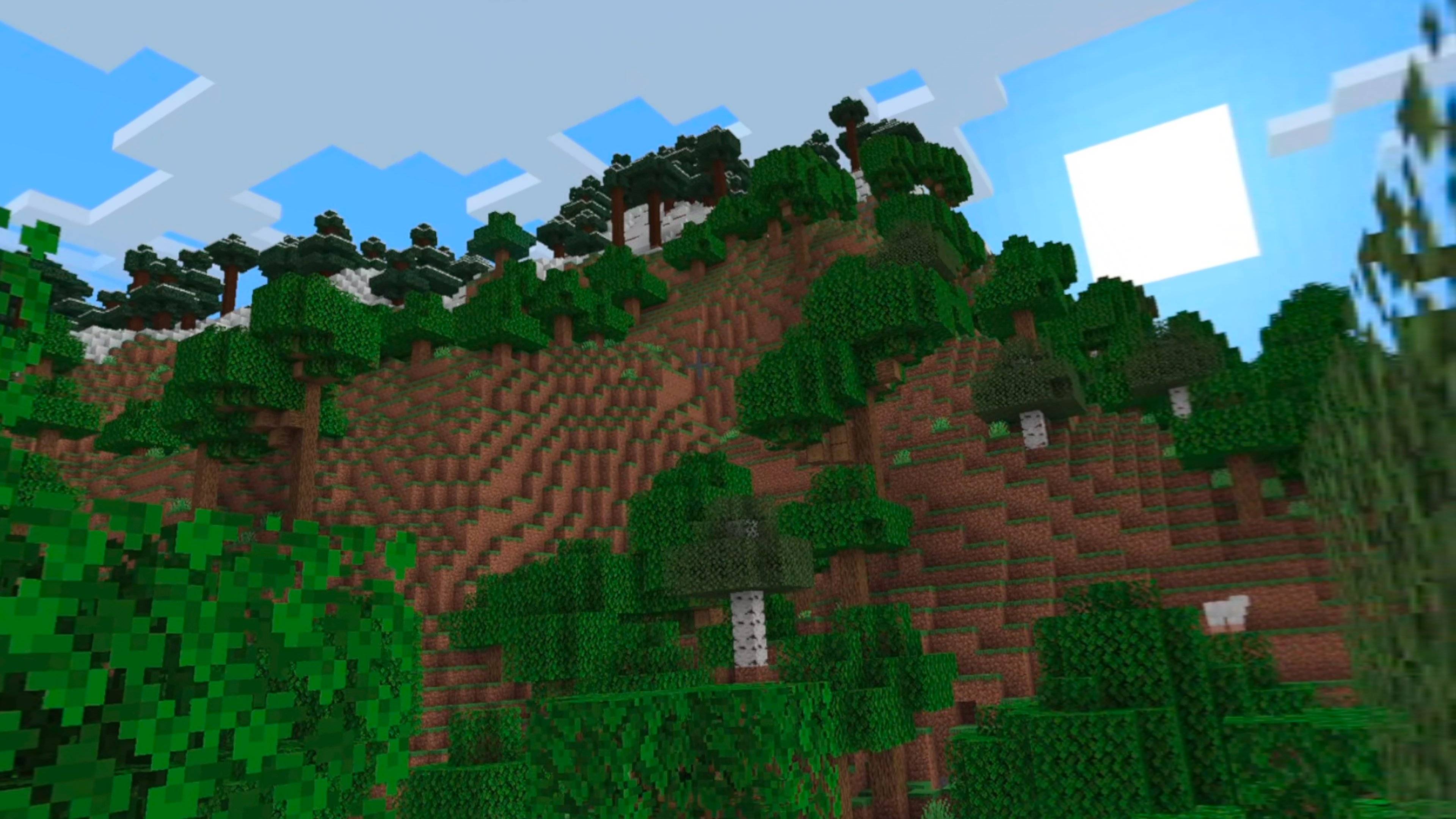
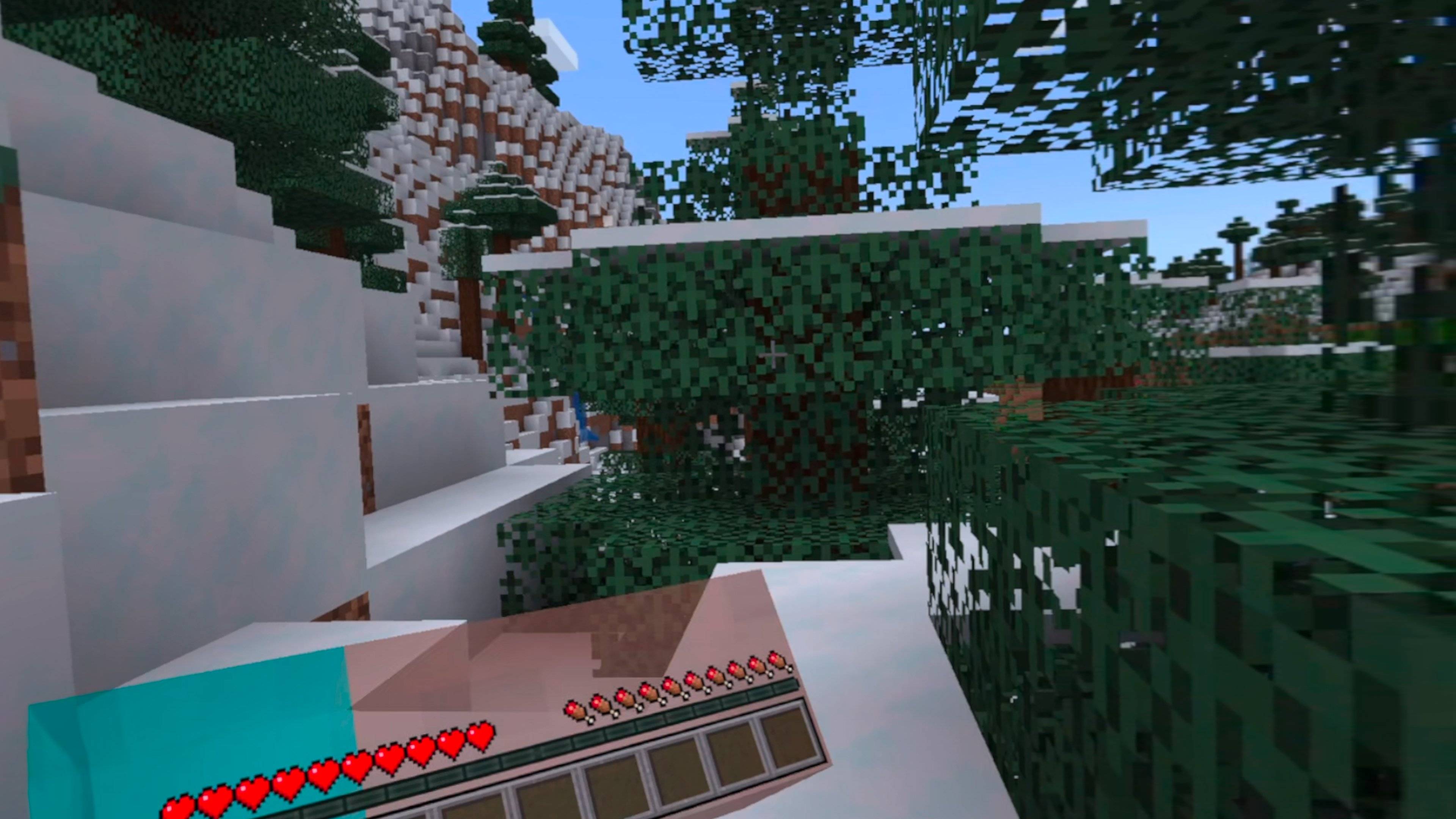
介绍
DigammaXR
DigammaXR is a Vivecraft fork that makes Minecraft VR playable on Intel Arc graphics.
Enjoy tracked hands, motion controls, joystick movement, snap turning, VR menus, inventory controls, room-scale gameplay, and Vivecraft’s familiar VR features.
Requirements
- Minecraft 1.20.4
- Fabric
- Windows
- Java 17
- Virtual Desktop with VDXR
- Meta Quest 3S with Touch Plus controllers
Sodium is optional. Do not install DigammaXR and Vivecraft together.
Controls
- Left stick — Move
- Right stick — Turn
- Right trigger — Attack
- Left trigger — Use
- A — Jump
- X — Game menu
- Y — Inventory
- Left grip — Sneak
- Right grip — Next hotbar slot
Install DigammaXR in your client’s mods folder, select VDXR as your OpenXR runtime in Virtual Desktop, connect your headset, and start Minecraft.
DigammaXR is based on Vivecraft and is licensed under LGPL-3.0-or-later. It is not an official Vivecraft, Mojang, Microsoft, Meta, Intel, or Virtual Desktop release.
⚠️ This project is archived. Development has ended. The last released version remains available for download.
常见问题
DigammaXR (ARCHIVED) 支持哪些 Minecraft 版本?
DigammaXR (ARCHIVED) 支持 Minecraft Java 版 1.20.4,可用的加载器:Fabric。下载时注意选择和你游戏版本一致的文件。
DigammaXR (ARCHIVED) 怎么安装?
先用 PCL2 或 HMCL 启动器安装对应版本的 Fabric,再把下载的 .jar 文件放进游戏目录的 mods 文件夹,重新启动游戏即可。开启了版本隔离的,mods 文件夹在 versions/版本名 下面。
评论
登录后评论和评分