
介绍
AE2 Backorder
Allows starting AE2 autocrafting jobs even with missing items. The job reserves available materials and
automatically resumes as missing items are deposited into your ME storage.
Features
– Backorder Button: Click “Backorder” in the crafting confirmation screen to queue jobs immediately.
– Auto-Resume: Missing materials are automatically pulled from ME storage when available to continue crafting.
How to Use
1. Request a craft with missing items.
2. Click Backorder on the confirmation screen.
3. Supply the missing materials to your ME network—crafting will complete automatically.
Client and server required.
常见问题
AE2 Backorder 支持哪些 Minecraft 版本?
AE2 Backorder 支持 Minecraft Java 版 1.20.1,可用的加载器:Forge。下载时注意选择和你游戏版本一致的文件。
AE2 Backorder 怎么安装?
先用 PCL2 或 HMCL 启动器安装对应版本的 Forge,再把下载的 .jar 文件放进游戏目录的 mods 文件夹,重新启动游戏即可。开启了版本隔离的,mods 文件夹在 versions/版本名 下面。
sulikala 的其他作品
查看全部 →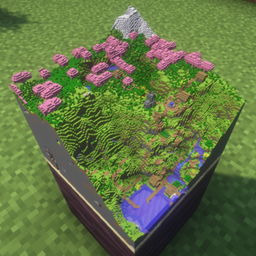
Maps3D
让 Minecraft 地图在物品展示框中呈现立体效果,还能自定义。

ClickManaita: Hopperable
Adds hopper input/output to ClickManaitaBlock.

Create: Compostable Chute
Enables Create's Chutes to seamlessly insert items into vanilla Composters and extract bone meal.
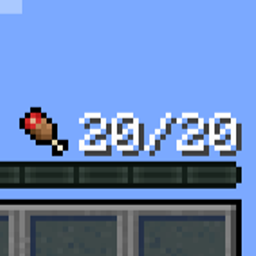
Numeric Food Bar
Replaces the vanilla hunger bar with a clean, customizable numeric display.
评论
登录后评论和评分