
The Book of Wishes
Wishes, an incomprehensible being, and prices that the being chooses...what can go wrong?
截图


介绍
The Book of Wishes
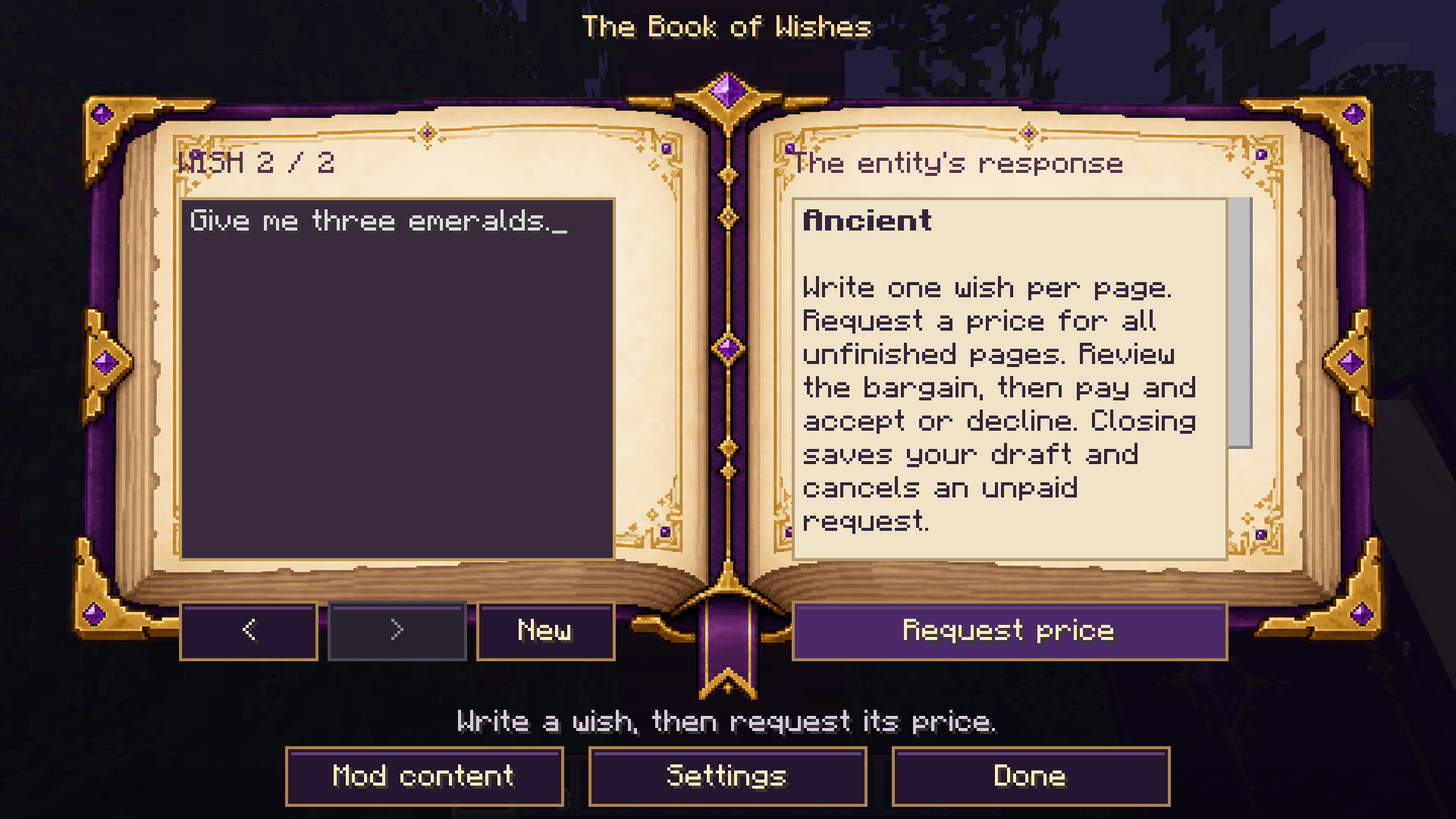
Write a wish. Review the bargain. Choose whether to pay.
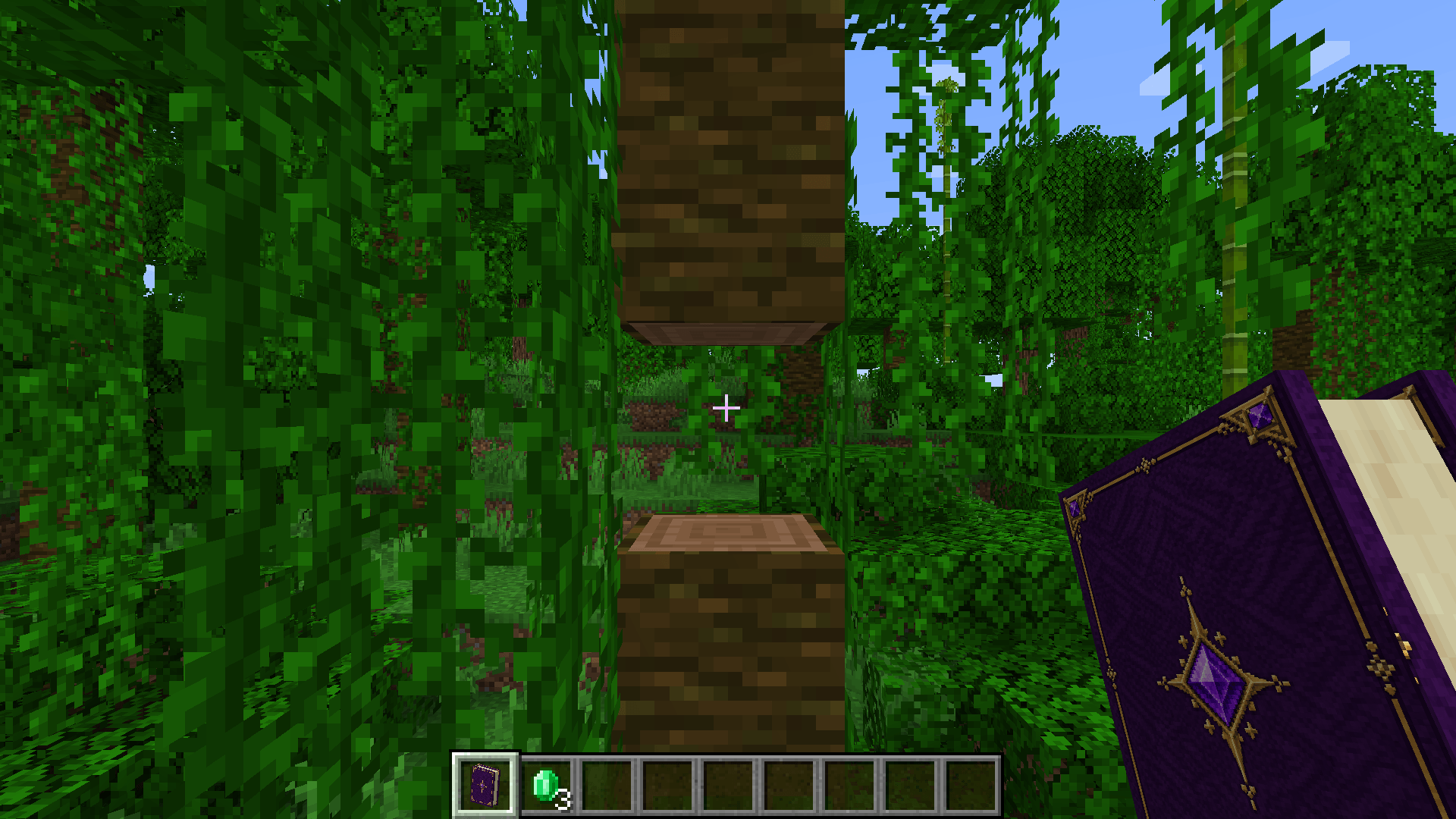
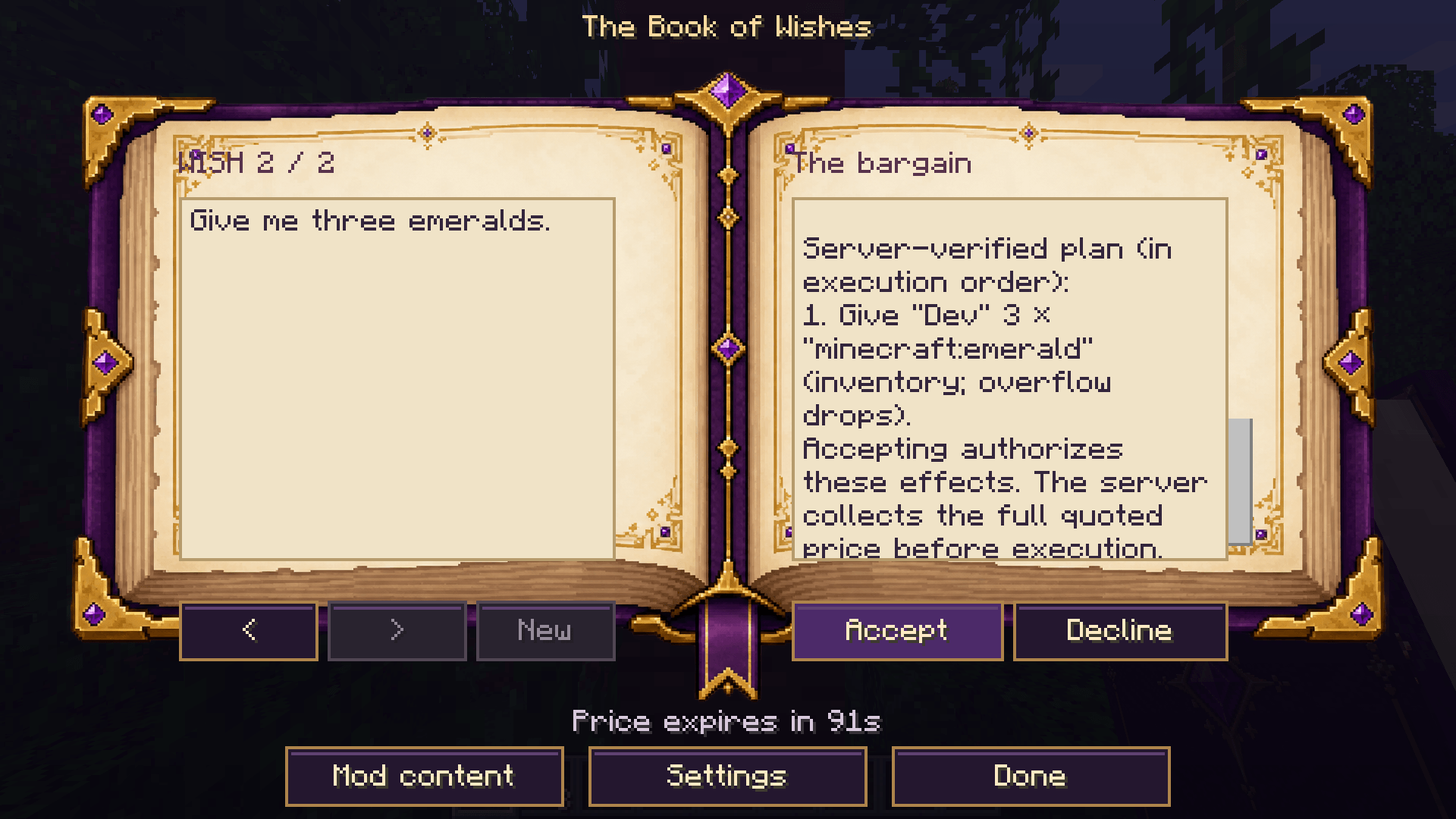
The Book of Wishes brings an AI-powered magical grimoire to Minecraft. Ask for treasure, equipment, creatures, structures, or changes to the world, and an ancient entity proposes a bargain. Review the server-verified action plan and complete itemized price before accepting. When payment is required, the server collects it in full before applying any wish effects.
A custom grimoire, inside and out
- Original book artwork: a purple-and-gold cover, custom 3D item model, and illustrated open-book interface.
- Clear, readable screens: scrollable wish, response, and receipt panels stay sharp with Minecraft background blur enabled.
- Multiple wish pages: write drafts, navigate previous outcomes, and request one bargain for all unfinished pages.
- Content browser: search installed items, blocks, entities, and effects, then copy their exact identifiers into a wish.
- In-game configuration: validated settings and masked API keys in the Mods config editor.
Bargains with clear rules
Select Request price to receive an offer. The quote shows the proposed effects and all required items, exact custom names, and XP levels. No payment or wish effects occur while the AI is thinking or while you review the quote. Select Pay & Accept to proceed, or Decline to keep your draft.
The server checks the current player, book, actions, and resources again before collecting payment. Missing resources grant nothing. Quotes expire, cancellation invalidates them, and accepted quotes cannot be reused. Payment uses the wishing player’s own inventory and XP; it cannot consume the submitted book or nearby players’ belongings.
Paid requests that fail before applying effects are refunded. If part of a plan has already executed, the book records a partial outcome and retains the receipt. Difficulty and reputation influence the server-calculated price. Creative players and permission-level-2 operators receive a visible payment waiver, as do servers with payment disabled; acceptance and action restrictions still apply.
Vanilla and modded content
52 validated actions cover items, equipment, enchantments, effects, XP, health and food, entities, teleportation, structure discovery, construction, block changes, fluids, crops, containers, redstone, weather, time, sounds, particles, and messages.
The AI receives relevant identifiers and properties from the server’s installed registries. Item components and block states are supported, and compatible modded containers use NeoForge inventory capabilities. Server limits control work budgets, distance, world bounds, destruction, and PvP. Block replacements honor NeoForge break/place cancellation events; protection coverage depends on the installed mods.
Internal mod machinery and progression require a supported integration or an available mod command. Optional command wishes are disabled by default and require an actual operator, the operator’s real permissions, and an explicitly allowed command root. Creative mode alone does not grant command permission.
Optional Minecraft structure .nbt and Sponge v2/v3 .schem references provide building statistics. They do not train the model or paste schematics directly.
Memory, reputation, and personalities
Wish memory, reputation, and optional administrator history save separately for each world. Enable advanced.enable\_ai\_personalities to use selectable narration profiles: Kind, Greedy, Trickster, Ancient, or Chaotic. Operators can select a profile, for example with /wishes personality greedy \[player\]. Selections persist, and every profile follows the same payment and execution rules.
Choose your AI backend
- Ollama: the default provider; connect to your Ollama instance and configure a model.
- Embedded GGUF: supply a compatible local instruction model. The Java/native inference runtime is included; model weights are supplied separately.
- OpenAI, Anthropic, or Groq: configure the provider, a supported model, and your API key.
Configure config/thebookofwishes-common.toml on the server that owns the world. In single-player, this is your local installation. A remote client’s settings do not configure its server. No model weights or API credentials are bundled. Interpretation quality depends on the chosen model and available integrations.
Getting started
- Use Minecraft 1.21.1, NeoForge 21.1.77 or later within 21.1.x, and Java 21. Install matching mod versions on the client and server.
- Configure and start your chosen AI backend.
- Find the book in the Ingredients creative tab, or obtain it using an operator’s
/wishes give \[player\] \[count\]. - Right-click the book, write your wishes, request a price, and review the action plan before accepting.
Crafting is disabled by default. Enable gameplay.enable\_crafting\_recipe for the shapeless Writable Book + Ender Eye + Nether Star recipe, then restart the server or reload datapacks. Use /wishes help for commands and /wishes modlist for the content browser.
Upgrading to 1.1.0
Version 1.1.0 uses a new network protocol; older client/server versions cannot connect to it. Back up your world and existing progression before upgrading. Older global memory, reputation, and history files require intentional migration into the appropriate world’s data/thebookofwishes/ folder. See the project’s README for setup, migration, and detailed limits.
常见问题
The Book of Wishes 支持哪些 Minecraft 版本?
The Book of Wishes 支持 Minecraft Java 版 1.21.1,可用的加载器:NeoForge。下载时注意选择和你游戏版本一致的文件。
The Book of Wishes 怎么安装?
先用 PCL2 或 HMCL 启动器安装对应版本的 NeoForge,再把下载的 .jar 文件放进游戏目录的 mods 文件夹,重新启动游戏即可。开启了版本隔离的,mods 文件夹在 versions/版本名 下面。
thtstreamer1 的其他作品
查看全部 →
Primordial Ascent
踏上进化之路,迈向神性!Tensura: Reincarnated - 1.21.1 附属模组

Ore Resurgence
Running out of ores? Well use Ore Regeneration to help!

What Followed You
It remembers the way home

The Book of Wishes + Open Parties & Claims Compat
A compatibility mod between The Book of Wishes and Open Parties & Claims mod.
评论
登录后评论和评分