
Zapcraft – Pavlok Integration
If you die in the game, you say 'Ouch that almost hurt a bit' in real life!!! *vine boom*
截图
介绍
Hey you! do you desire to suffer like your favorite youtubers but don’t know how to solder an arduino onto a torture device? no? well… frantically scrolls down on teleprompter, finding nothing Frick you too buddy!
This mod connects to the Pavlok API to enable your electric shock alarm clock to be used to damage you in real life. This shock is scaled based on how much damage you take but could be made to be roughly constant by setting the minimum and maximum strength very close together. By default, it will use this equation to calculate shock strength:
shock strength = y + ((x - 0) / 20) * (y - y)
with x being the raw amount of damage you take(half heart = 1, full heart = 2, etc), y being the minimum value you set in the config, and z being the max
The way the Pavlok API works requires you to setup the device with the mobile app then has it recieve requests from the API and send them to the device via bluetooth, so keep your phone on hand. You will need to use the email and password that you used for your app account in the config file.
IDK KNOW IF THIS WORKS IN MULTIPLAYER. It should, but it might end up shocking the wrong person or shocking everyone or shocking no one or killing a random person, try at your own risk
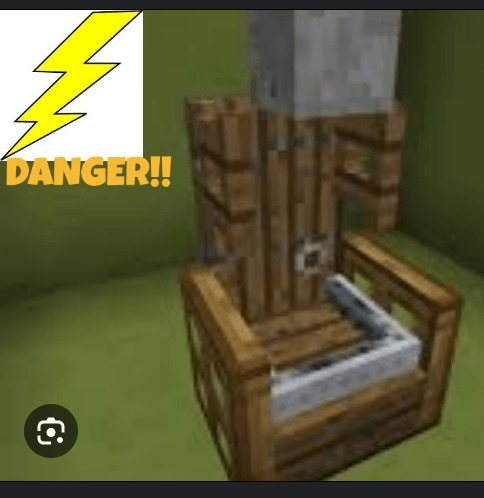
THIS IS THE MODEL I USE, OTHERS MADE BY THEM SHOULD WORK BUT IDK
Disclaimer 1: I made this for fun, do not expect constant updates, mod loader ports, or version backports.
Disclaimer 2: There is only one safety feature preventing suffocation or cacti from stopping your heart, which I made easily toggleable for your convenience. If you disable it and end up dead; it’s a feature™. So please, do NOT open a bug report.
Disclaimers 3-4: 

常见问题
Zapcraft – Pavlok Integration 支持哪些 Minecraft 版本?
Zapcraft – Pavlok Integration 支持 Minecraft Java 版 1.20.1,可用的加载器:Fabric。下载时注意选择和你游戏版本一致的文件。
Zapcraft – Pavlok Integration 怎么安装?
先用 PCL2 或 HMCL 启动器安装对应版本的 Fabric,再把下载的 .jar 文件放进游戏目录的 mods 文件夹,重新启动游戏即可。开启了版本隔离的,mods 文件夹在 versions/版本名 下面。
评论
登录后评论和评分