BlossomCraft Item Database
A client-side Fabric utility to browse, search, and inspect custom crates, items, and textures via the BlossomCraft database API.
截图
介绍
# BlossomCraft Item Database
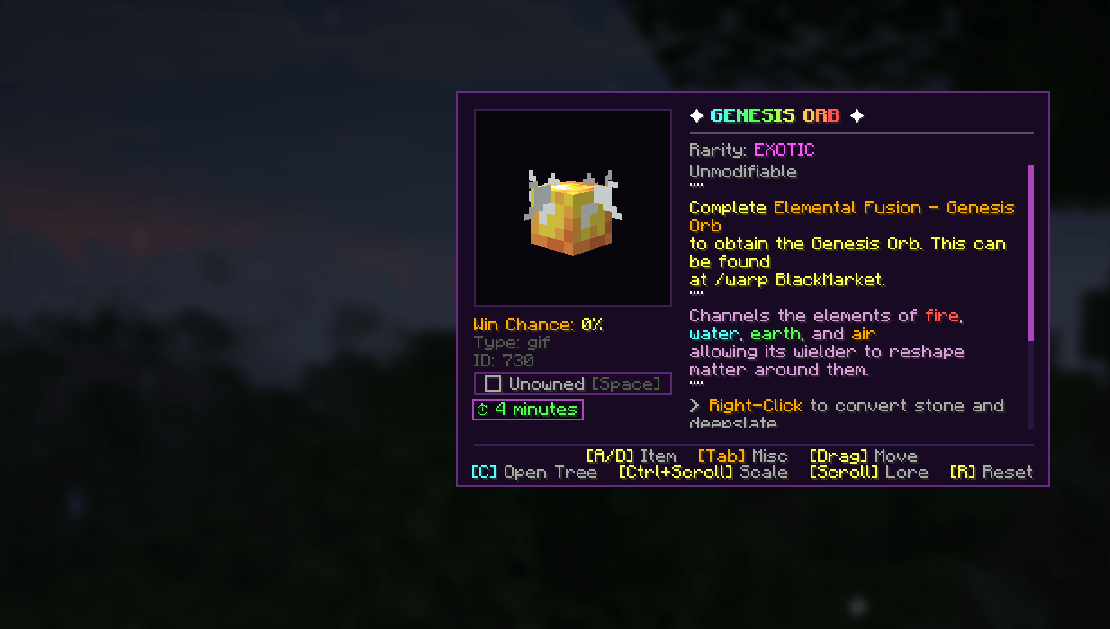
A client-side visual companion for BlossomCraft players, allowing in-game exploration of server items, drop chances, multi-frame animated sprites, custom slot highlights, and collection tracking.
—
### 🌟 Features
– **Live Texture Streaming**: Automatically downloads and caches static item artwork and animated GIFs on the fly without FPS drops.
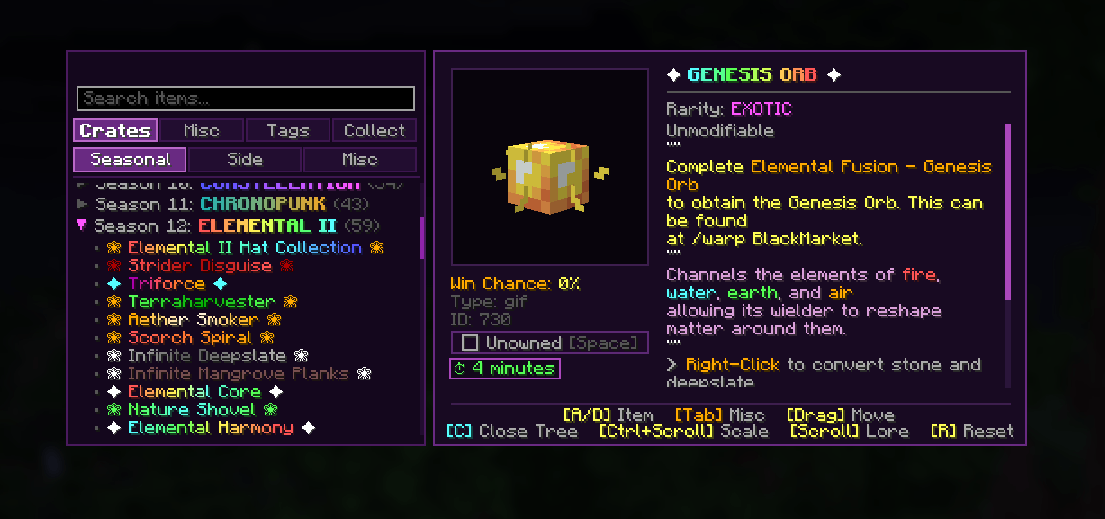
– **Authentic Lore & Hex Gradients**: Accurately displays server JSON components and per-character gradients from raw NBT payloads.
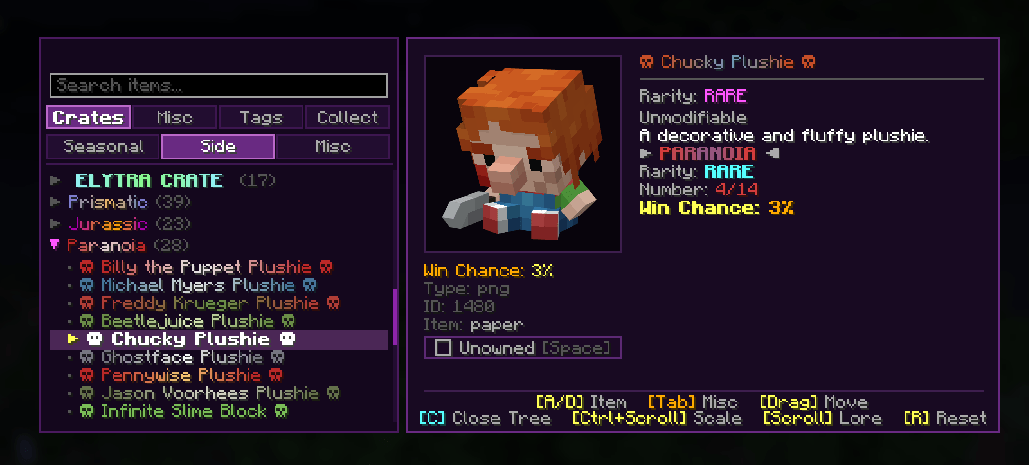
– **Slide-out Category Drawer (`C`)**: Browse crate collections (Seasonal, Side, Misc), unsorted server items, and functional item tags with live search filtering.
– **Interactive HUD**: Scale dynamically (`Ctrl + Mouse Wheel`), drag to reposition anywhere on screen, and scroll through extended lore lines.
– **Collection & Wishlist Tracker**: Mark items as owned (`Spacebar`) or wishlisted to track crate completion percentages and hunted items in real time.
– **Wishlist Container Highlighting**: Spot target items instantly inside chests, inventories, and `/ah` with a pulsing golden glow, high-contrast double border, and corner diamond badge.
– **Live Crate Roll Alerts**: Receive an audio chime and chat alert whenever another player rolls an item on your wishlist from crates, with instant one-click options to view the item in your database or whisper the player.
– **Automatic Update Checker**: Clean, non-intrusive chat notifications on server join whenever a newer mod release is available, featuring direct one-click download links.
—
### 🎮 Default Controls & Commands
– **Open / Close Database**: `O` *(Configurable in Options > Controls > Key Binds)*
– **Open via Chat**: `/idb`
– **Next / Previous Item**: `A` / `D` or `Arrow Keys`
– **Toggle Navigation Drawer**: `C`
– **Toggle Owned Status**: `Spacebar`
– **Zoom / Scale**: `Ctrl + Mouse Wheel`
– **Reset Scale & Position**: `R`
– **Drag Card**: `Left-Click Drag`
—
### 📖 Documentation & Wiki
Need help with controls, installation, or cache clearing? Check out the full **[Item Database GitHub Wiki](https://github.com/rolandgaymer013/ItemDatabaseMod/wiki)**.
—
### 📋 Requirements
– **Minecraft**: `26.1.2`
– **Fabric Loader**: `>= 0.19.5`
– **Fabric API**
– **Java**: `>= 25`
常见问题
BlossomCraft Item Database 支持哪些 Minecraft 版本?
BlossomCraft Item Database 支持 Minecraft Java 版 26.1.2,可用的加载器:Fabric。下载时注意选择和你游戏版本一致的文件。
BlossomCraft Item Database 怎么安装?
先用 PCL2 或 HMCL 启动器安装对应版本的 Fabric,再把下载的 .jar 文件放进游戏目录的 mods 文件夹,重新启动游戏即可。开启了版本隔离的,mods 文件夹在 versions/版本名 下面。
评论
登录后评论和评分