
Datapack Editor
Have you ever wanted to edit or create datapacks but found it tedious? Use Datapack Editor! Open a local editor and get auto completions for vanilla AND modded items!
截图
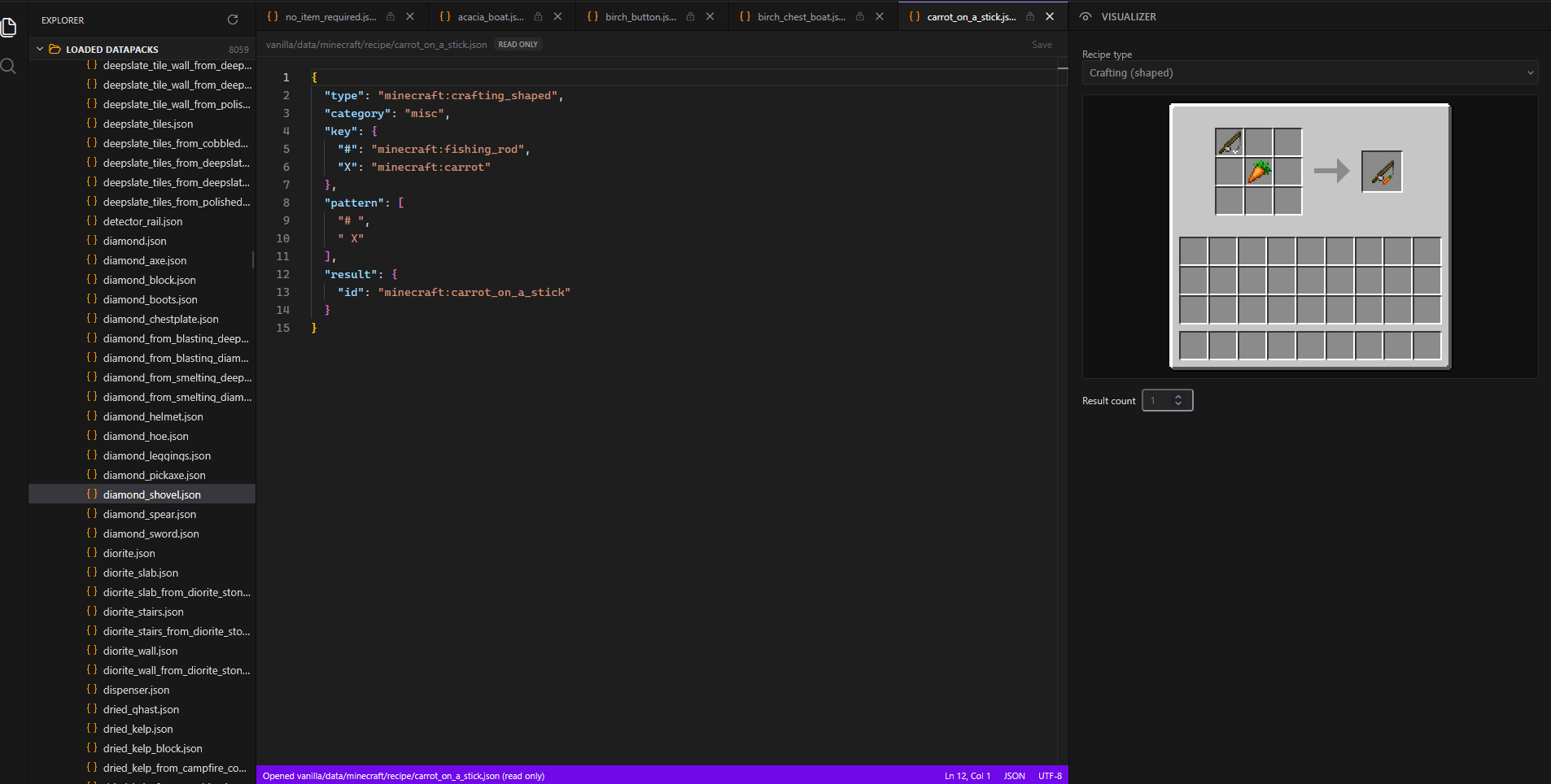
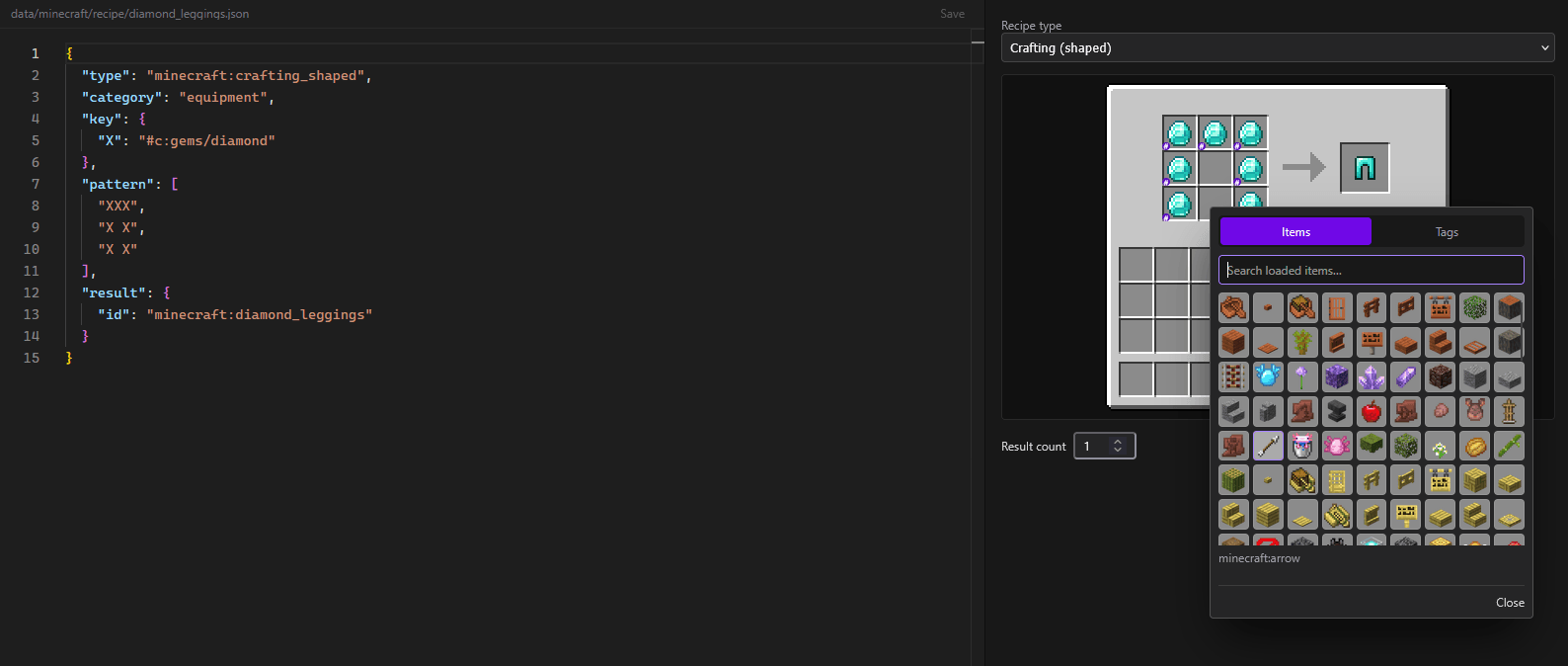
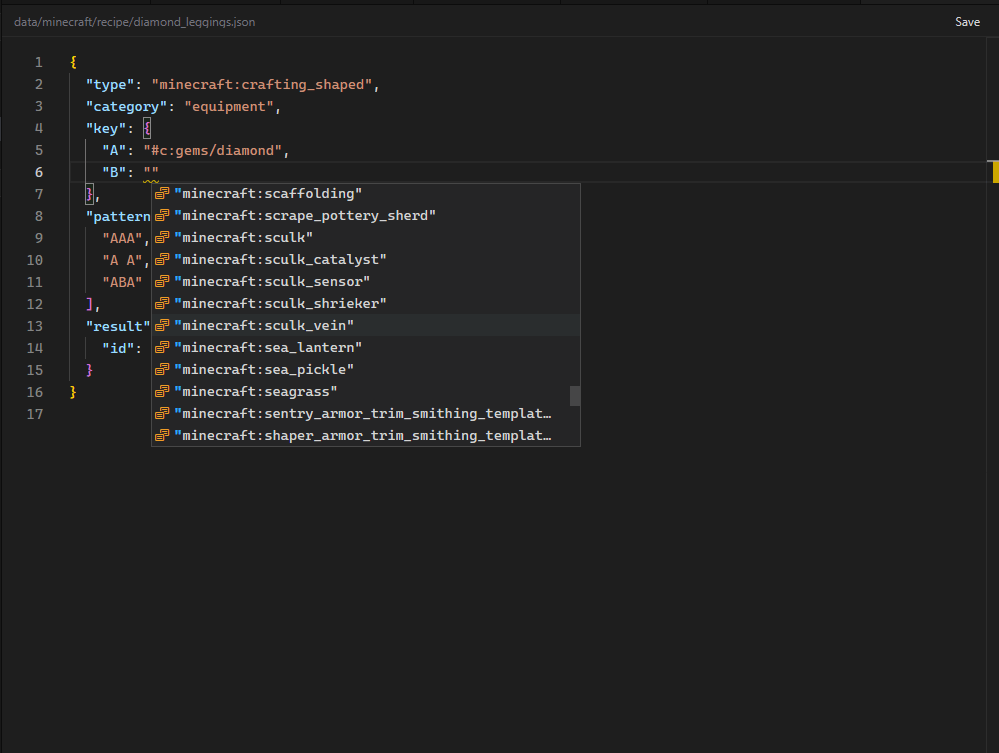
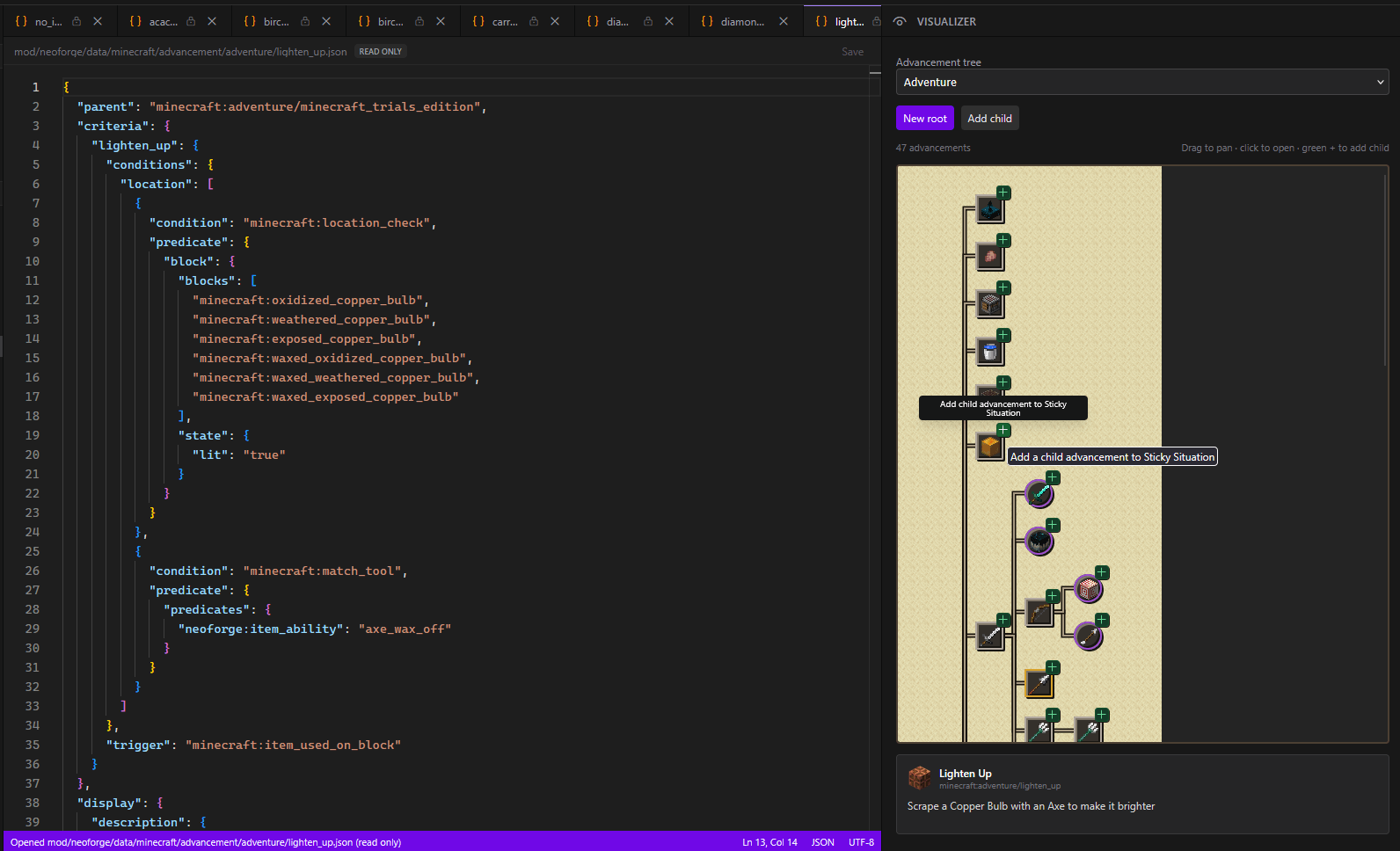
介绍
Datapack Editor
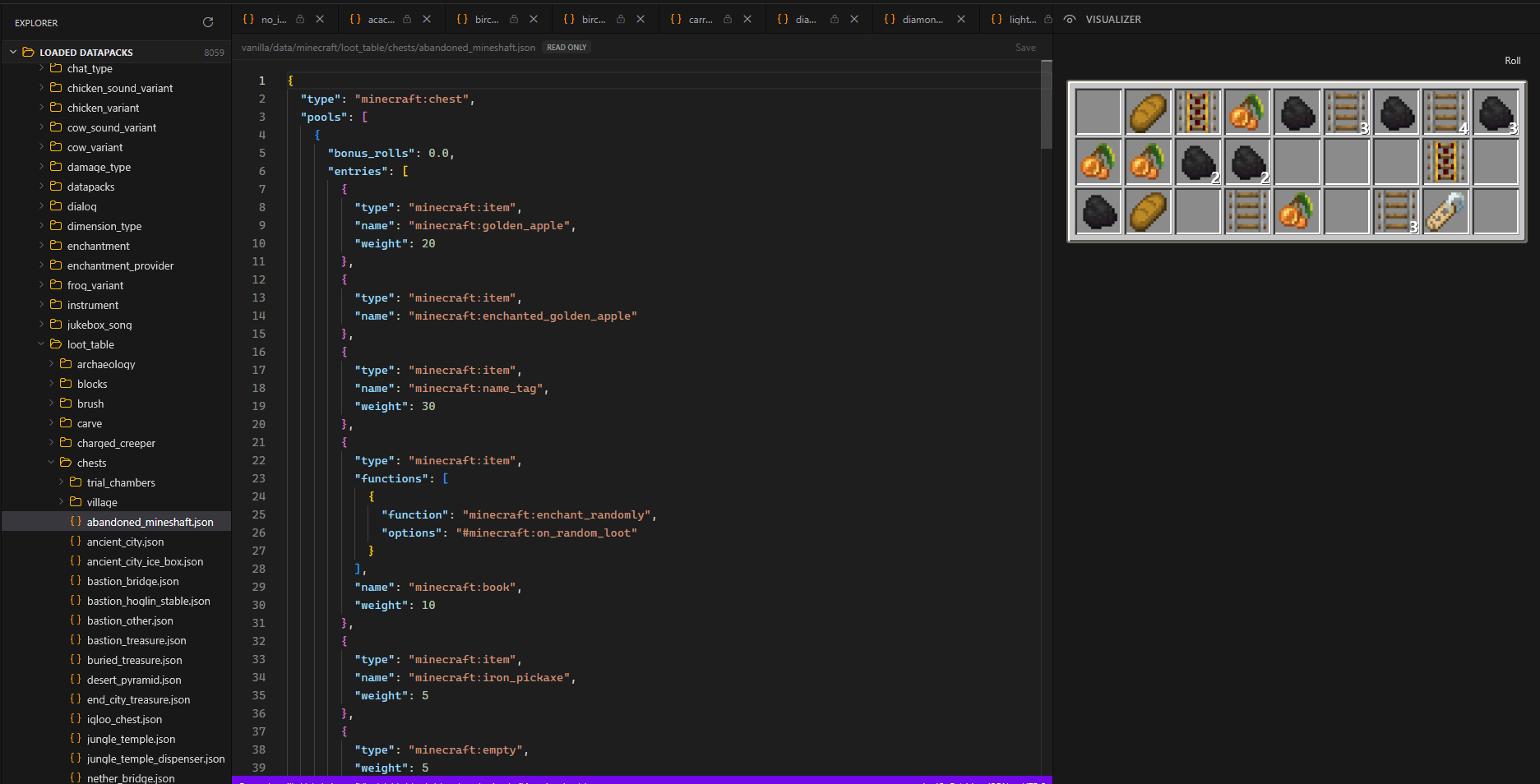
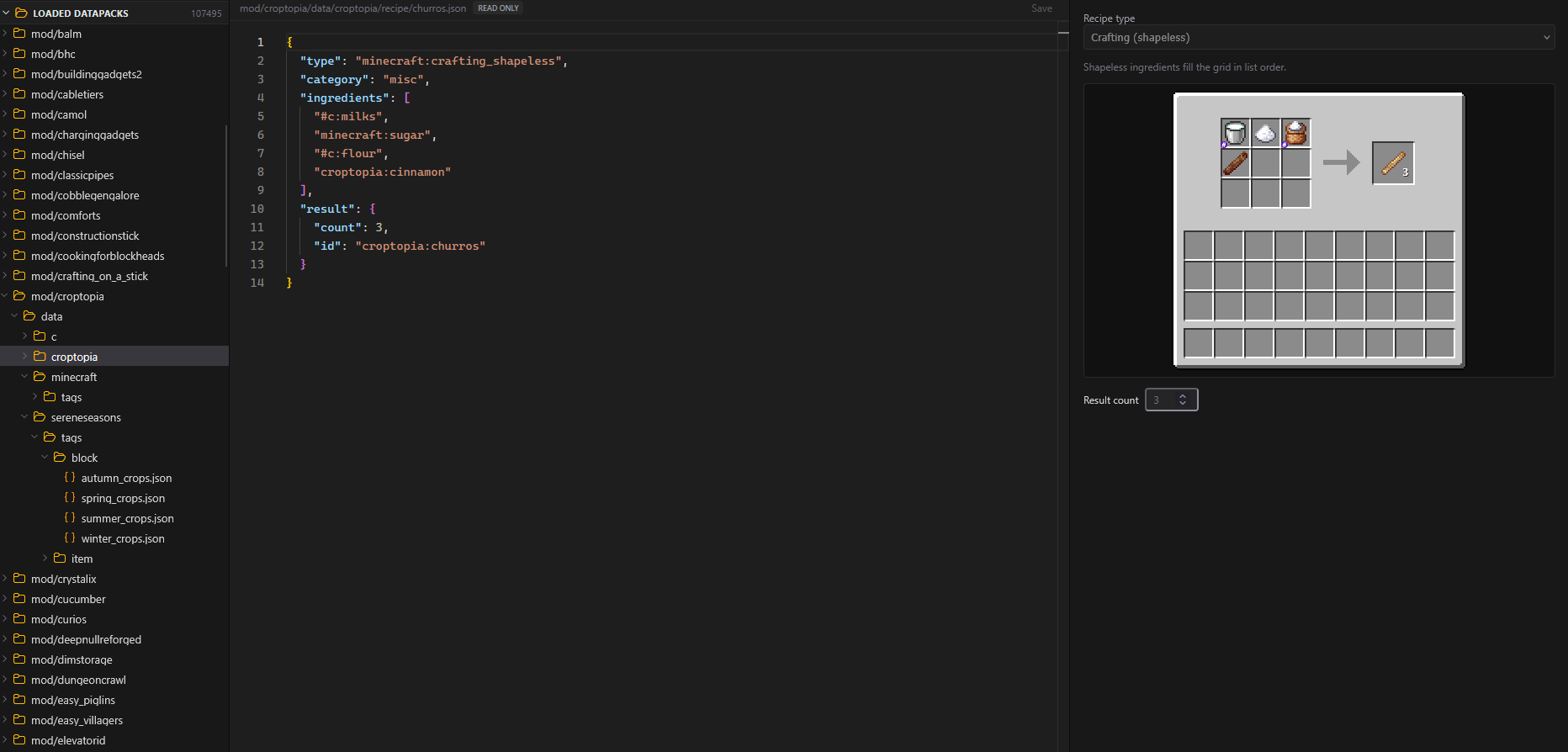
Datapack Editor is a mod that allows you to edit datapacks in a browser in the game. You can edit the vanilla and modded datapacks. When you’re in game you run the /dpackEditor start command and it will load the vanilla datapack as well as all the modded datapacks for mods that you have in your pack.
Mod Compatibility
I’ve immediately tried to take into consideration modded content, but there are a TON of different ways datapacks can be loaded, so it’s not a guarantee that everything will work perfectly. If you’ve come across any mods where the data isn’t loaded into the editor, let me know! For the most part, the data will be loaded, but there might not be an adequate schema to generate auto completions of (more information about that later).
What does it support?
It doesn’t support scoreboards or mcfuntions, this is mainly made for modded content so people can more easily see what data is already loaded and give them a way to edit that data faster. it supports advancements, chest loot, recipes, world gen, world gen feature previews, tags, and it has auto completion for alot of this!
I loaded the mod into a large modpack, and you can see all the different mods loaded and a whopping 107,000 datapack files you can look through! Good thing there’s a search function!
How is it built?
you probably don’t care about this, that’s ok.
The project uses a number of libraries to achieve the editing
1. Monaco is the text editor that runs in the browser, if you’re familiar with VSCode, it’s basically the same library for its editor view. Monaco also provides the intellisense or auto-completions for supported datapack information. Basically all the vanilla stuff that is supported should have auto completions, and this will be for things like tags, items, blocks, entities, anything in the registries, INCLUDING modded content.
Working on removing javalin
2. Javalin this is the embedded web server that will start up when you run the /dpackEditor start command, it’s entirely local, and the editor will call endpoints from the local server to populate the auto completions.
3. then theres Block Model renderer for rendering the blocks/item icons in the browser. it’s bundled with the download so it’s not downloaded at runtime. I want to mention it because all of these libraries do make the jar larger than most of the other stuff i’ve shared on here
Performance Caveat
4. Make sure you have enough RAM. I’ve done some performance testing, namely on a 300 mod modpack, and it did work, but you need to make sure you have enough RAM free to start it. If you’ve got less than 1GB of sytem ram available, you will not be able to keep the web editor open. There is quite possibly more performance enhancements that could be made, and with what has already been made it’s possible this could be removed, but I have it there as a safeguard. This could be entirely avoided if i hosted it on a website, but then you gotta worry about potentially redistributing peoples assets and what not, so having it entirely local is just way safer
常见问题
Datapack Editor 支持哪些 Minecraft 版本?
Datapack Editor 支持 Minecraft Java 版 1.21.1–26.3,共 3 个版本,可用的加载器:Fabric / NeoForge。下载时注意选择和你游戏版本一致的文件。
Datapack Editor 怎么安装?
先用 PCL2 或 HMCL 启动器安装对应版本的 Fabric / NeoForge,再把下载的 .jar 文件放进游戏目录的 mods 文件夹,重新启动游戏即可。开启了版本隔离的,mods 文件夹在 versions/版本名 下面。
thethonk 的其他作品
查看全部 →
EpheroLib
Fabric/Forge 前置库模组,让为两个平台开发模组稍微容易一些

作物拓展 Croptopia
Croptopia——一个农业模组,新增超过250种食物、58种作物和26种果树![Fabric/NeoForge/Forge]
Server Browser – In Game Server Listings
服务器浏览器是一个在多人游戏界面添加服务器列表的模组,如果配合整合包进行配置,可以让你更轻松地找到带模组的服务器游玩![Fabric/Forge/NeoForge]

Server Browser
在游戏内就能找到模组服务器,让寻找变得更轻松!
评论
登录后评论和评分