
Create: Filter Inspector
Test and compare Create filters, understand why items are rejected, and find gaps or overlaps in your sorting setup with direct JEI support
截图
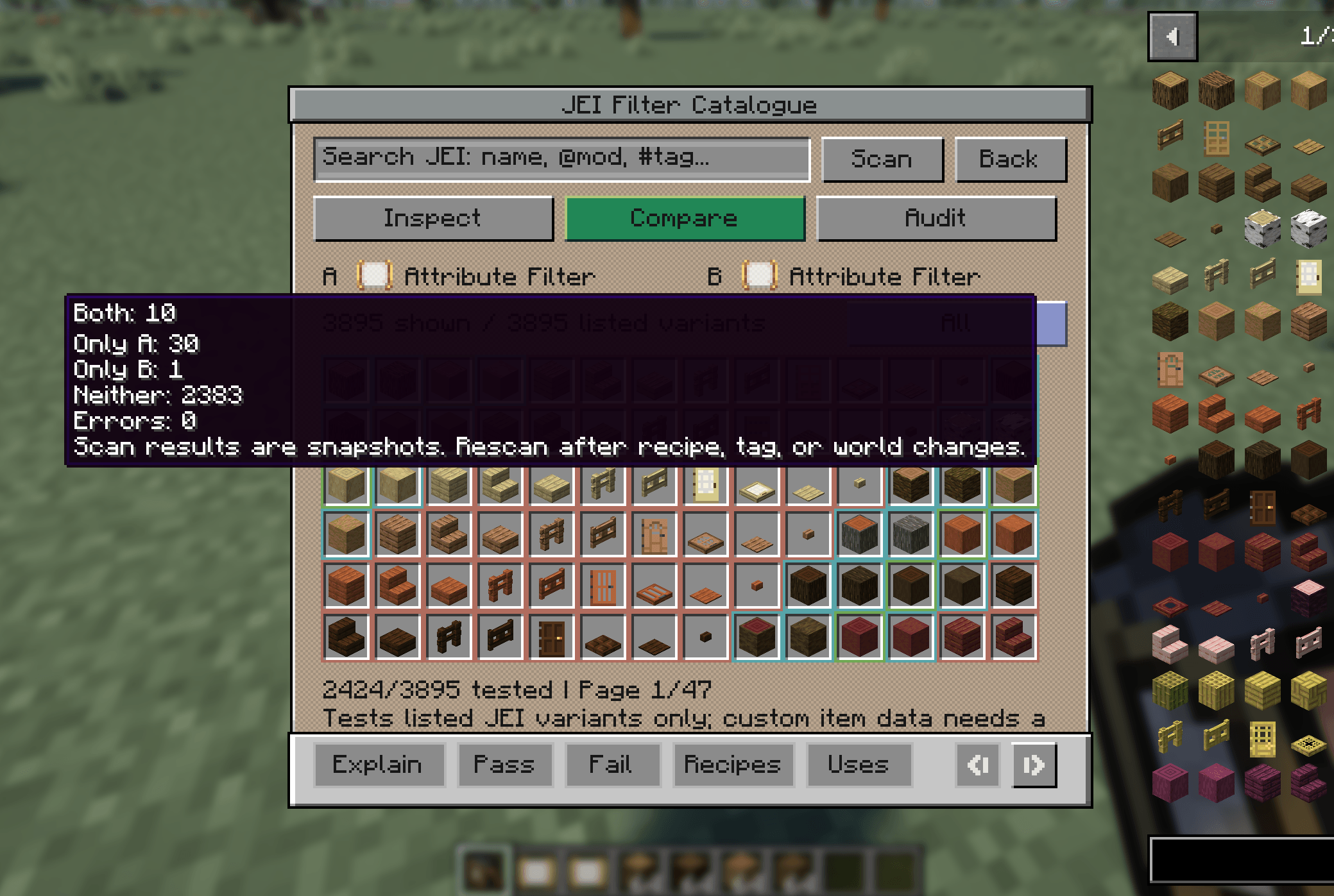
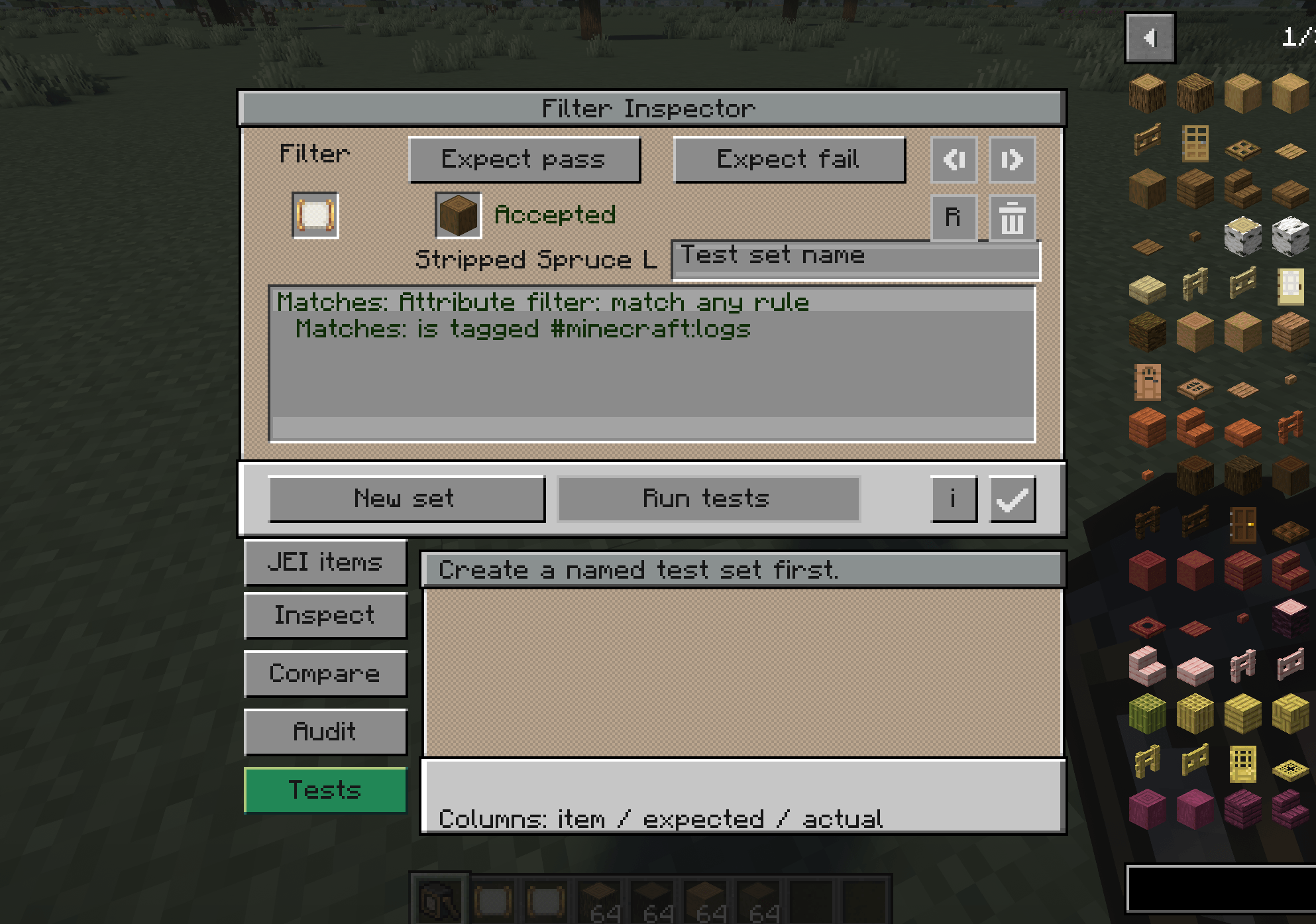
介绍
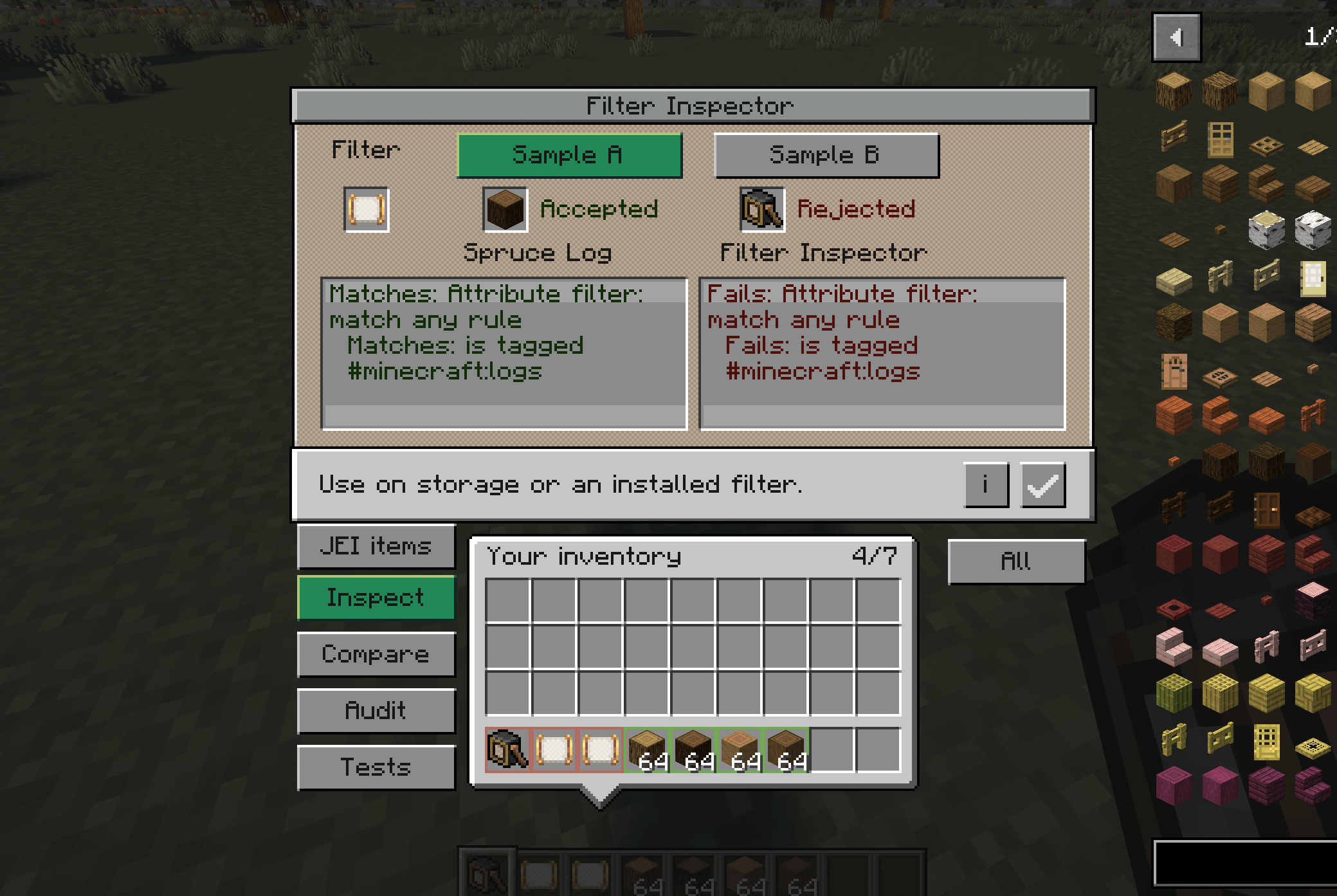
Find out exactly why an item passes or fails your Create filters.
Create: Filter Inspector adds a handheld tool for understanding filters, troubleshooting sorting systems, and checking changes before they break your factory- all through a Create-style interface.
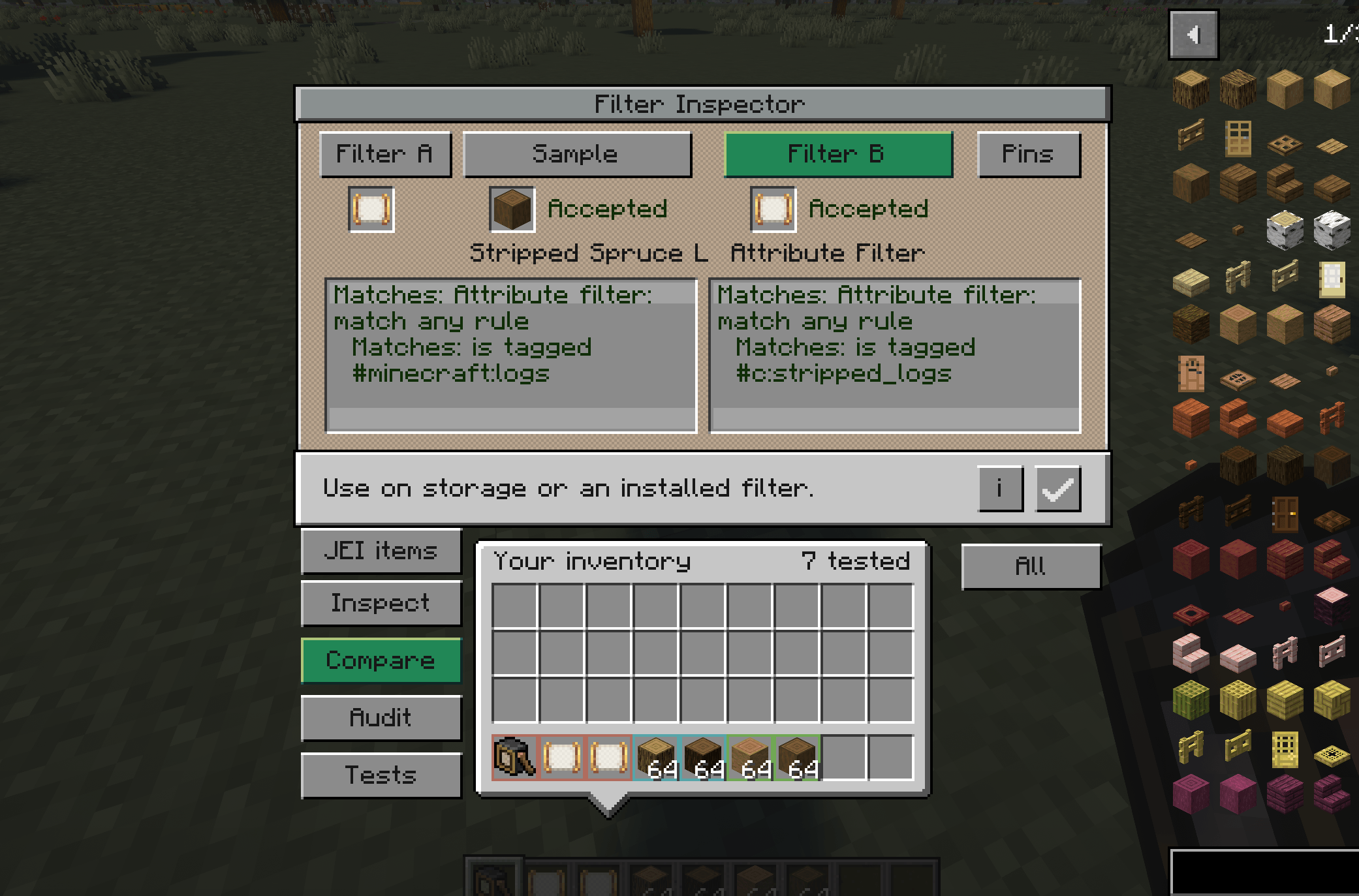
- Explain filter results: See which rules match and which fail, including list filters, attribute filters, inverted rules, and nested filters
- Compare items and filters: Test two samples against one filter, or compare two filters against the same sample
- Inspect installed filters: Use the tool directly on supported Create machines, including brass funnels, tunnels, and basins
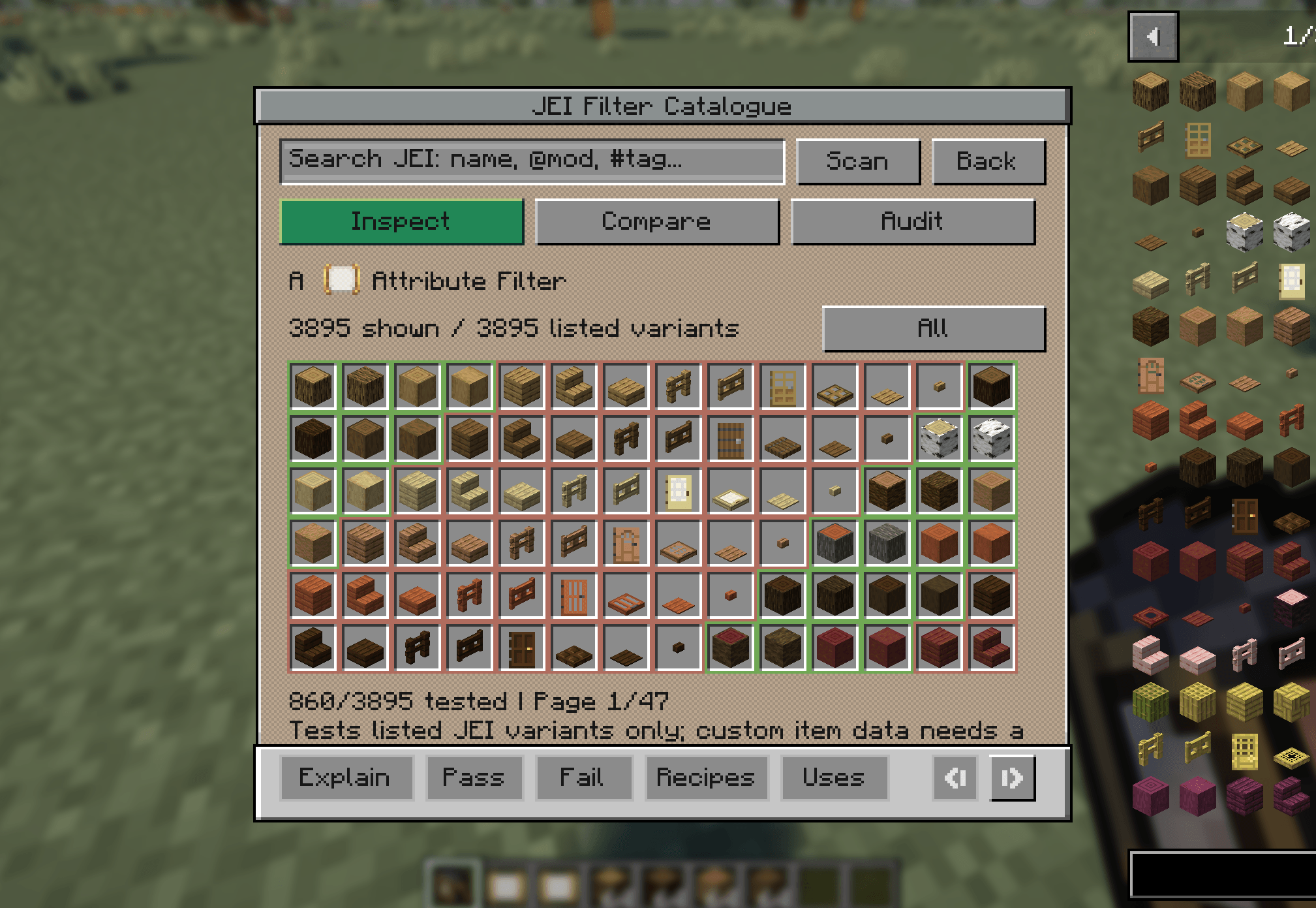
- Preview inventory matches: Highlight accepted and rejected items in your inventory, chests, barrels, and other supported storage
- Audit sorting destinations: Save named filter snapshots and find items that match no destination- or several destinations at once
- Save test sets: Record expected pass/fail results and rerun them after editing a filter to catch unexpected changes
- Inspect item data: Identify differences in names, damage, enchantments, contents, and other data that can affect matching
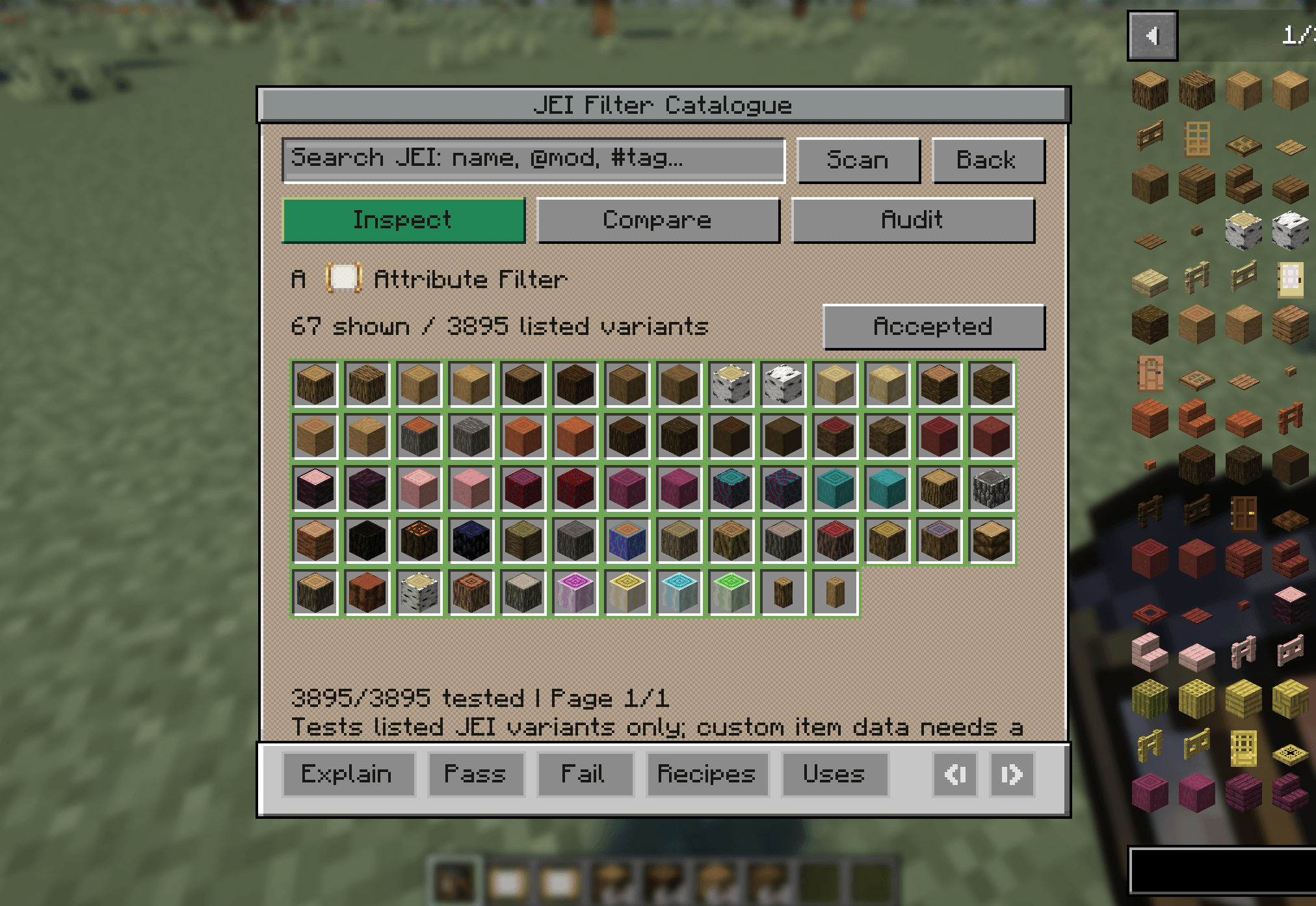
- Optional JEI integration: Drag items into sample slots without owning them, search a catalogue of matching items, open recipes and usages, and save samples as test cases
Verdicts use Create’s own matching logic. When detailed explanations are unavailable, the inspector clearly labels the result as basic pass/fail. Inspection does not move items or alter machine settings.
Optional integrations support JEI, Create: Filters Anywhere, and Create: Extended Filters.
常见问题
Create: Filter Inspector 支持哪些 Minecraft 版本?
Create: Filter Inspector 支持 Minecraft Java 版 1.20.1–1.21.1,共 2 个版本,可用的加载器:Forge / NeoForge。下载时注意选择和你游戏版本一致的文件。
Create: Filter Inspector 怎么安装?
先用 PCL2 或 HMCL 启动器安装对应版本的 Forge / NeoForge,再把下载的 .jar 文件放进游戏目录的 mods 文件夹,重新启动游戏即可。开启了版本隔离的,mods 文件夹在 versions/版本名 下面。
diggydwarff 的其他作品
查看全部 →
Tobacconist
为 Minecraft 加入真实的烟草种植、烘烤、加工、调配和吸食系统。

Herbalist
在游戏中加入火焰芽等新的药用植物和菌类!

Create: Radar Waterline
Submerged antennas stop scanning and normal radar no longer detects fully submerged targets
Autumn Foliage
A mod that applies autumn/fall colors to vegetation across both vanilla Minecraft and modded content
评论
登录后评论和评分