Aetherial Crystals
Discover ancient elemental crystals buried across dimensions. Forge powerful gear and master the secrets of Glacite, Zephyr, and Pyrite.
截图
介绍
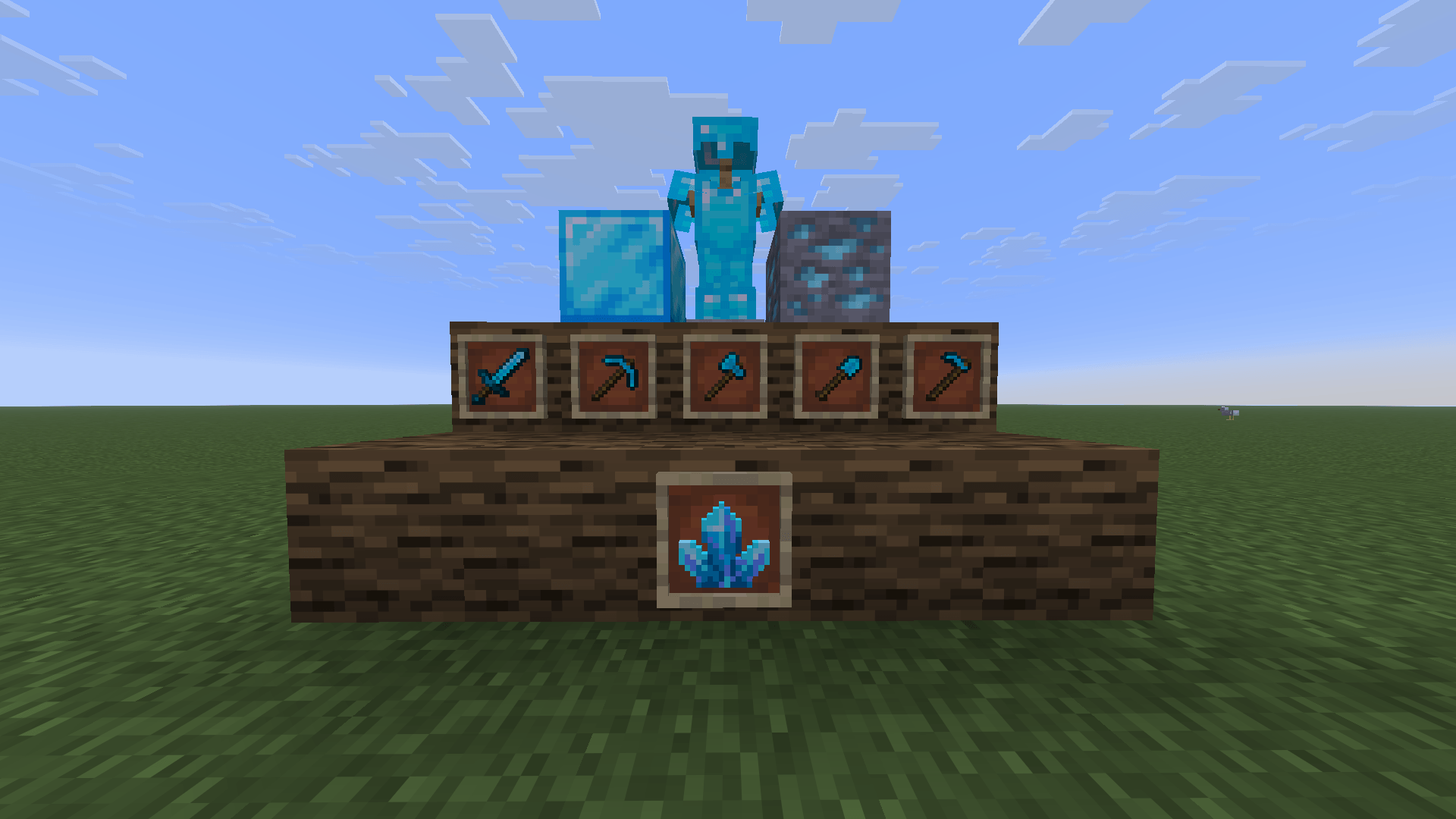
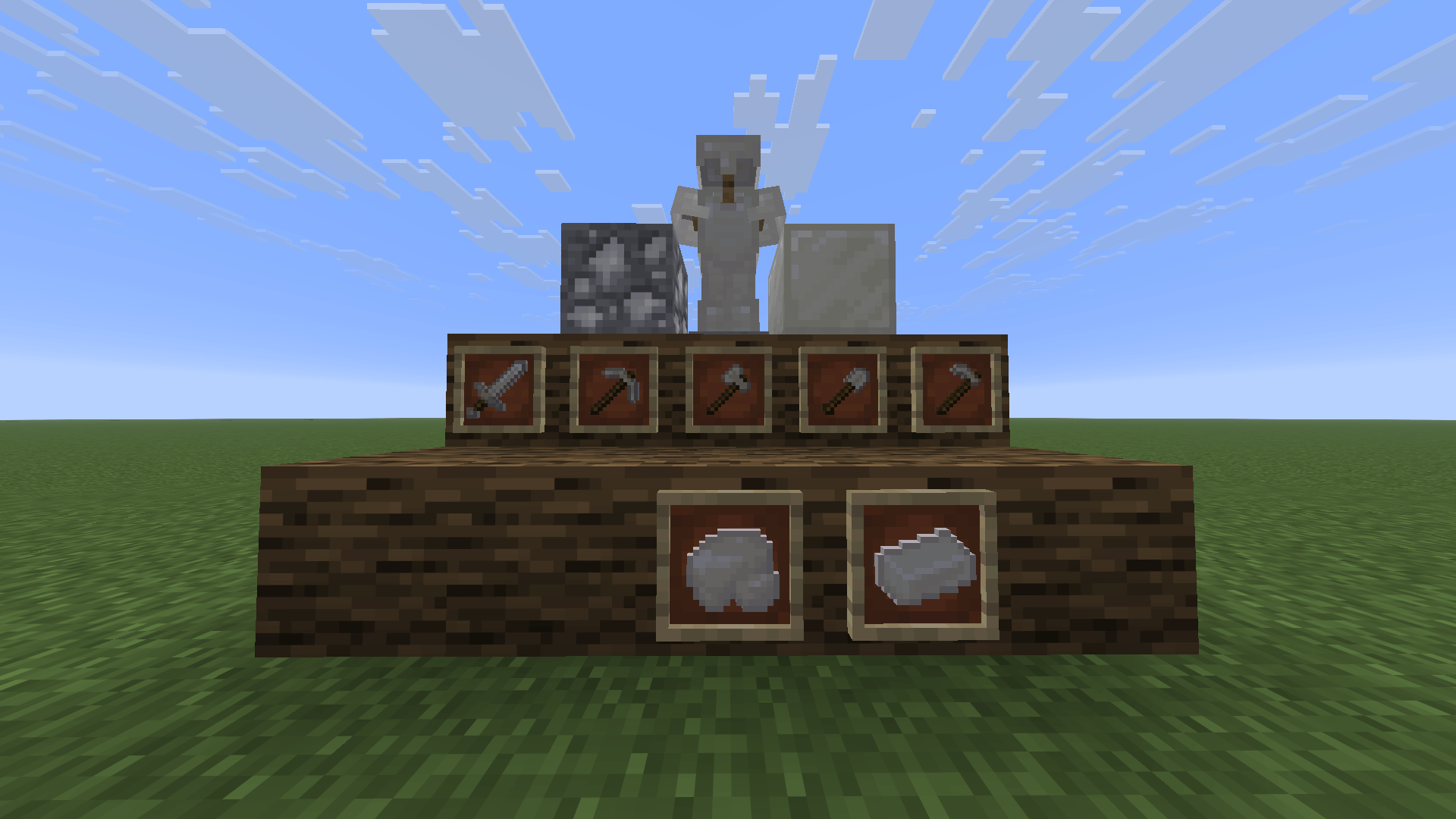
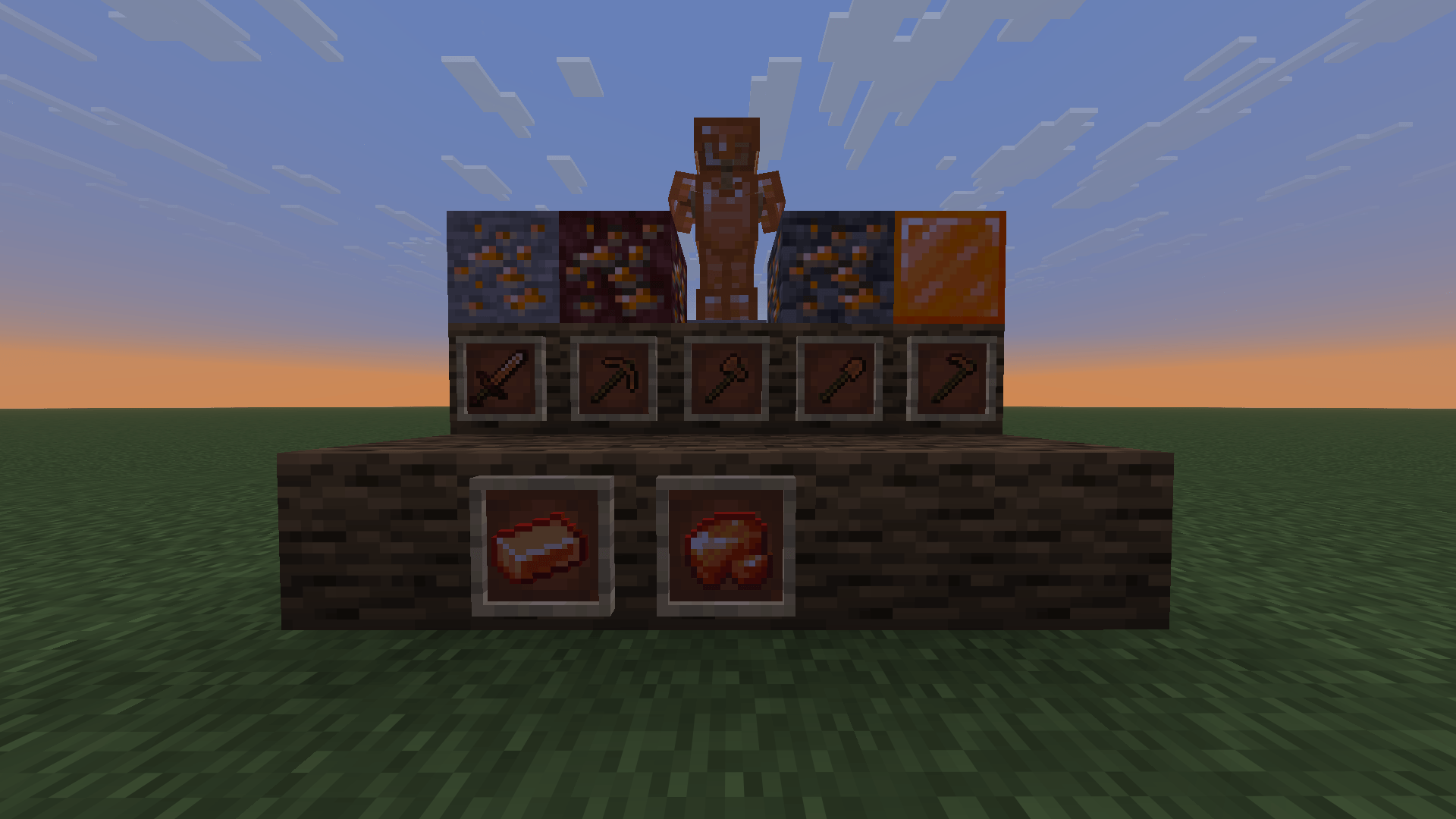
Aetherial Crystals introduces three new ore tiers.
Description
Aetherial Crystals is a mod designed to expand Minecraft’s progression through element-themed resources. The main idea is to offer fresh options for early, mid, and end-game gear, each with its own utility, gathering method, and crafting process.
In this first release (v1.0.0), the mod introduces the first three tiers of the journey:
Glacite (Tier 1 – Ice)
Found in cold Overworld biomes. Acts as an alternative to iron, focusing on durability and providing a solid starting gear set for survival.
Zephyr Quartz (Tier 2 – Air)
A crystalline mineral equivalent to diamond. Aimed at players looking for faster mining speeds and high-mobility combat.
Pyrite (Tier 3 – Fire)
The most advanced tier in this version, found in both the Overworld and the Nether. Unlike standard ores, Pyrite requires a unique crafting step: to forge a Pyrite Ingot, you must combine Raw Pyrite with Magma Blocks and Blaze Powder on a crafting table.
Features in Version 1.0.0
- Ores and Raw Materials: Full support for normal mining (dropping raw items affected by Fortune) and block extraction using Silk Touch.
- Storage Blocks: Compact 9-item storage blocks for Glacite, Zephyr Quartz, and Pyrite.
- Beacon Compatibility: All storage blocks in the mod function as valid bases to activate Beacons.
- Reversible Recipes: Easily craft 9 ingots into a block or break the block back down into 9 ingots.
What’s Coming Next (Version 2.0.0)
Development is ongoing, and upcoming updates will include:
- Two additional end-game ore tiers.
- A custom boss fight centered around the crystals and mod lore.
常见问题
Aetherial Crystals 支持哪些 Minecraft 版本?
Aetherial Crystals 支持 Minecraft Java 版 1.20.1–26.2,共 4 个版本,可用的加载器:Fabric / Forge / NeoForge。下载时注意选择和你游戏版本一致的文件。
Aetherial Crystals 怎么安装?
先用 PCL2 或 HMCL 启动器安装对应版本的 Fabric / Forge / NeoForge,再把下载的 .jar 文件放进游戏目录的 mods 文件夹,重新启动游戏即可。开启了版本隔离的,mods 文件夹在 versions/版本名 下面。
评论
登录后评论和评分