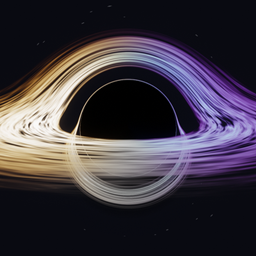
Realistic Black Hole
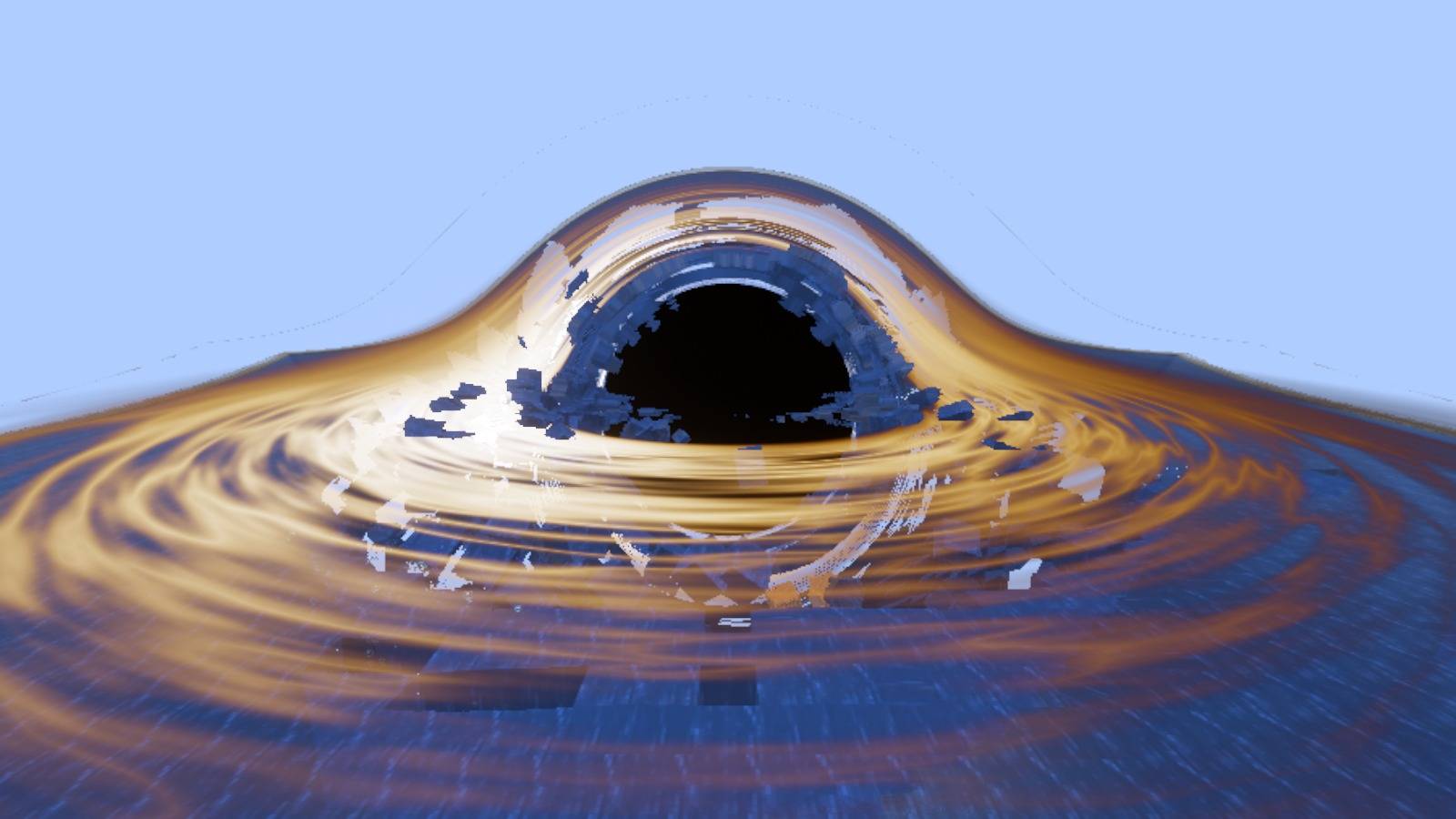
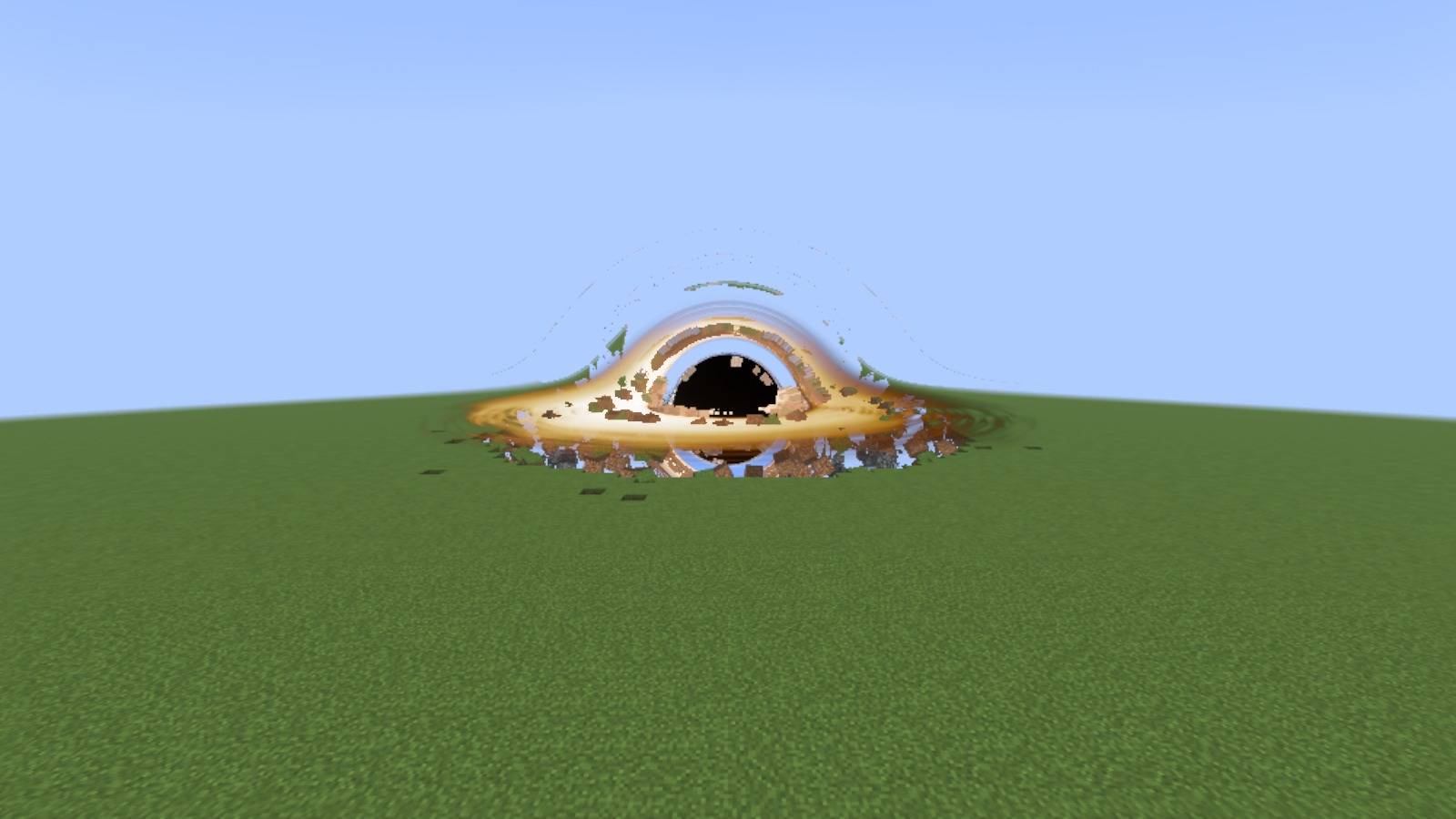
A real black hole, ray traced on your GPU: gravitational lensing, a glowing accretion disk, and it devours the world, blocks, creatures and players, growing without end.
截图
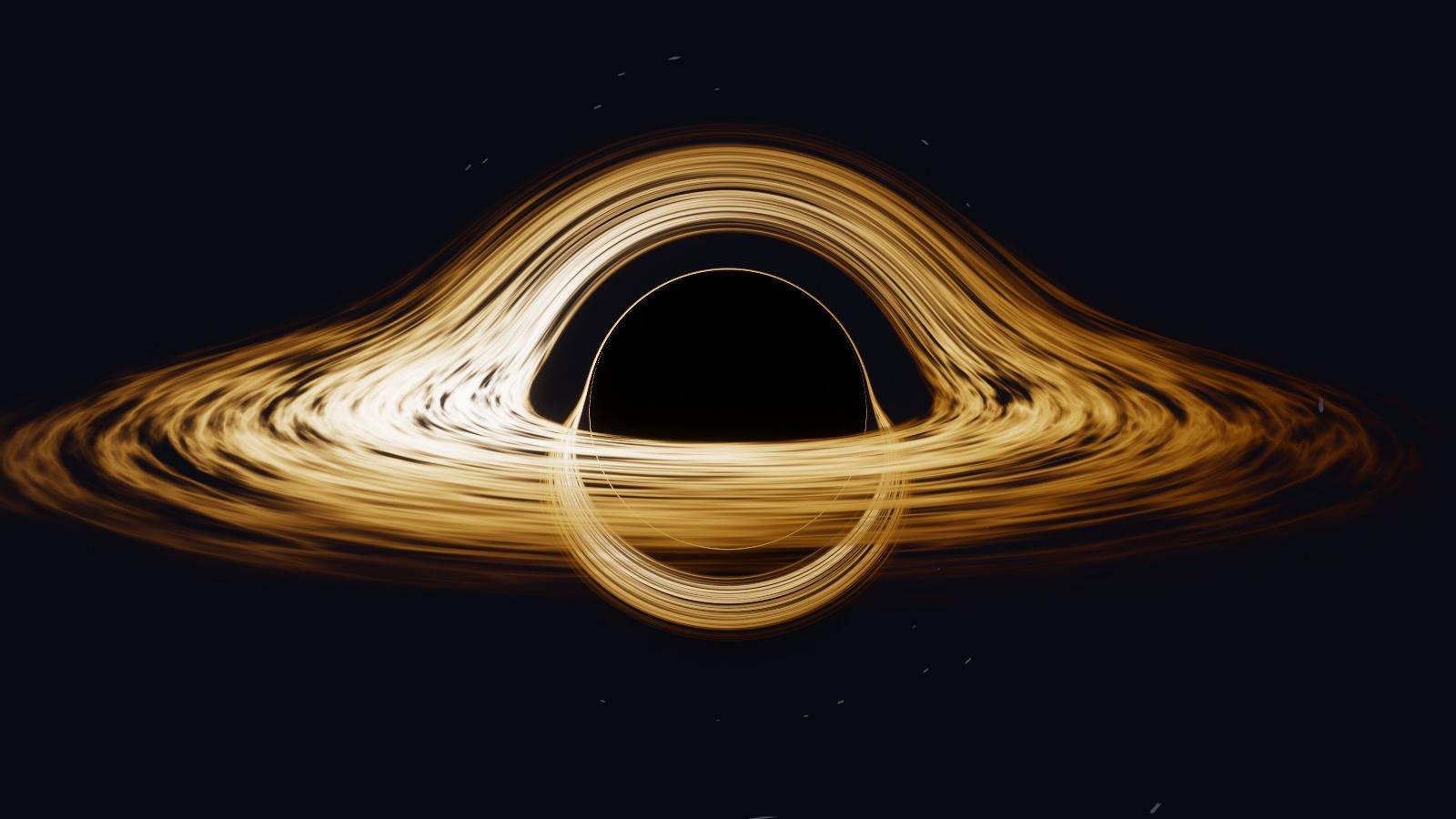
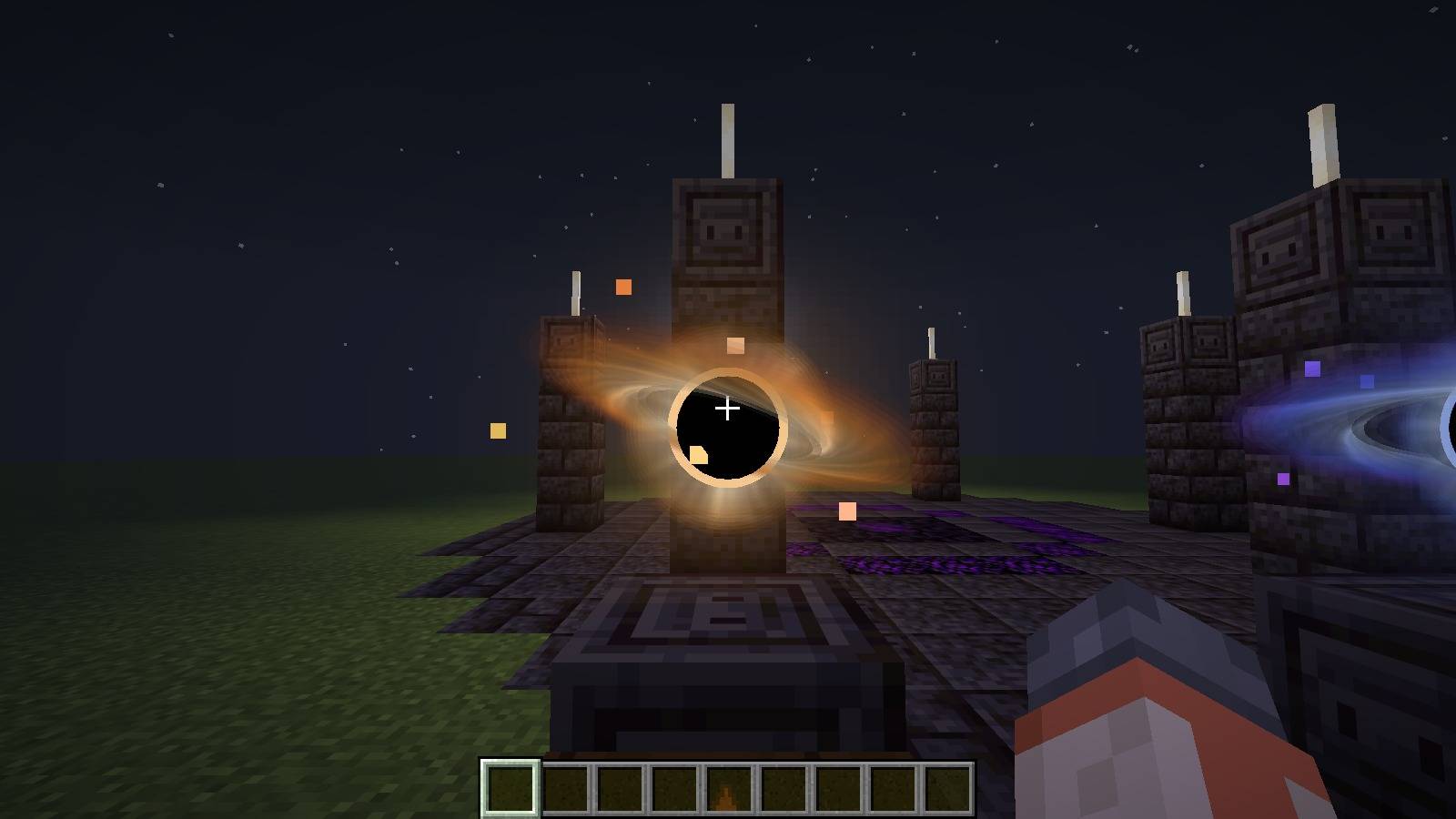
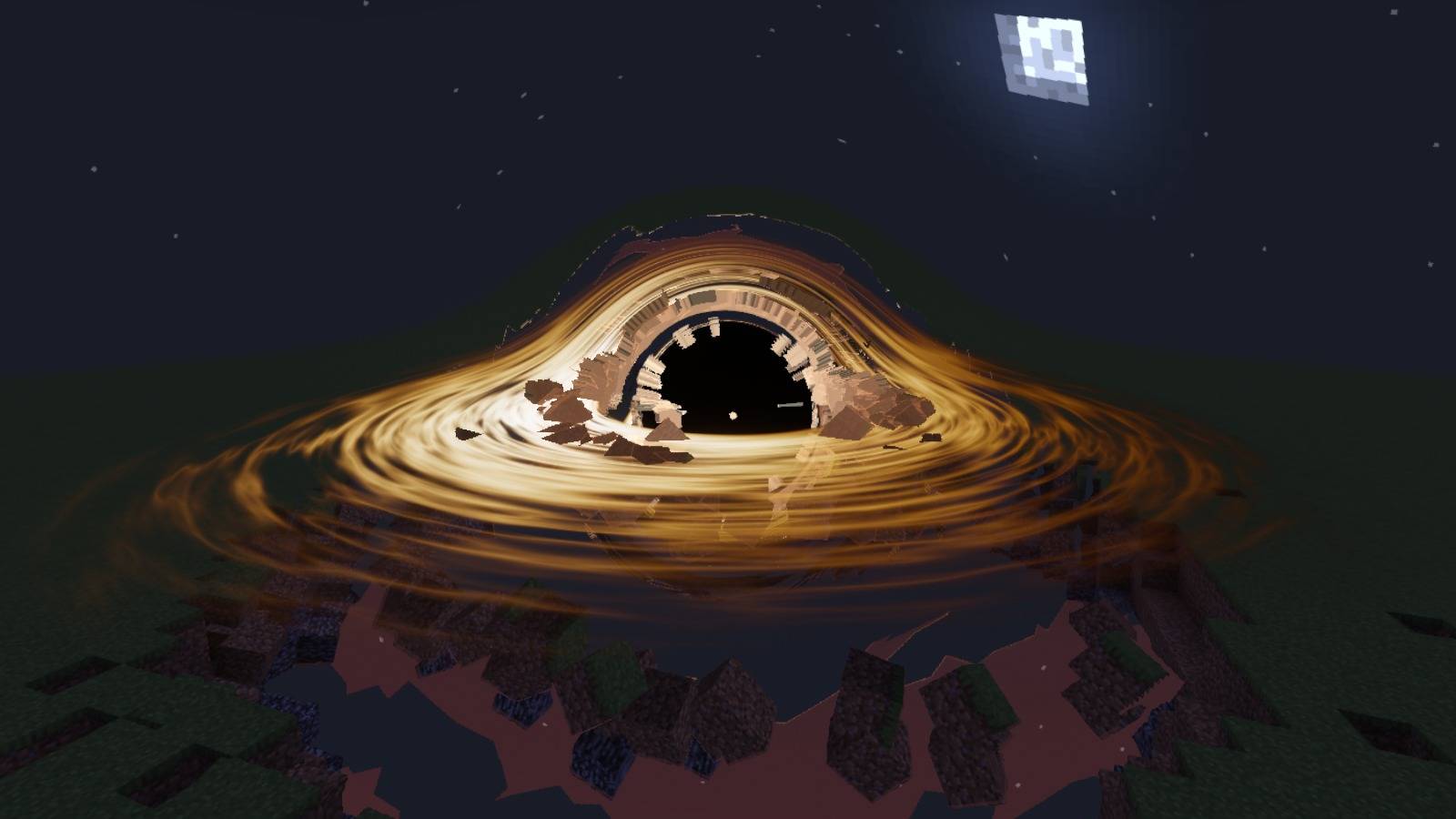
介绍
Realistic Black Hole
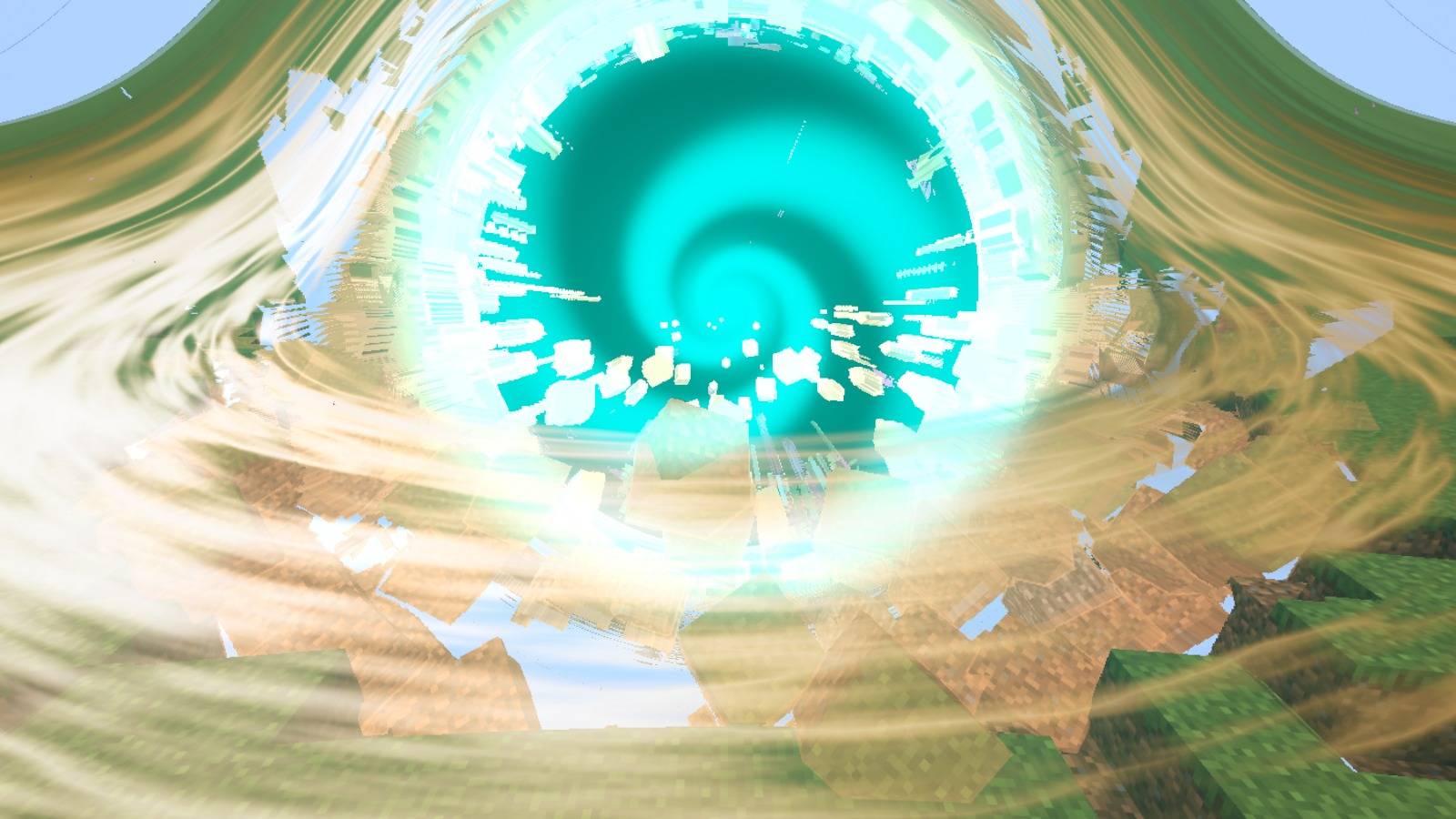
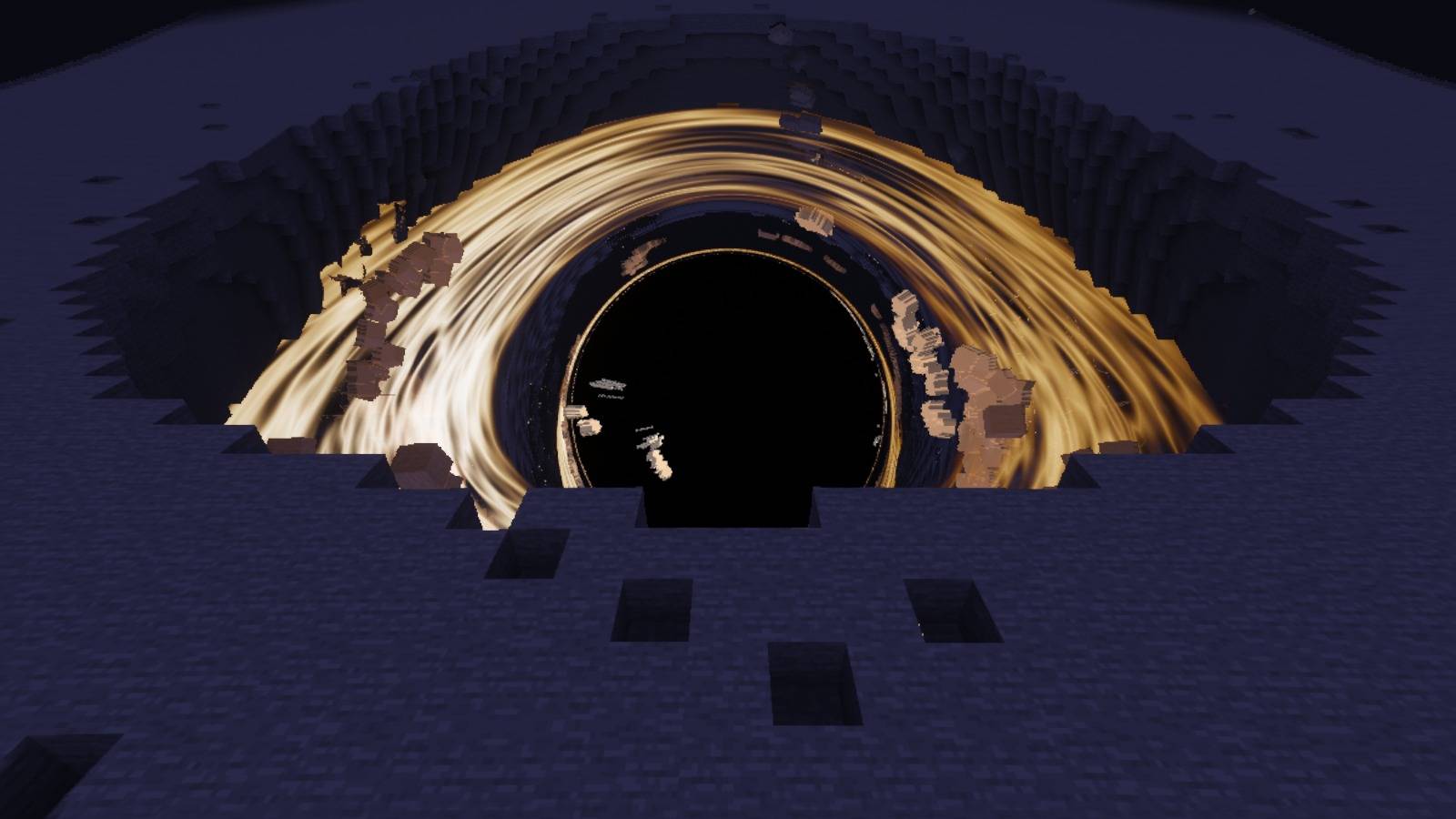
A real black hole in Minecraft, ray traced on your graphics card like the WebGL simulation it comes from: an accretion disk with black-body colours and Doppler beaming, the world bent by gravitational lensing, a photon ring. Set it on the ground and it pulls in blocks, water, creatures and players, little by little, and grows until nothing of the world is left around it.
⚠️ It really destroys the world, bedrock included. Try it in a world you can lose.
⚠️ Performance: the black hole is ray traced for every pixel of the screen, on your graphics card. On a weak or integrated GPU it can lower your FPS a lot when it fills the screen. Measured on a laptop at 1600 × 900, with the black hole covering the whole screen: 142 FPS with Vulkan on its RX 6500M, 34 FPS with OpenGL on its integrated chip. It lowers its own resolution (down to half) to keep the game smooth. On a laptop with two graphics chips, use Vulkan (Options → Video → Graphics API).
🌌 The black hole
- Light paths traced through curved space-time, on the GPU, in OpenGL and Vulkan; the quality adapts to your graphics card on its own (from half the resolution up to 2 × 2 rays a pixel).
- Three looks: colour, monochrome, and blue & purple.
- It eats the ground shell after shell, faster the bigger it gets, within 8 ms of each server tick at its normal speed (so the server keeps up).
- The crater’s edge crumbles ahead of it, torn-off blocks fly in and glow hotter and hotter in the disk’s colours.
- It keeps going where no one is (far away, in another dimension, after the world is closed and opened again), faster the farther the players are (up to 4 times, while the server has time to spare), and you see it from afar, beyond your render distance.
⛩️ The altar
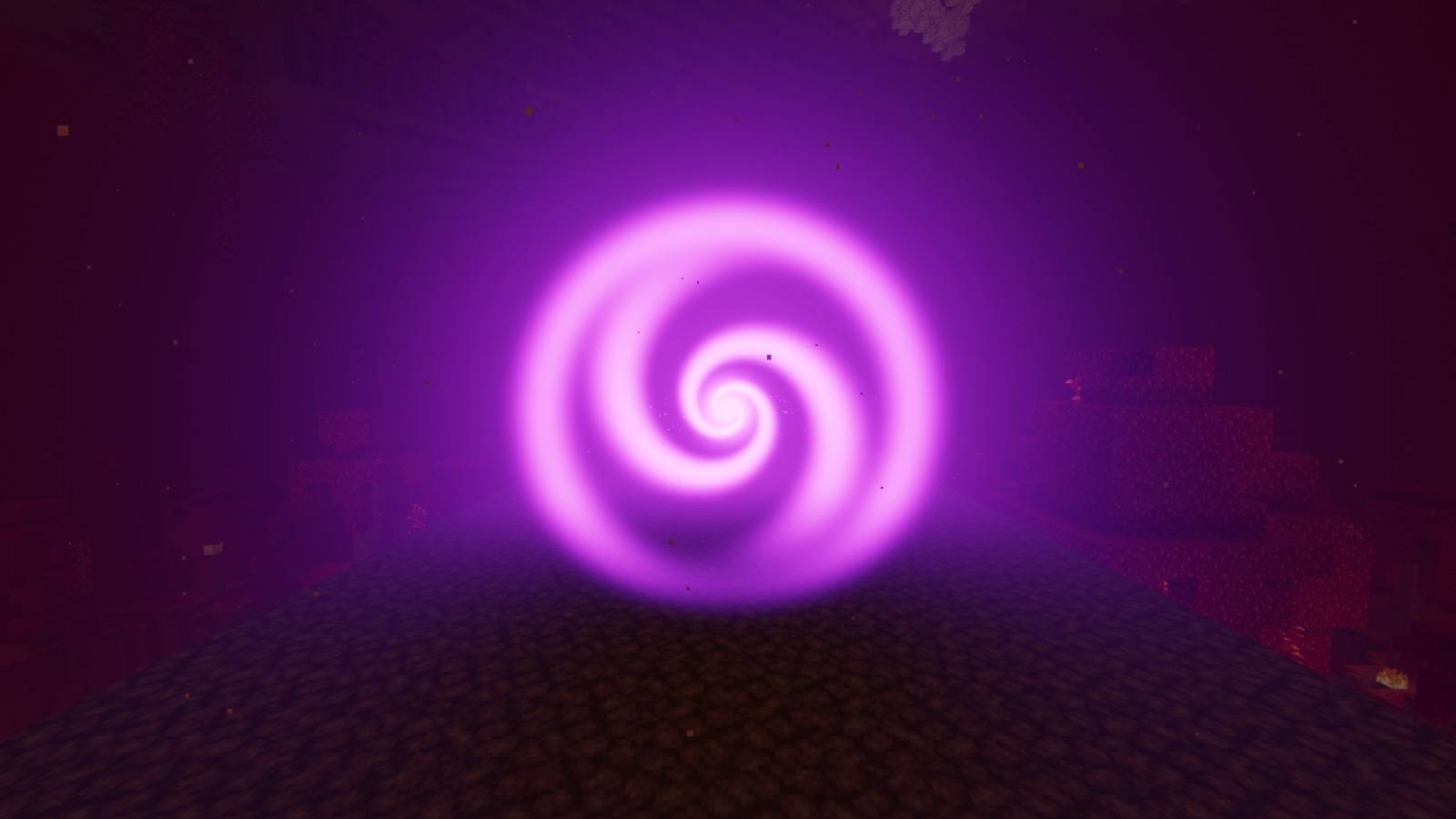
An altar is built near the world spawn. Touch one of its three orbs (each a tiny 3D black hole) and a black hole of its colour charges for 45 seconds: a collapsing star bending the world, beams from the pillars, a heartbeat, the sky darkening, the camera shaking… then it opens. An altar summons one black hole; once it is used, the world spawn moves 500 blocks away, and everyone is told.
🌀 Portals
If it eats a lit Nether or End portal, a replica bursts out on the other side, after a vortex of the portal’s light.
💀 Dying in it
- Bodies near the horizon are spaghettified: stretched along their way in by the tides. Dead, they freeze against the horizon, redshifted, and fade out, as an infalling body is seen from afar.
- The swallowed player sees it happen: their camera leaves the body and draws back from the black hole, then the death screen comes.
- With no spawn point of their own (no bed, no anchor; the world spawn does not count), they come back as a spectator, facing the black hole, to watch the rest. Any other death stays a normal death.
🛠️ Commands (operators)
/blackhole spawn [color|monochrome|blue_purple] [x y z] [size]/blackhole remove(the nearest) ·/blackhole clear(all of the dimension)/blackhole altar(builds an altar in front of you)/blackhole speed [0 to 10](how fast they eat; 0 stops them, they still pull)/blackhole track [player|all|off](the nearest one follows a player, the nearest player, or no one: the default)
The Black Hole items (three colours) are in the creative Tools & Utilities tab: right-click the ground to open one, sneak + right-click to close the nearest.
📦 Requirements
- Minecraft 26.3, Java 25, and one of these loaders (one jar each):
- Fabric: Fabric Loader 0.19.5 or newer, with Fabric API;
- NeoForge 26.3.0.101 or newer;
- Forge 66.1.0 or newer.
- On the server and on every client in multiplayer. The commands are for operators (level 2).
- A real graphics card is best (see Performance above): on a laptop with two graphics chips, Vulkan may run on the dedicated one where OpenGL stays on the integrated one.
- Shader packs: tested on Fabric with Iris 1.11.7 + Sodium and Complementary Reimagined, on OpenGL (Iris itself crashes on Vulkan). Not tested with OptiFine.
🇫🇷 En français
Un vrai trou noir dans Minecraft 26.3 (Fabric, NeoForge ou Forge), calculé par rayons sur la carte graphique : disque d’accrétion aux couleurs du corps noir, lentille gravitationnelle, anneau de photons. Posé au sol, il aspire les blocs, l’eau, les créatures et les joueurs, et grossit sans fin, même là où personne ne joue (plus vite encore quand les joueurs sont loin). Un autel près du spawn l’invoque après une charge de 45 s (le spawn du monde part alors à 500 blocs) ; il traverse les portails du Nether et de l’End ; ceux qu’il avale sont étirés par les marées, et sans point de réapparition reviennent en spectateur. Commandes /blackhole réservées aux opérateurs, dont /blackhole track : il suit un joueur (jamais par défaut). ⚠️ Il détruit vraiment le monde : essayez-le dans un monde que vous pouvez perdre. ⚠️ Performances : il est calculé pour chaque pixel par la carte graphique ; sur une petite carte ou une puce intégrée, il peut faire chuter les FPS quand il remplit l’écran (mesuré en 1600 × 900 : 142 FPS en Vulkan sur une RX 6500M, 34 en OpenGL sur la puce intégrée). Préférez Vulkan.
常见问题
Realistic Black Hole 支持哪些 Minecraft 版本?
Realistic Black Hole 支持 Minecraft Java 版 26.3,可用的加载器:Fabric / Forge / NeoForge。下载时注意选择和你游戏版本一致的文件。
Realistic Black Hole 怎么安装?
先用 PCL2 或 HMCL 启动器安装对应版本的 Fabric / Forge / NeoForge,再把下载的 .jar 文件放进游戏目录的 mods 文件夹,重新启动游戏即可。开启了版本隔离的,mods 文件夹在 versions/版本名 下面。
Bicode_DEV 的其他作品
查看全部 →
Lucky Block Celestial Gods
A celestial Lucky Block with 550 outcomes in 14 rarities: overpowered loot, lucky weapons, divine relics, staged boss fights, a 3D black hole, Gods Stuff and Admin Stuff.

Lucky Block Race – Celestial Gods
A 1-4 player lucky block race from Mount Olympus down to the Styx, ending in a final arena. English and French versions. Needs Lucky Block Celestial Gods (Forge 26.3).
评论
登录后评论和评分