介绍
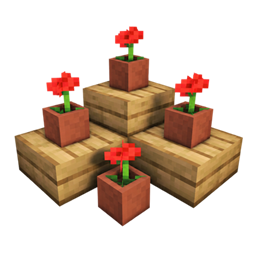
This mod is inspired by the cushions coming in the next update, but taken to another level—literally any block at any height.
To activate or desactivate the mod, you need to press the “V” key, since I understand that not everyone wants to have it enabled all the time. To disable the blocks of a single mod, press the “B” key, where you’ll see all the blocks included in some other mods, because it really should work with other mods.
However, keep in mind that blocks placed at custom heights will stay that way whether the mod is active or not. This is to avoid future errors—you can just remove them manually by hand and you won’t see them anymore.
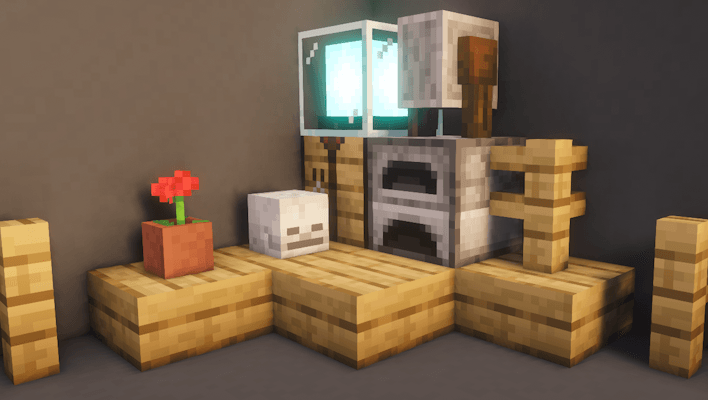
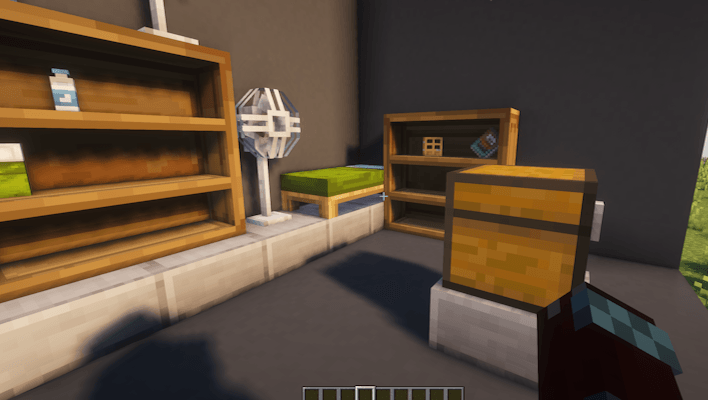
It works with any mod and includes automatic detection. It doesn’t break or interfere with how blocks function, so feel free to test it with any other mod you like.
Notice:
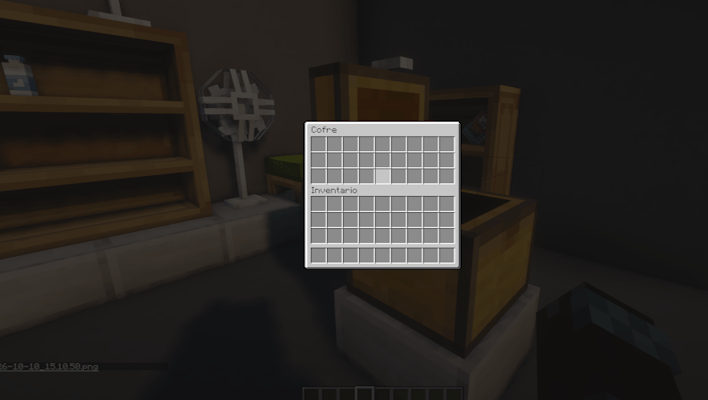
There are over a thousand blocks in the game, so I couldn’t test absolutely every single one. This is because the mod actually registers them by ID—which is why it works with basically any mod that adds blocks or decorations. To be clear, I didn’t make them manually one by one, which caused some minor bugs that can be fixed.
If you find any bugs, I’ll look into them as fast as I can. However, I won’t update the mod immediately to avoid uploading 200 different files; instead, I’ll drop a single update that fixes all issues reported up to that point. That said, I’ve already spotted a few bugs myself—such as not being able to place things on top of carpets, beds having no collision (which becomes much more noticeable when sleeping), and lanterns or torches not working correctly—just to name a few that I’m already working to fix. But if you find any others, I’ll manually review them once reported.
常见问题
Free Height 支持哪些 Minecraft 版本?
Free Height 支持 Minecraft Java 版 1.20.1–1.21.1,共 2 个版本,可用的加载器:Forge。下载时注意选择和你游戏版本一致的文件。
Free Height 怎么安装?
先用 PCL2 或 HMCL 启动器安装对应版本的 Forge,再把下载的 .jar 文件放进游戏目录的 mods 文件夹,重新启动游戏即可。开启了版本隔离的,mods 文件夹在 versions/版本名 下面。
AdamArctic 的其他作品
查看全部 →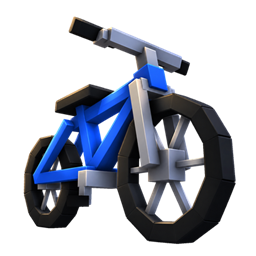
Real Bicycles
Finally, Bikes have arrived in Minecraft!
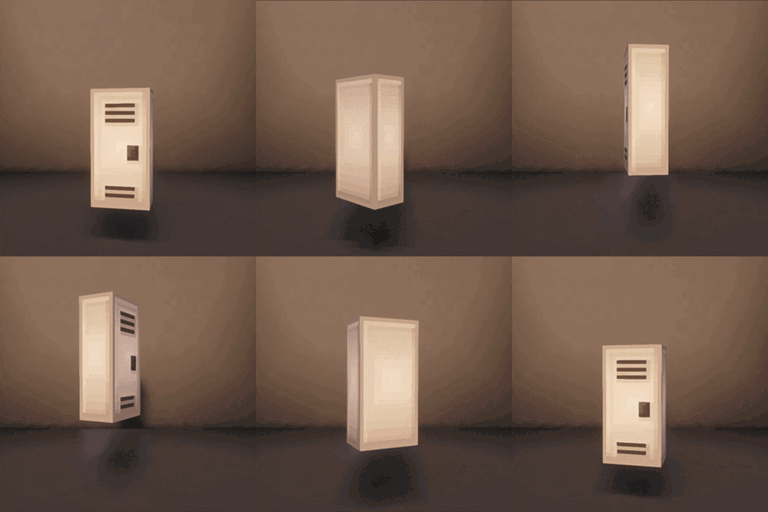
lockers plus
lockers with 18 color options
Phanoshot
Create and implement a panoramic photo for your menu in seconds.
Render Distance Tuner
Configure the distance of all Minecraft entities to your liking.
评论
登录后评论和评分