
Shadeless
Removes the fixed directional shading from block faces for a flat look, with optional full bright for blocks and mobs.
截图
介绍
Shadeless
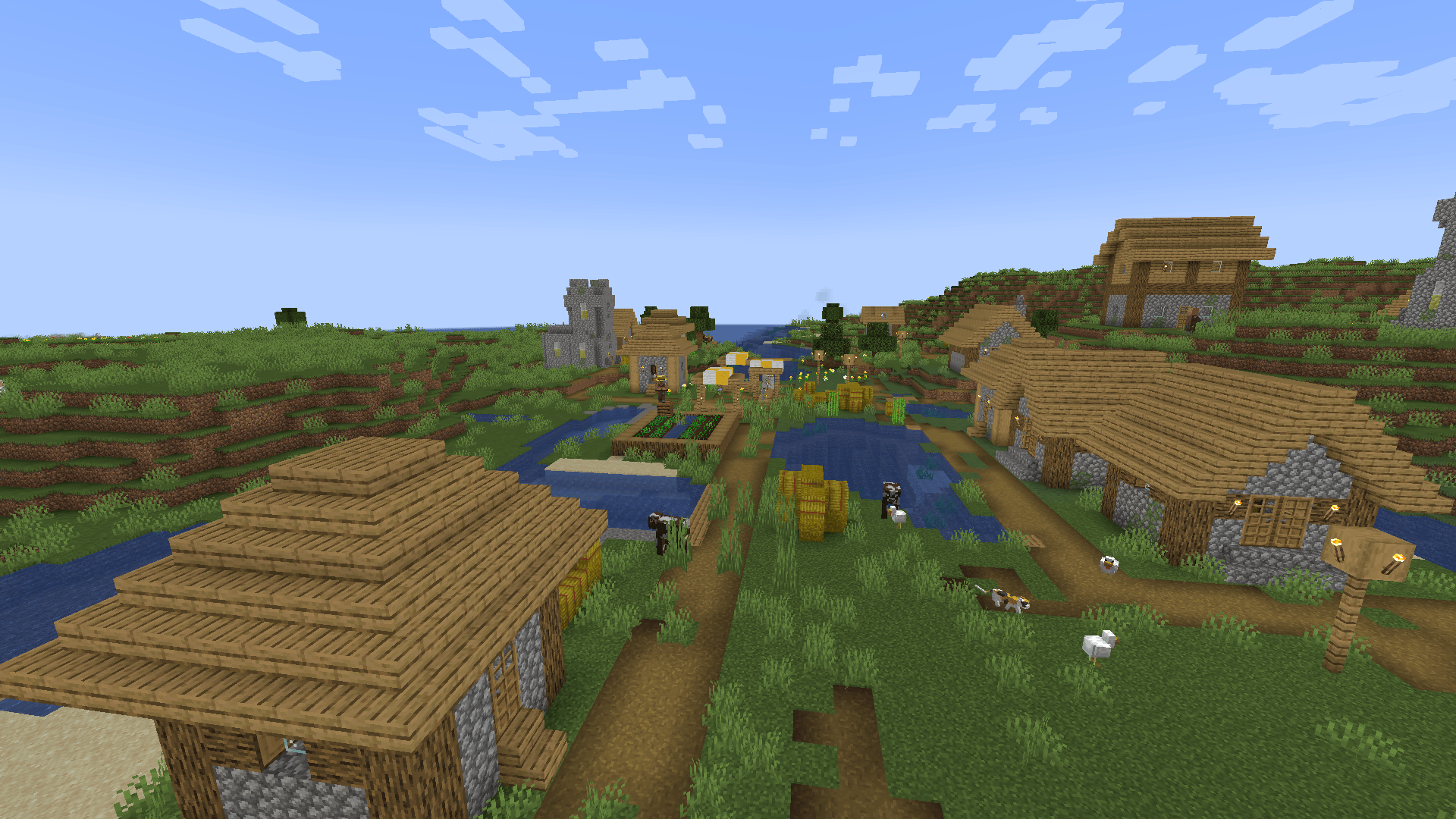
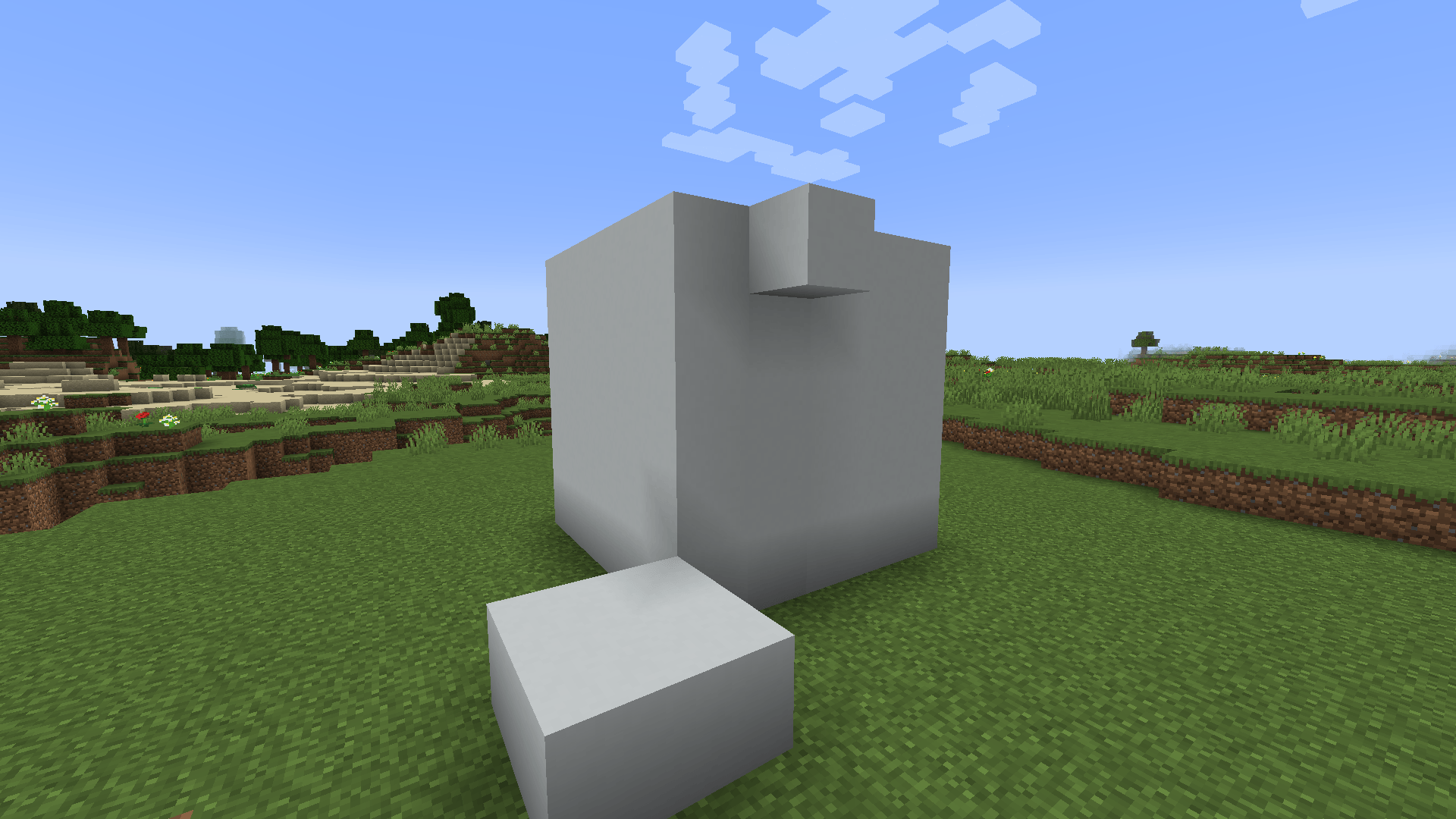
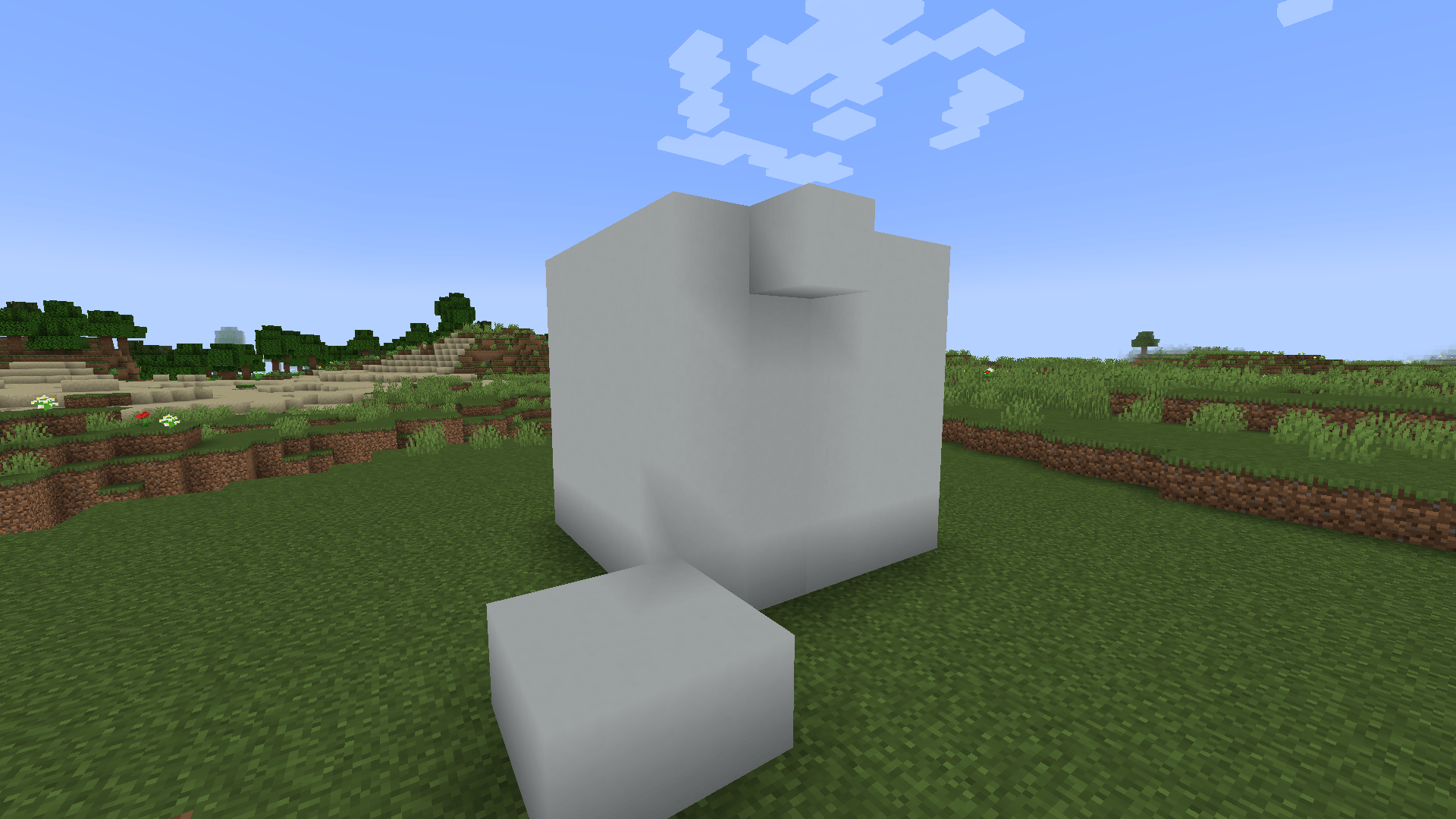
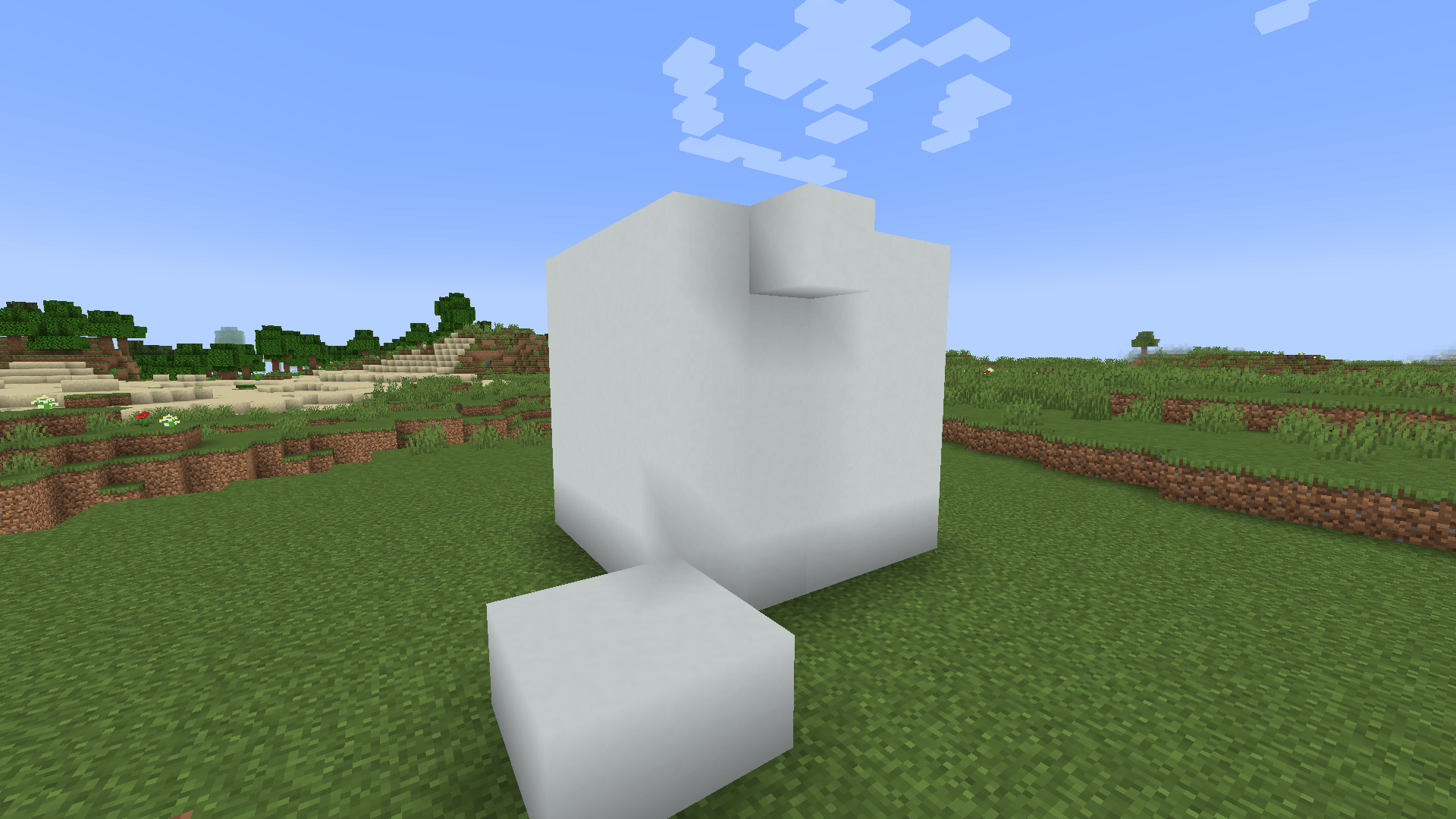
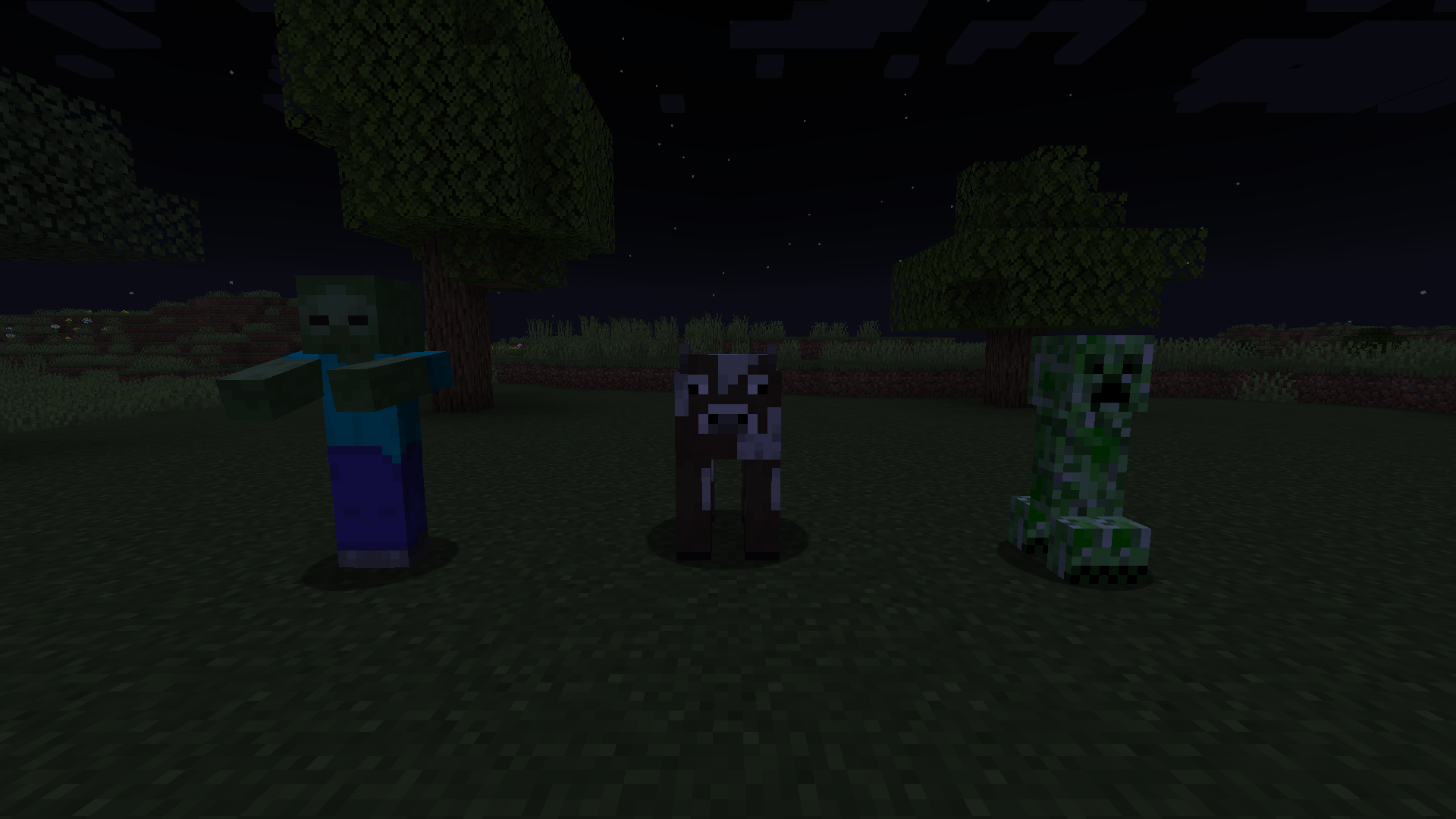
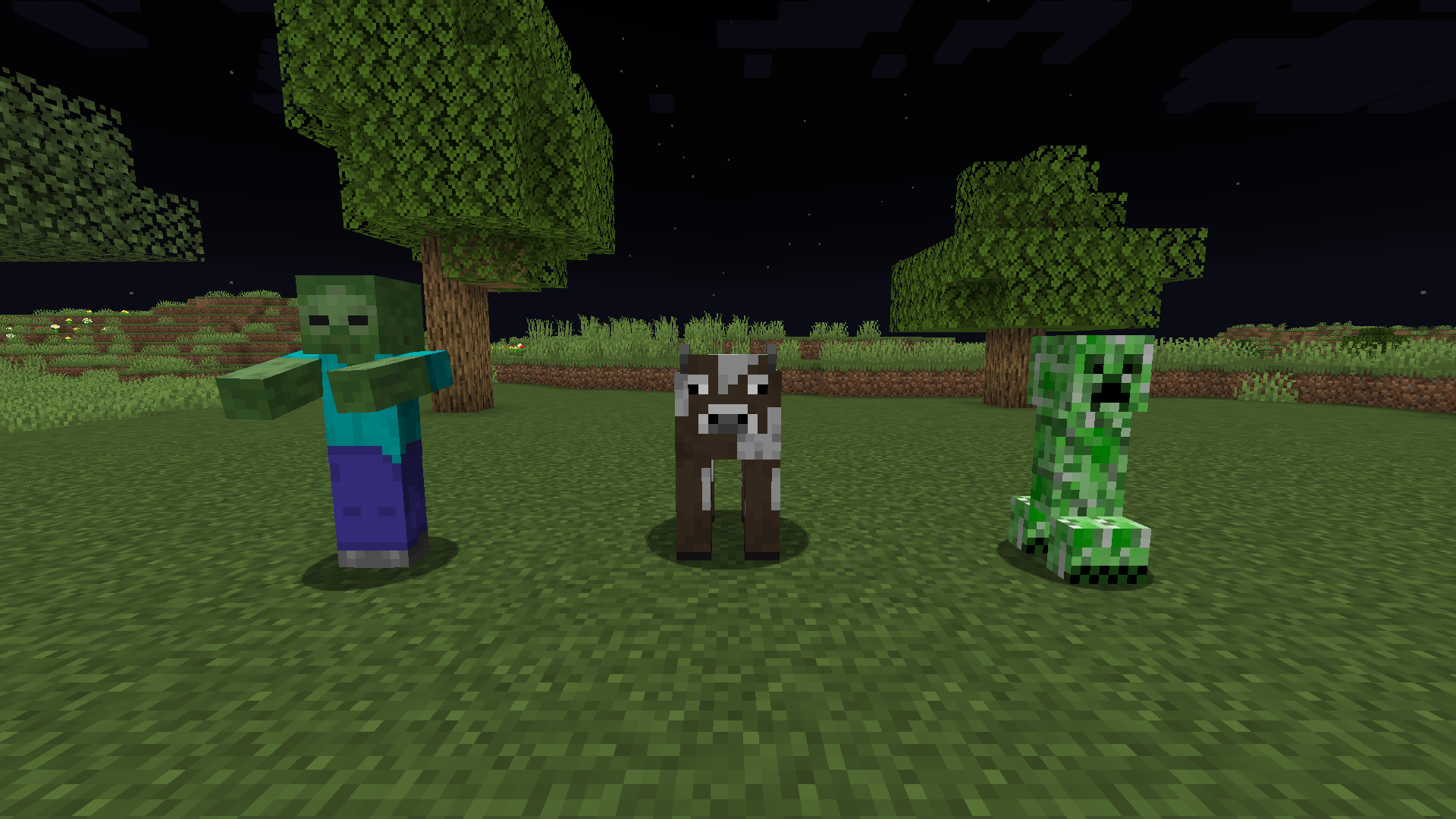
Flat, unshaded lighting for blocks. Minecraft darkens the sides and undersides of blocks by a fixed amount for the direction they point, before any light source counts. Shadeless takes that shading out, so all faces of a block are equally bright and the world looks flat. Two full bright switches, for blocks and for mobs, are off by default. Client side only.
Support me and get early access on my Patreon.
Block shading
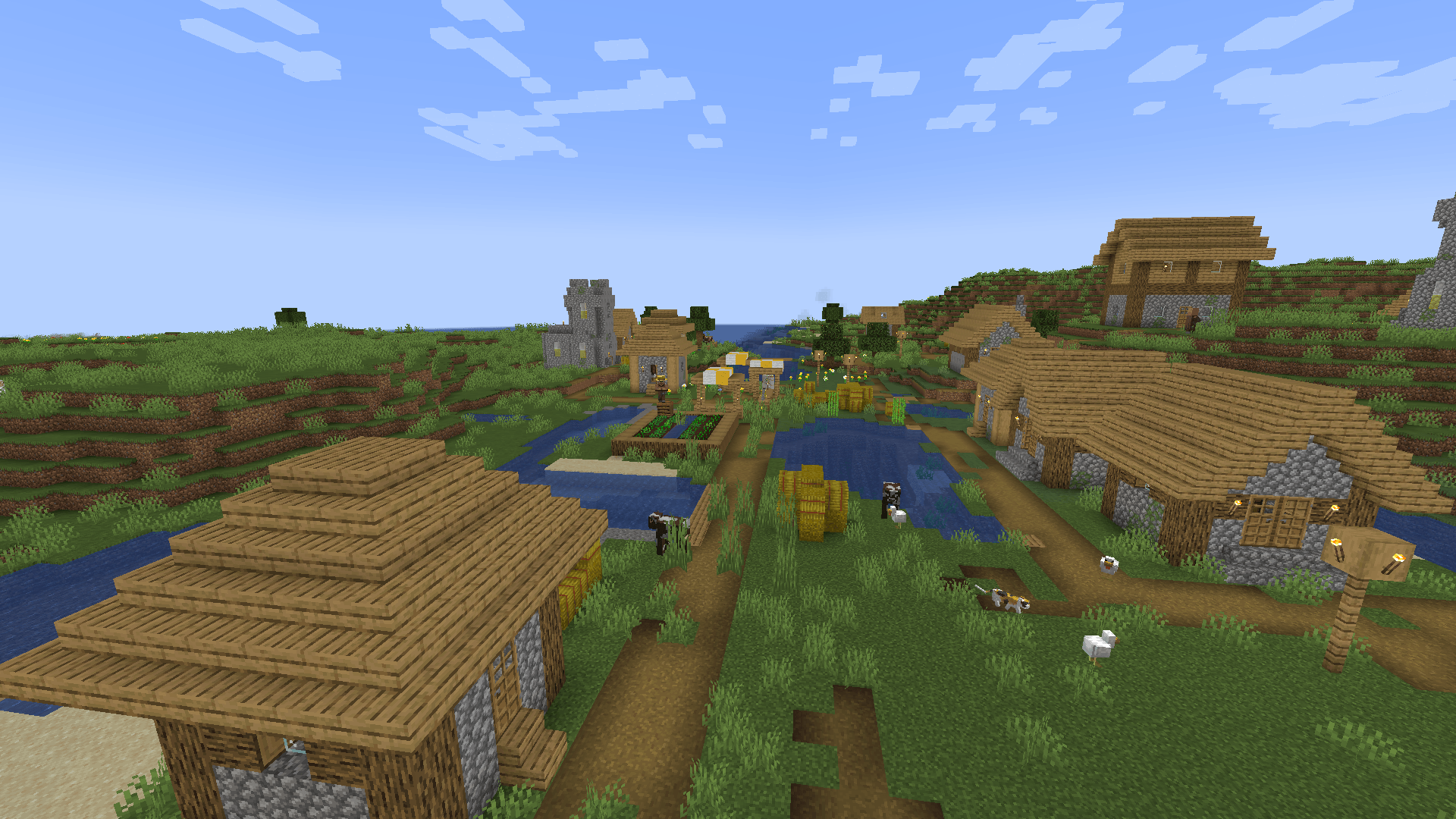
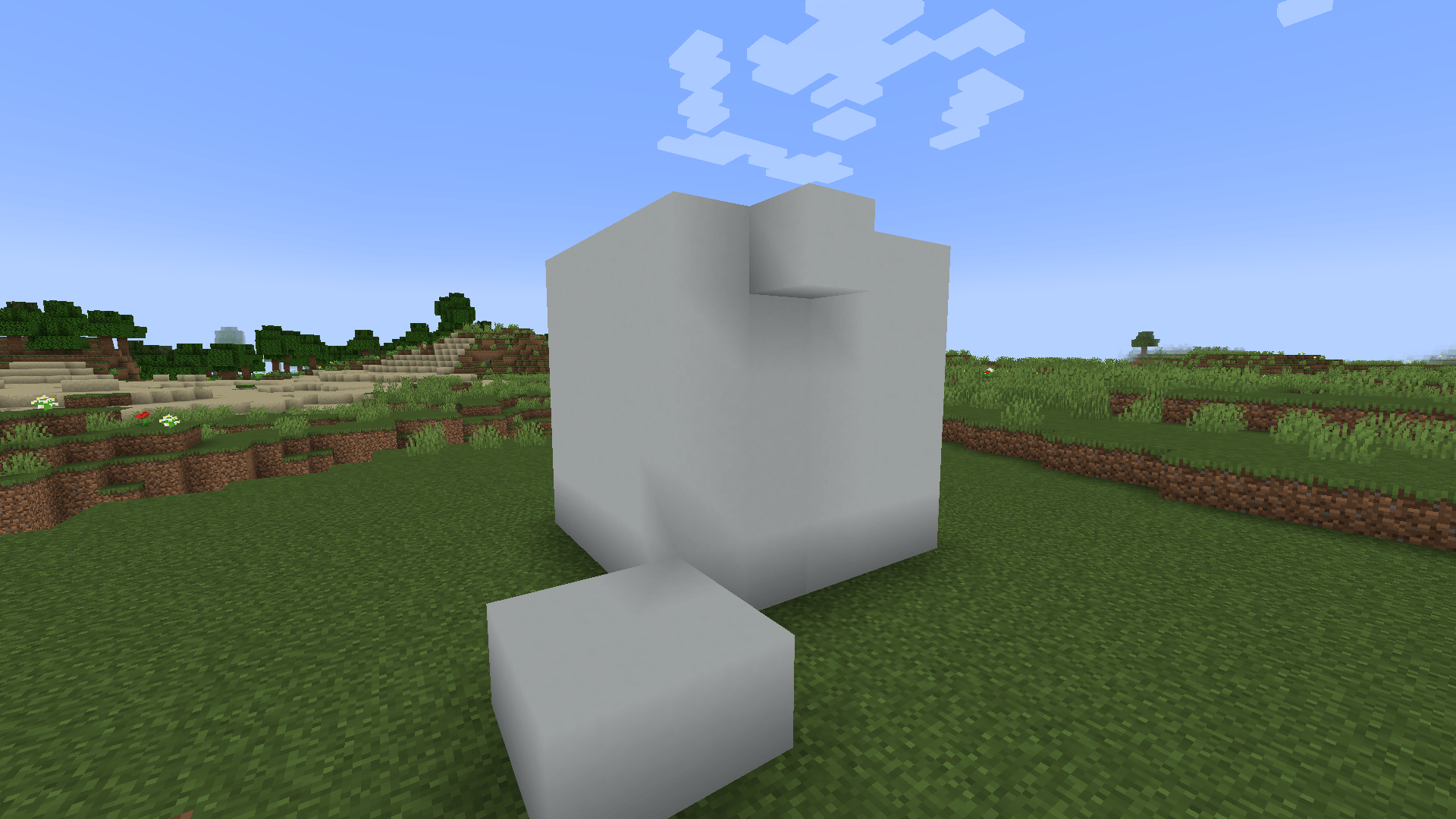
- The game multiplies a face’s brightness by a fixed value: top 1.0, north and south 0.8, east and west 0.6, underside 0.5. Shadeless pulls all of them to one value.
shadingStrengthsets how much of the shading is removed: 100 percent by default, 0 leaves the game as it was, and a value in between keeps part of the relief.- Water and models with slanted faces are flattened as well. Models that opt out of shading stay as they are.
- Light level still applies, so caves and nights stay dark.
Flat level
flatLevelis the brightness every face settles on: 80 percent by default, 30 to 100.- 80 is what the game already uses for north and south faces, so the world gets flatter without getting brighter.
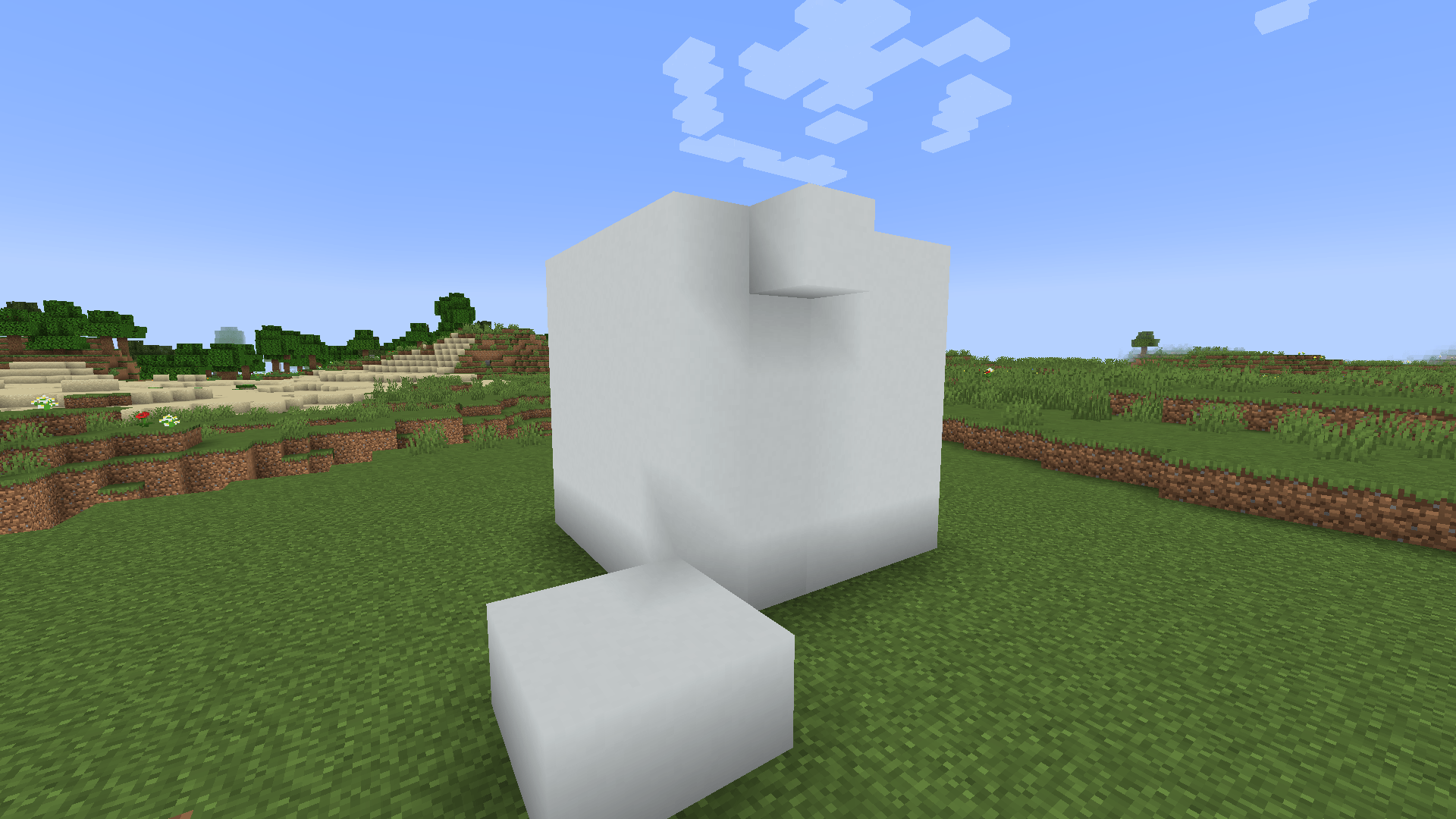
- At 100 every side is lifted to the brightness of a top face and undersides double, which looks like full bright.
Full bright
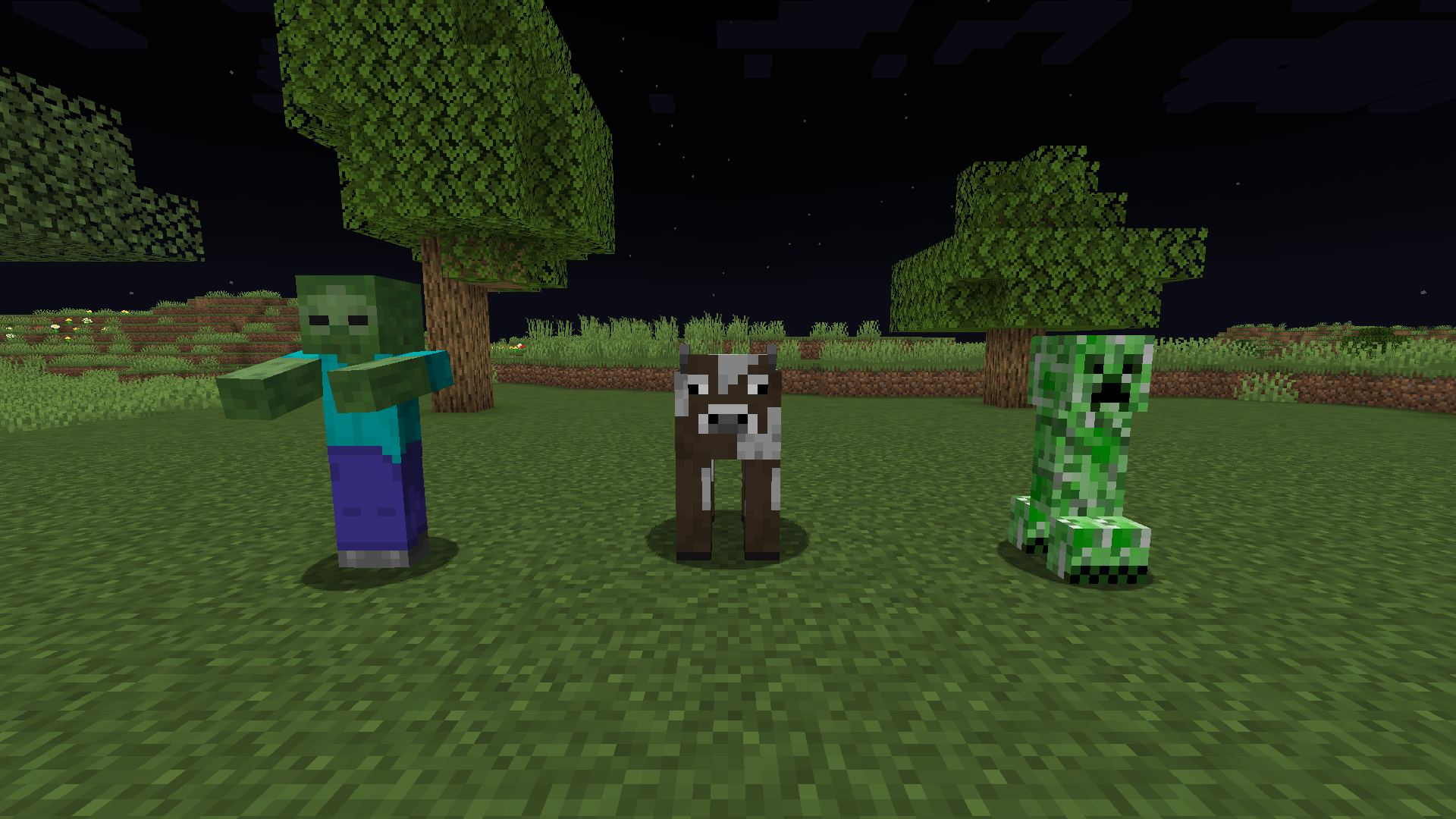
fullBrightunder[blocks]draws terrain and block entities fully lit, whatever the light level. Off by default.fullBrightunder[entities]draws mobs, players and dropped items fully lit wherever they are, so a mob in an unlit room is no longer black. Off by default.- The soft shading across a mob’s model stays: it comes from the game’s entity shader. With the entity switch off, Shadeless changes blocks only.
Requirements
Minecraft 1.21.1, Java 21, NeoForge 21.1. Client only, nothing to install on the server. Terrain drawn by Sodium is covered as well; Sodium is optional. The settings are in config/shadeless-client.toml; there is no settings screen. The file is read again while the game runs, and block settings show after a chunk reload (F3+A).
Related mods
NeoForge 1.21.1, client side. Free to use in modpacks.
常见问题
Shadeless 支持哪些 Minecraft 版本?
Shadeless 支持 Minecraft Java 版 1.21.1,可用的加载器:NeoForge。下载时注意选择和你游戏版本一致的文件。
Shadeless 怎么安装?
先用 PCL2 或 HMCL 启动器安装对应版本的 NeoForge,再把下载的 .jar 文件放进游戏目录的 mods 文件夹,重新启动游戏即可。开启了版本隔离的,mods 文件夹在 versions/版本名 下面。
falling_colud96 的其他作品
查看全部 →
Better Clouds Reforged
与原生风格完美融合的精美云朵。
Better Inventory And Backpacks
彻底重做Minecraft物品栏
Realistic Waves
为 Minecraft 带来逼真的波浪效果。

Fantasia RPG Slimes
新增 14 种拥有独特能力的史莱姆!
评论
登录后评论和评分