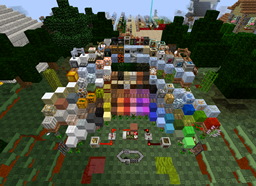
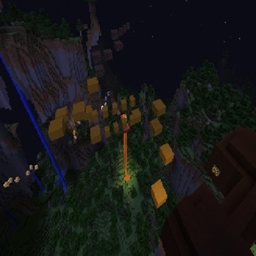
截图
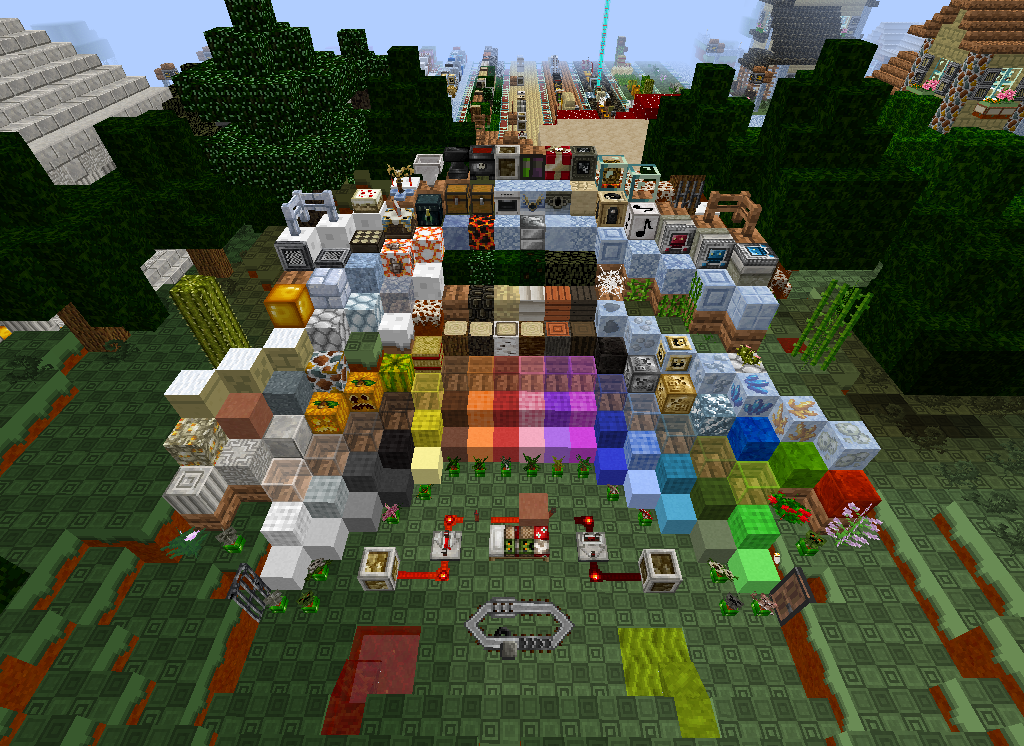
介绍
this is a texture pack texture packs changes the looks in minecraft like the blocks and items mobs and even armour. all you do is download the
file and place it in your resourcepack folder in minecraft folder (C:\Users\Thomas\AppData\Roaming\.minecraft\resourcepacks) if you done have a resource pack folder go to (C:\Users\Thomas\AppData\Roaming\.minecraft) and make a new folder called resourcepacks no caps no spaces then place in the file. after that go to your minecraft launch it go into options then resource packs hover over _real life pack_ and there is a arrow click it then click done it will take a minute to load when you click done so be patient and dont click on minecraft again or it wil say not responding then its done and you can play your minecraft.
常见问题
_real life_ pack 支持哪些 Minecraft 版本?
_real life_ pack 支持 Minecraft Java 版 1.8。下载时注意选择和你游戏版本一致的文件。
_real life_ pack 怎么安装?
把下载的 .zip 文件(不用解压)放进游戏目录的 resourcepacks 文件夹,进游戏后在「选项 → 资源包」里把它移到右边启用。

评论
登录后评论和评分