
Create – Xaero’s map
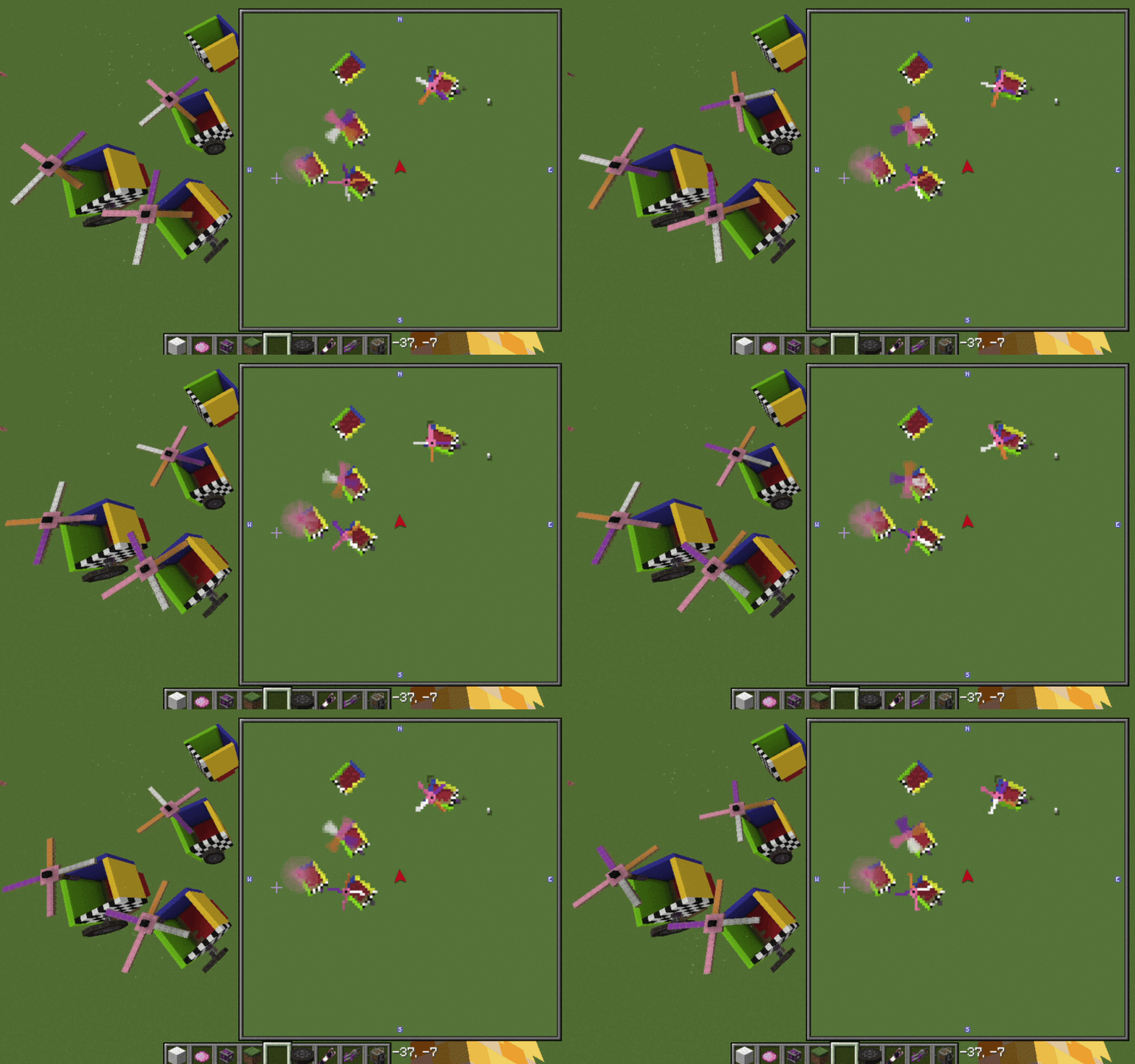
See your Create: Aeronautics airships & Sable craft rendered live on Xaero's Minimap and Xaero's World Map.
截图


介绍
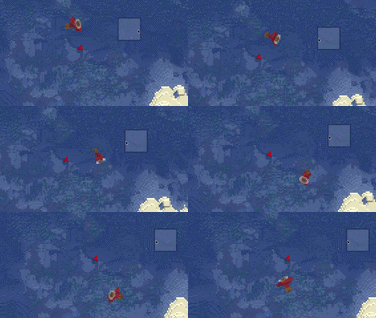
See your airships on the map.
Create: Aeronautics airships, planes, vehicles and any other
Sable-based moving structures rendered as their actual blocks on
Xaero’s Minimap and Xaero’s World Map, live.
Features
- Live sub-level block imagery on both the minimap and the full-screen world map
- True top-down birds-eye view, projected from each craft’s real 3D orientation
- Position- and rotation-accurate. The image updates as craft move and maneuver
- Vanilla-style map coloring and slope shading, so craft look like a natural part of the map
Requirements
- Minecraft 1.21.1 · NeoForge
- Xaero’s World Map – required
- Sable (bundled with Create: Aeronautics)
Client-side only. Create: Aeronautics itself isn’t required. Its craft are Sable sub-levels, so anything Sable will work with this mod.
Compatibility & roadmap
- Supports NeoForge 1.21.1 today
- Fabric support is planned as the first post-release milestone, now that Sable supports Fabric
- New 1.21.x versions will be tracked
- This mod will eventually be split into a main library with additional components, such as aeronautics, added on top. This will allow for usage of the base create mod without needing the aeronautics mod on top of it for things like windmills etc.
Support
- Questions or feedback? Join the Discord
常见问题
Create – Xaero’s map 支持哪些 Minecraft 版本?
Create – Xaero’s map 支持 Minecraft Java 版 1.21.1,可用的加载器:NeoForge。下载时注意选择和你游戏版本一致的文件。
Create – Xaero’s map 怎么安装?
先用 PCL2 或 HMCL 启动器安装对应版本的 NeoForge,再把下载的 .jar 文件放进游戏目录的 mods 文件夹,重新启动游戏即可。开启了版本隔离的,mods 文件夹在 versions/版本名 下面。运行环境:仅客户端。
pancakethepuppy 的其他作品
查看全部 →
Create – Xaero’s map
See your Create: Aeronautics airships & Sable craft rendered live on Xaero's Minimap and Xaero's World Map.

Xaero’s Drawing
Paint directly on Xaero's World Map & Minimap with brushes, shapes, and stamps.
评论
登录后评论和评分