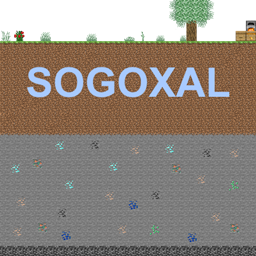
Sogoxal Realistic Resource Pack
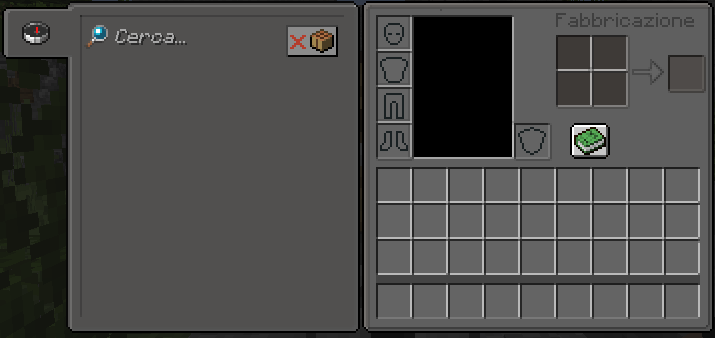
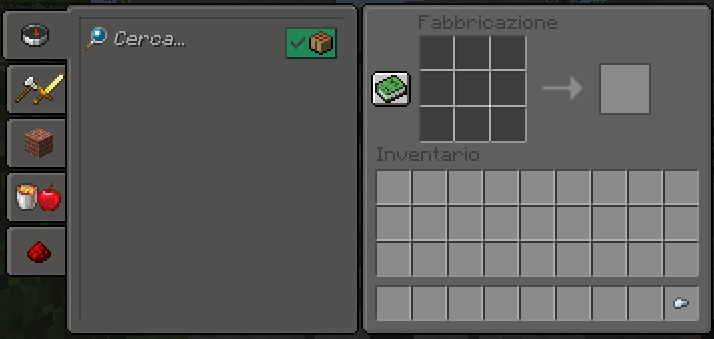
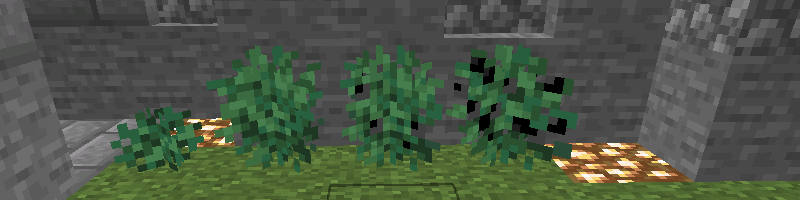
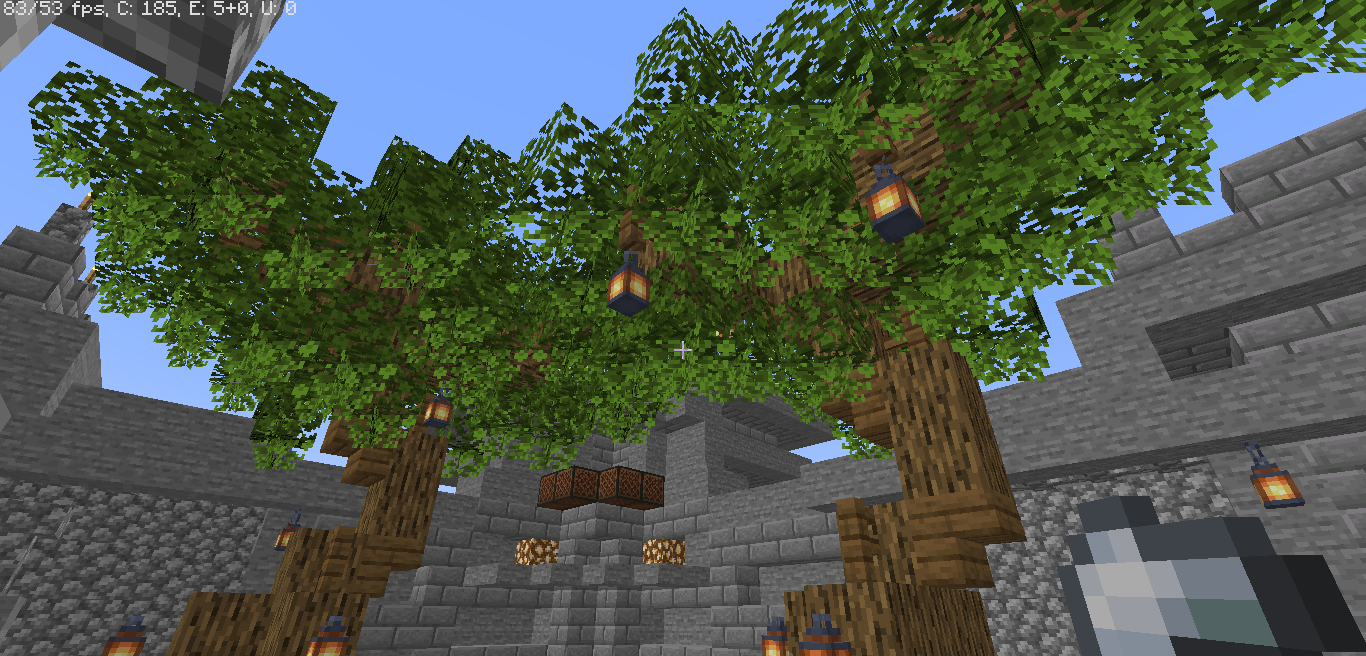
Sogoxal是一个让Minecraft更真实的资源包,Sogoxal包含自定义的celo树叶和超过40个带有连接边缘的方块,Sogoxal还有自定义菜单、自定义闪烁标语和自定义按钮。Sogoxal需要OptiFine来支持新物体。
截图
介绍
Sogoxal Realistic Resource Pack
___________________________________________________________________________________
–Supported Versions–
–1.14–>(1.14.1/1.14.2/1.14.3/1.14.4/1.14.5)—
–1.15–>(1.15.1/1.15.2)—
–1.16–>(1.16.1/1.16.2/1.16.3/1.16.4/1.16.5)—
–1.17–>(1.17.1)—
–1.18.1–
–1.19–>(1.19.1/1.19.2)–
V1.5 Official Relase!
OPTIFINE RECOMMENDED (90%)
–[ INFO ]
Sogoxal is a resource pack to make minecraft more realistic, sogoxal includes custom celo leaves and over 40 blocks with connected edges, also sogoxal has a custom menu, custom splashes, and custom buttons .sogoxal requires optifine also for new objects obtained through the rename in the anvils (the guide will come soon) also sogoxal has many 3d models and almost all custom gui (e.g. crafting table, inventory). also sogoxal has mod support for other types of blocks in other mods in assets
Most Important Last Updated Changes
New Add:Personalized Sky,Connected wool (For Bedwars And Skywars),3d model,Custom Menu and Bar,And More..
___________________________________________________________________________________
Dowload My Creepypasta Legendary Entity Mod!
Link——->https://www.curseforge.com/minecraft/mc-mods/entity-mod
Dowload My New Advanced Nether Mod!
Link——->https://www.curseforge.com/minecraft/mc-mods/advanced-nether-mod
–Achieved (350+) Downloads–
–Next Finish Line At (400/425) Dowload!–
–3° Update Done!–
–Next Update (3°) At 500/550- Dowload!–
___________________________________________________________________________________
COPYRIGHT ALERT
READ IN THE NEXT RESOURCE PACK
–COMMENT–
Comment what you would like me to do in the next updates!
–TUTORIAL FOR INSTALLING RESOURCE-PACK–
The Resource pack must be inserted in the path —>
> C: \ Users \ “NAME” \ AppData \ Roaming \ .minecraft \ resourcepacks
To then be activated in game from: settings -> resourcepack -> go to available, click my resourcepack, click> (arrow) and done. While if you are using older or later versions click> (arrow) then yes and finally done (wait for loading) and have a good game!
–More–
To go to “.minecraft” faster you can also press windows key + r and type% appdata% and follow the tutorial above
___________________________________________________________________________________
常见问题
Sogoxal Realistic Resource Pack 支持哪些 Minecraft 版本?
Sogoxal Realistic Resource Pack 支持 Minecraft Java 版 1.14–1.19.1,共 8 个版本。下载时注意选择和你游戏版本一致的文件。
Sogoxal Realistic Resource Pack 怎么安装?
把下载的 .zip 文件(不用解压)放进游戏目录的 resourcepacks 文件夹,进游戏后在「选项 → 资源包」里把它移到右边启用。
评论
登录后评论和评分