
Time Travel: Rewritten
A time travel mod based on self consistent causal loops built on the Motion Capture mod by mt1006, adapted from Time Loop by Luigi and VLTNO.
截图
介绍
Time Travel: Rewritten

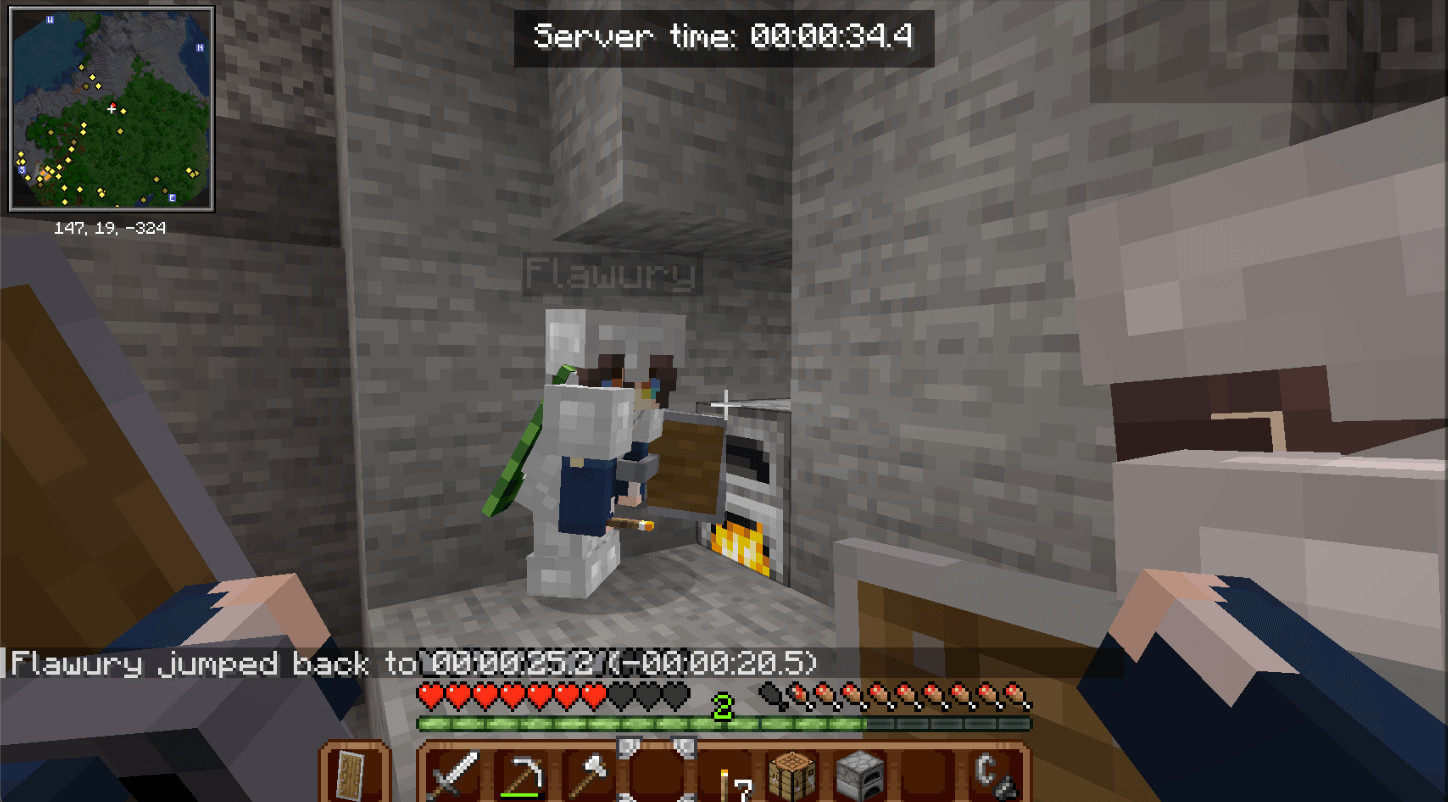
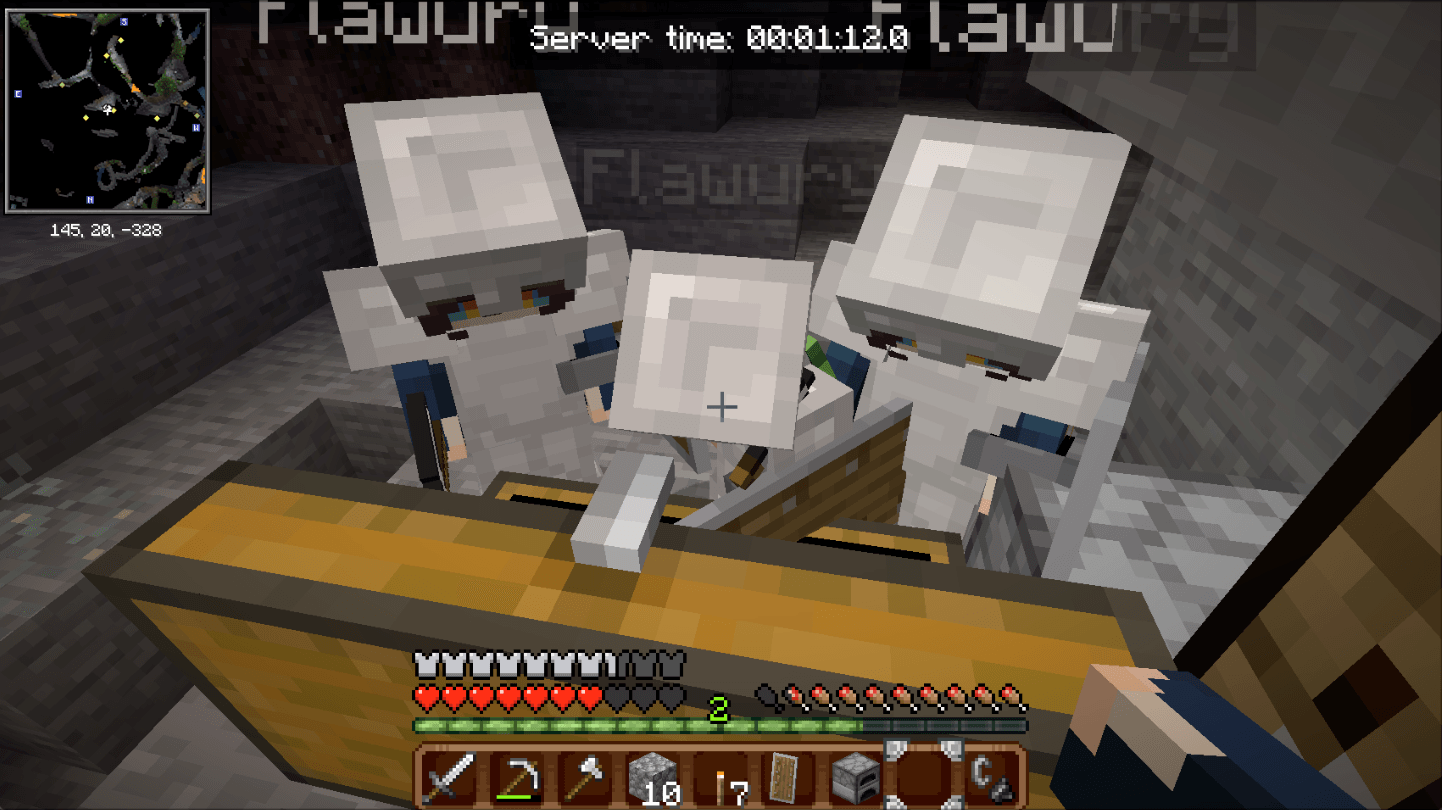
A Minecraft mod that lets you travel through a shared timeline and interact with past and future versions of yourself.
Requires Motion Capture Mod. Based on mod Time Loop, special thanks to Vowless and luigi052005 for this mod, Remedy Hearts and Toby Fox for the sfx!!! Also huuge thanks to Homestuck Art Team for gears and clockwork vfx!!! Mod icon by Riotmode
If a serious bug or time desynchronization occurs, I highly recommend using the /tt reset command!!! Mod is on alpha stage!
Usage
Use /timetravel or /tt to control the timeline.
start– Start the timeline.stop– Stop the timeline.reset confirm– Reset the timeline and delete recorded history.status– Display the current timeline status.help– Show available commands.jump to <time>– Jump to a specific time.jump forward <time>– Jump forward by a duration.jump back <time>– Jump backward by a duration.jump return– Return to the previous time position.jump mark <name>– Jump to a saved time mark.mark <name>– Save the current time as a mark.unmark <name>– Delete a saved mark.marks– List saved marks.visits [player]– View recorded player visits.
Time can be specified in ticks (t), seconds (s), minutes (m), hours (h), or days (d). For example, 5m, 30s, or 1200t.
Settings
Use /tt settings to view the current settings.
maxJump <time>– Set the maximum duration of a time jump.0disables the limit.jumpCooldown <ticks>– Set the delay between jumps.preload <ticks>– Set how far ahead past selves are preloaded.modifyPlayer <player> <nickname> [skin type] <skin>– Change a recorded player’s name and skin.
Toggles
Use /tt settings toggles <option> <true|false> to change an option.
syncDayTime– Synchronize the world’s time of day with the timeline.jumpRequiresOp– Configure operator requirements for time jumps.chainDeath– Configure chained death behavior.trackItems– Toggle dropped-item tracking.trackChat– Toggle chat tracking.hurtClones– Toggle whether recorded player clones can be hurt.showTimer– Toggle the timeline timer.timerInTicks– Display the timer in ticks instead of clock format.
Voice
Requires Simple Voice Chat.
voice trackVoice <true|false>– Toggle voice recording and playback.voice icon <true|false>– Toggle speaking indicators.voice interaction <true|false>– Toggle voice-triggered interactions.voice distance <blocks>– Set the voice distance.voice threshold <dB>– Set the voice interaction threshold.voice cooldown <ticks>– Set the voice interaction cooldown.
Support
If you encounter an issue or need help, open an issue on the GitHub repository.
常见问题
Time Travel: Rewritten 支持哪些 Minecraft 版本?
Time Travel: Rewritten 支持 Minecraft Java 版 1.21.1,可用的加载器:NeoForge。下载时注意选择和你游戏版本一致的文件。
Time Travel: Rewritten 怎么安装?
先用 PCL2 或 HMCL 启动器安装对应版本的 NeoForge,再把下载的 .jar 文件放进游戏目录的 mods 文件夹,重新启动游戏即可。开启了版本隔离的,mods 文件夹在 versions/版本名 下面。
评论
登录后评论和评分