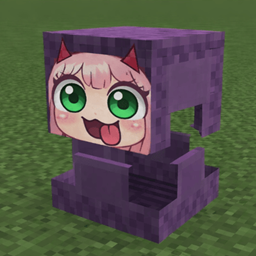
Shulkie
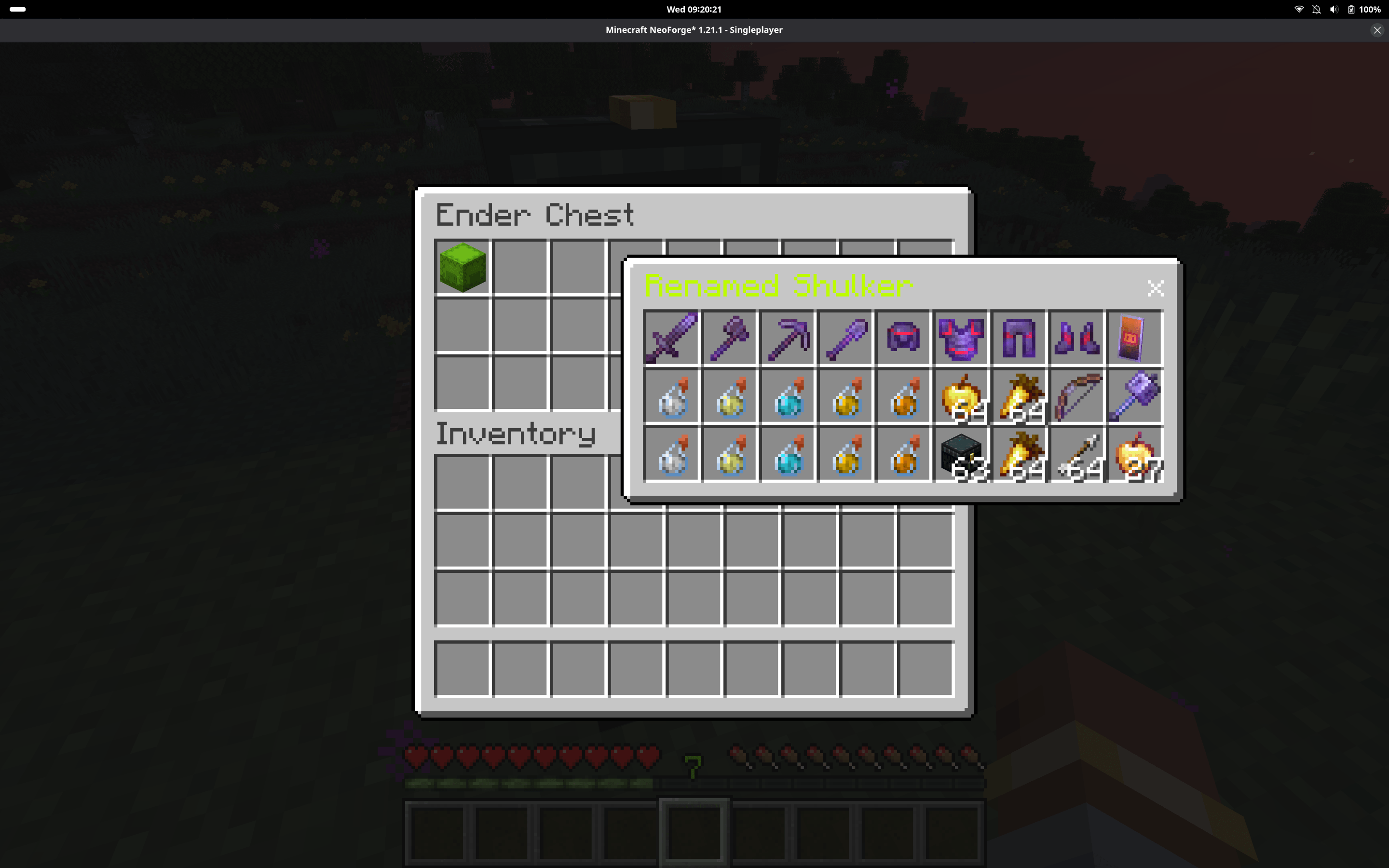
Allows viewing skulker content through a chest like movable and floating interface while in inventory.
截图
介绍
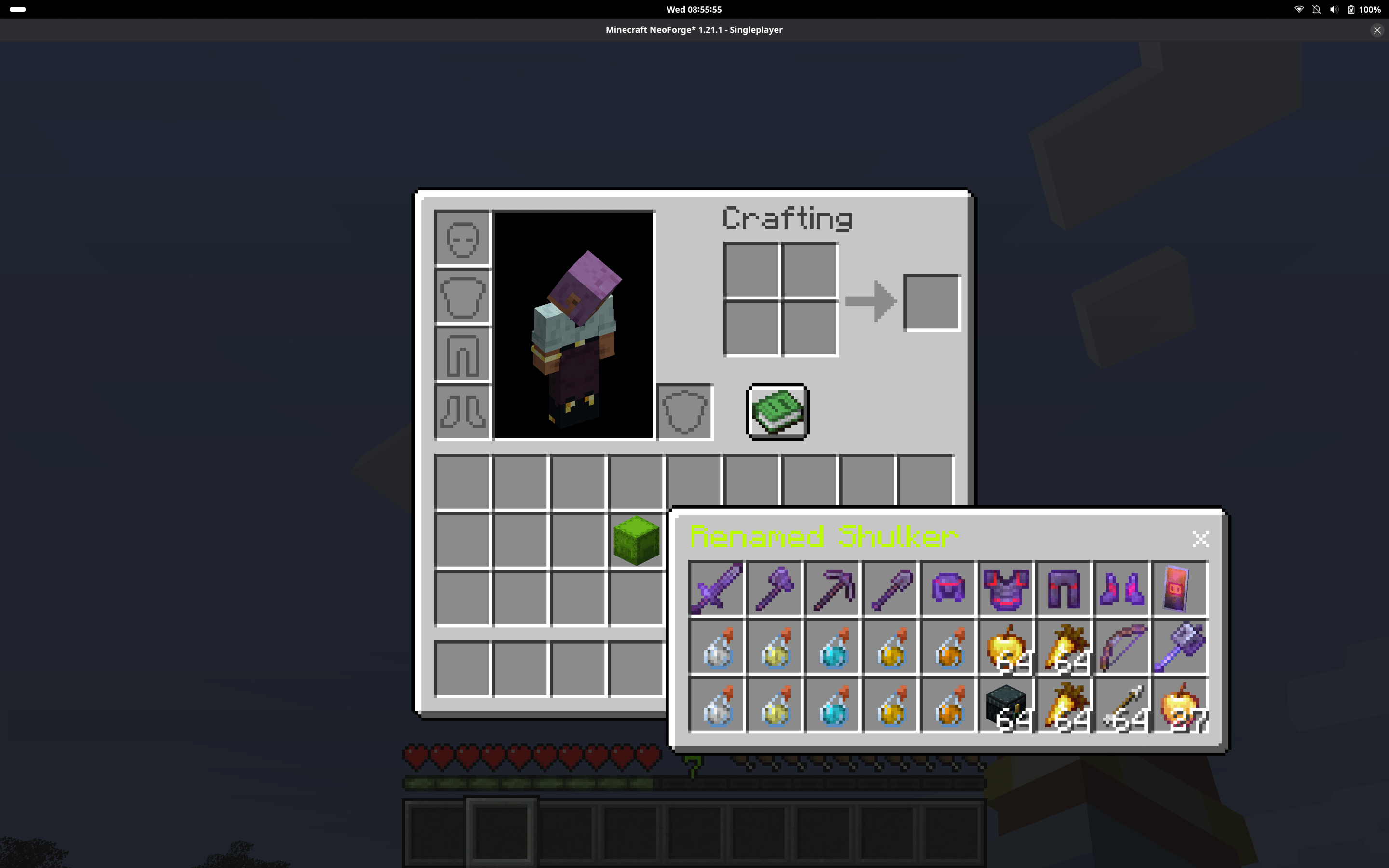
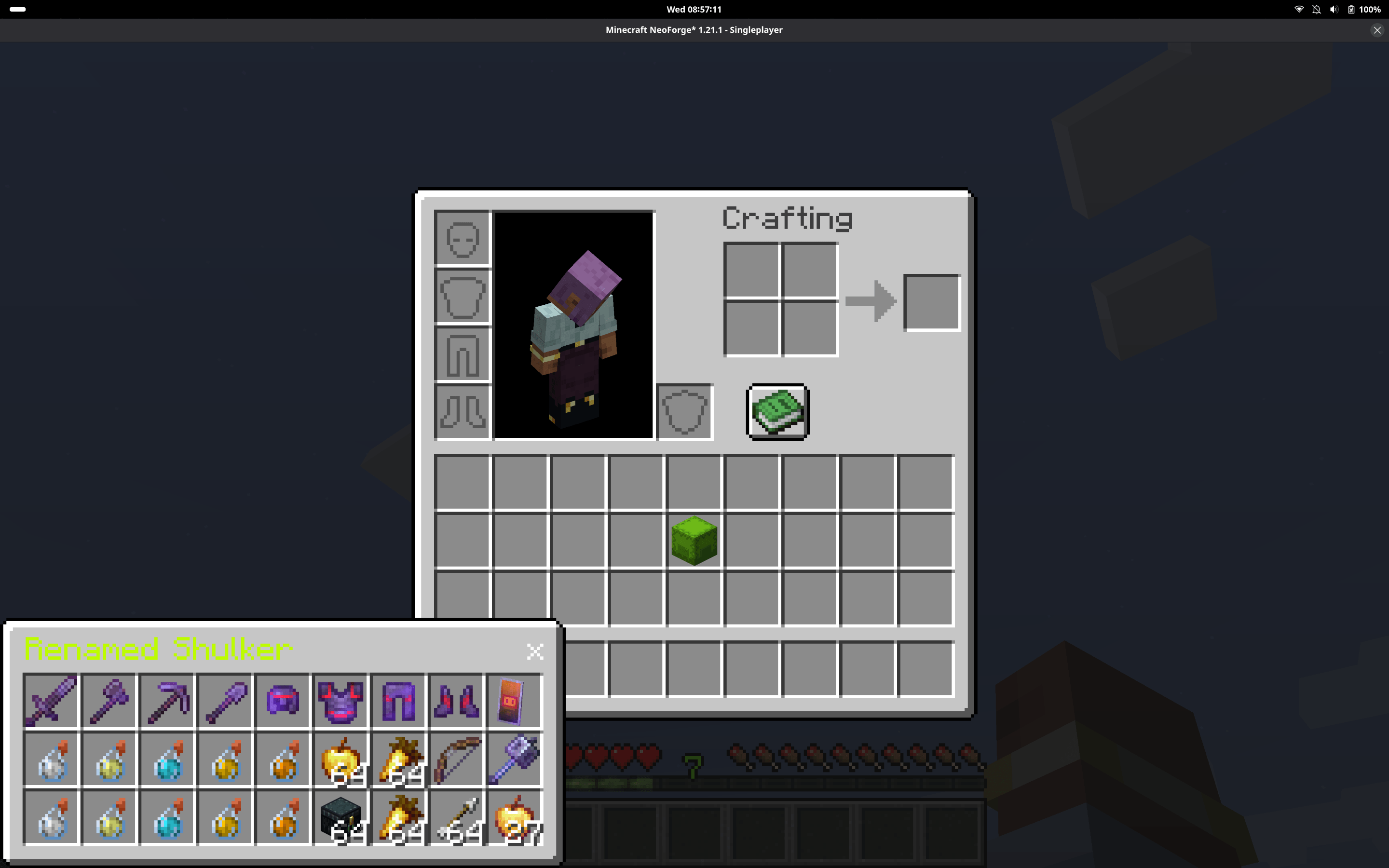
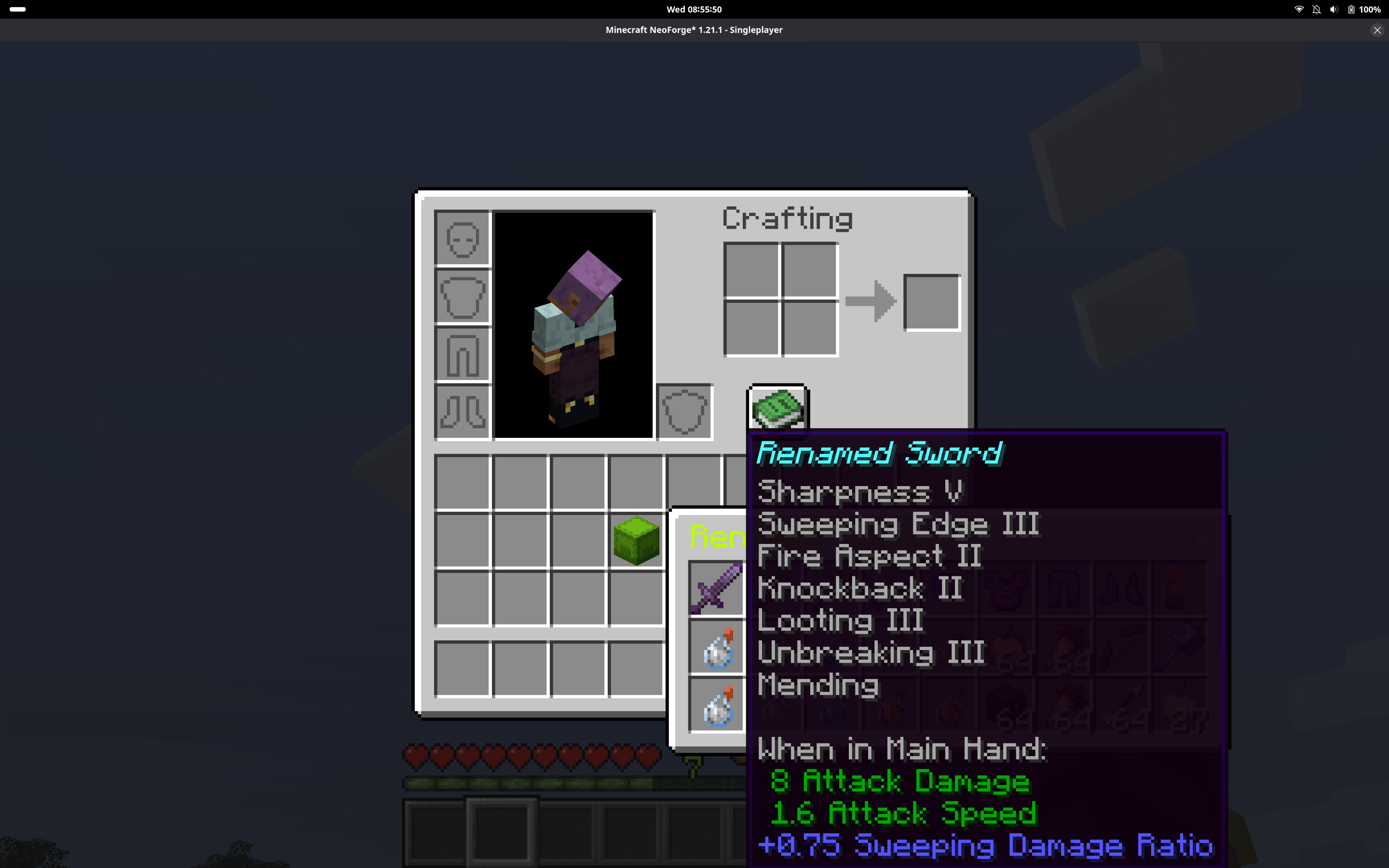
Shulkie lets you preview the contents of Shulker Boxes in a clean, chest-like window without opening or placing them.
Simply hold Left Shift and Right Click a Shulker Box in your inventory, chest, ender chest, or most modded containers to view its contents in a floating, draggable window.
Features
- View Shulker Box contents client-side in a chest-like interface
- Works in player inventory, chests, ender chests, and most modded containers
- Floating window that can be moved by dragging the title bar
- Close button (X) and keyboard shortcuts to close windows
- Does not interfere with normal inventory usage outside the window
- Prevents vanilla shift-click behavior while peeking
- Keybind is configurable (supports left or right click with modifier)
- Supports opening multiple Shulkers (with duplicate prevention)
- Shulker name is colored to match the Shulker Box’s dye color
Controls
- Hold Shift + Right Click (default) to peek a Shulker Box
- Keybind can be changed in Controls
- Esc or Inventory key closes the window
- Shift + Esc or Shift + Inventory key closes all windows and inventories
Notes
- This mod is client-side only
- The preview is view-only (you cannot move items in or out of the Shulker through the window)
常见问题
Shulkie 支持哪些 Minecraft 版本?
Shulkie 支持 Minecraft Java 版 1.21.1,可用的加载器:NeoForge。下载时注意选择和你游戏版本一致的文件。
Shulkie 怎么安装?
先用 PCL2 或 HMCL 启动器安装对应版本的 NeoForge,再把下载的 .jar 文件放进游戏目录的 mods 文件夹,重新启动游戏即可。开启了版本隔离的,mods 文件夹在 versions/版本名 下面。
TacYEET 的其他作品
查看全部 →
Warring Nations
玩家可建立国家、派系和王国,使用 FTB Teams/Chunks 领地系统,并参与外交、结盟和 5 种以上的战争模式(占领区块、围城、征服等)。支持自定义旗帜、标签、职位和排行榜,并与 FTB 无缝集成。适用于 NeoForge 1.21.1,客户端与服务端均可用。
Nation Addon: Integrated Revamp
一个基于 Open Parties and Claims 构建的 Forge 1.20.1 国家与战争模组,支持 Valkyrien Skies、机械动力和 ComputerCraft,具有基于游玩时长的点数系统、动态领地费用、Discord风格角色、定时战争和Discord webhook更新。

WN Discord
为 Warring Nations 提供的 DiscordSRV 风格 Discord 桥接:双向聊天/控制台中继、OAuth2 账户绑定、角色同步、实时战争/国家/外交动态推送(带工作人员审批按钮)、斜杠和文本命令、管理功能以及公共附加 API。

WN Siege
为机械动力、机械动力:大口径火炮、CBC军事补充、TaCZ、机械动力:核能、蒸汽与铁路添加了Warring Nations的领地/防破坏保护,并带有战时攻城例外,以及火炮、枪械、机器等更多内容!
评论
登录后评论和评分