
Elytra Armor Trims
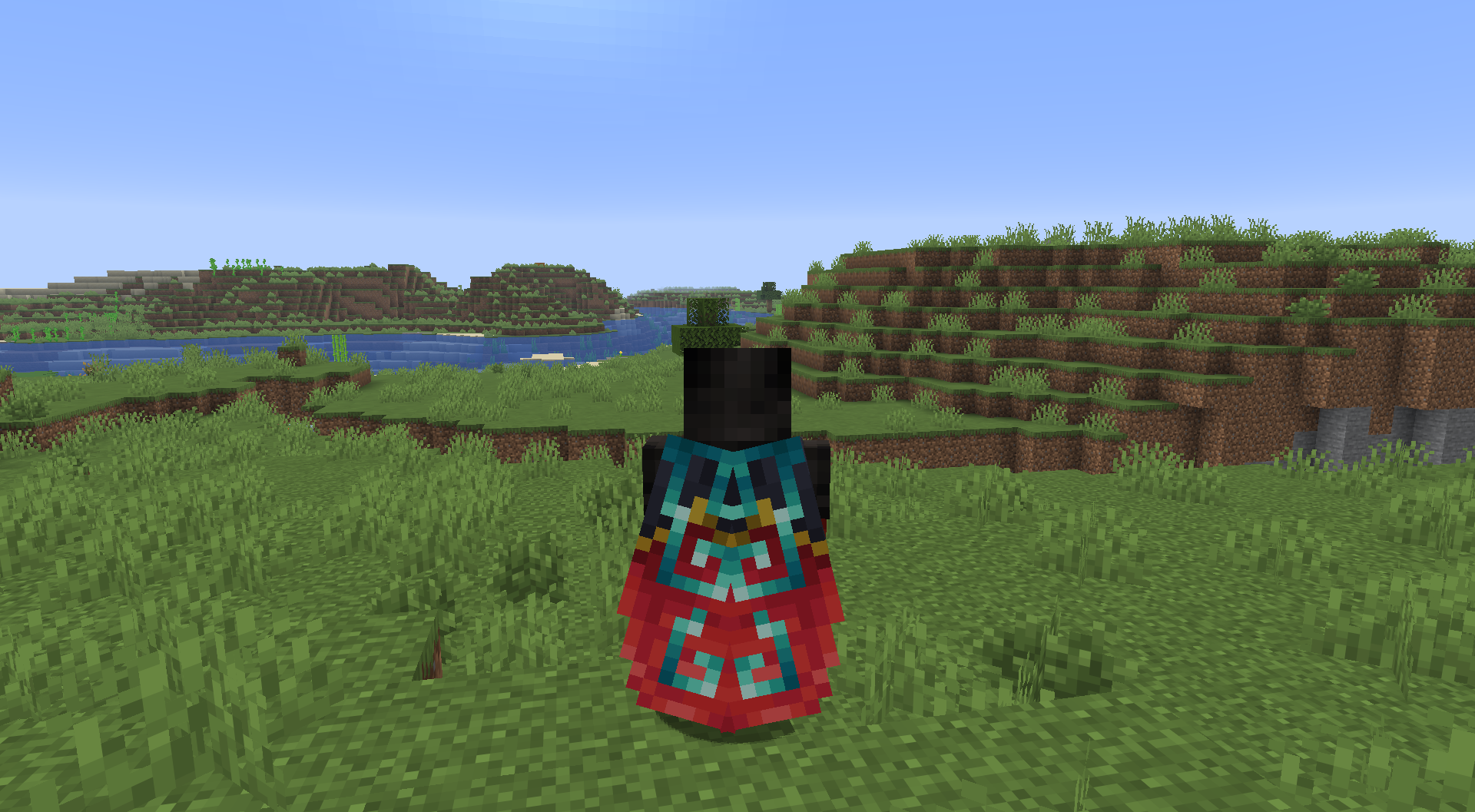
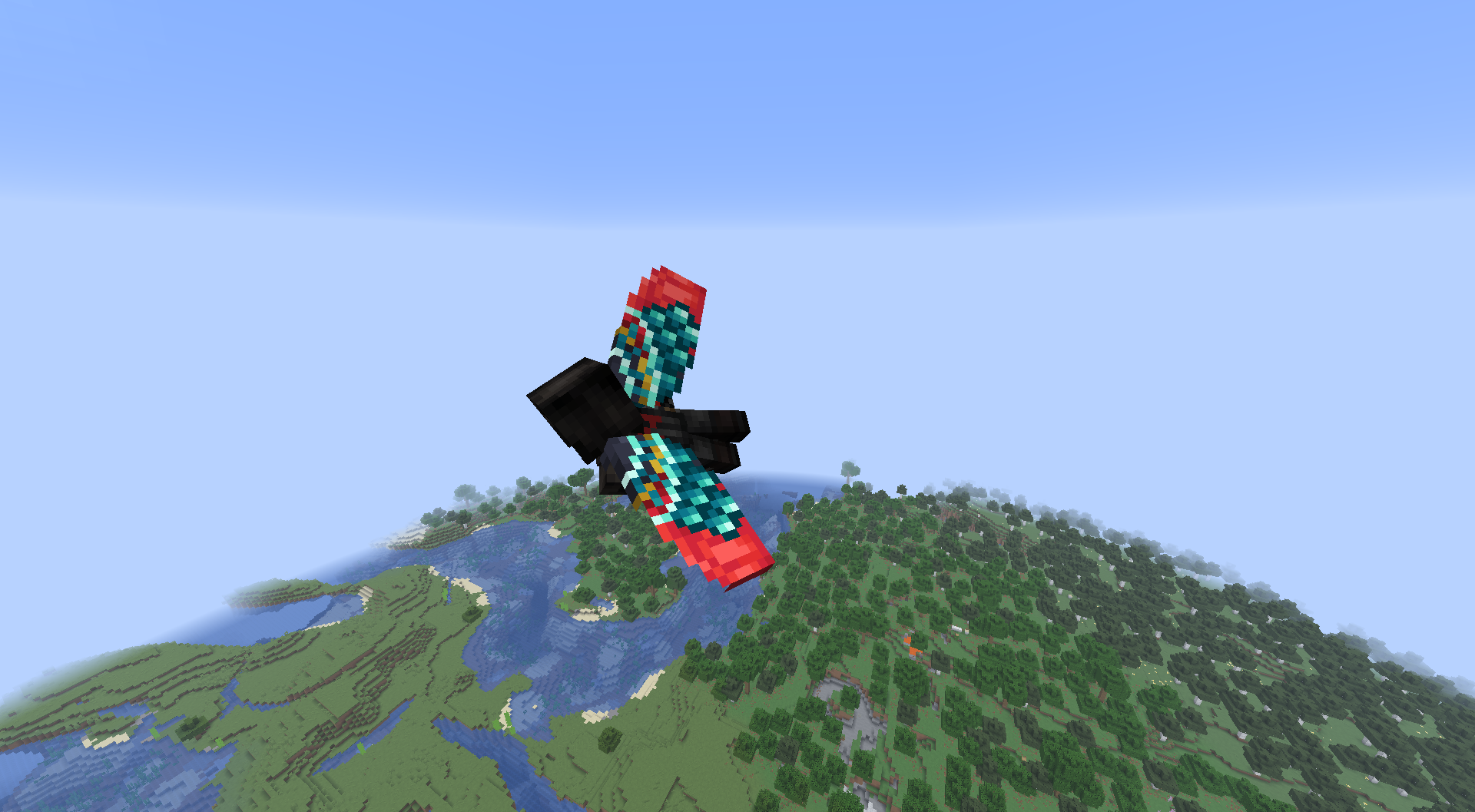
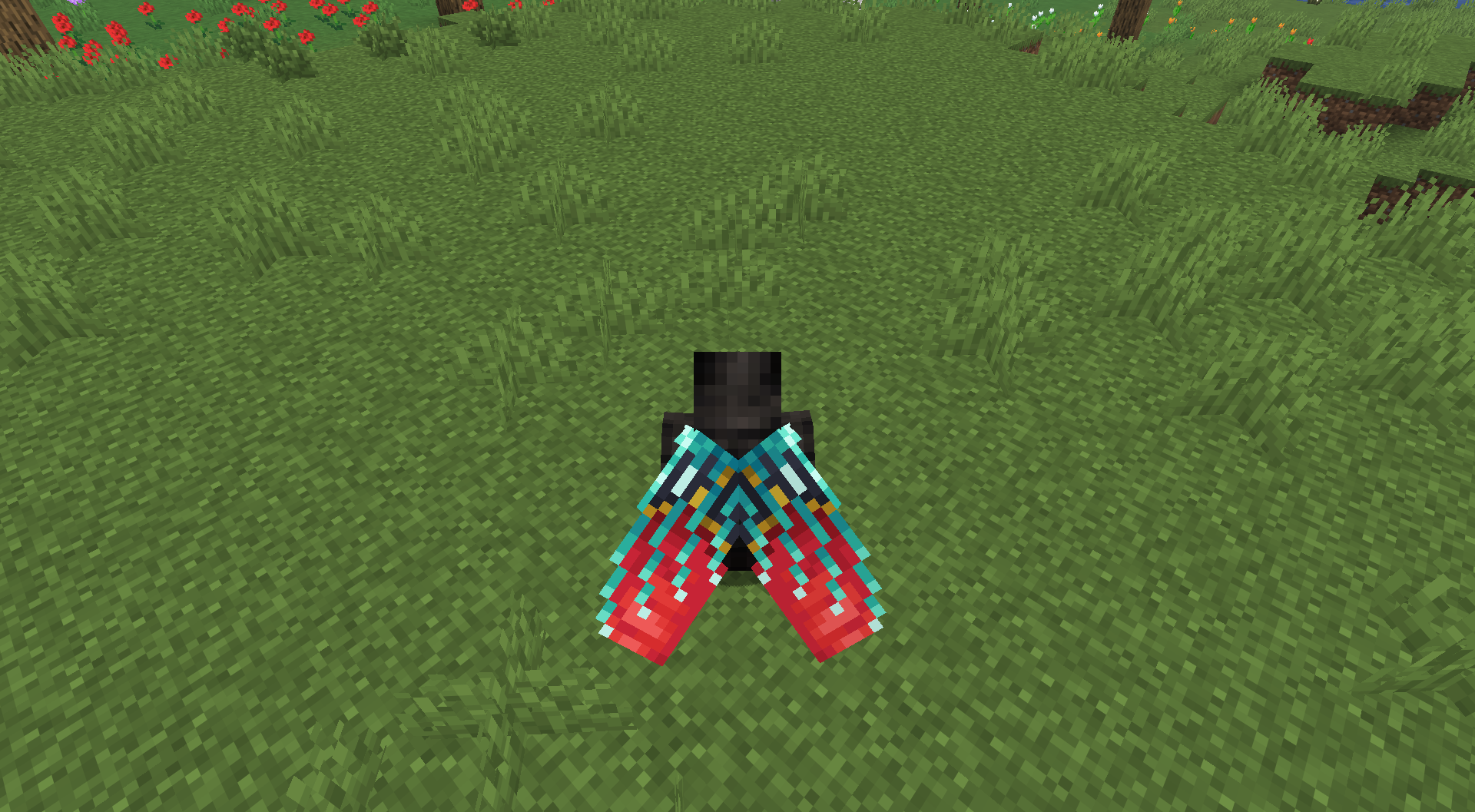
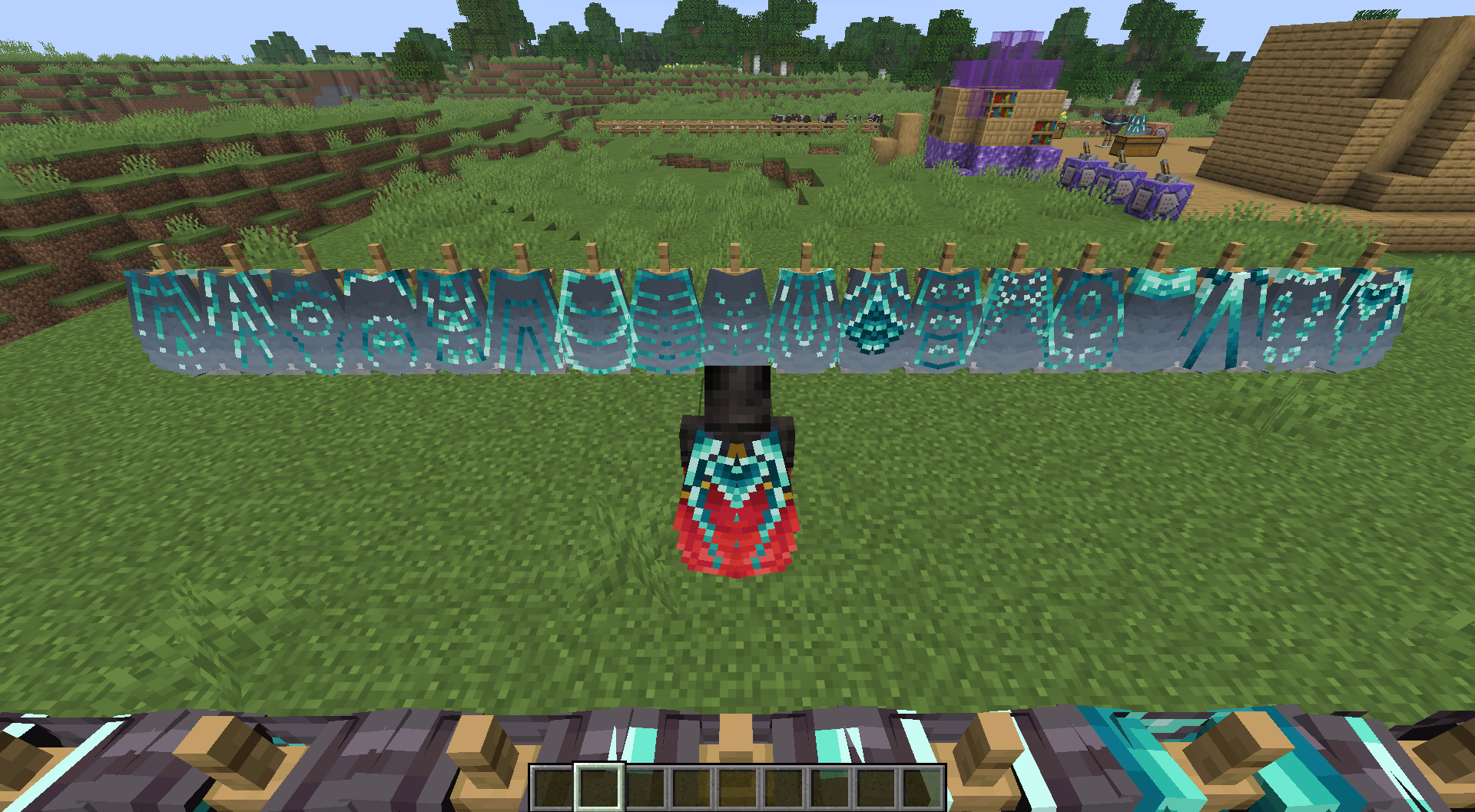
Make elytra trimmable like armor, choose between 198 different trims !
截图


介绍
get more trims for your items:
- Sword trims ! https://modrinth.com/datapack/sword-trims
- Elytra trims ! https://modrinth.com/datapack/ks-elytra-trims
- Mace trims ! https://modrinth.com/datapack/ks-mace-trims
- Pickaxe trims ! https://modrinth.com/datapack/pickaxe-trims
- Axe trims ! https://modrinth.com/datapack/axe-trims
- Shovel trims ! https://modrinth.com/datapack/shovel-trims
Have you ever wanted to use an armor trim on your elytras to make them look nicer with your fancy armor ?
Now you can with Elytra Trims !
With 18 trims and 11 materials, choose between 198 different elytras the one you want !
/!\ make sure to download the resourcepack: https://modrinth.com/resourcepack/kspack

If you have any issue/question, contact me on discord! (@nugrevan) : https://discord.gg/SxarRKTw8k
Any feedback will be greatly appreciated, thanks !
Geyser/bedrock support : @Toxicdust on discord made a port of all the trims datapacks for GeyserMC, since those are not supported on modrinth, you can find it on the discord server
常见问题
Elytra Armor Trims 支持哪些 Minecraft 版本?
Elytra Armor Trims 支持 Minecraft Java 版 1.21.11–26.3,共 6 个版本,可用的加载器:Fabric / Forge / NeoForge / Quilt。下载时注意选择和你游戏版本一致的文件。
Elytra Armor Trims 怎么安装?
先用 PCL2 或 HMCL 启动器安装对应版本的 Fabric / Forge / NeoForge / Quilt,再把下载的 .jar 文件放进游戏目录的 mods 文件夹,重新启动游戏即可。开启了版本隔离的,mods 文件夹在 versions/版本名 下面。运行环境:客户端 / 服务端。
nugrevan 的其他作品
查看全部 →
unlimited villager trades
Make villagers never run out of trades so you don't have to wait for them to restock !

Unlimited Villager Trades
Make villagers never run out of trades so you don't have to wait for them to restock !

Better Server Sleep
This datapack/mod make sleeping easier on multiplayer by needing only one player to sleep to skip the night !

Elytra Armor Trims
Make elytra trimmable like armor, choose between 198 different trims !
评论
登录后评论和评分