截图
介绍
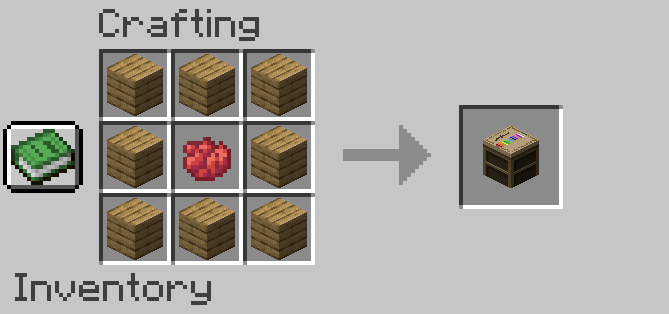
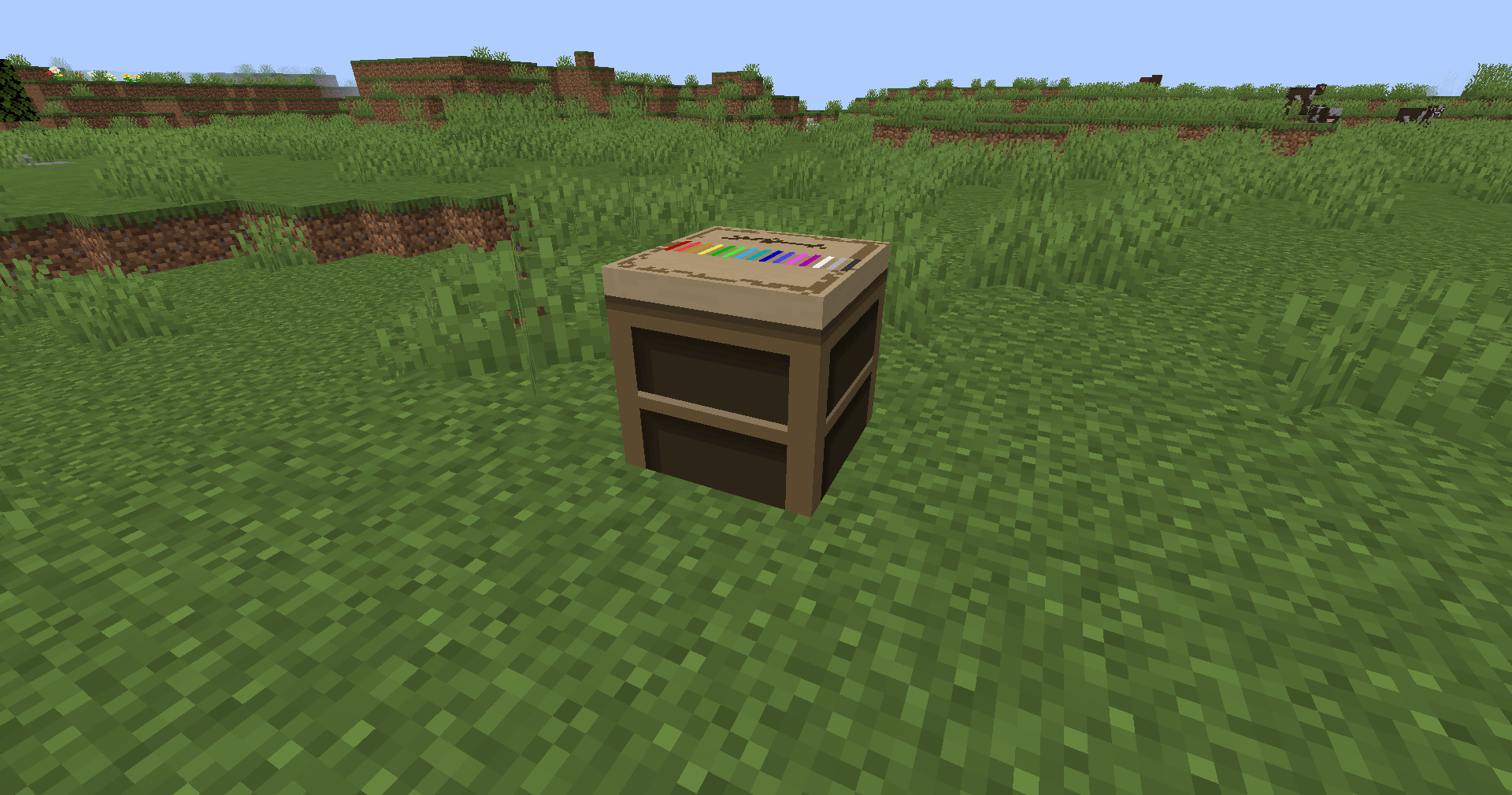
Welcome to the ColorName mod! This quality-of-life addition allows players to easily customize their display name color on multiplayer servers through a brand-new interactive block: the ColorName Table.
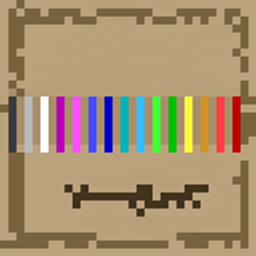
Instead of typing commands, players simply need to find or craft a ColorName Table. Right-clicking on this block opens a beautiful, custom-designed painting palette interface. From there, you can choose from the 16 classic Minecraft colors to instantly paint your player name!
常见问题
Color Name 支持哪些 Minecraft 版本?
Color Name 支持 Minecraft Java 版 1.21.1,可用的加载器:NeoForge。下载时注意选择和你游戏版本一致的文件。
Color Name 怎么安装?
先用 PCL2 或 HMCL 启动器安装对应版本的 NeoForge,再把下载的 .jar 文件放进游戏目录的 mods 文件夹,重新启动游戏即可。开启了版本隔离的,mods 文件夹在 versions/版本名 下面。
nXaamR 的其他作品
查看全部 →
CageBox
一个添加生物笼的小模组!

Atlas Items
添加一些方块和物品

Atlas Ruins of Time
A multiplayer and lore modpack for a futur server, a lot of mystery and fun.
Altas Security
Secure your base and secret doors with advanced, password-operated redstone terminal blocks.
评论
登录后评论和评分